Skip to content
View in the app

A better way to browse. Learn more.

I Forge Iron

A full-screen app on your home screen with push notifications, badges and more.

To install this app on iOS and iPadOS
  1. Tap the Share icon in Safari
  2. Scroll the menu and tap Add to Home Screen.
  3. Tap Add in the top-right corner.
To install this app on Android
  1. Tap the 3-dot menu (⋮) in the top-right corner of the browser.
  2. Tap Add to Home screen or Install app.
  3. Confirm by tapping Install.

Robinidas

Members
  • Joined

  • Last visited

Everything posted by Robinidas

  1. Robinidas posted a topic in Introduce Yourself
    Hi guys I'm new to this forum, from the UK based near York. Already gained some great info from some threads, so gonna lurk about a bit more =]
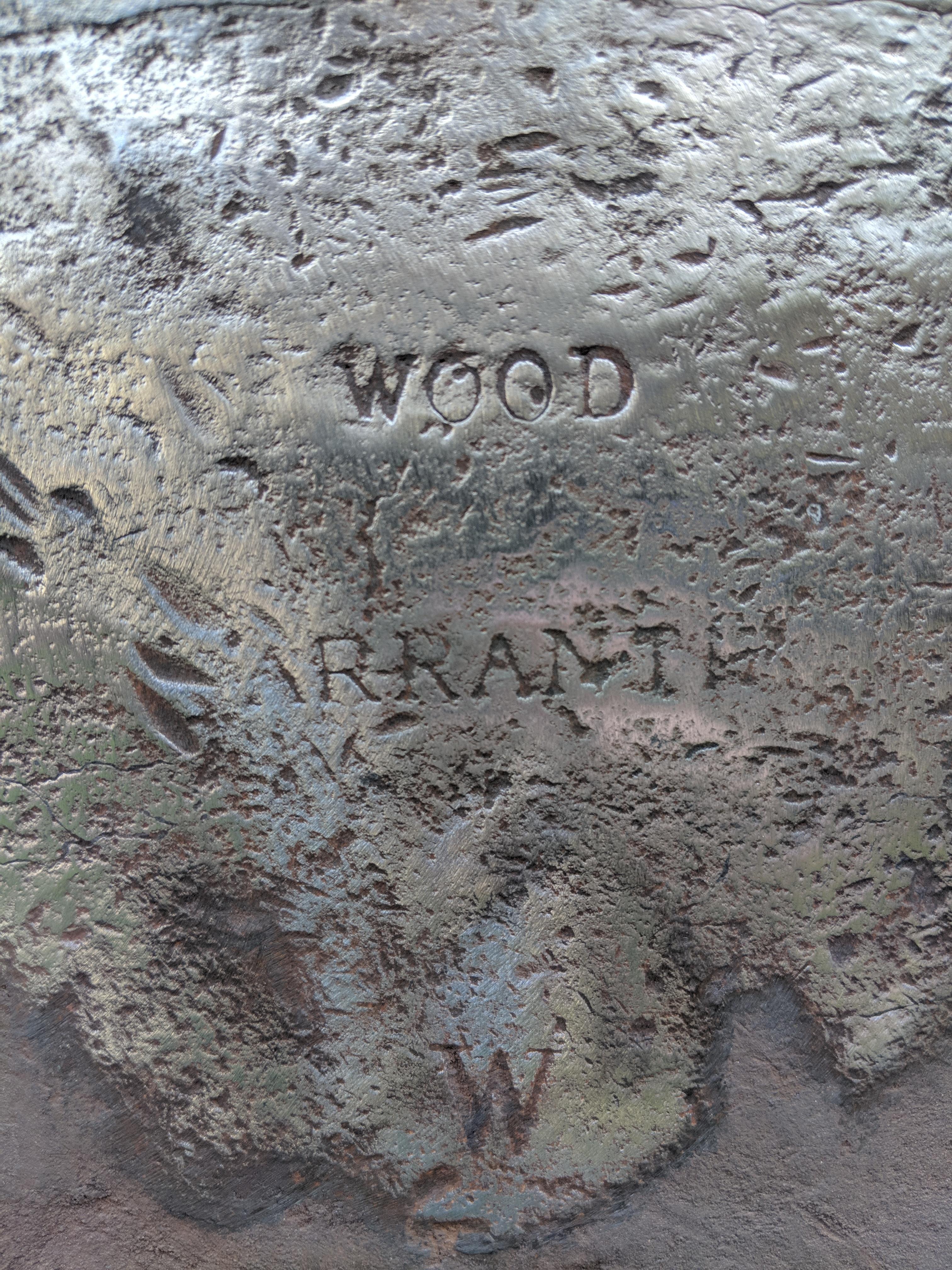
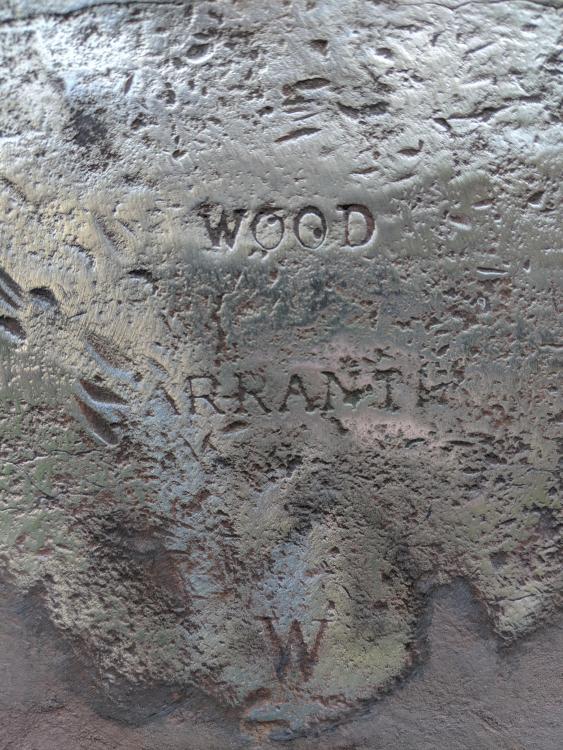
  2. Ah that could explain the 'arrant' part Awesome thanks!
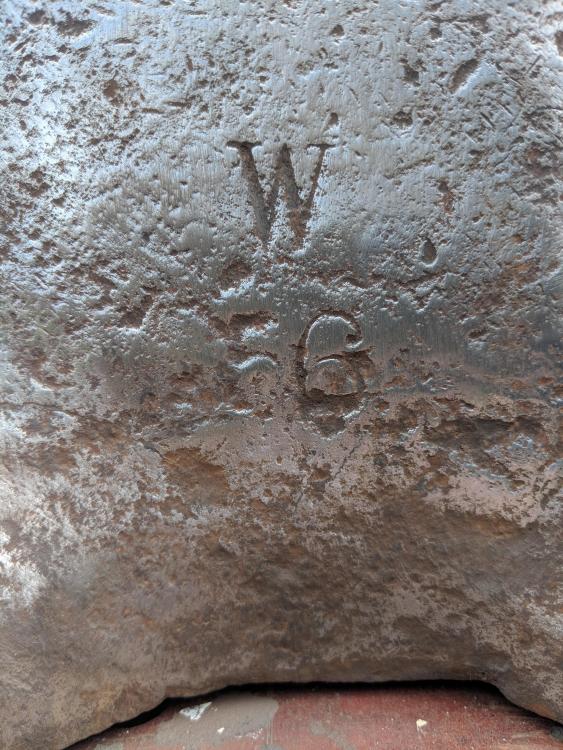
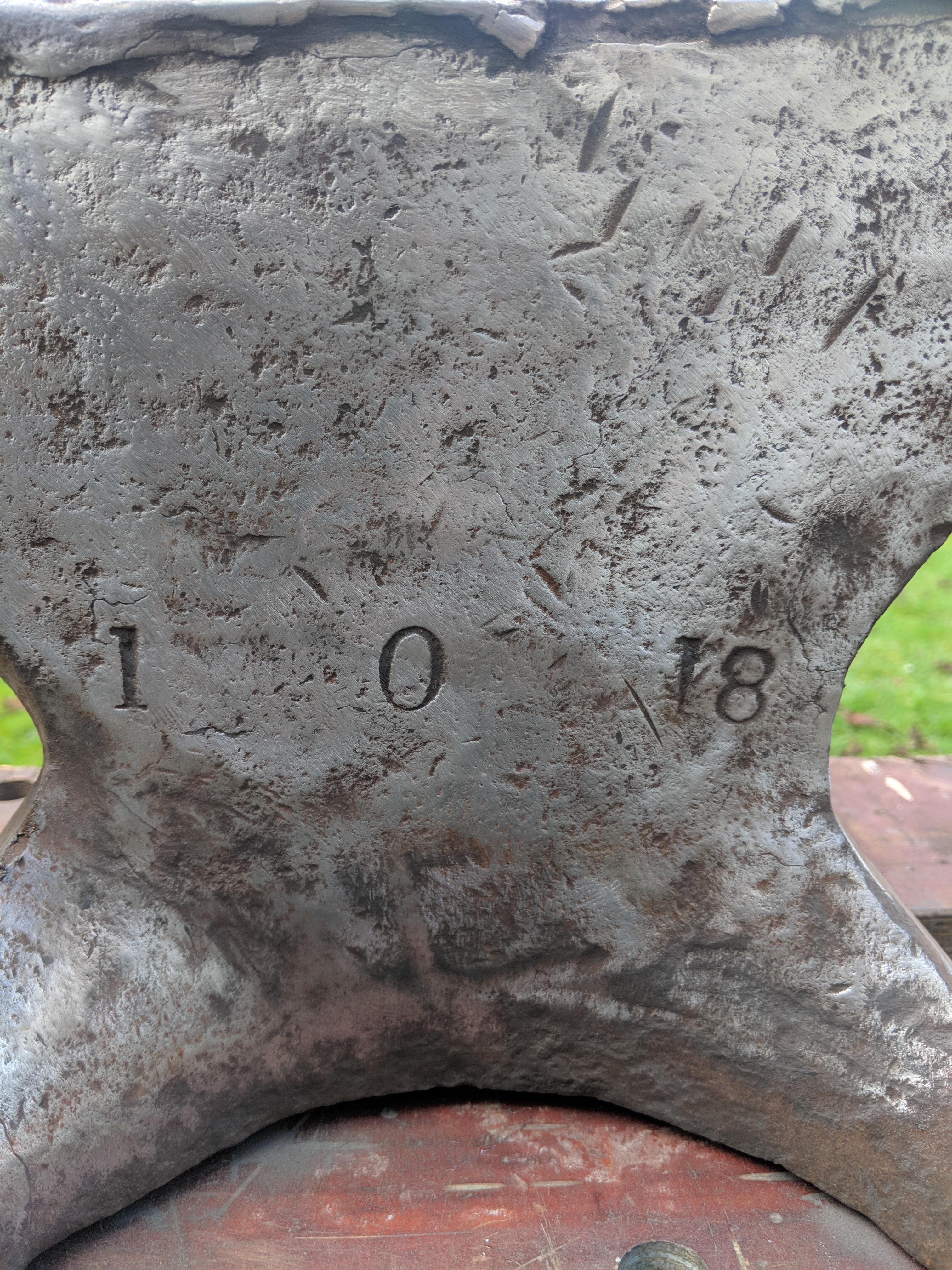
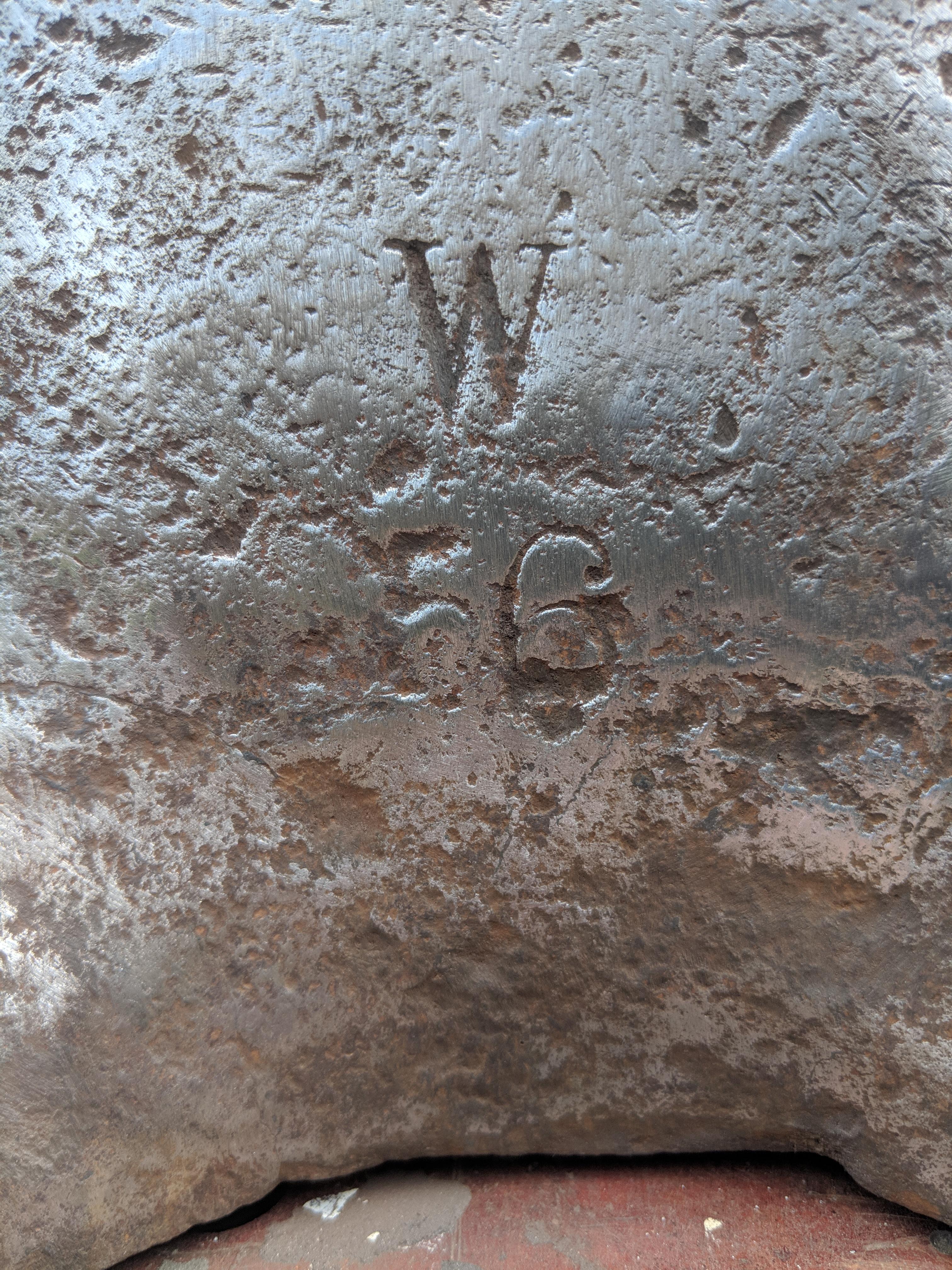
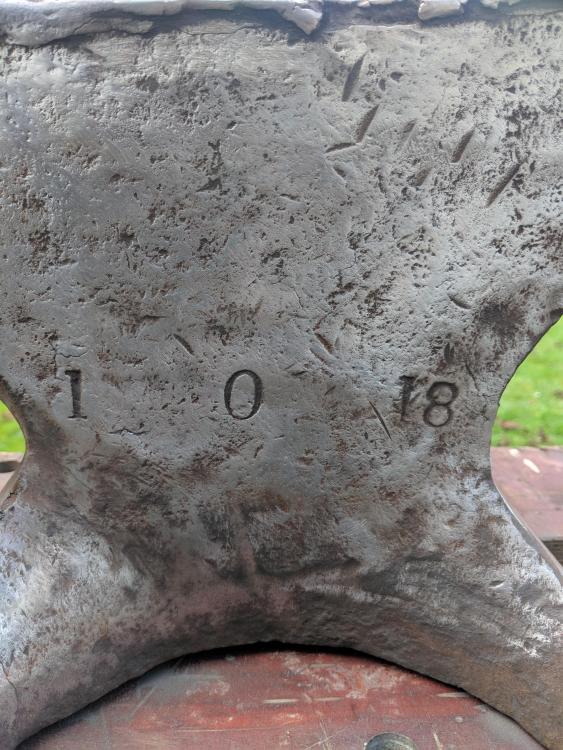
  3. Newby here! I've just started blade smithing as a new hobbie and I've recently purchased an anvil. I have given it a clean up and and found these inscriptions/markings (pictures attached) can anyone help me with what they mean? manufacturer or anything else? I'm interested in the history of it, thanks people. =]
Account

Navigation

Search

Search

Configure browser push notifications

Chrome (Android)
  1. Tap the lock icon next to the address bar.
  2. Tap Permissions → Notifications.
  3. Adjust your preference.
Chrome (Desktop)
  1. Click the padlock icon in the address bar.
  2. Select Site settings.
  3. Find Notifications and adjust your preference.