Skip to content
View in the app

A better way to browse. Learn more.

I Forge Iron

A full-screen app on your home screen with push notifications, badges and more.

To install this app on iOS and iPadOS
  1. Tap the Share icon in Safari
  2. Scroll the menu and tap Add to Home Screen.
  3. Tap Add in the top-right corner.
To install this app on Android
  1. Tap the 3-dot menu (⋮) in the top-right corner of the browser.
  2. Tap Add to Home screen or Install app.
  3. Confirm by tapping Install.

Devon82

Members
  • Joined

  • Last visited

  1. Thanks for the advice, this is the first time I have been part of a forum, I'm sure it will take a while to get used to it.
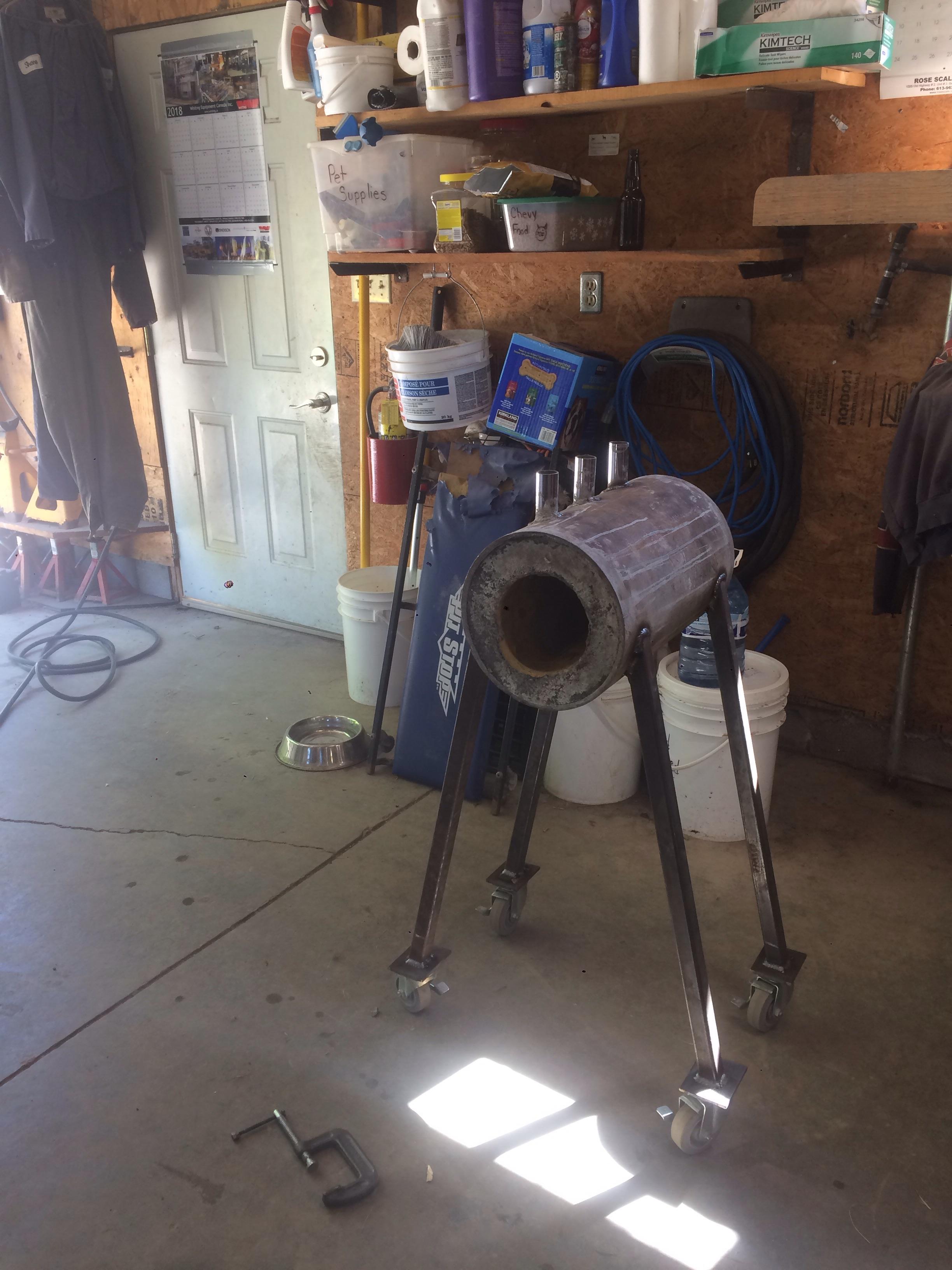
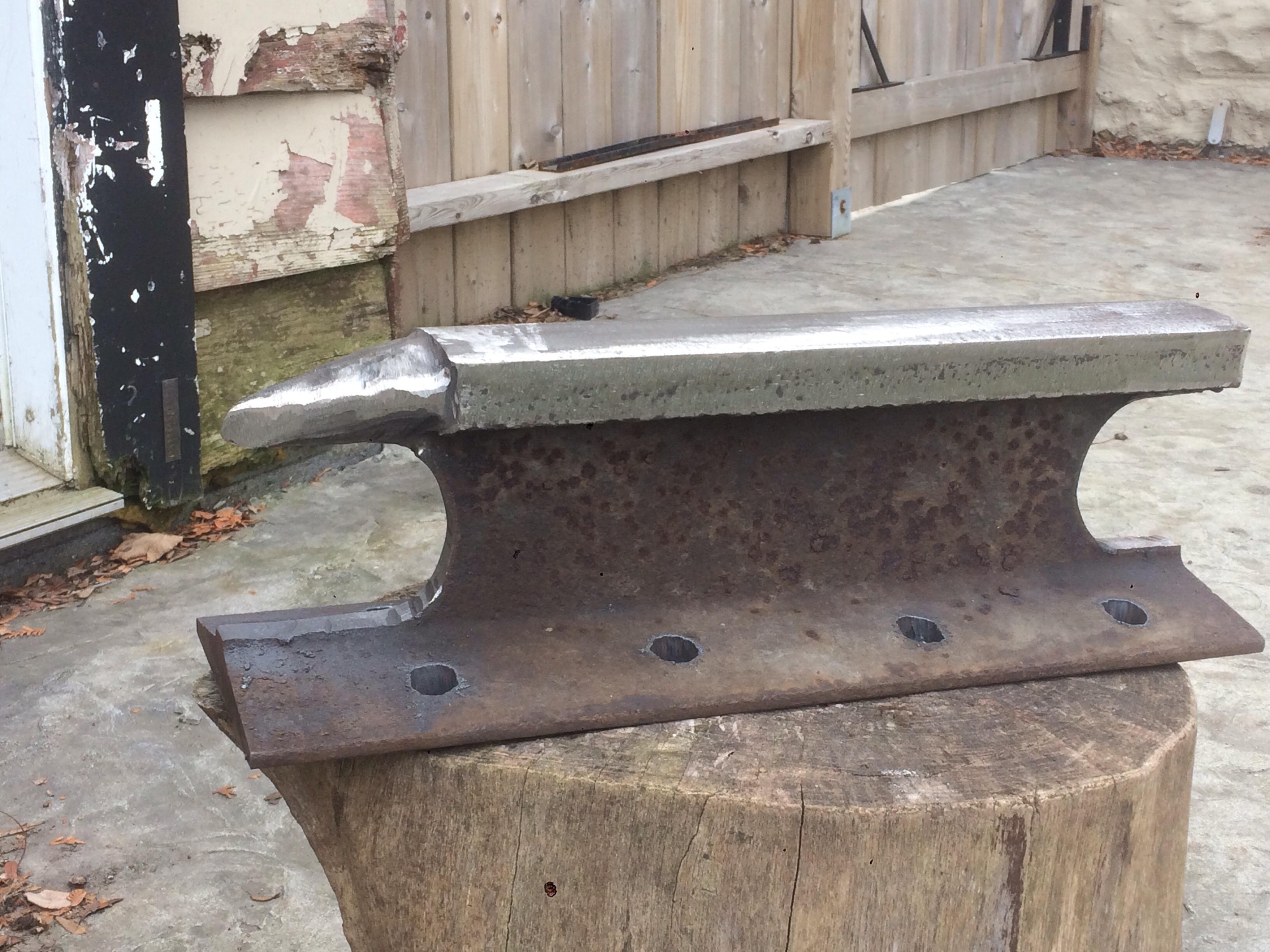
  2. Hey guys, thanks in advance for taking the time to read this. I am am brand new to the forum and blacksmithing for that matter, but am eager to learn. I have built myself an anvil from a piece of old railway track and am also in the process of building my first propane forge (pictures of both are attached). I was wondering if there was anyone in the Brantford or Hamilton area that would be willing to show me the ropes, or at least let me watch them work. I am a hard worker and a quick learner. Thanks again, any advice is appreciated.
Account

Navigation

Search

Search

Configure browser push notifications

Chrome (Android)
  1. Tap the lock icon next to the address bar.
  2. Tap Permissions → Notifications.
  3. Adjust your preference.
Chrome (Desktop)
  1. Click the padlock icon in the address bar.
  2. Select Site settings.
  3. Find Notifications and adjust your preference.