Skip to content
View in the app

A better way to browse. Learn more.

I Forge Iron

A full-screen app on your home screen with push notifications, badges and more.

To install this app on iOS and iPadOS
  1. Tap the Share icon in Safari
  2. Scroll the menu and tap Add to Home Screen.
  3. Tap Add in the top-right corner.
To install this app on Android
  1. Tap the 3-dot menu (⋮) in the top-right corner of the browser.
  2. Tap Add to Home screen or Install app.
  3. Confirm by tapping Install.

Lmfalen

Members
  • Joined

  • Last visited

Everything posted by Lmfalen

  1. Frosty, JHCC, Daswulf - Thanks for the help fellas, I'll go head and experiment and see what I can come up with.
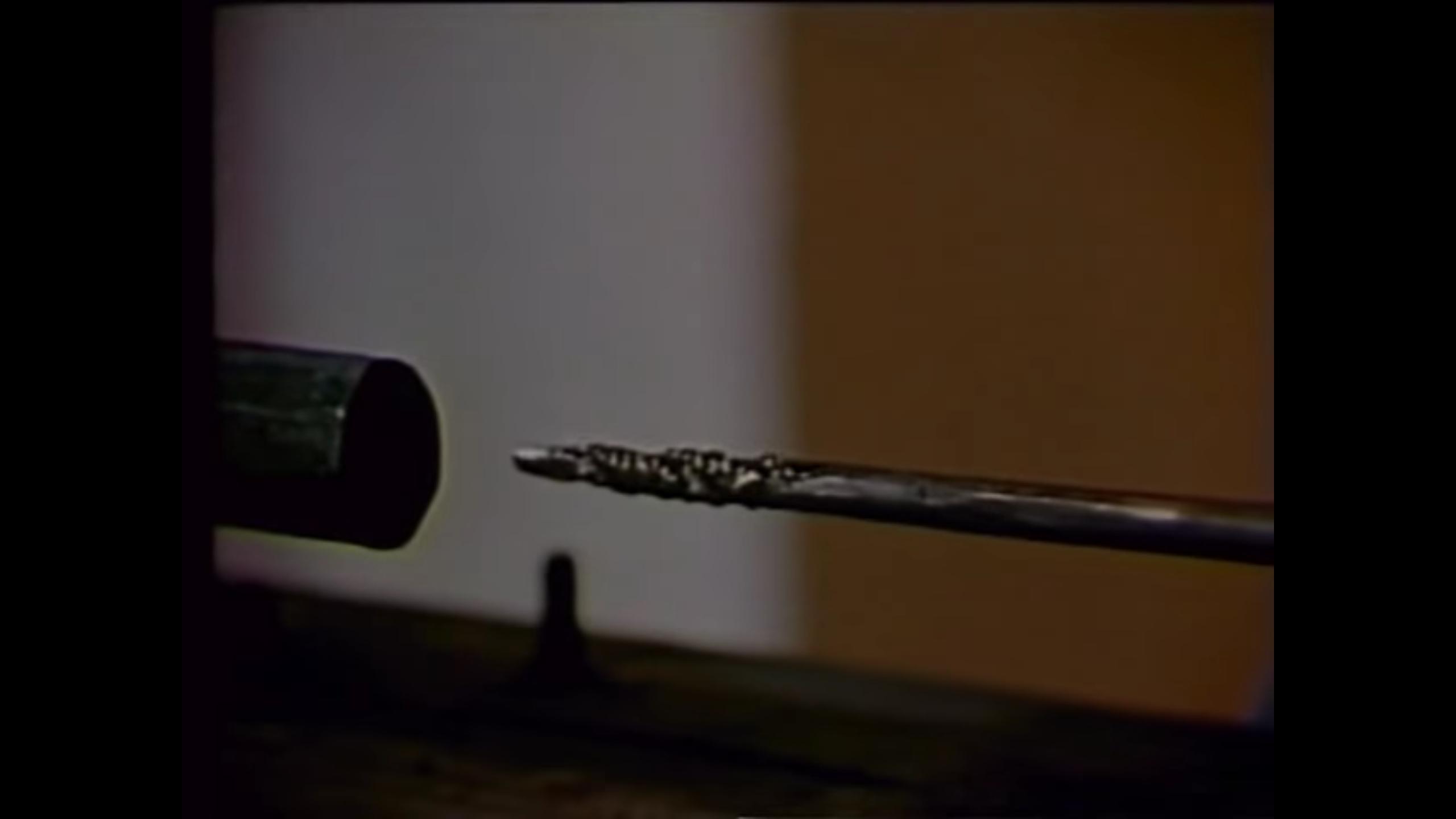
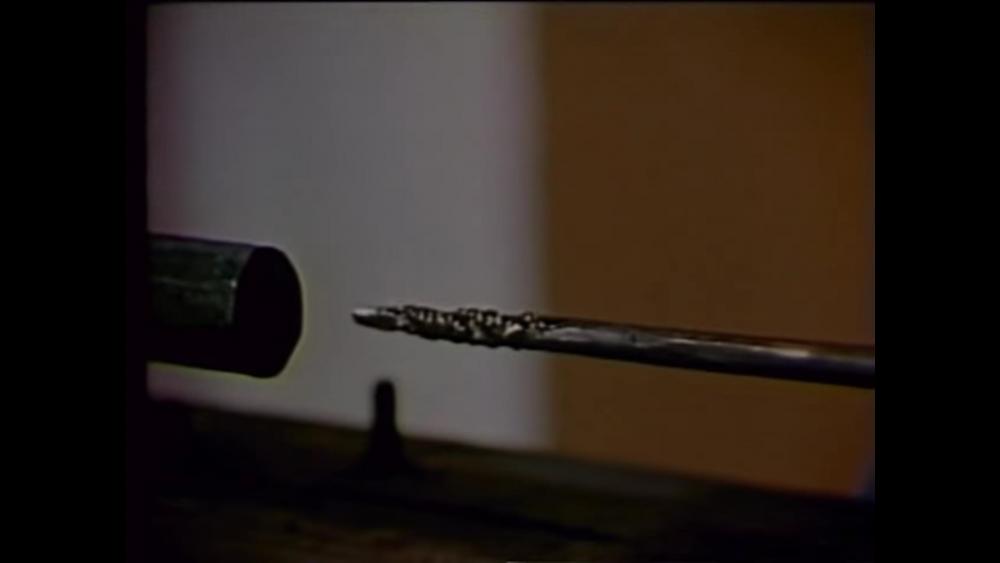
  2. Daswulf - it is the bit used in that video JHCC - How would I go about making on of them? I heard that the heat treat and metal type are the same as making a small chisel, but thats about the extent of my knowledge on the subject
  3. I"m interested in how these were forged, and was hoping that someone could fill me in on the process or refer me to something that details their creation. If you think this would be better posted somewhere else, please let me know. Thank you.

Account

Navigation

Search

Search

Configure browser push notifications

Chrome (Android)
  1. Tap the lock icon next to the address bar.
  2. Tap Permissions → Notifications.
  3. Adjust your preference.
Chrome (Desktop)
  1. Click the padlock icon in the address bar.
  2. Select Site settings.
  3. Find Notifications and adjust your preference.