FarmTeam
Members
-
Joined
-
Last visited
-
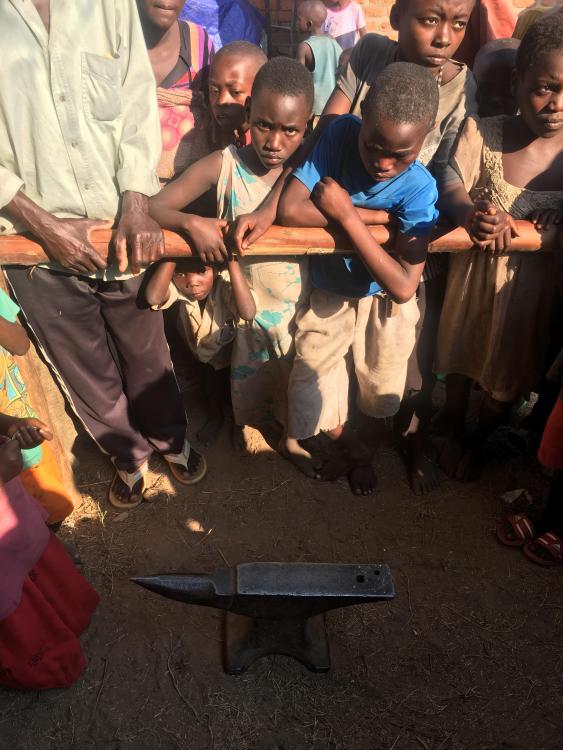
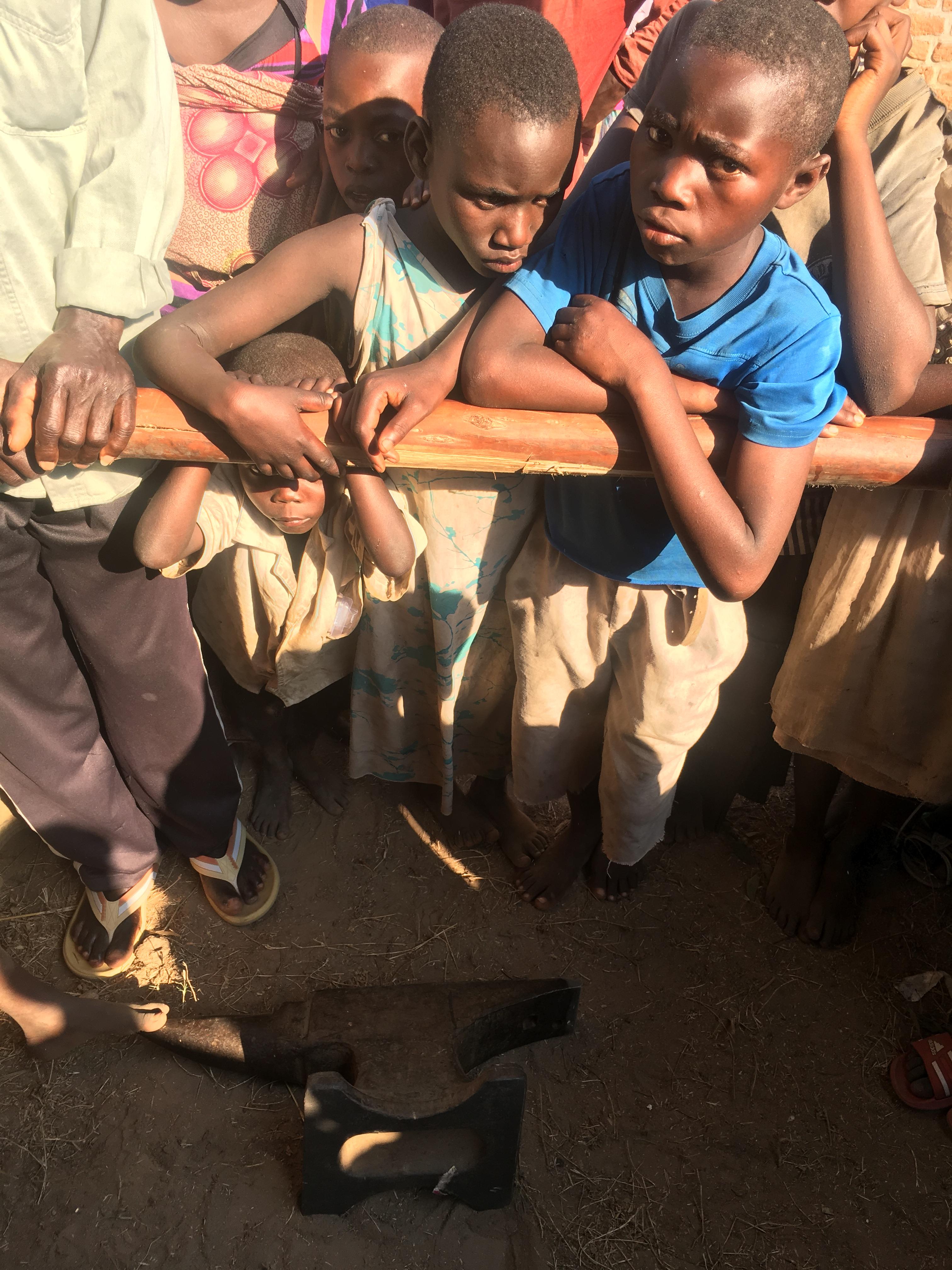
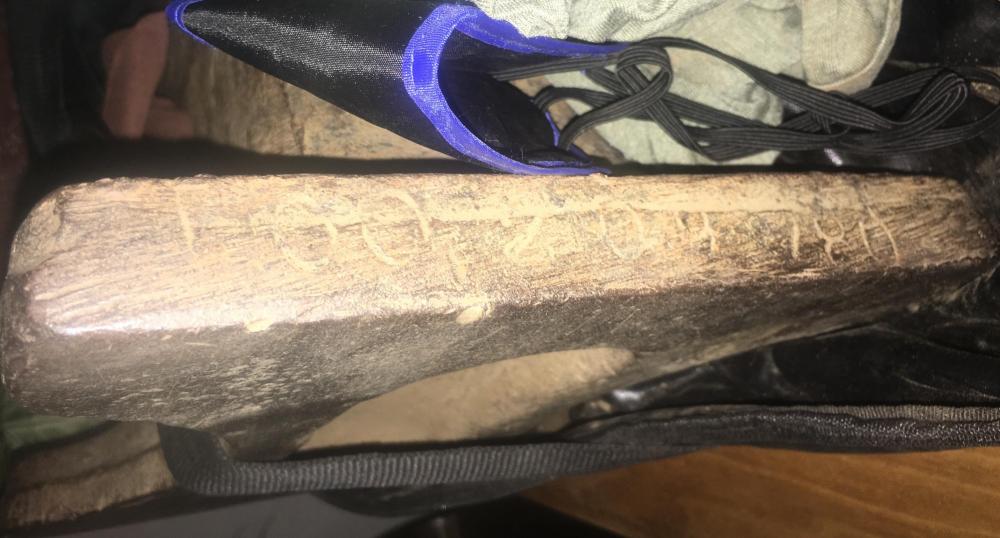
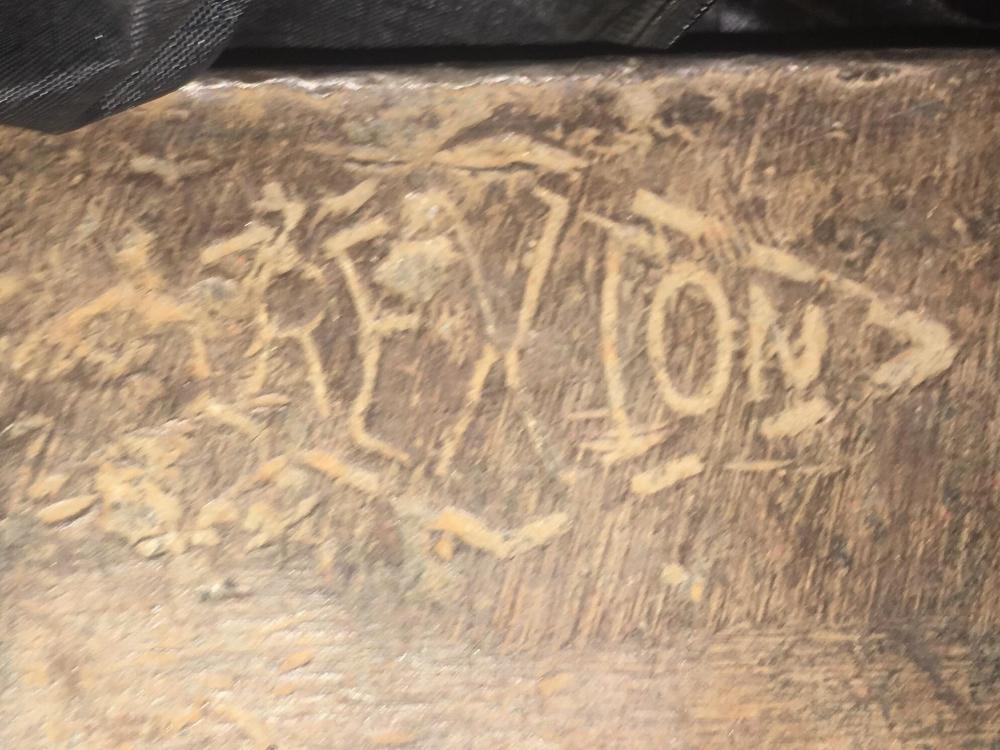
Here are the close up pictures requested. Sorry I should have done that originally. I have not had the ability to weigh it. But I’ll report back as soon as I do. It does have a visible weld at the waist Haha. I can’t really help it. I have a huge beard and I’m 6’4” but they loosen up really quickly when I let them touch the beard.
-
I’m in Burundi on the shores of lake Tanganyika, Africa working with agribusiness for small—scale farmers. I’m building essential oil stills and needed an oil drum for a cooling tower. As I was walking through the outdoor market I saw an anvil and bought it for $40 almost without thinking. It has the following markings: In a diamond: Trention (looks like “trenxion”) On the front foot: 1002109780 (possibly 8780?) From what I gather it’s made in Columbus Ohio, but since internet here is very slow and limited I’m not able to research more until I return to the States. I have no other checked baggage coming home so I’ll be bringing my anvil with me but I’m amazed to think about the fantastic journey and marvelous story that this anvil must have! I found it not far from the famous Livingstone/Stanley Rock commemorating their meeting. Thought you folks might have some insights into this amazing artifact. (And yes, I know I’m crazy, thank you very much for noticing.)