Dalday
Members
-
Joined
-
Last visited
Everything posted by Dalday
-
Great info thanks Thomas. Ya this one looks like it was made for some hardware store. I just love the history behind them. I would probably collect them even if I wasn’t into smithing. Much thanks
-
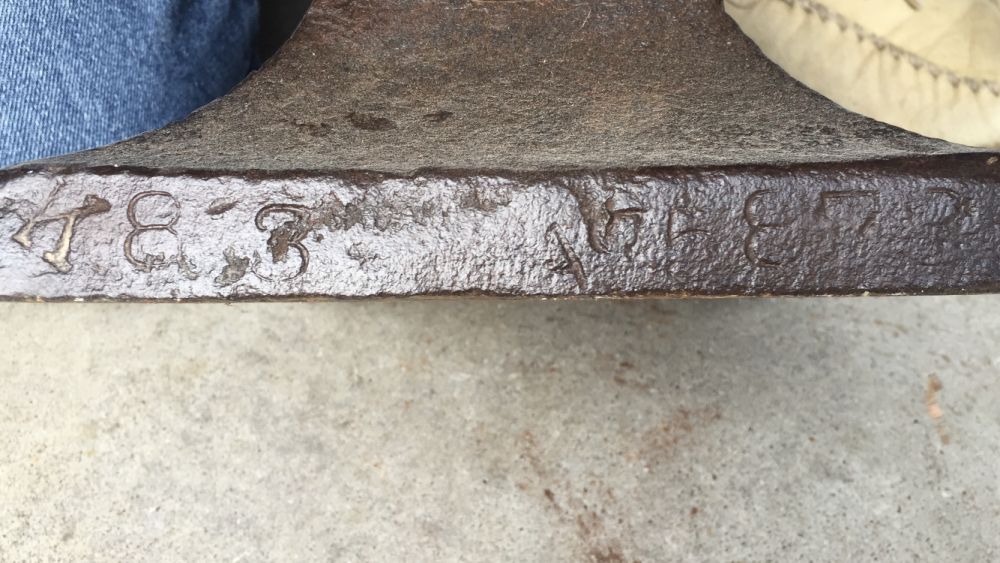
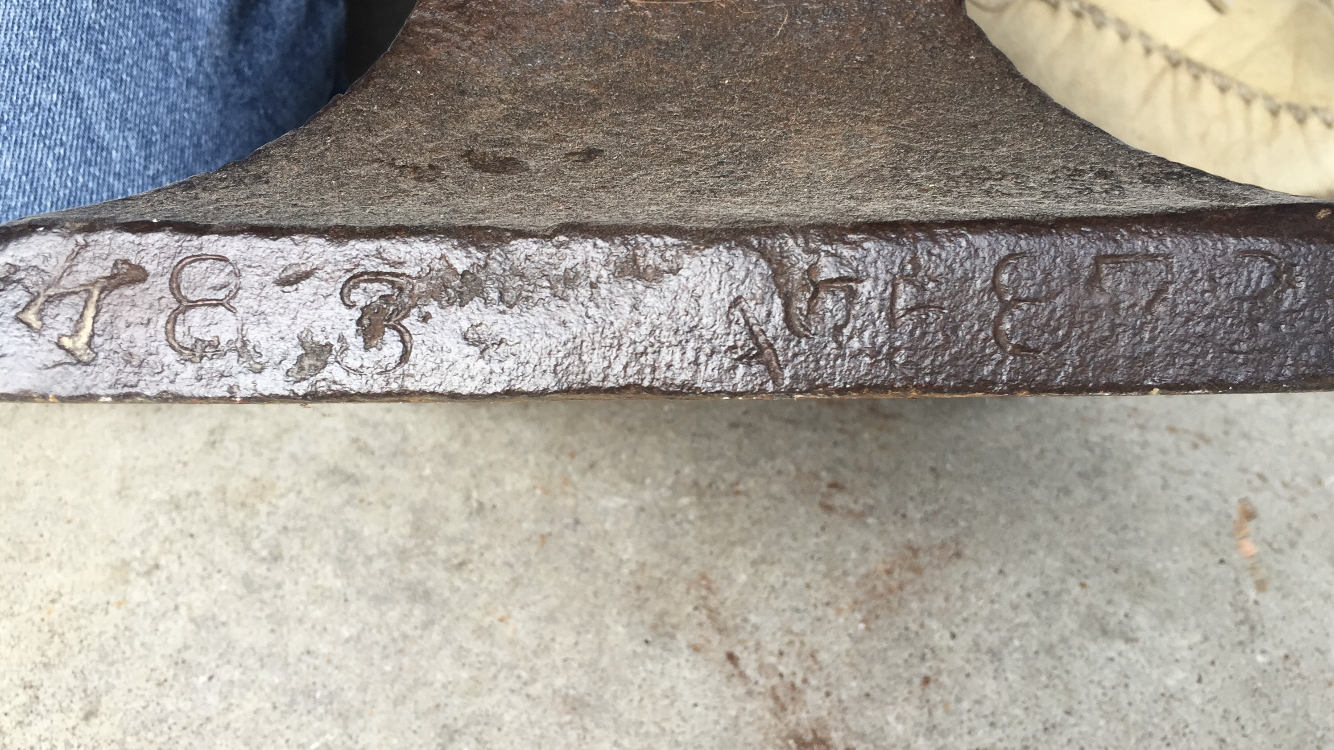
I think you are right John. I think it is 95873. Any idea on the date or why it doesn’t say Trenton anywhere on it?
-
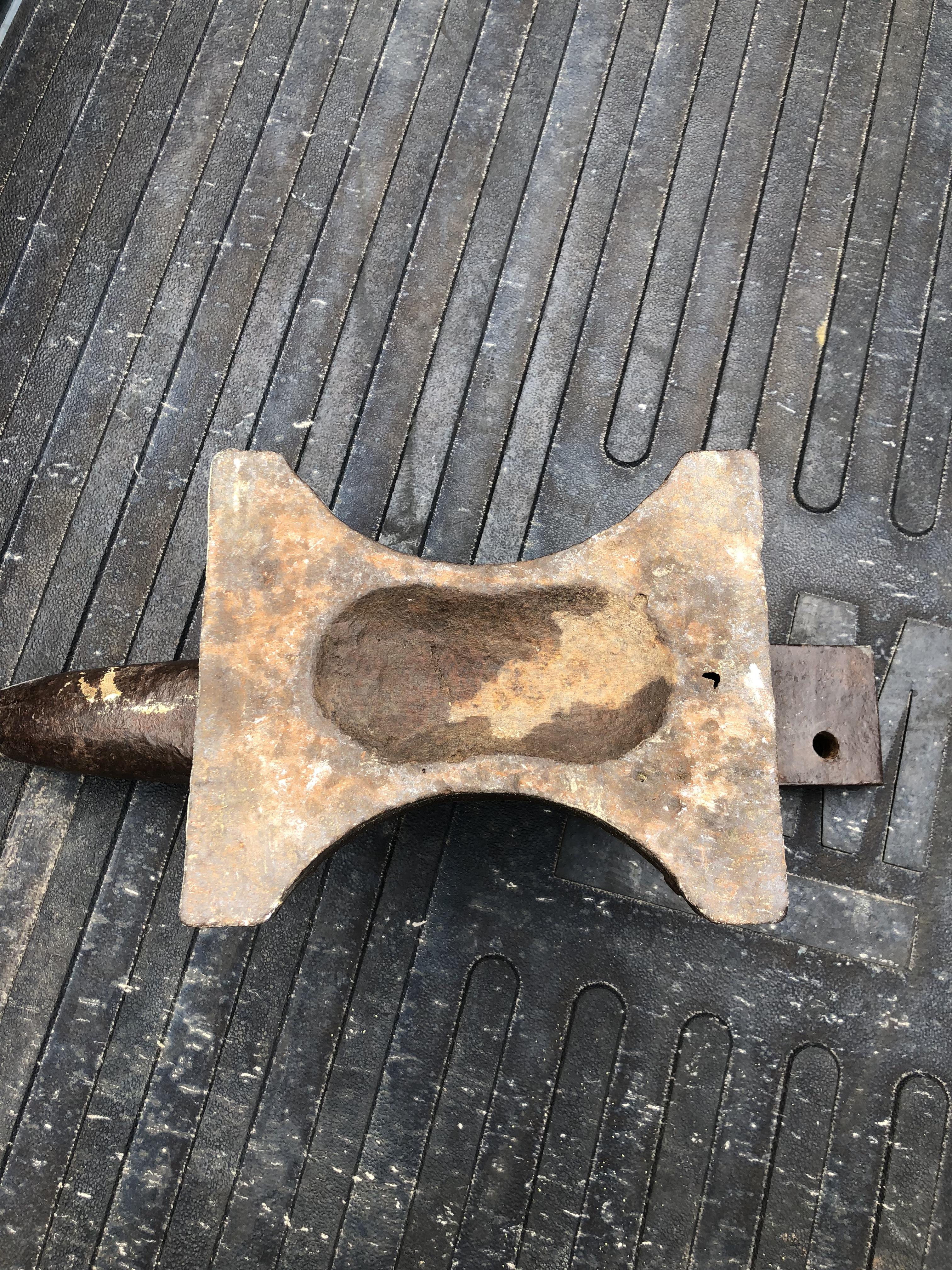
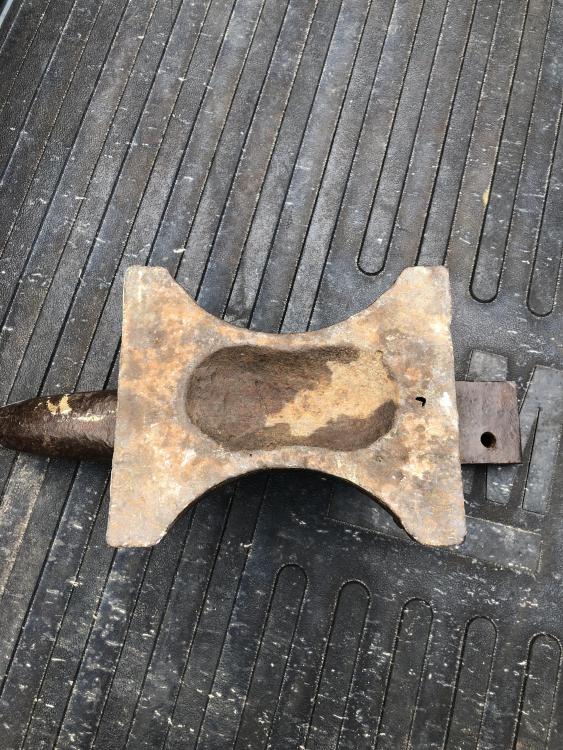
Here is a picture of the bottom
-
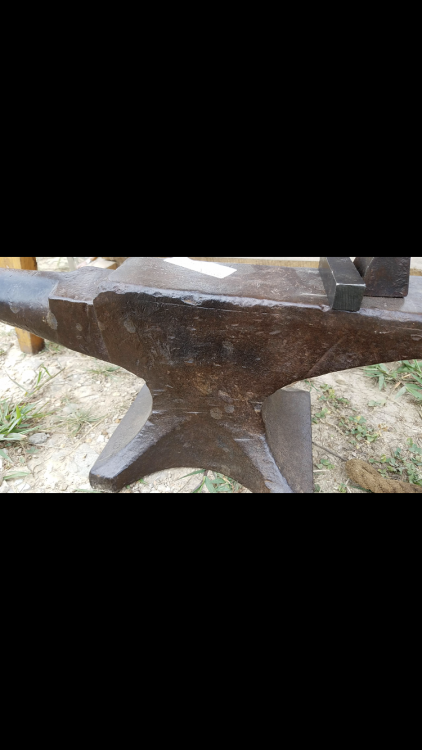
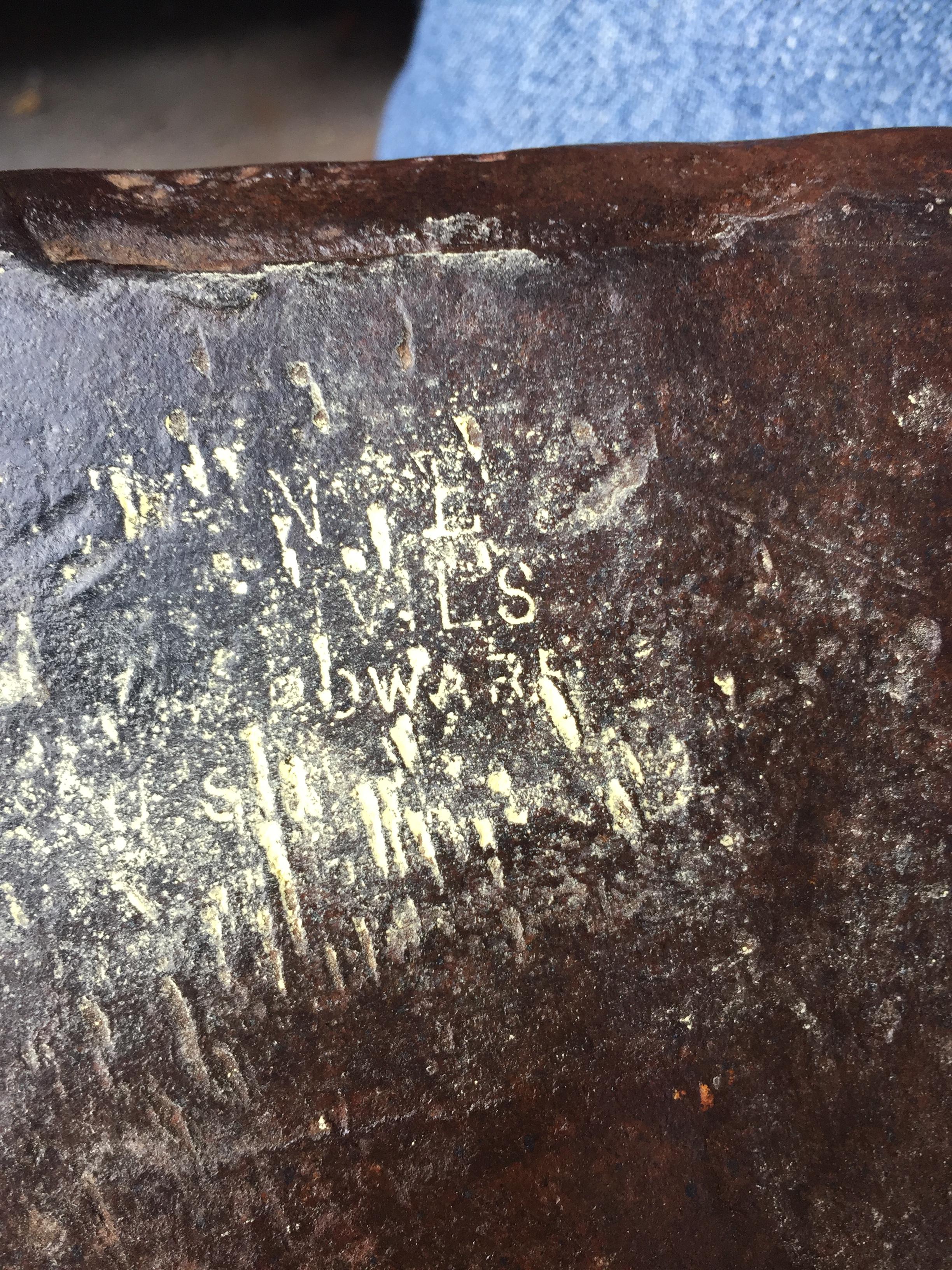
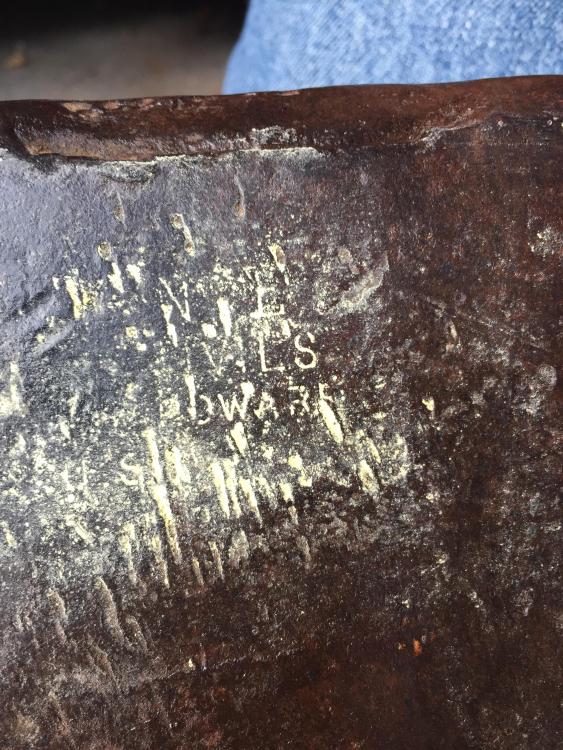
I’m sorry I thought I put a picture up of the side with their writing. Here it is
-
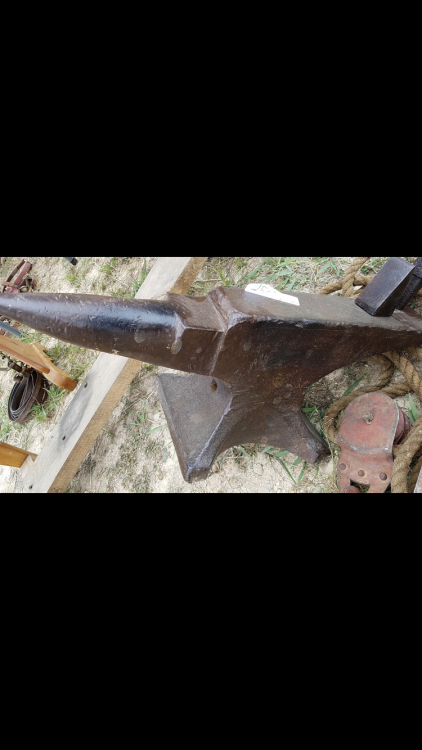
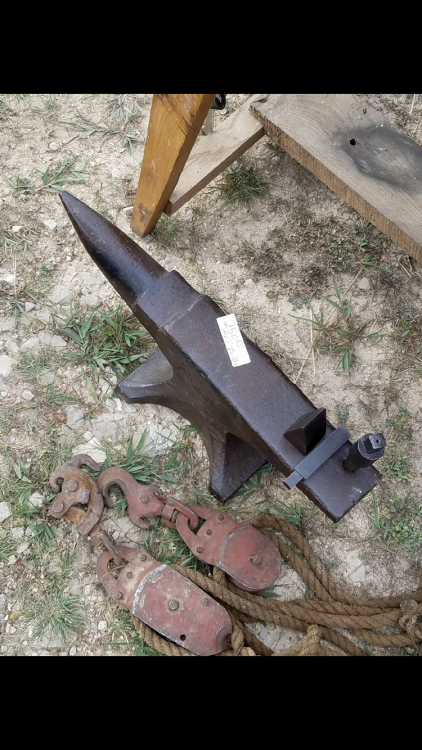
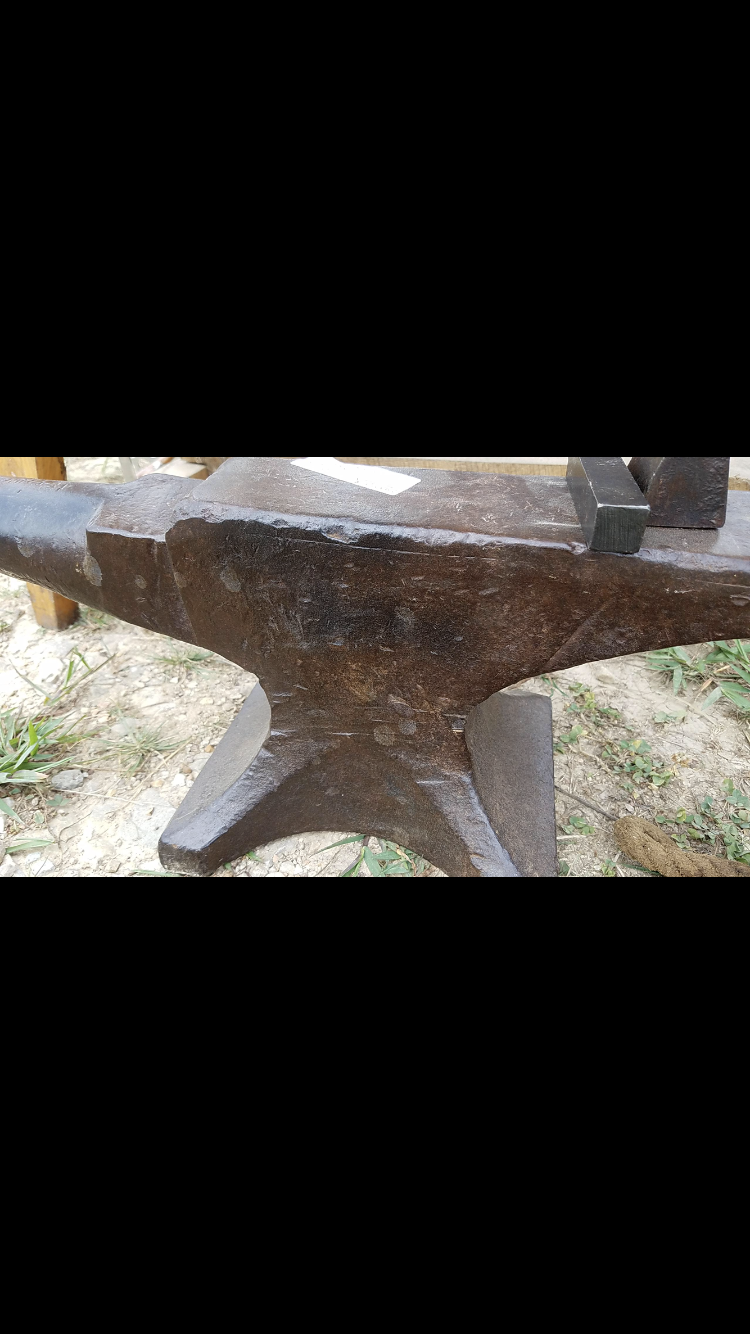
Hey I just picked up this anvil today. I’ve figured out it weighs 83lbs but I can’t make out the first number of the serial number or the makers logo( although I think it looks like a Trenton). I can make out the words “ANVIL’S” and part of the word “HARDWARE” I believe. Also what does the “K” stand for before the weight? Any info would be greatly appreciated.