Adamvacancy
Members
-
Joined
-
Last visited
-
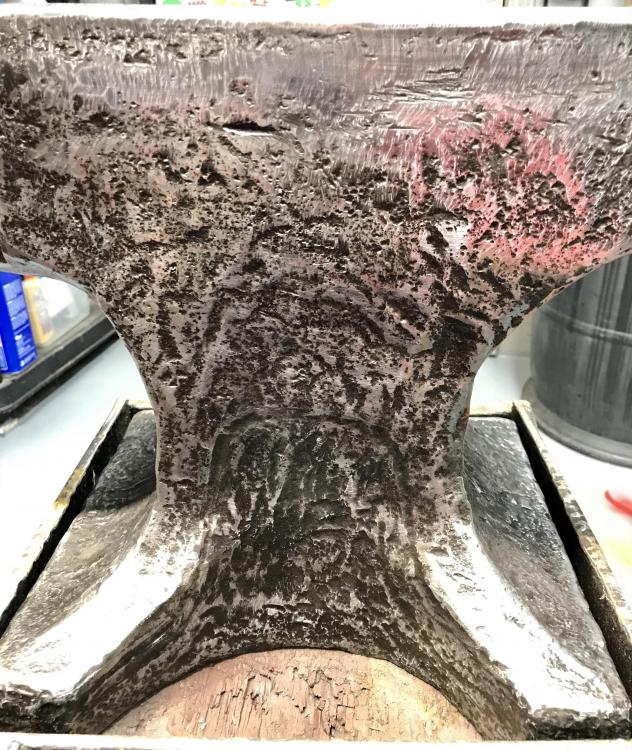
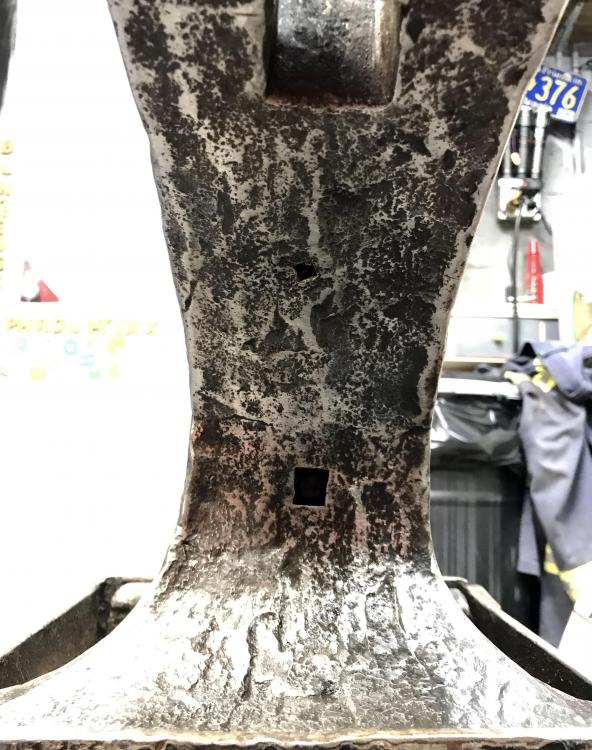
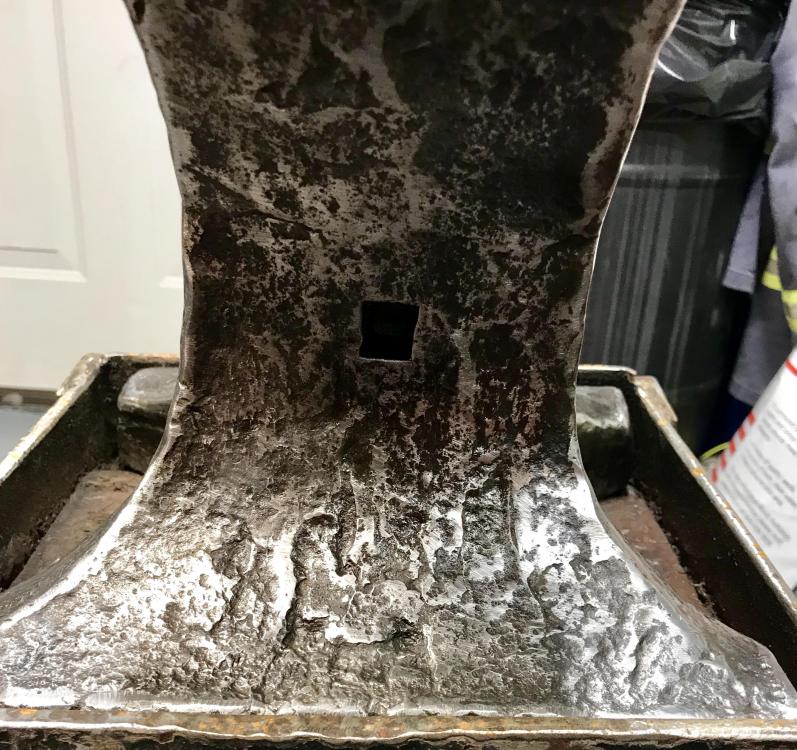
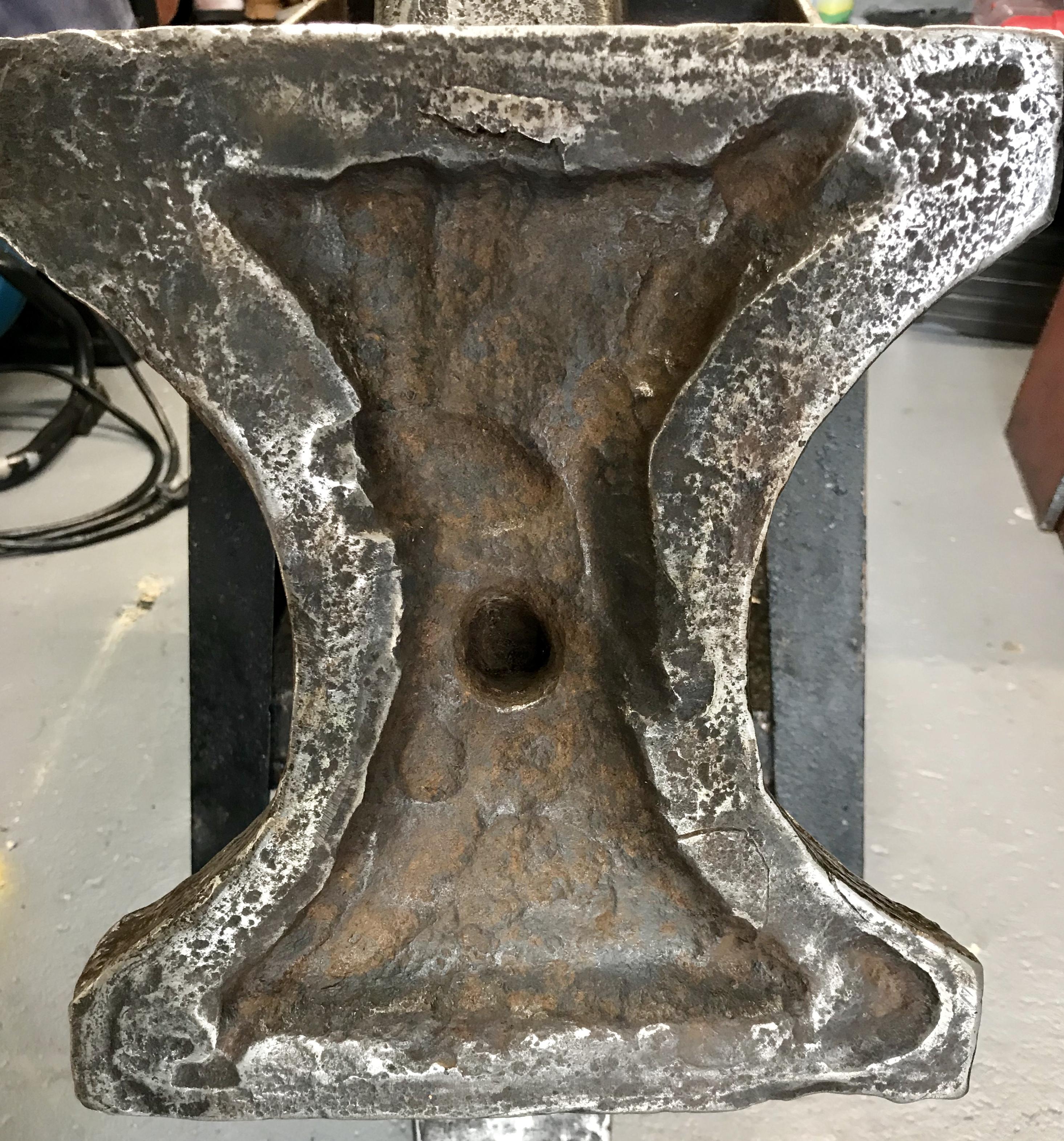
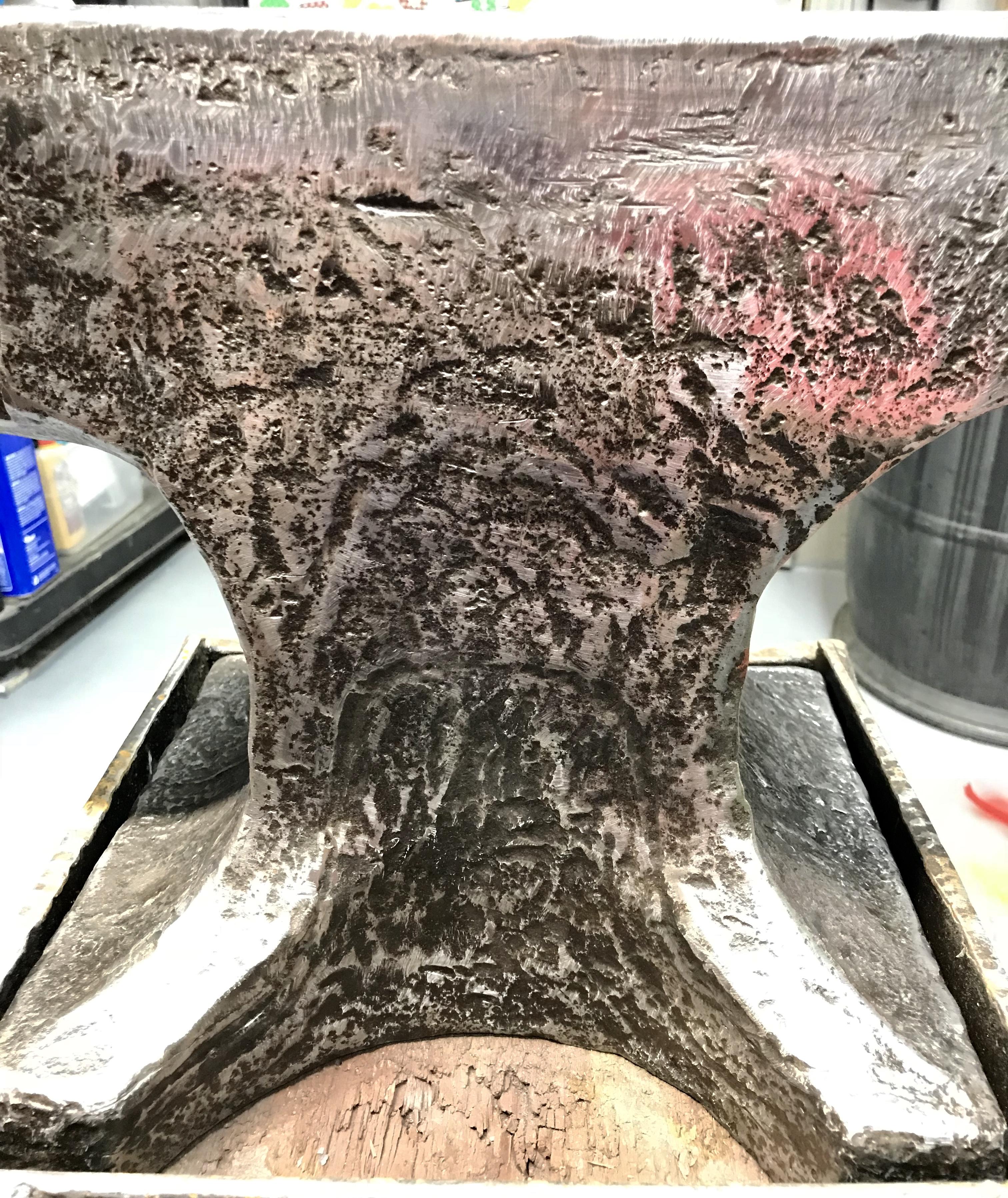
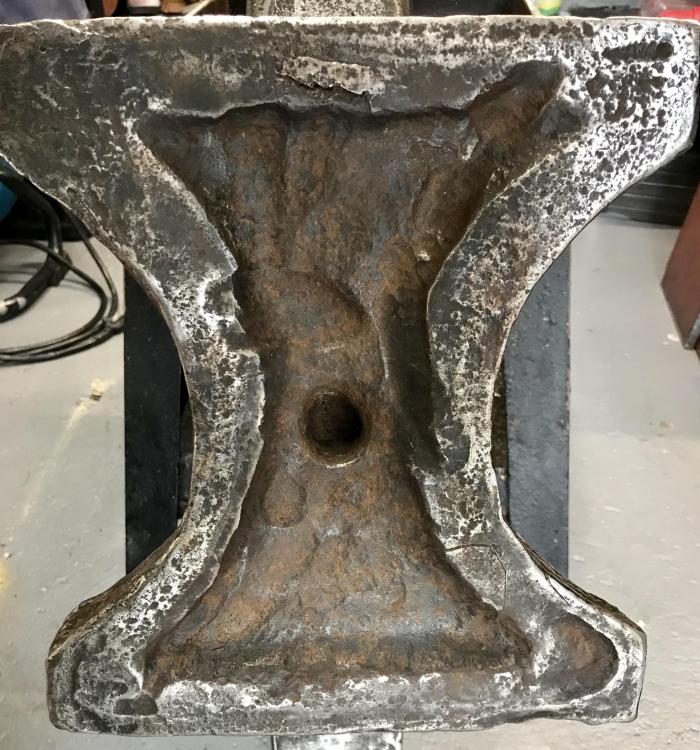
Put a nice chunk in basement floor turning this over ha! Bottom!
-
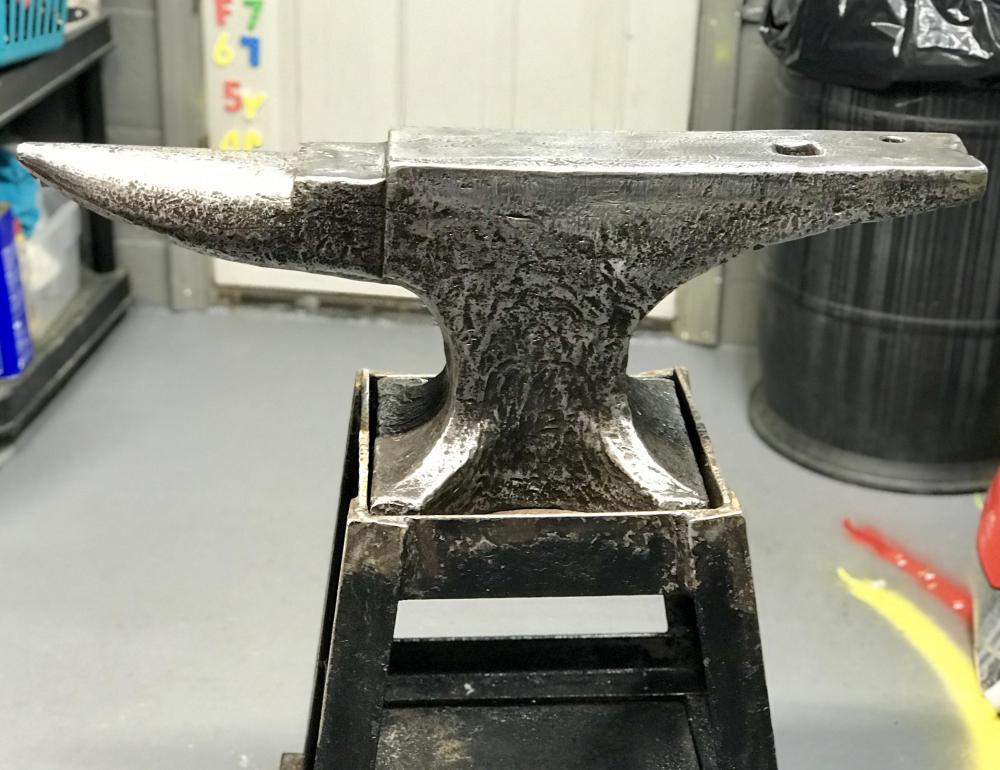
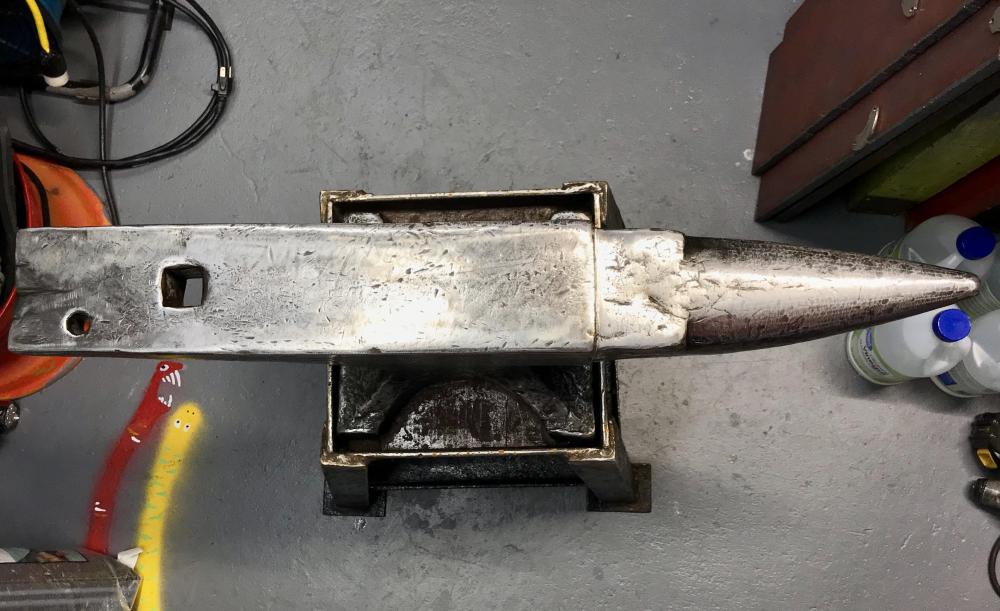
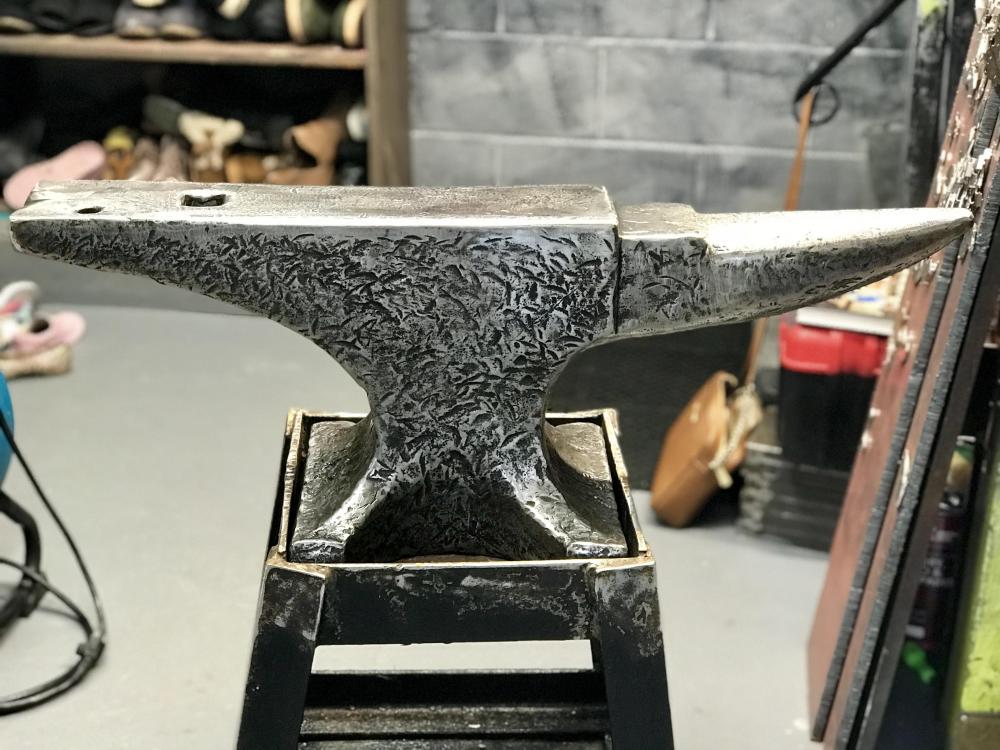
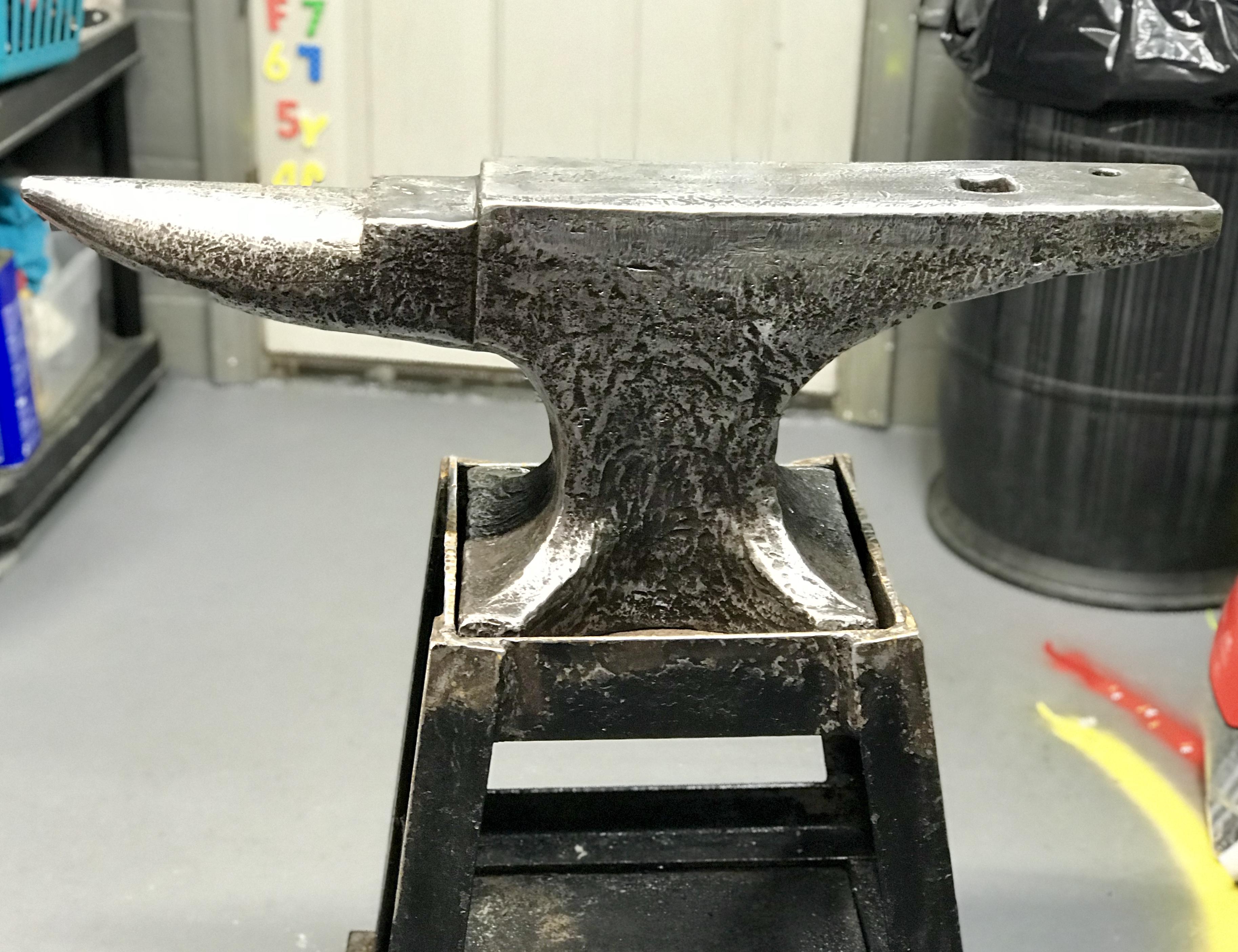
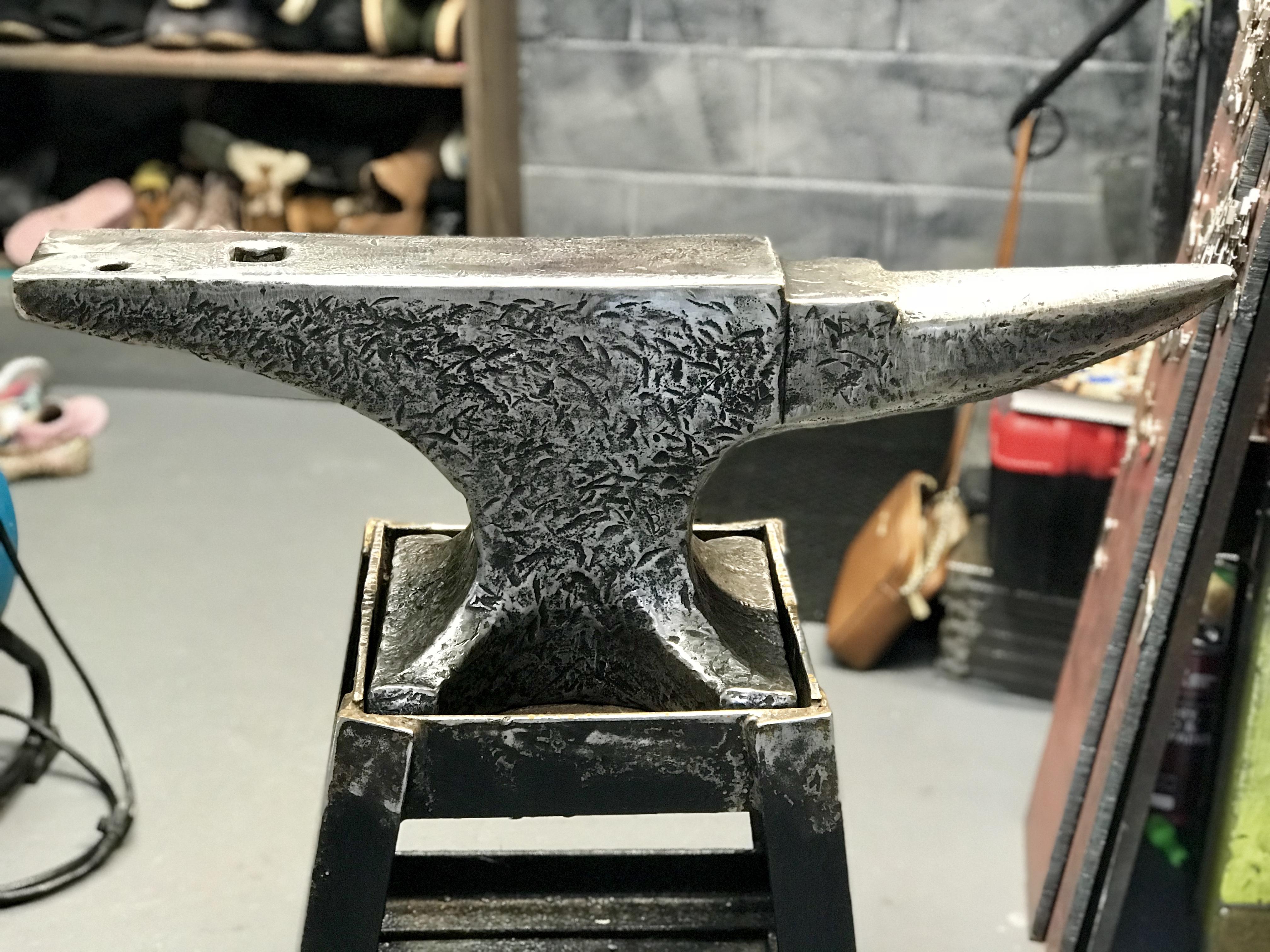
Thanks Irondragon! Ive been an armchair blacksmith for years now so I knew about the no grinding. I can even see the small weld line where the hardened top connects to the rest of the anvil. It’s not very thick at all so I wouldn’t want to make it any thinner. Oh and me and this anvil reside in Pittsburgh, PA. I found the anvil at a flea market in Leeper, PA. I was too excited about finding a good anvil to really dig into the seller for info. It looks in good shape but also looks like it’s been used a great deal. Wish it could speak to me.
-
Will post the bottom as soon as I get back to it.
-
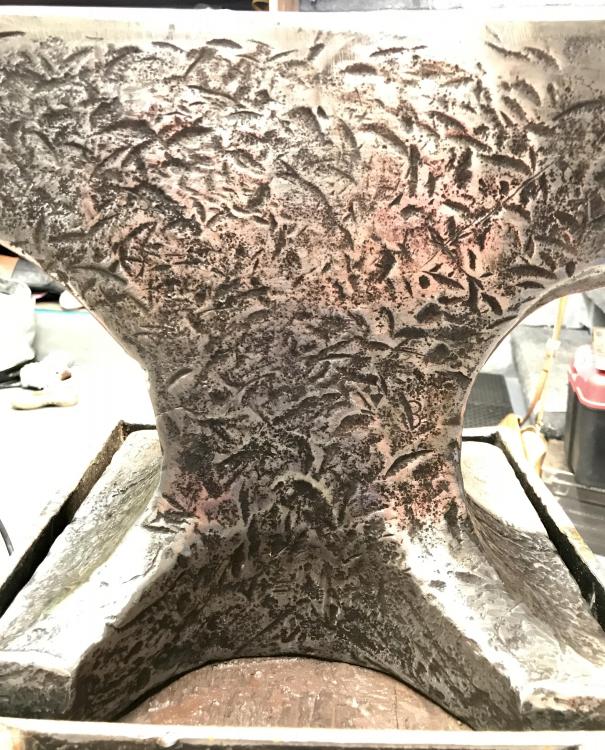
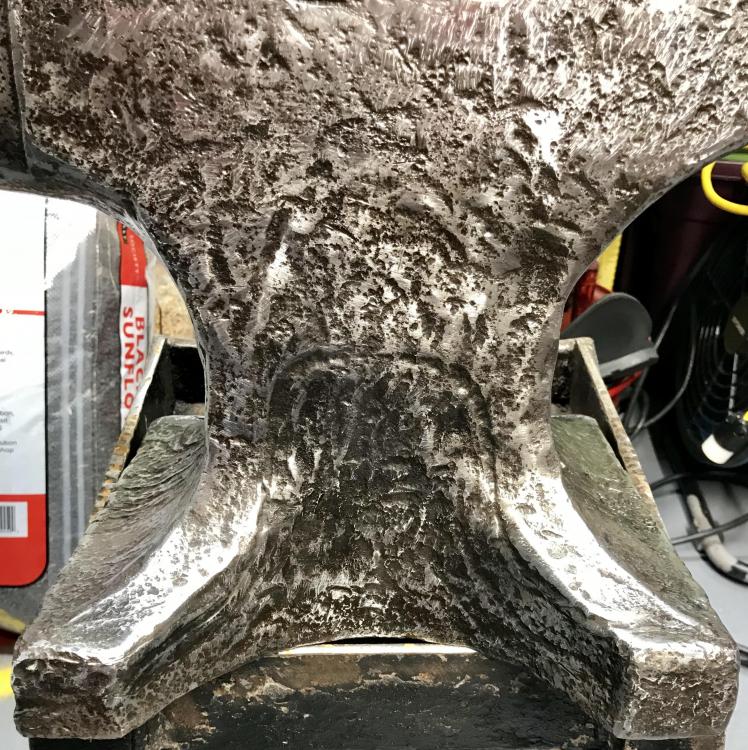
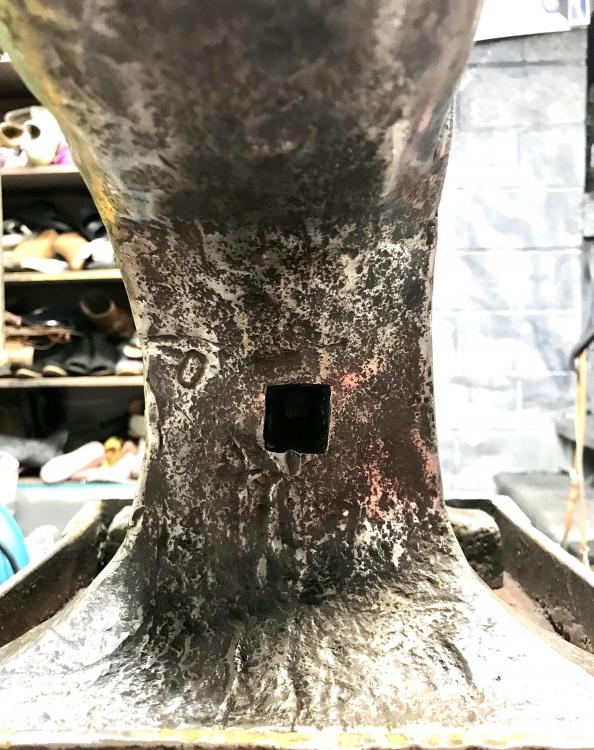
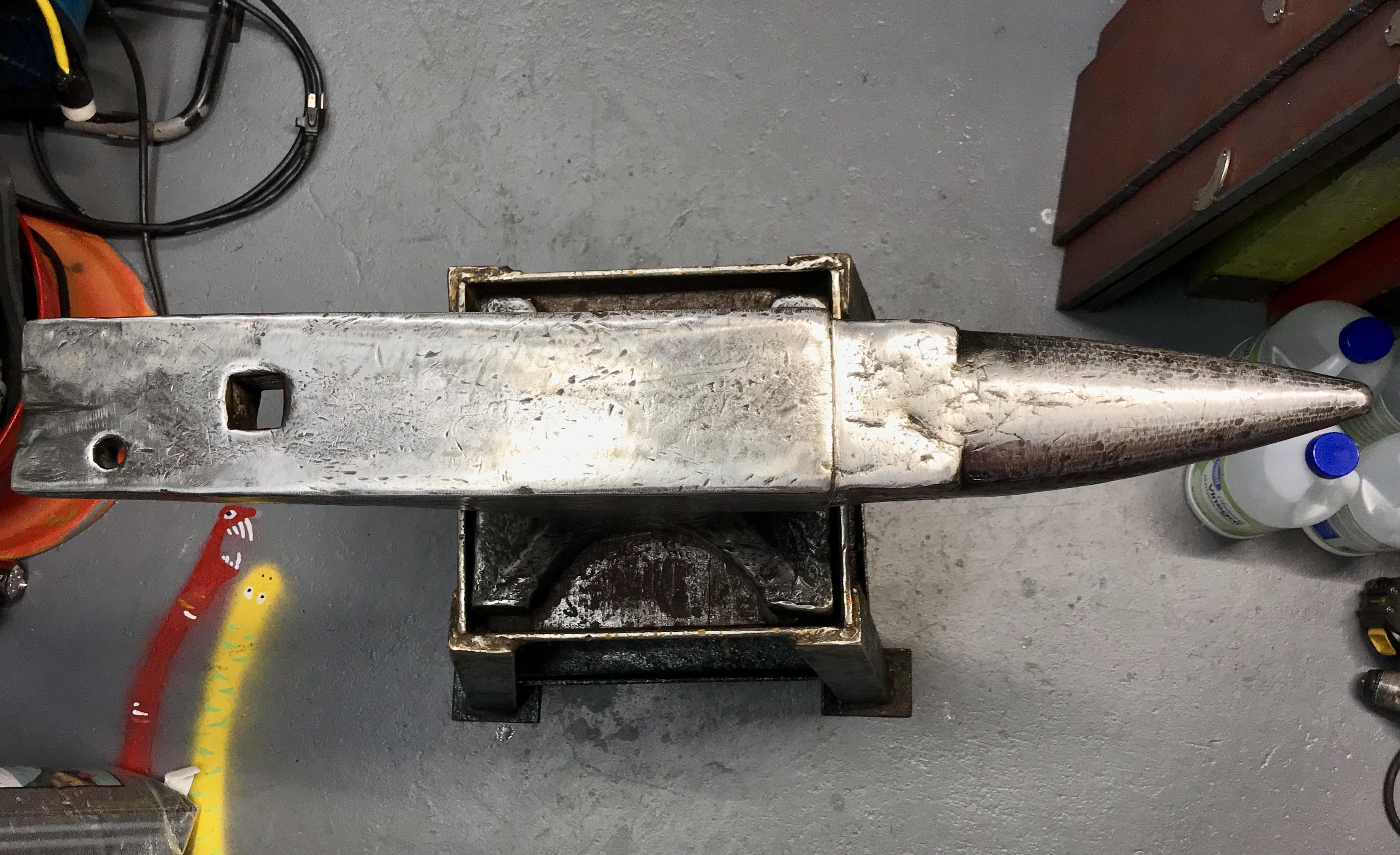
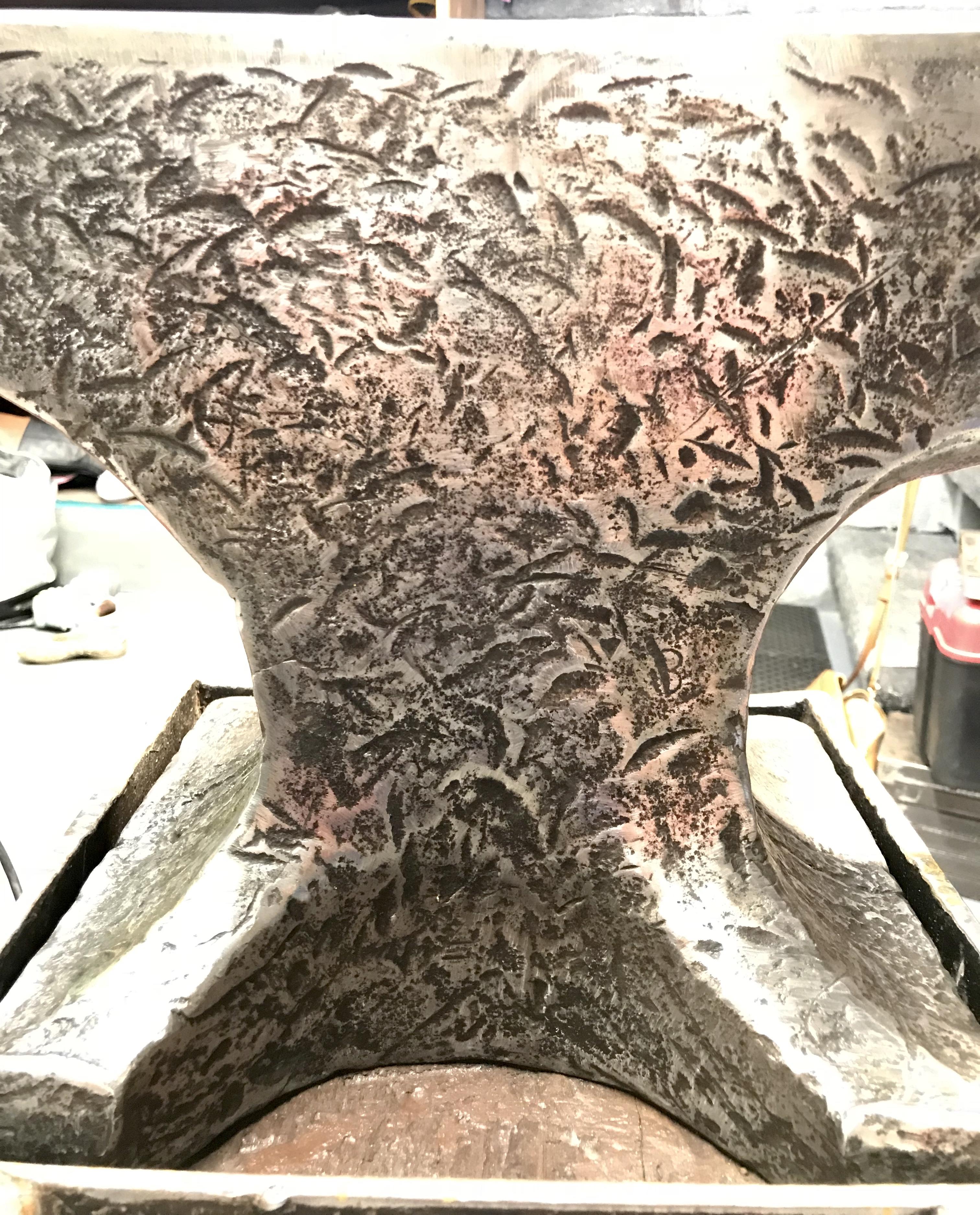
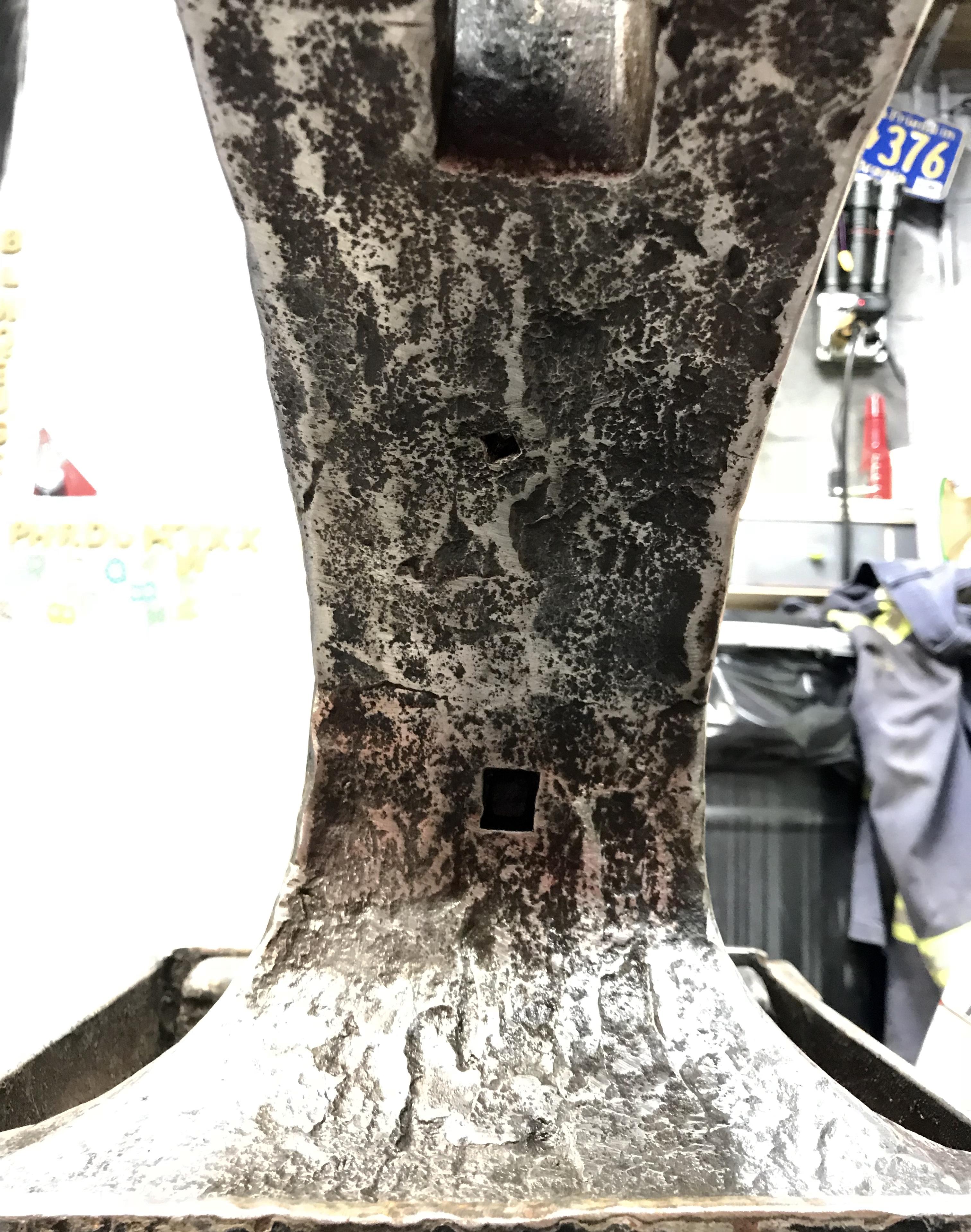
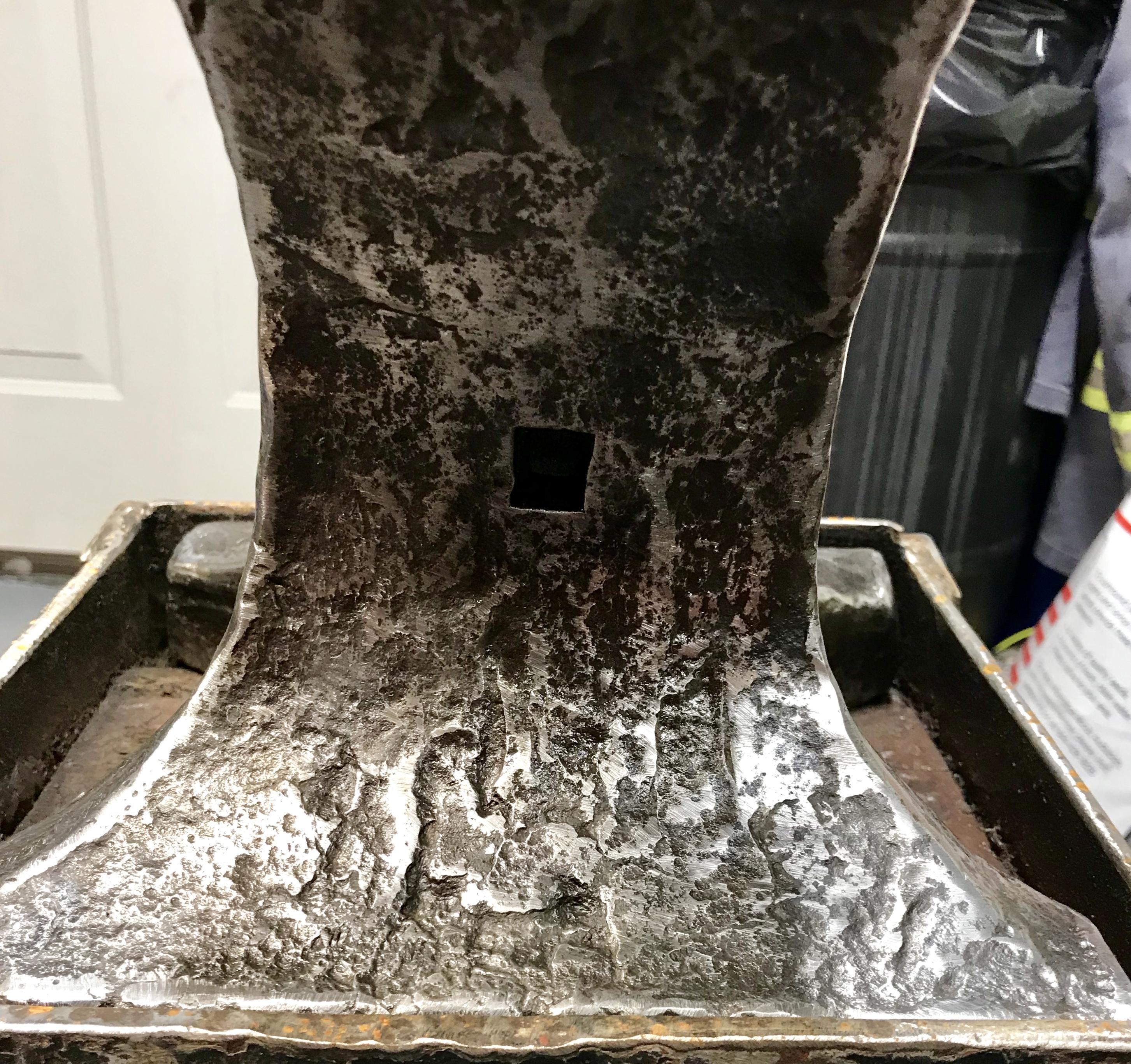
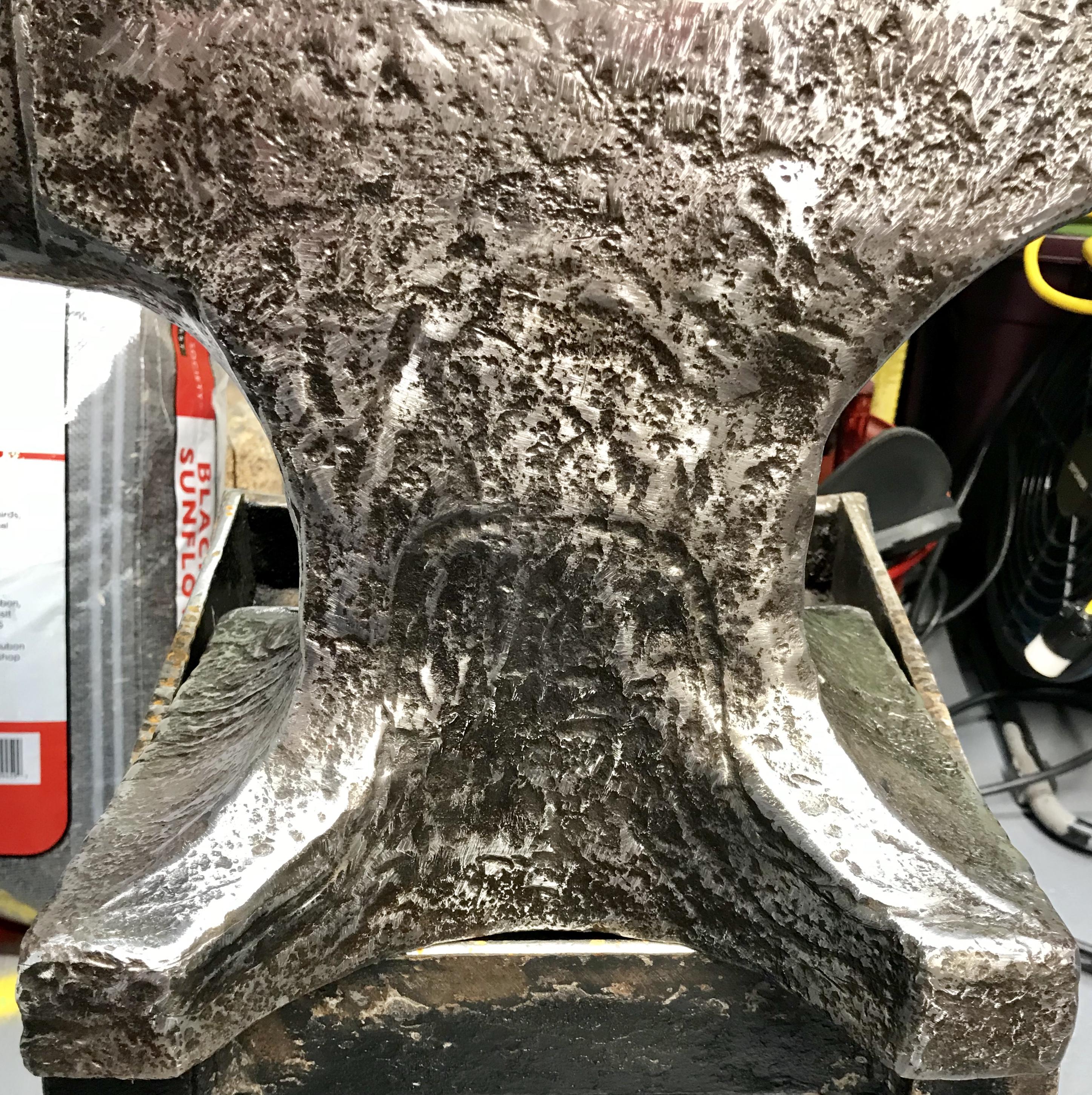
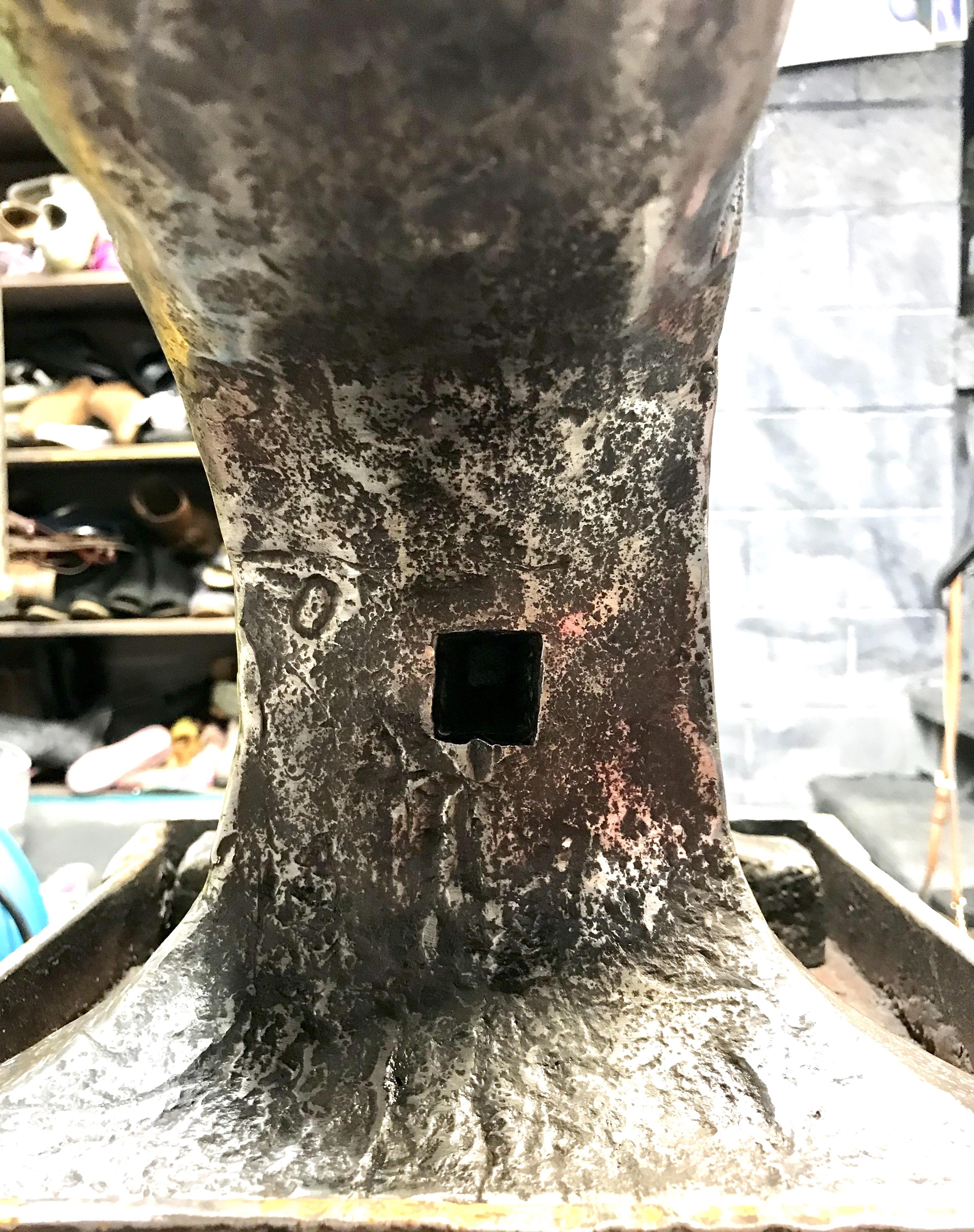
Pictures below. Weighs 135 lbs. 1/4 hardened plate on top of iron from what I can gather. A few markings. I see an 8 and a 0 in different spots. Only real distinct marking is the curve that follows the one side of the anvil. I believe it’s most prominent in the last picture. Thanks in advance for anyone that solves this mystery!