Skip to content
View in the app

A better way to browse. Learn more.

I Forge Iron

A full-screen app on your home screen with push notifications, badges and more.

To install this app on iOS and iPadOS
  1. Tap the Share icon in Safari
  2. Scroll the menu and tap Add to Home Screen.
  3. Tap Add in the top-right corner.
To install this app on Android
  1. Tap the 3-dot menu (⋮) in the top-right corner of the browser.
  2. Tap Add to Home screen or Install app.
  3. Confirm by tapping Install.

Howesbrother

Members
  • Joined

  • Last visited

  1. Thanks irondragon. Any tips on the tuyere? Is homegrown the best course of action? I’ve seen the threads for clay in the rivet forges I’m assuming it’s the same process.
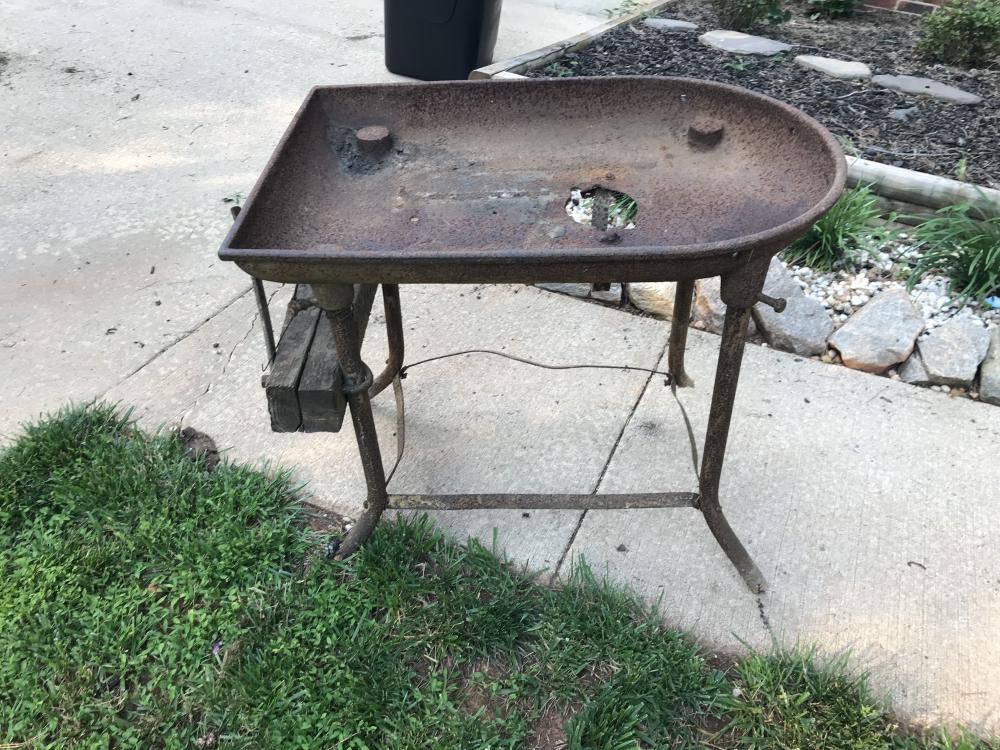
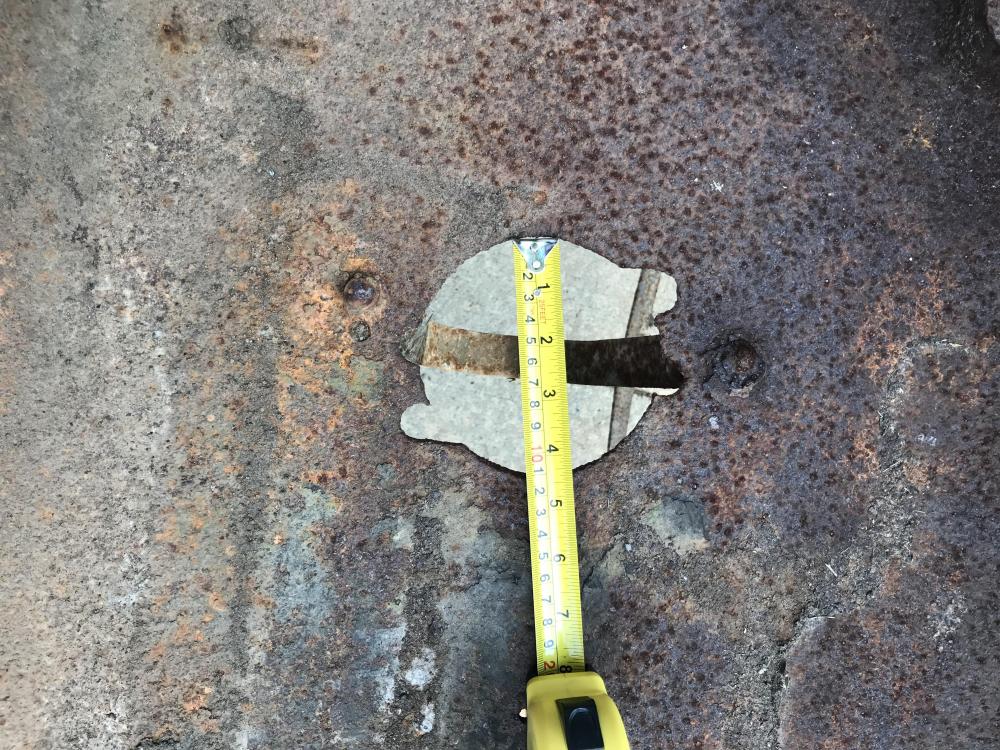
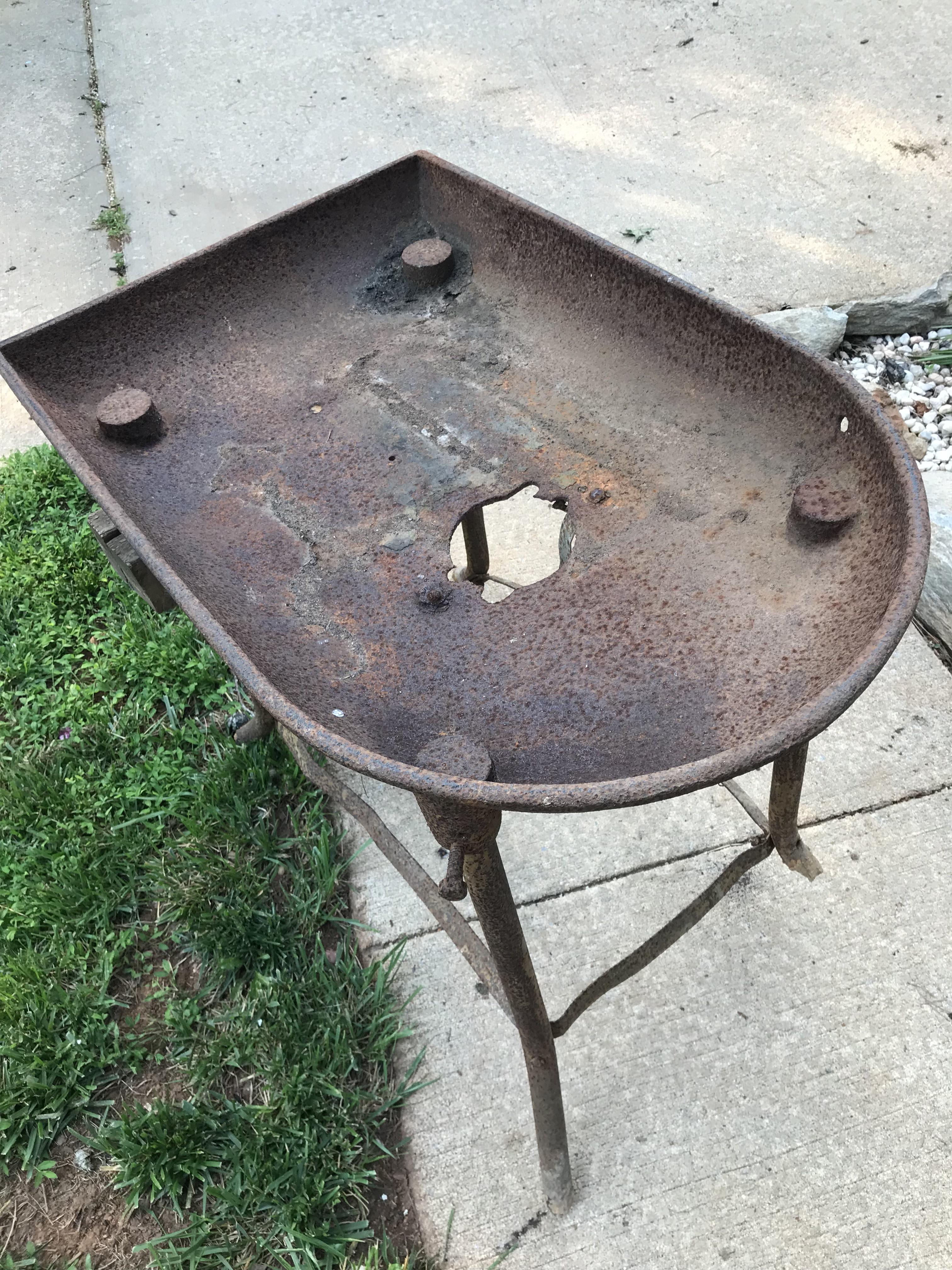
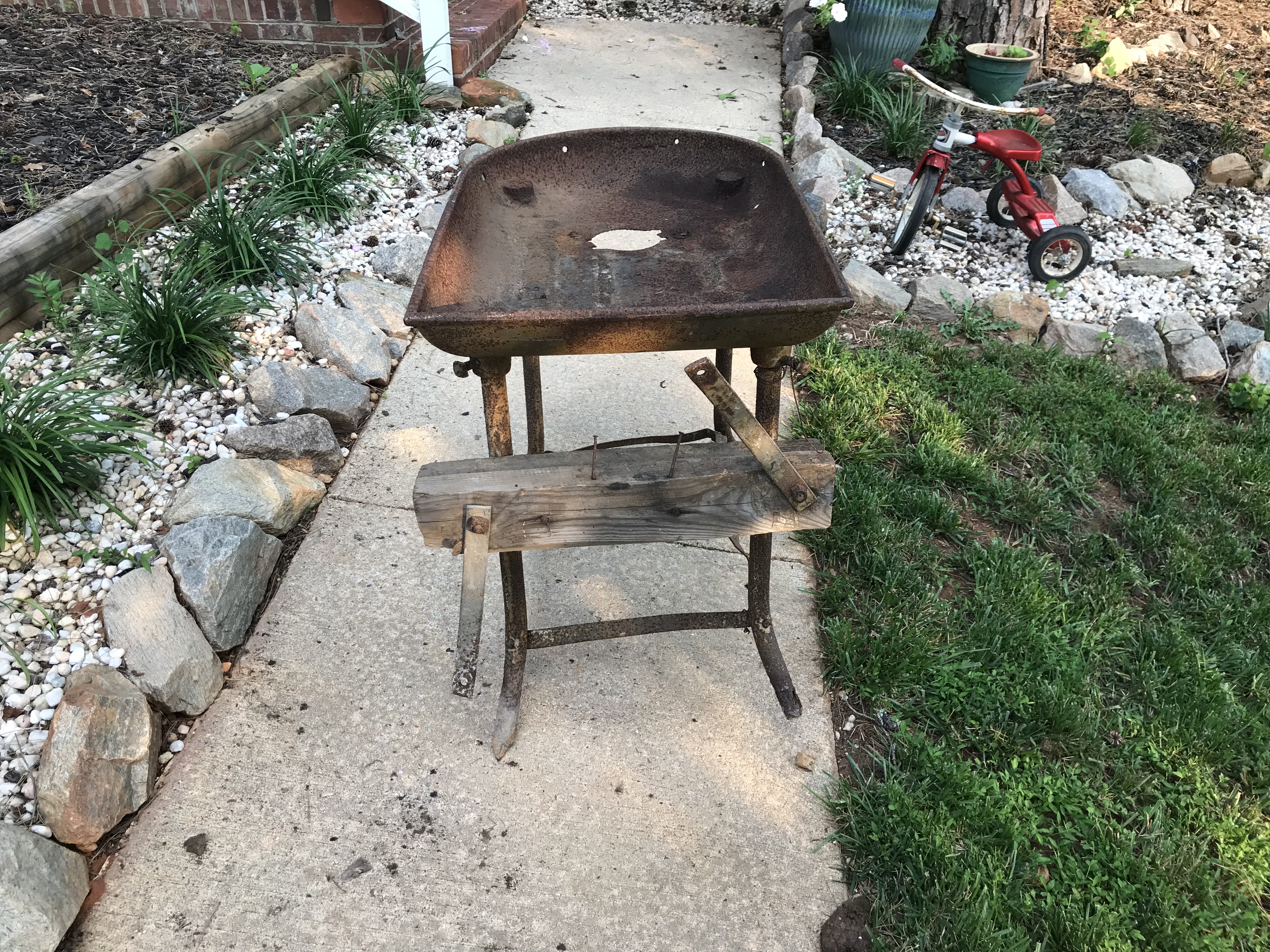
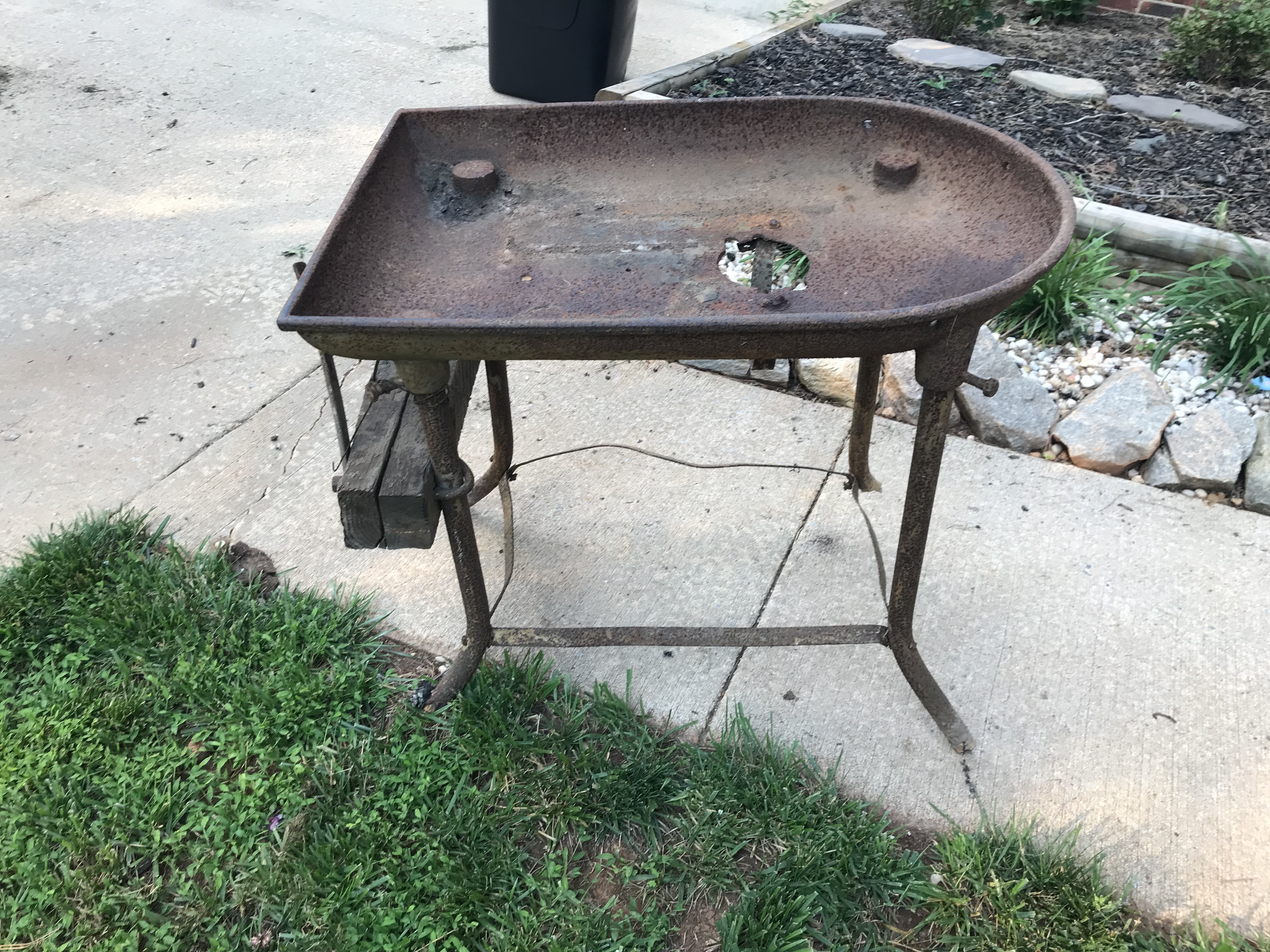
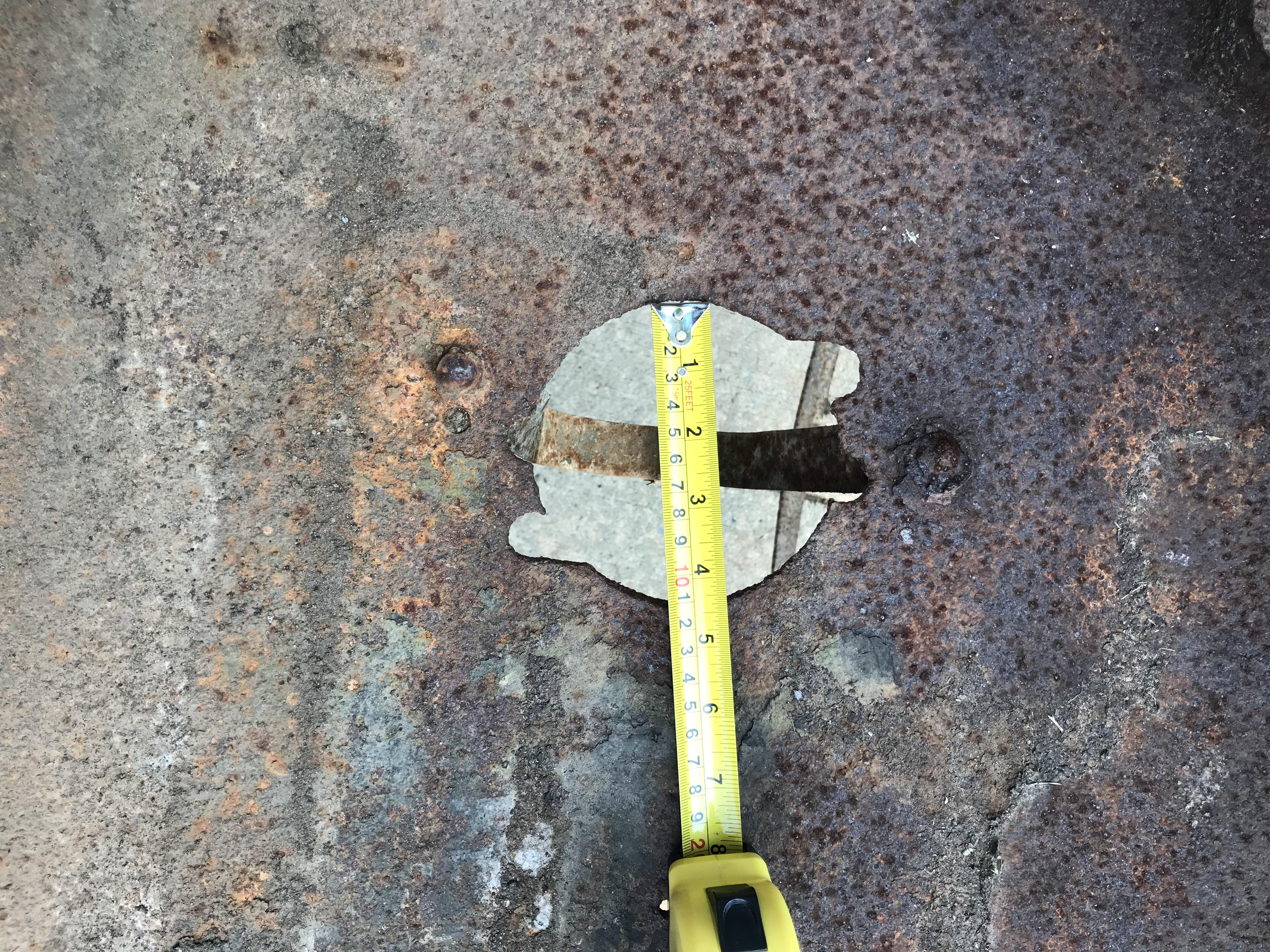
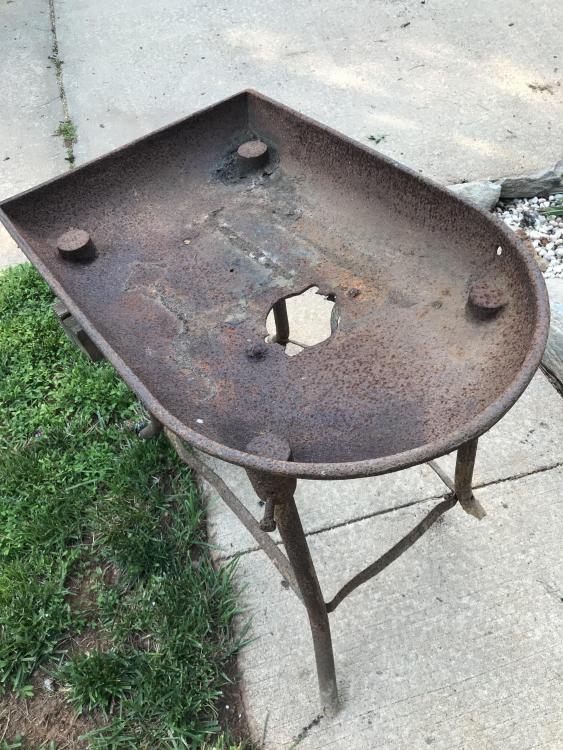
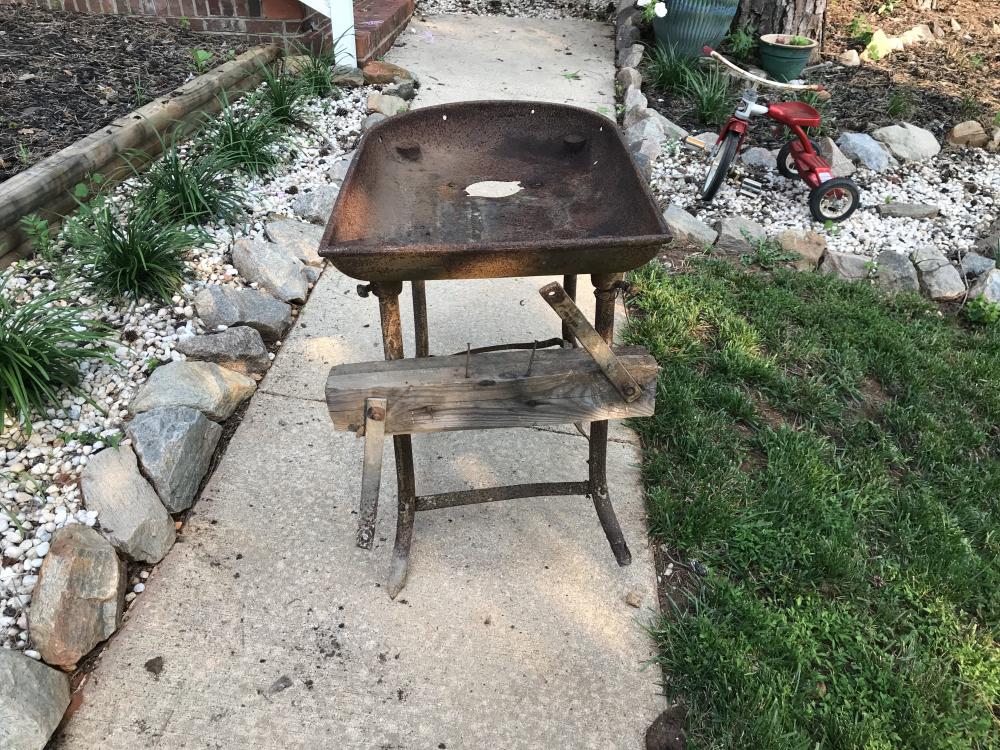
  2. Hey guys first time posting but I’ve been reading up for some time. This site and the people on here are awesome. I need some help. Can anyone ID this forge? Is it a forge? haha. Besides a blower, what do I need to get this thing operating? I’m brand new at all this and I’m itching to get started. No cracks in the pan the legs are rotted out so will probably need to dream up a way to fix that as well thanks for your time
Account

Navigation

Search

Search

Configure browser push notifications

Chrome (Android)
  1. Tap the lock icon next to the address bar.
  2. Tap Permissions → Notifications.
  3. Adjust your preference.
Chrome (Desktop)
  1. Click the padlock icon in the address bar.
  2. Select Site settings.
  3. Find Notifications and adjust your preference.