Skip to content
View in the app

A better way to browse. Learn more.

I Forge Iron

A full-screen app on your home screen with push notifications, badges and more.

To install this app on iOS and iPadOS
  1. Tap the Share icon in Safari
  2. Scroll the menu and tap Add to Home Screen.
  3. Tap Add in the top-right corner.
To install this app on Android
  1. Tap the 3-dot menu (⋮) in the top-right corner of the browser.
  2. Tap Add to Home screen or Install app.
  3. Confirm by tapping Install.

PegasusAssistant

Members
  • Joined

  • Last visited

Everything posted by PegasusAssistant

  1. If I were to take it to a higher elevation, say, Snowflake, would the BLO be necessary? It's still pretty dry up there as long as it's not monsoon season.
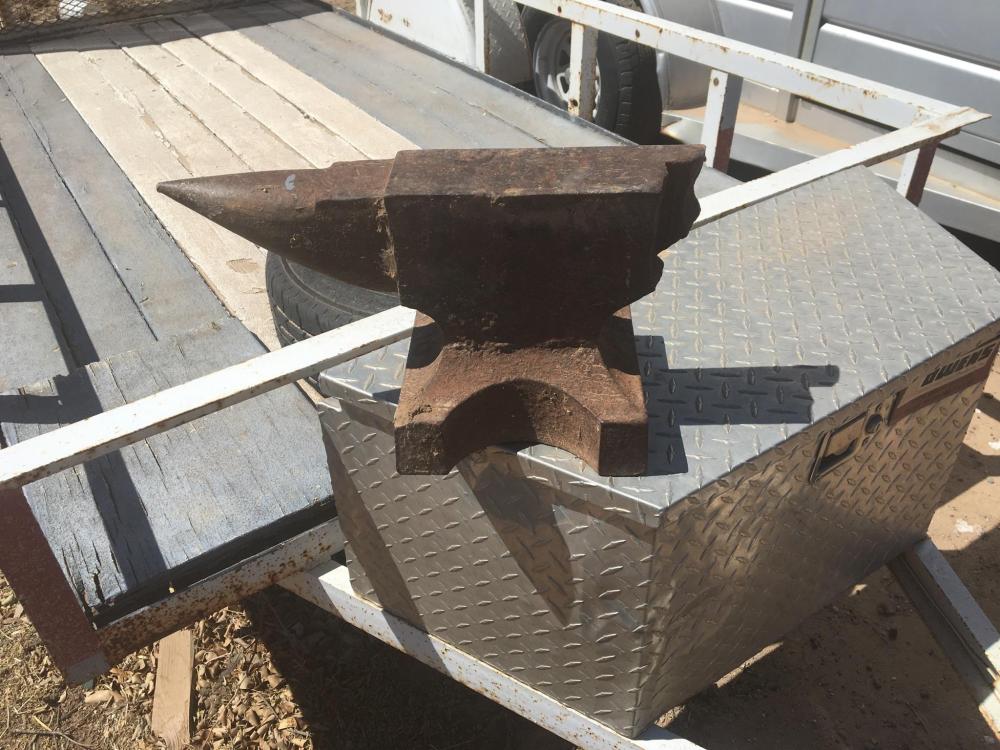
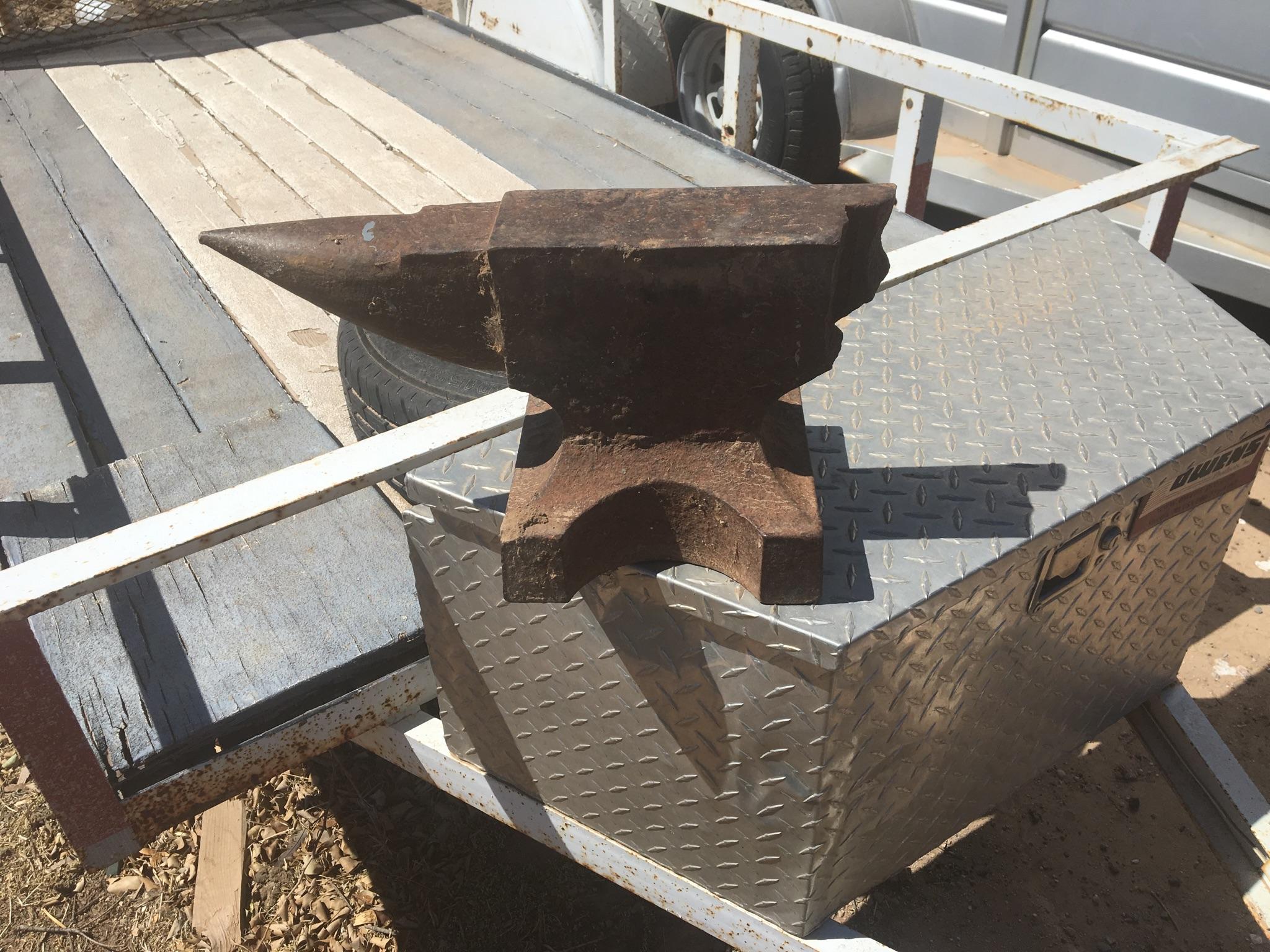
  2. So, this is an anvil that my friend had lying around for about five years. I'm just getting started and haven't even built my forge yet, but this anvil is free to me. This is the only picture I have of it at the moment, though.
Account

Navigation

Search

Search

Configure browser push notifications

Chrome (Android)
  1. Tap the lock icon next to the address bar.
  2. Tap Permissions → Notifications.
  3. Adjust your preference.
Chrome (Desktop)
  1. Click the padlock icon in the address bar.
  2. Select Site settings.
  3. Find Notifications and adjust your preference.