Skip to content
View in the app

A better way to browse. Learn more.

I Forge Iron

A full-screen app on your home screen with push notifications, badges and more.

To install this app on iOS and iPadOS
  1. Tap the Share icon in Safari
  2. Scroll the menu and tap Add to Home Screen.
  3. Tap Add in the top-right corner.
To install this app on Android
  1. Tap the 3-dot menu (⋮) in the top-right corner of the browser.
  2. Tap Add to Home screen or Install app.
  3. Confirm by tapping Install.

Tempest89

Members
  • Joined

  • Last visited

Everything posted by Tempest89

  1. Thanks everyone I appreciate all the replays and have learned something about my anvil.
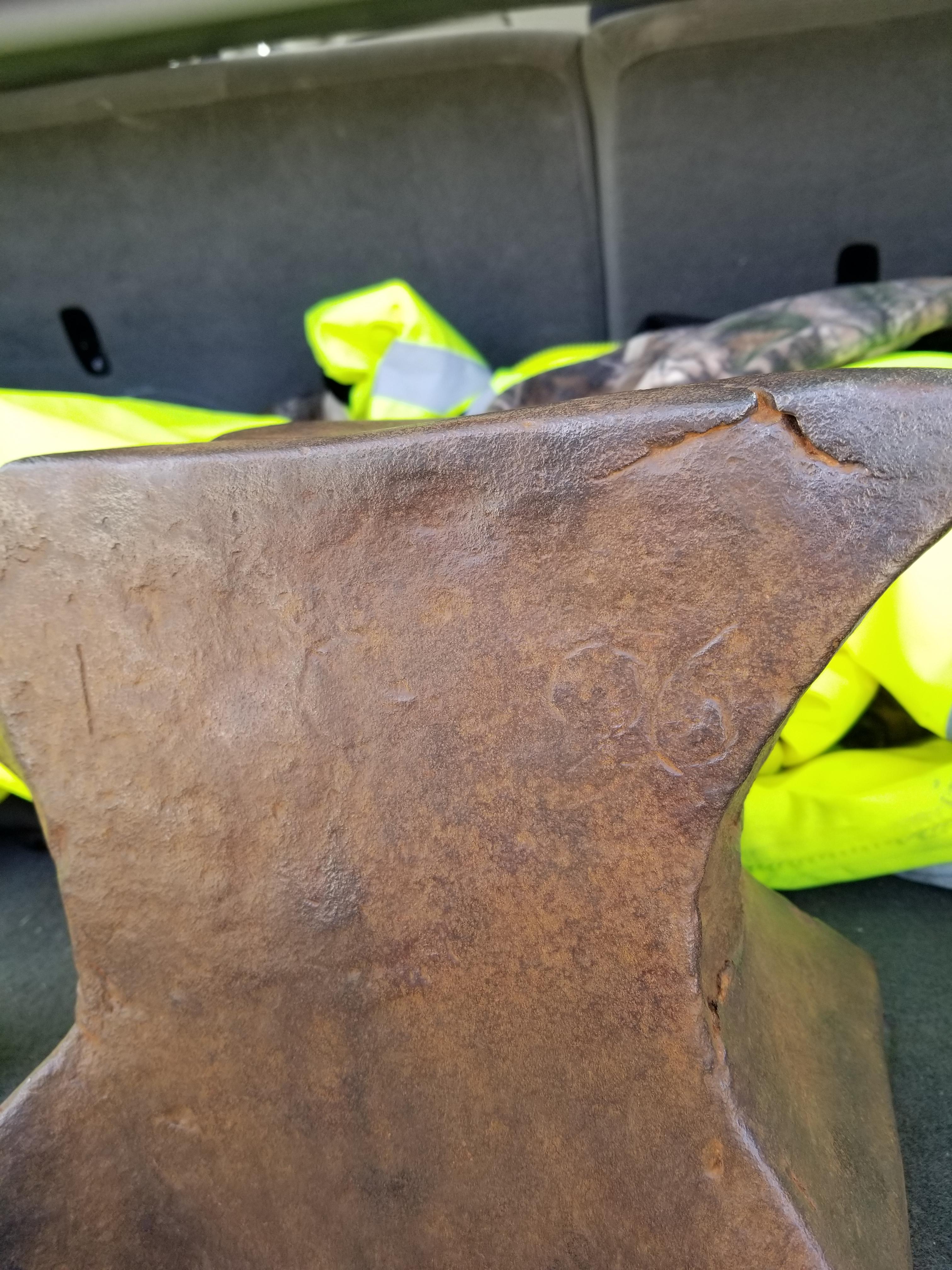
  2. I cleaned it up with just a wire brush. I found some numbers on it and did another ping test.20180406_102412.mp4
  3. I had my father in law who is a mechanic look at it and basically told me it was cast iron but I'm not sure. I've tried to find a forsure way of telling what it is. I have no idea of how to find out. I saw a video of a colonial anvil my size and style that was ductile cast iron that was tempered and the hammer ping on that guys sounds like mine. It rings with a high pitch. 20180404_130451.mp4 Maybe this can help figure it out this is a bounce test video very short
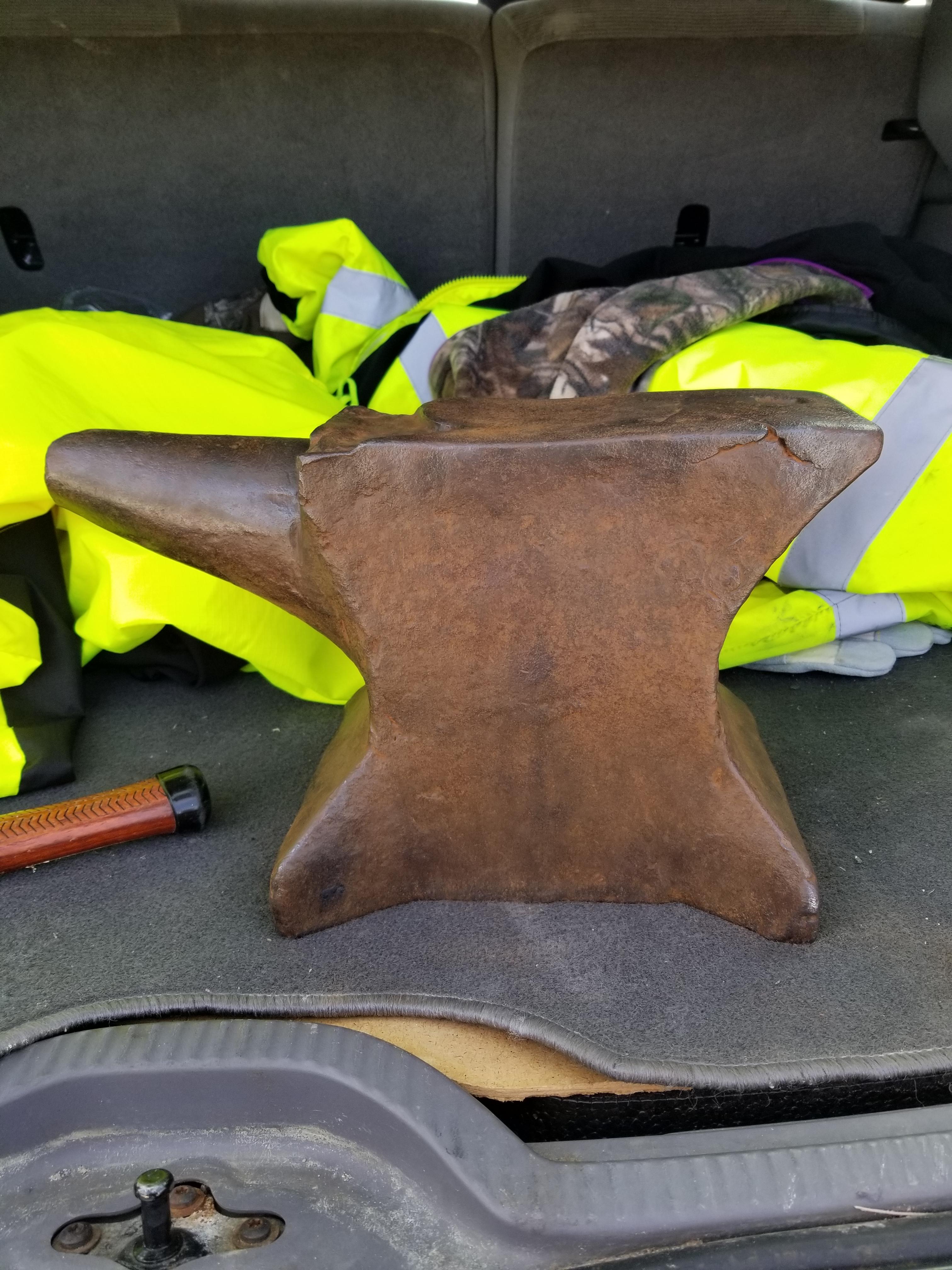
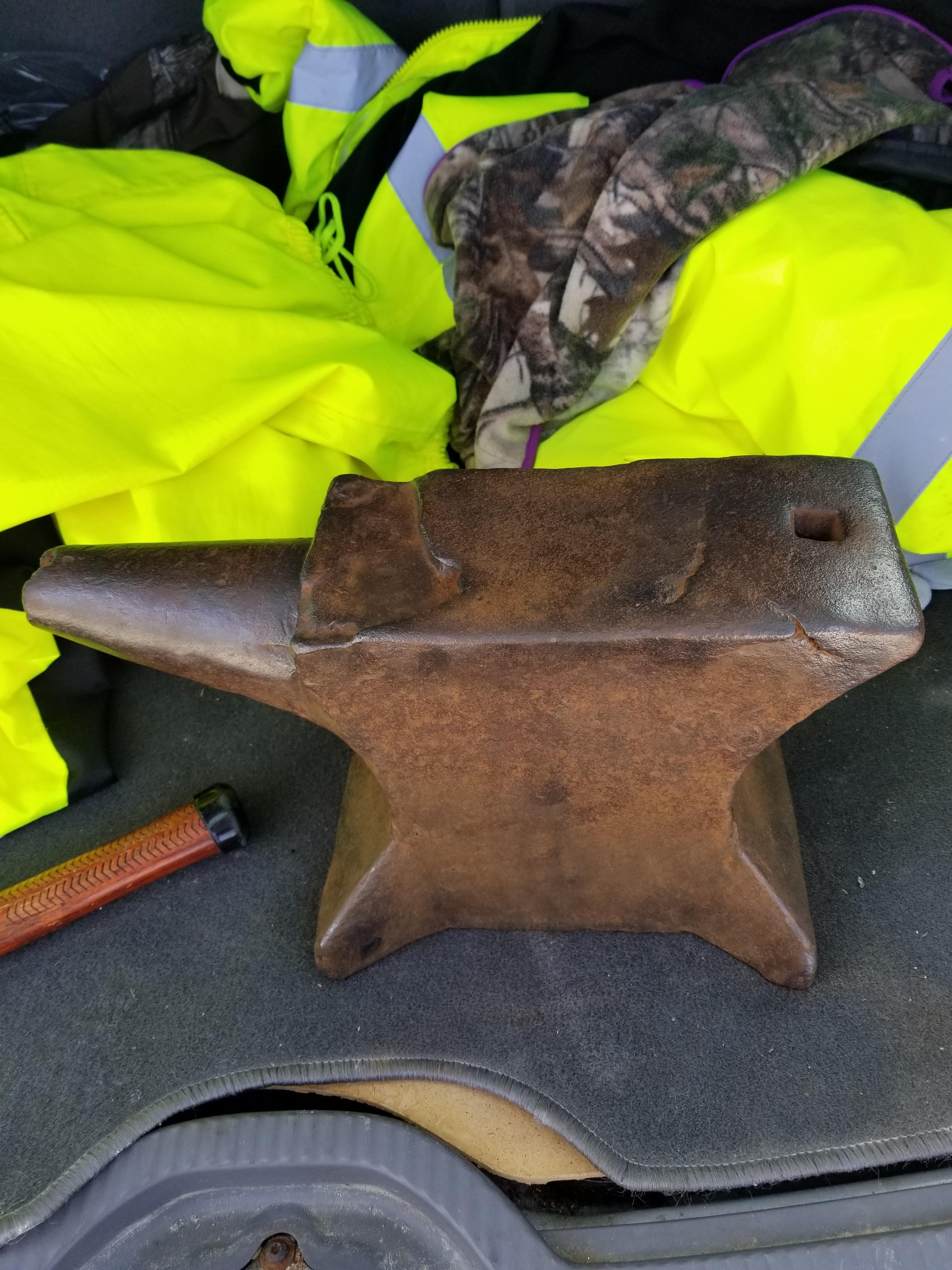
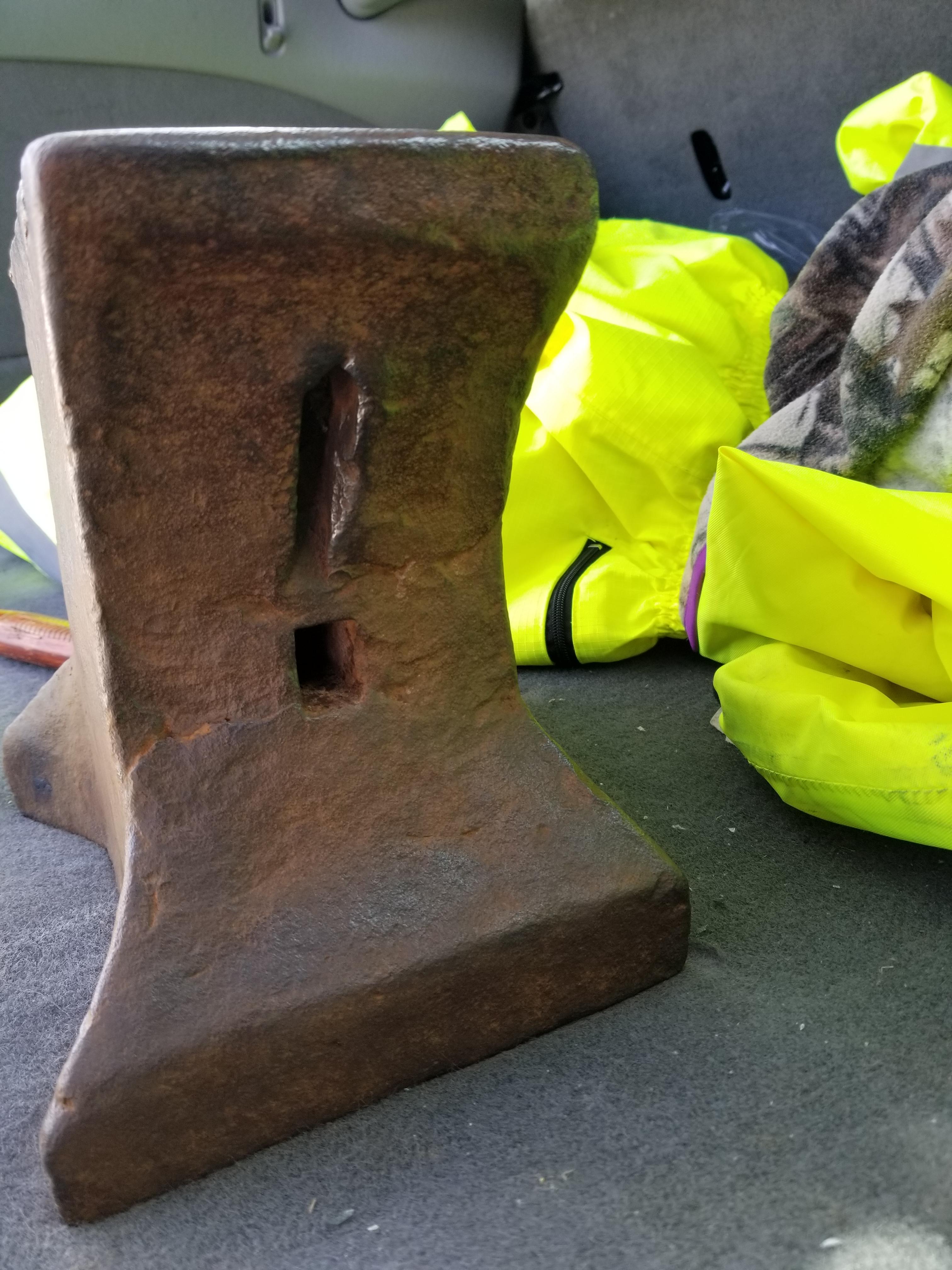
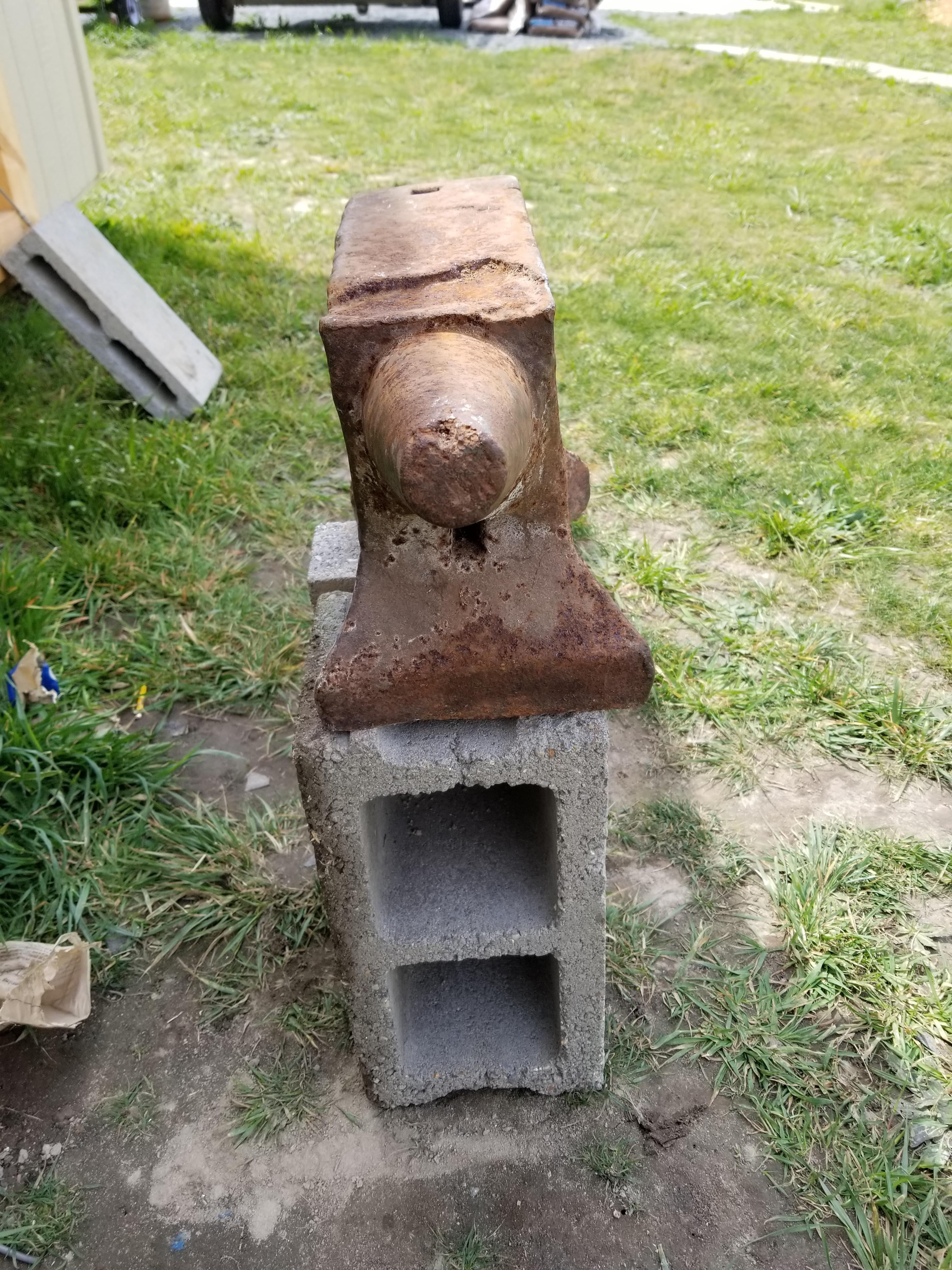
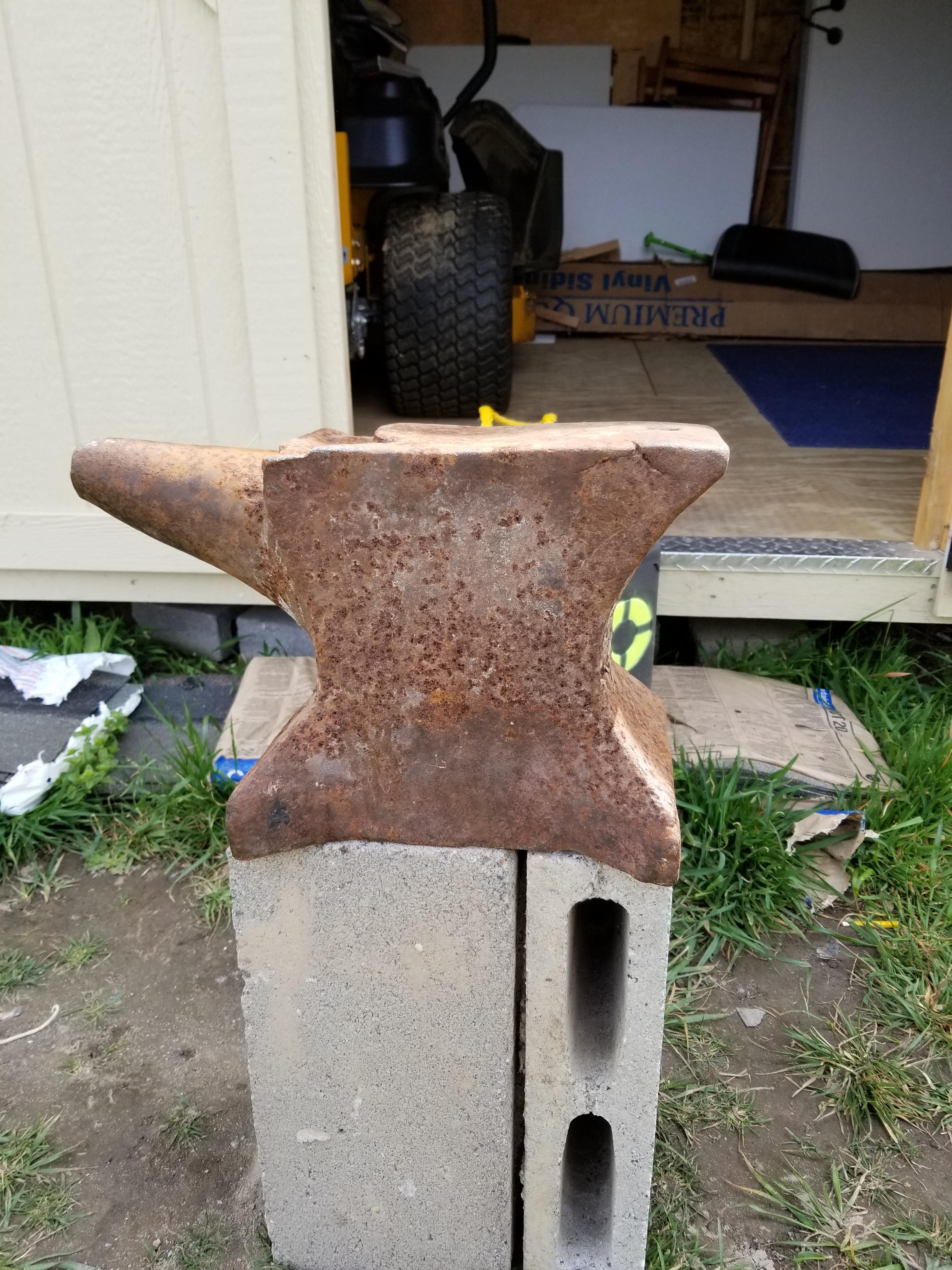
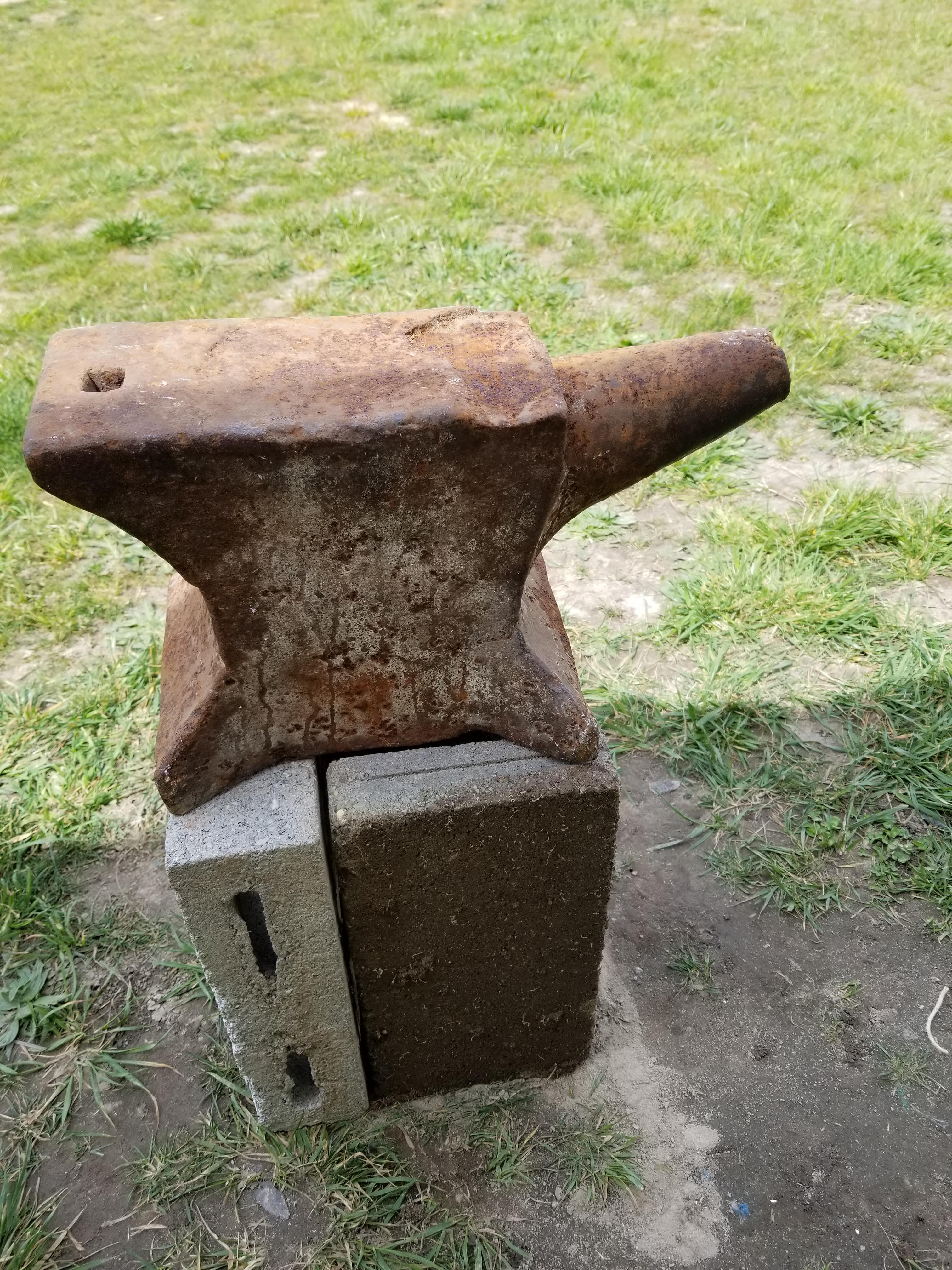
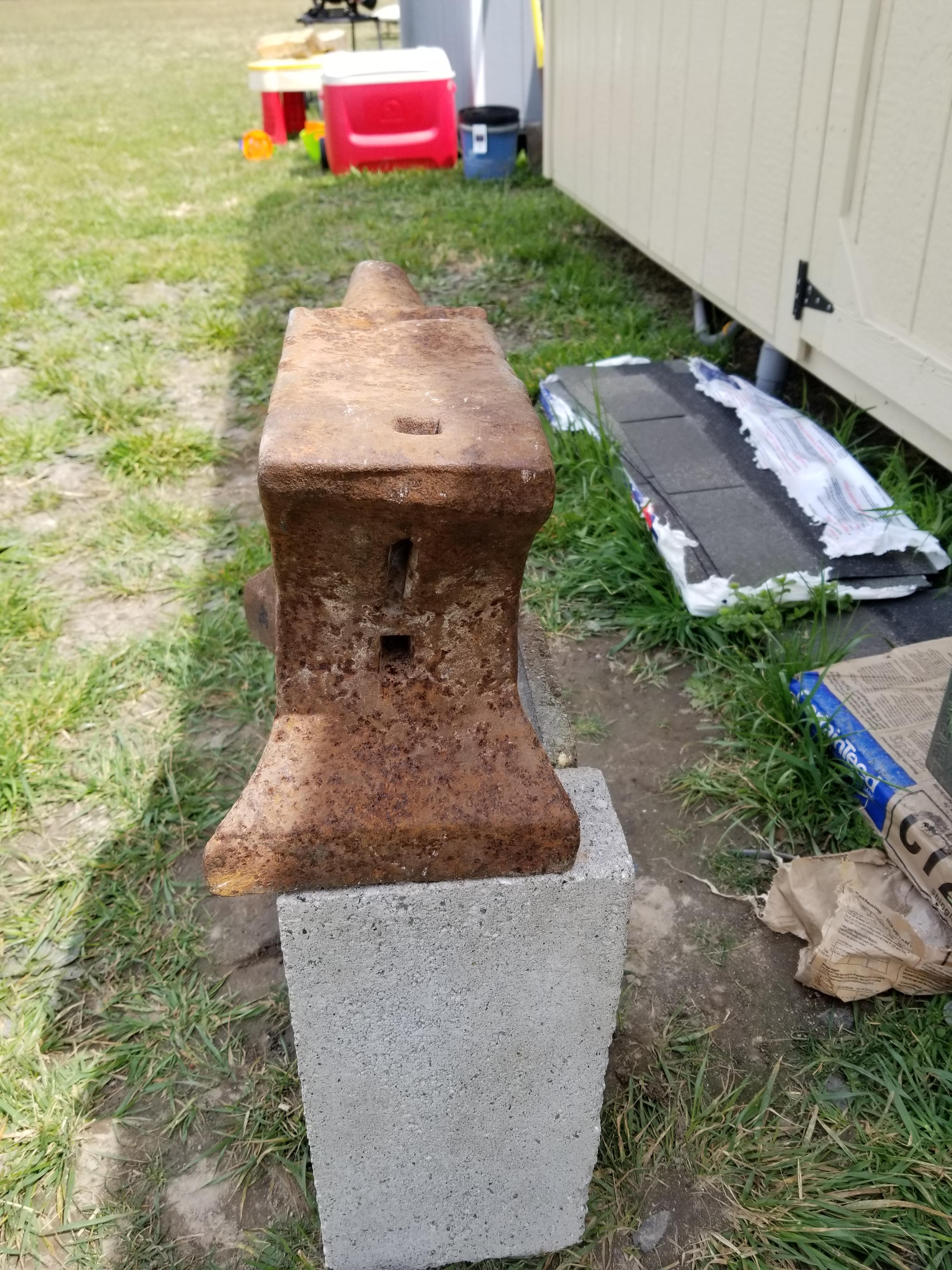
  4. I have found it the anvil is cast iron witch is a let down I thought it was steel or at least had a steel plate. I did clean it up with a wire brush since my last post. I paid $350 for this anvil so I'm wondering if I wasted my money. I don't want to damage it anymore then it already is but I want a anvil I can work on.
  5. My location is eastern shore of va
  6. I just bought this anvil I don't know the make and the only markings is on the side which says 96 on the far right so I think it's a year but I can see the first 2 numbers. Anyone know what kinds of make this might be.

Account

Navigation

Search

Search

Configure browser push notifications

Chrome (Android)
  1. Tap the lock icon next to the address bar.
  2. Tap Permissions → Notifications.
  3. Adjust your preference.
Chrome (Desktop)
  1. Click the padlock icon in the address bar.
  2. Select Site settings.
  3. Find Notifications and adjust your preference.