Skip to content
View in the app

A better way to browse. Learn more.

I Forge Iron

A full-screen app on your home screen with push notifications, badges and more.

To install this app on iOS and iPadOS
  1. Tap the Share icon in Safari
  2. Scroll the menu and tap Add to Home Screen.
  3. Tap Add in the top-right corner.
To install this app on Android
  1. Tap the 3-dot menu (⋮) in the top-right corner of the browser.
  2. Tap Add to Home screen or Install app.
  3. Confirm by tapping Install.

csatexas

Members
  • Joined

  • Last visited

  1. Will have a tripod built for it. Mainly to use around the shop. It really has a ring to it. The guy had another 150 pound that had a duller sound.
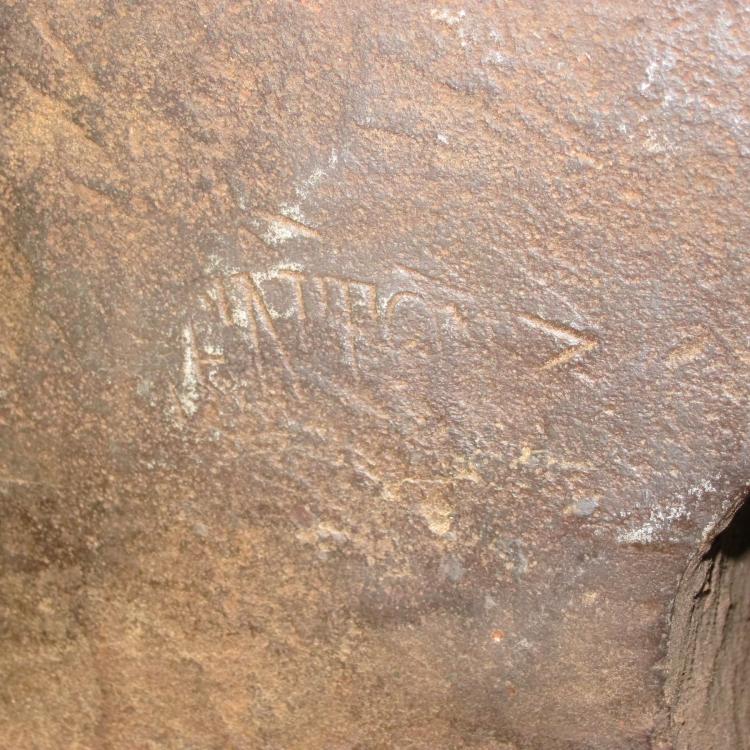
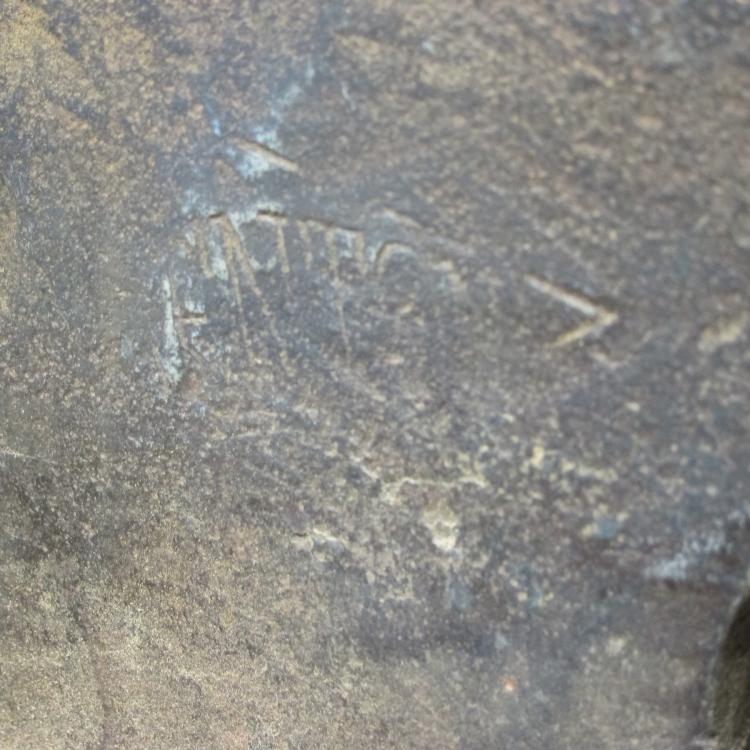
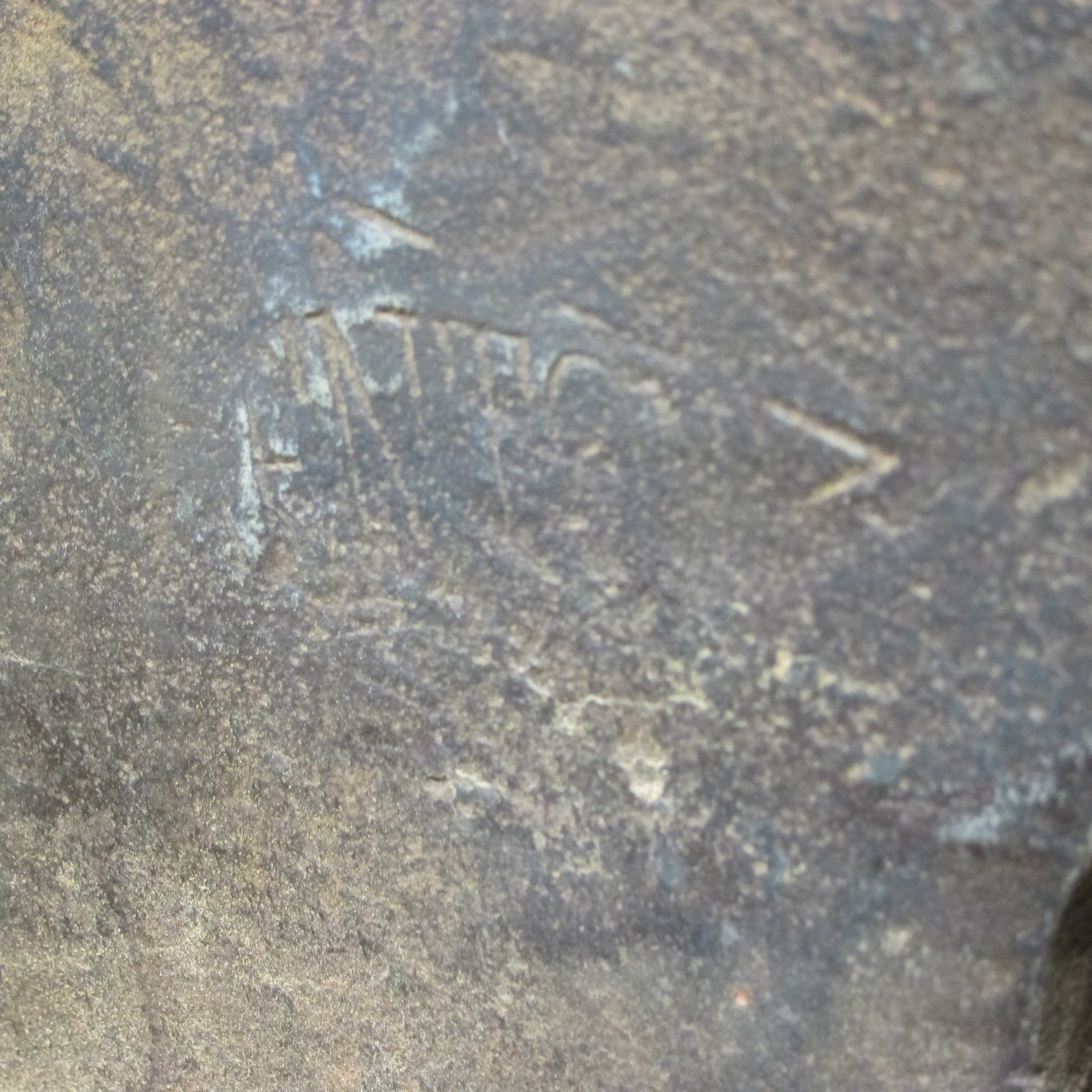
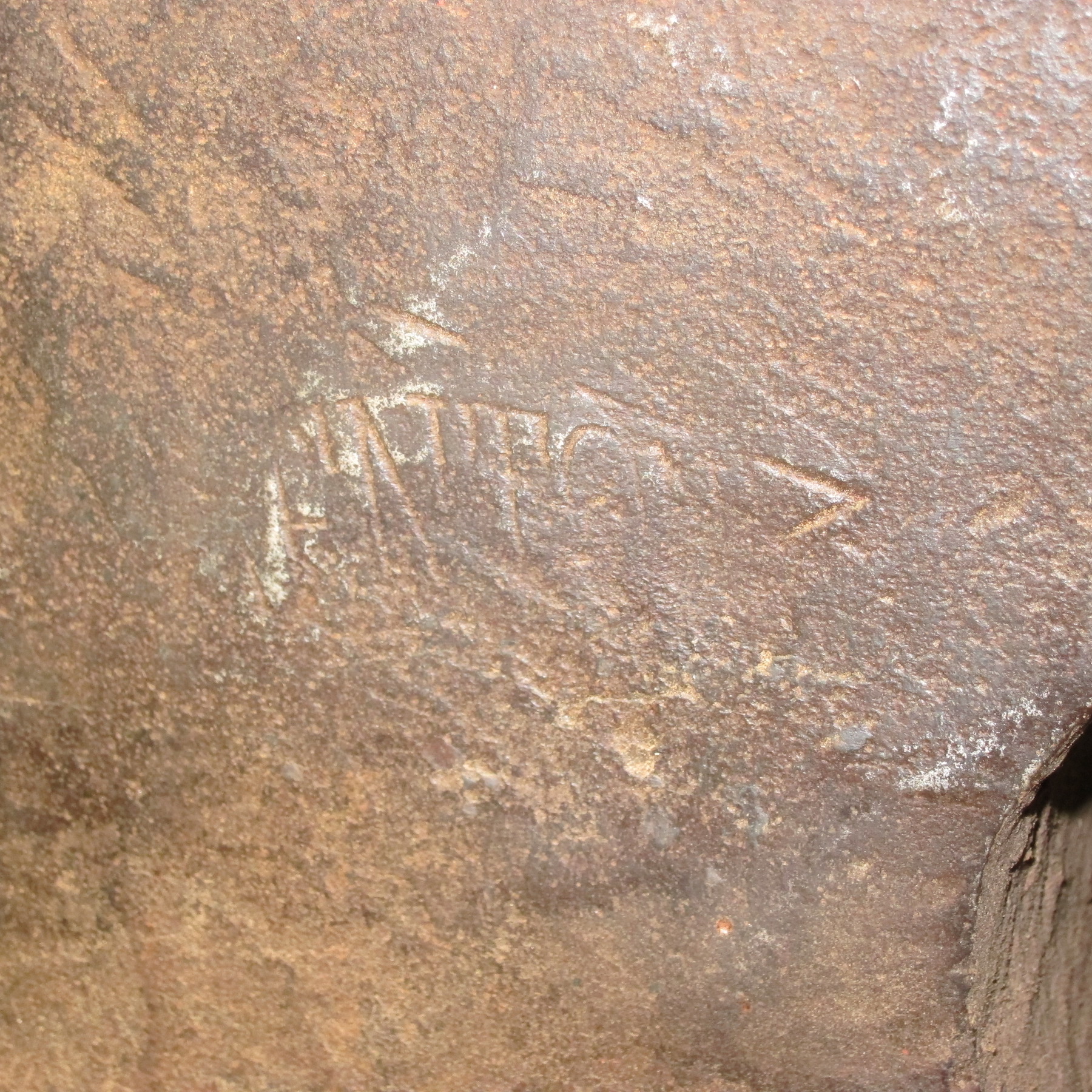
  2. Wouldn't do much good. You can see the TON in Trenton and that's about it.
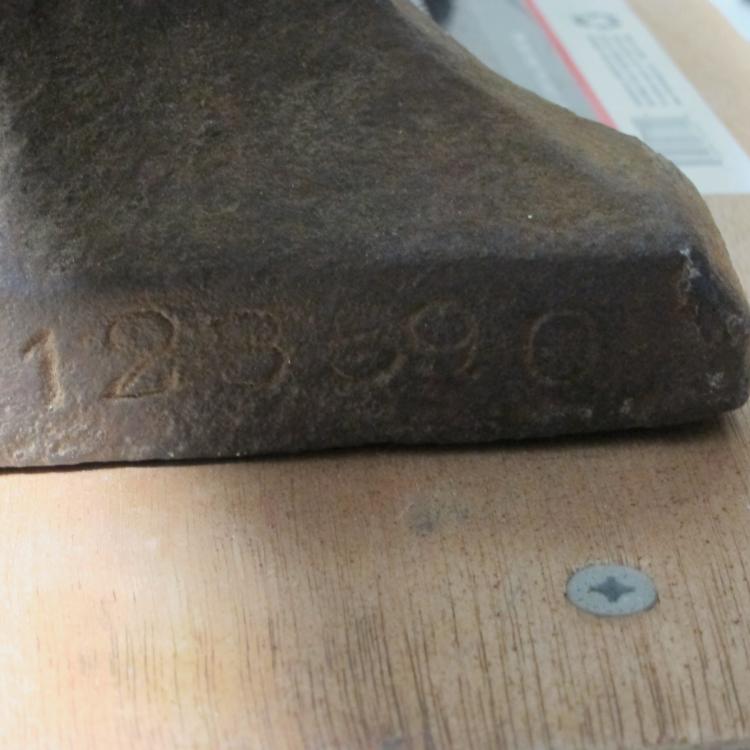
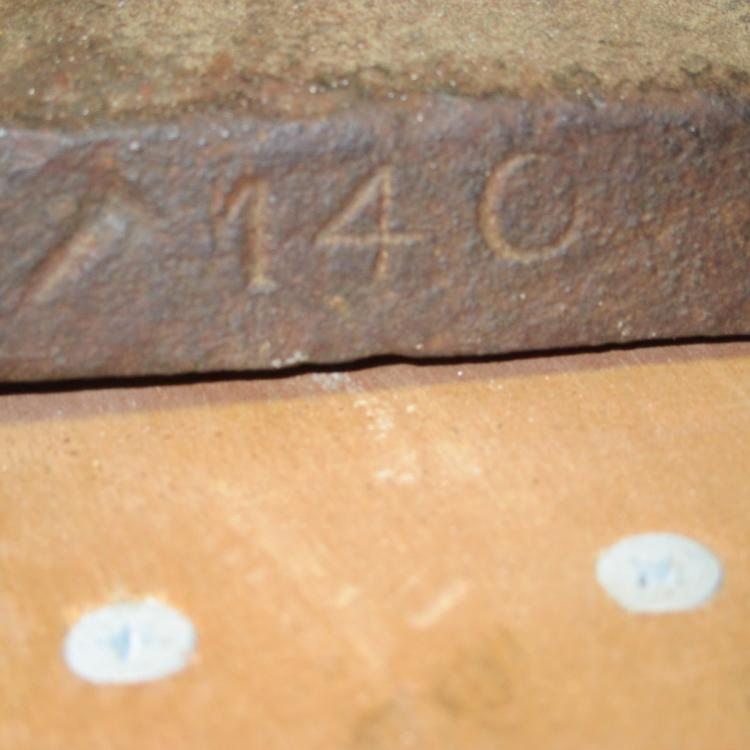
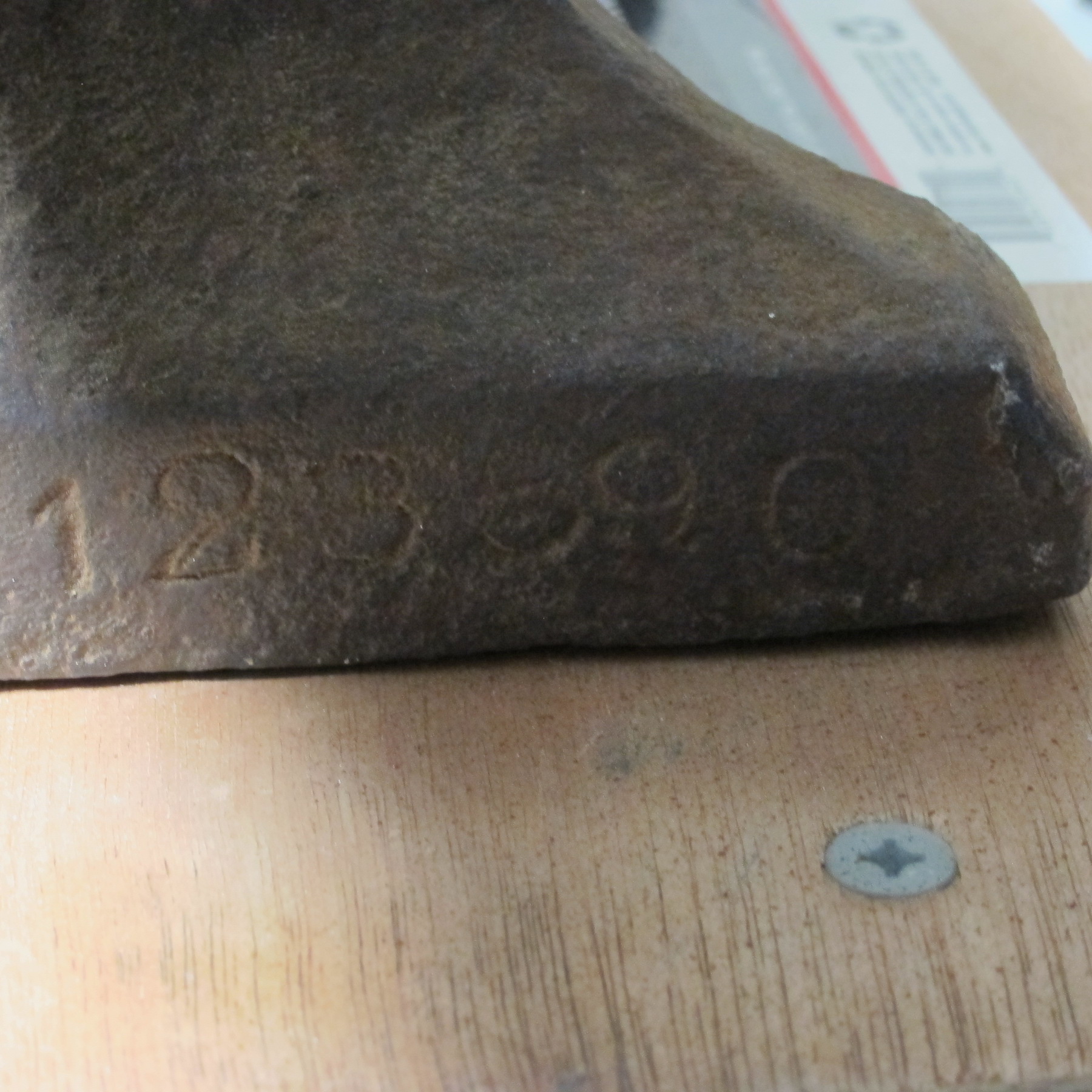
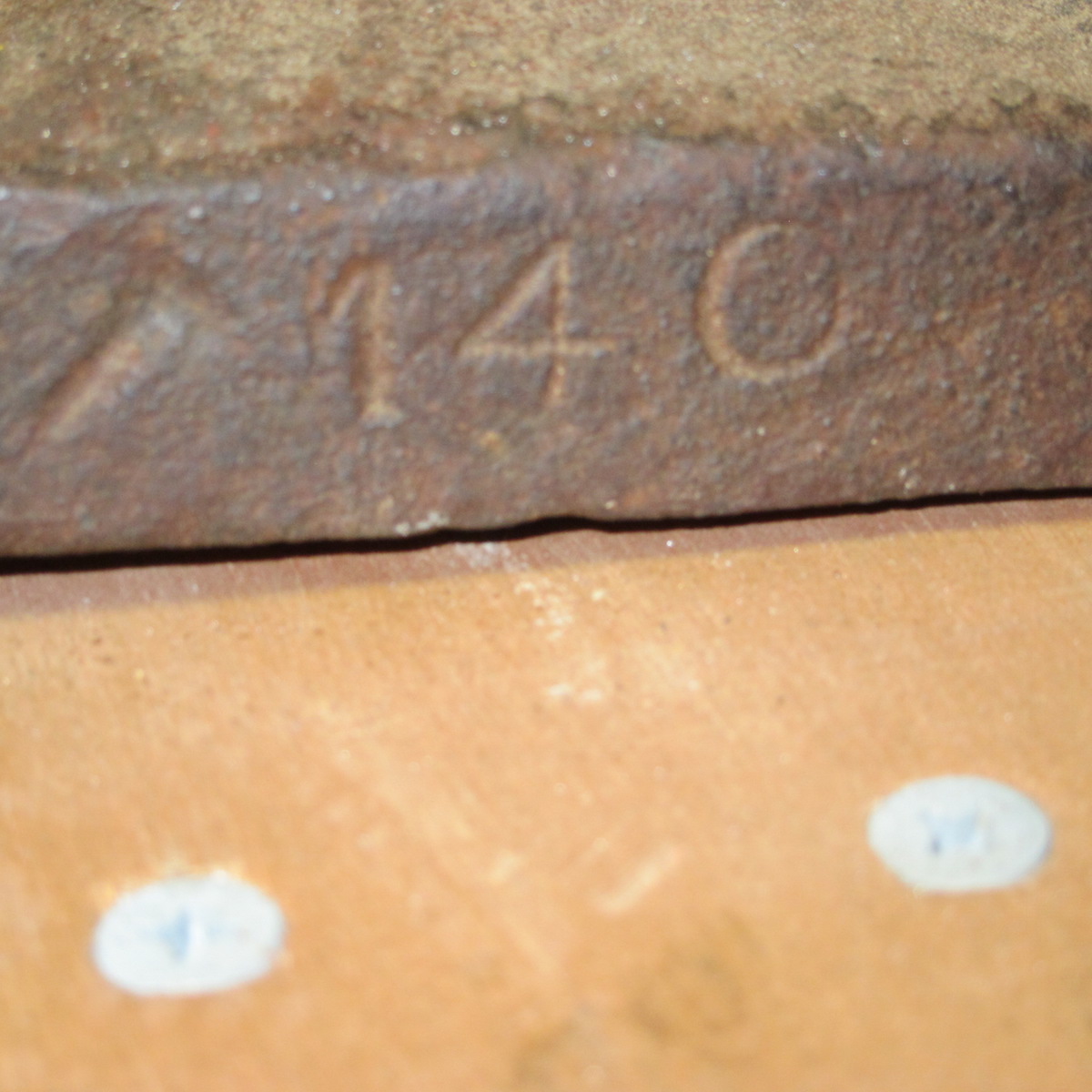
  3. Hey, I am a new member and just ran across a 140 pound Trenton. It has 123590 0n the front and a U on the underside. Can anybody tell me when it was made? I bought it at a flea market and will use it here on the ranch. Anvils aren't cheap in my area of the world, but this one was reasonable, and I am glad to have it. Thanks for any help!

Account

Navigation

Search

Search

Configure browser push notifications

Chrome (Android)
  1. Tap the lock icon next to the address bar.
  2. Tap Permissions → Notifications.
  3. Adjust your preference.
Chrome (Desktop)
  1. Click the padlock icon in the address bar.
  2. Select Site settings.
  3. Find Notifications and adjust your preference.