Skip to content
View in the app

A better way to browse. Learn more.

I Forge Iron

A full-screen app on your home screen with push notifications, badges and more.

To install this app on iOS and iPadOS
  1. Tap the Share icon in Safari
  2. Scroll the menu and tap Add to Home Screen.
  3. Tap Add in the top-right corner.
To install this app on Android
  1. Tap the 3-dot menu (⋮) in the top-right corner of the browser.
  2. Tap Add to Home screen or Install app.
  3. Confirm by tapping Install.

Mortisx99

Members
  • Joined

  • Last visited

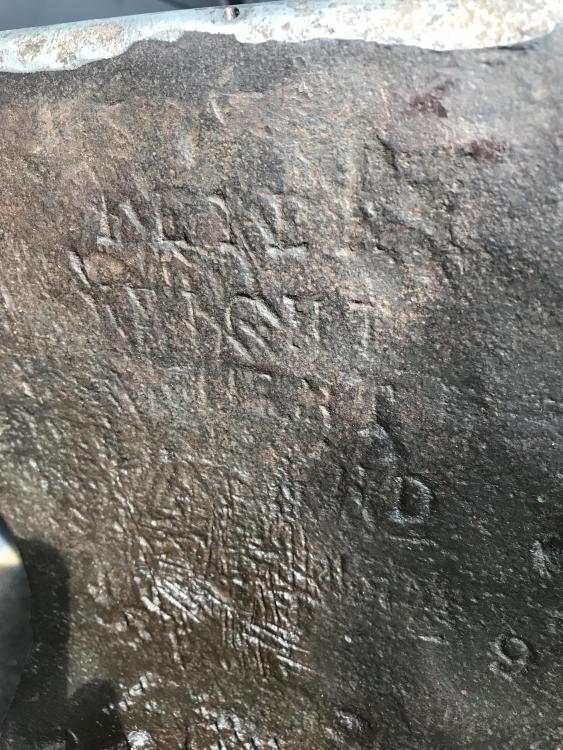
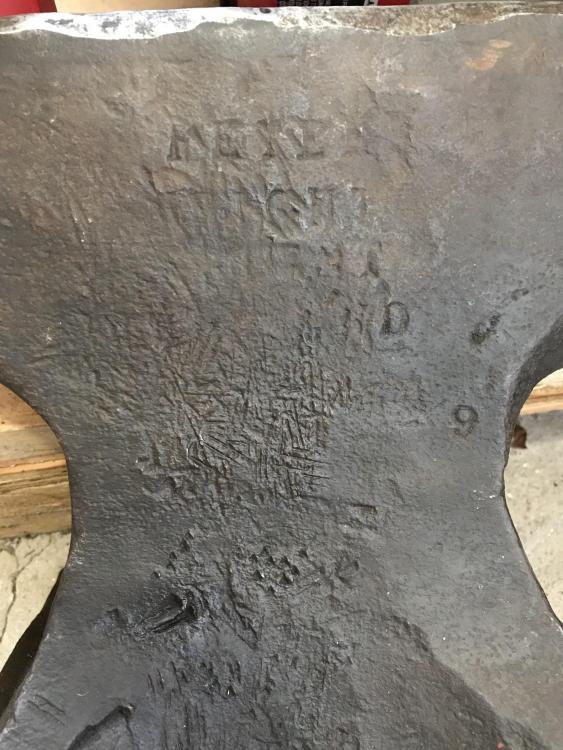
  1. You believe so? I was thinking that as the one word looks like “wright” but the first I can’t see being “Peter”. But it I’ll go with it. I honestly have no idea at all. Thank you! Appreciate it.
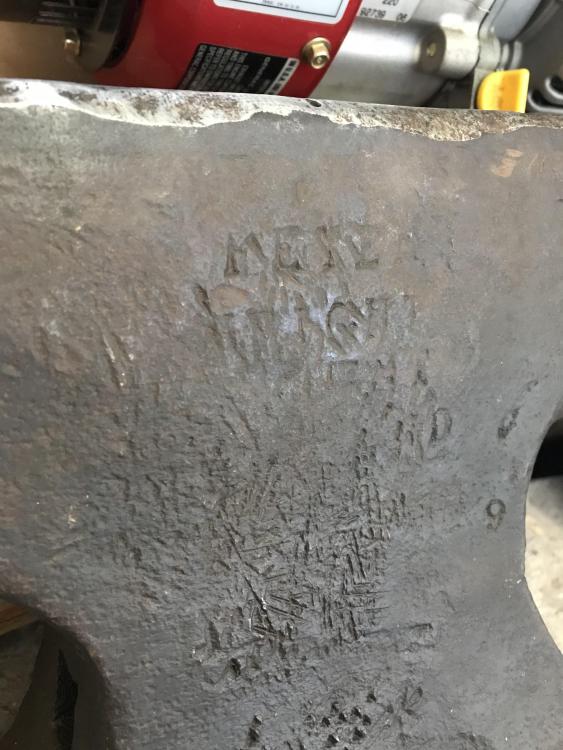
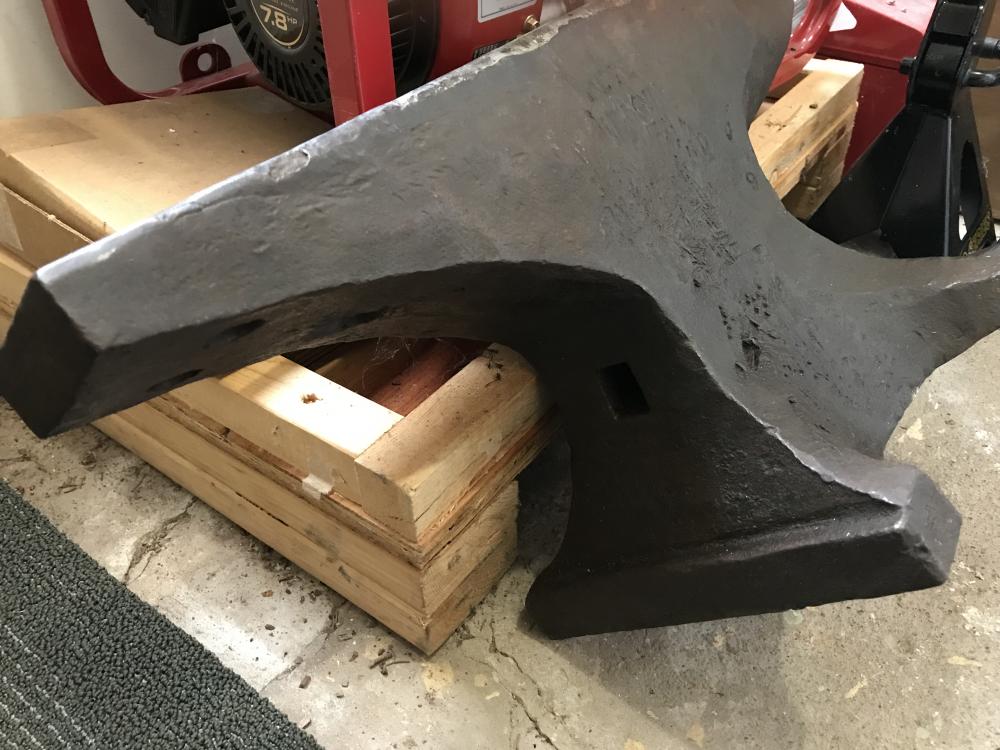
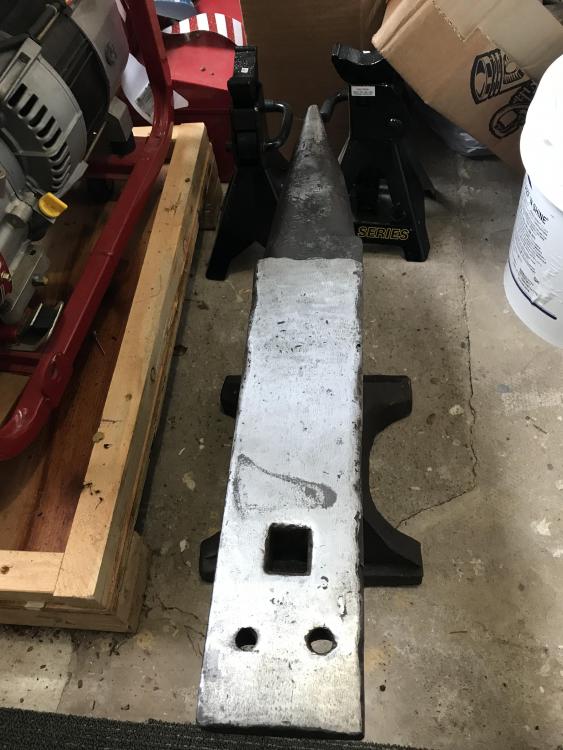
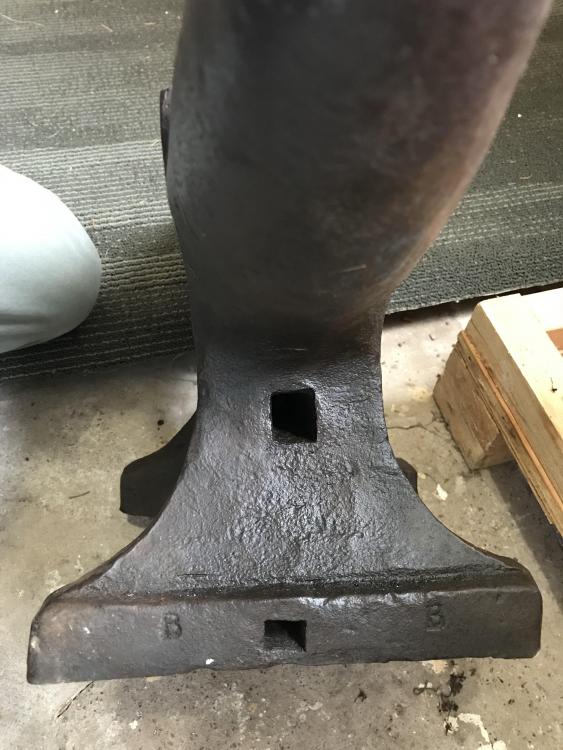
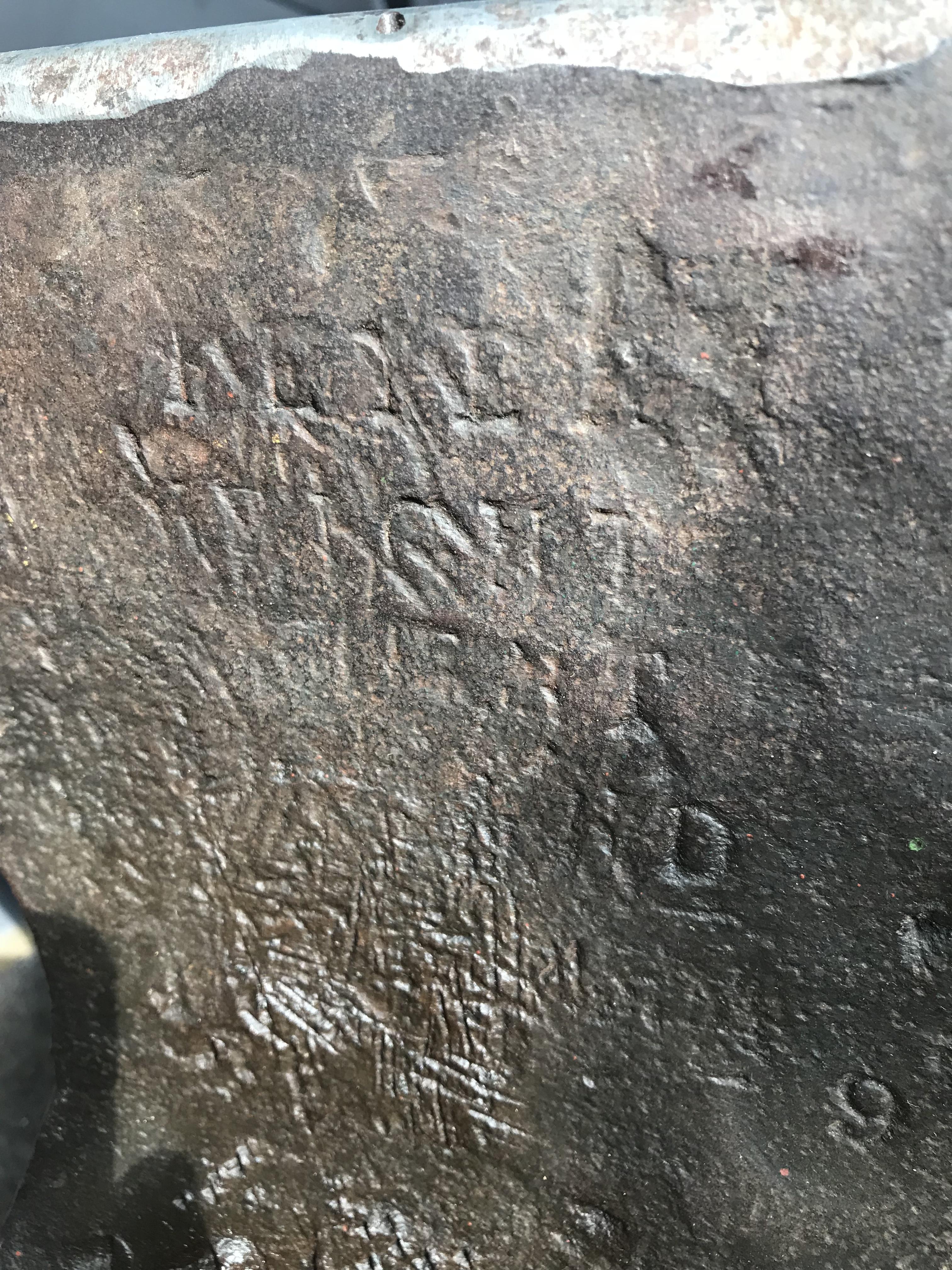
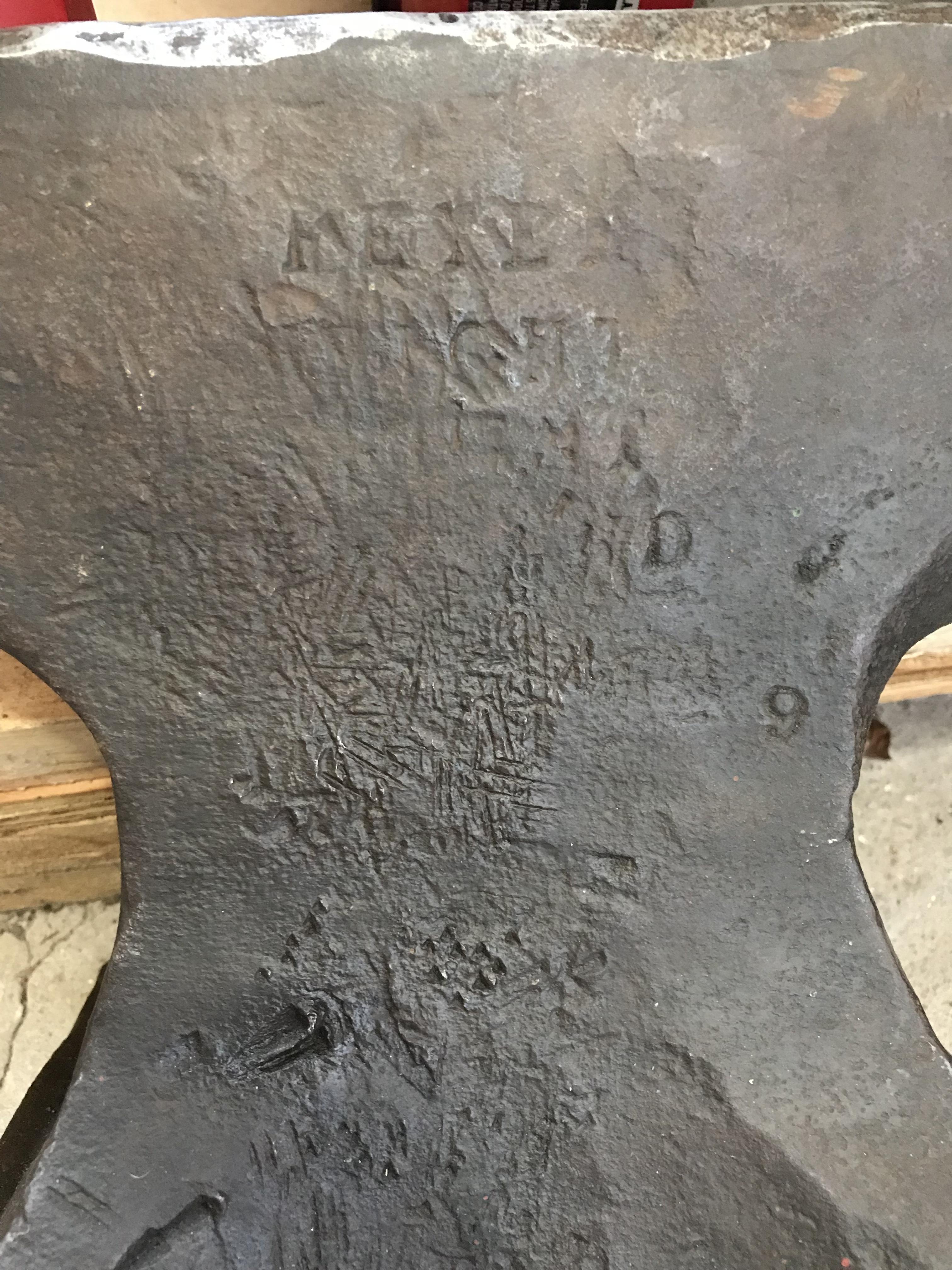
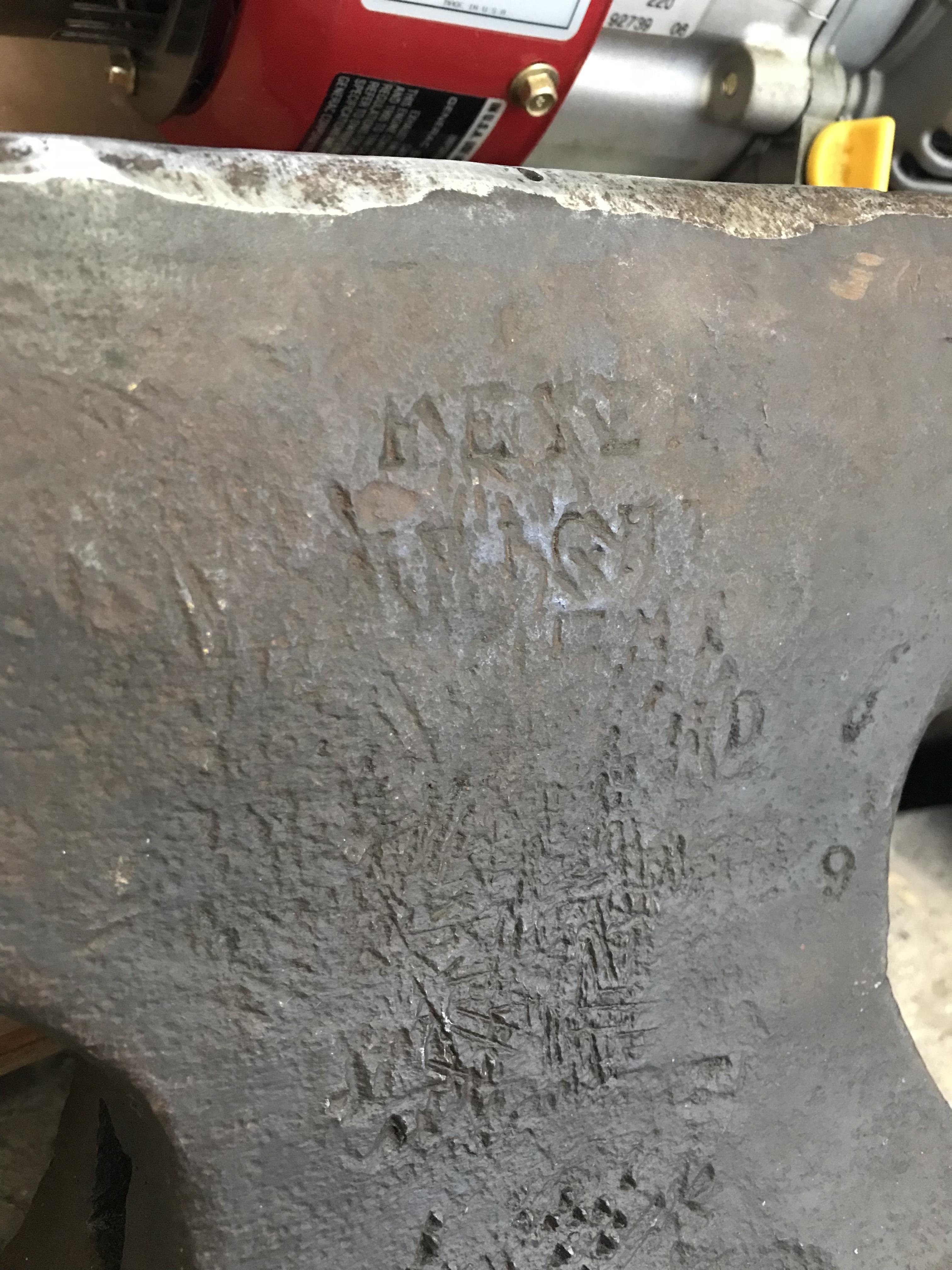
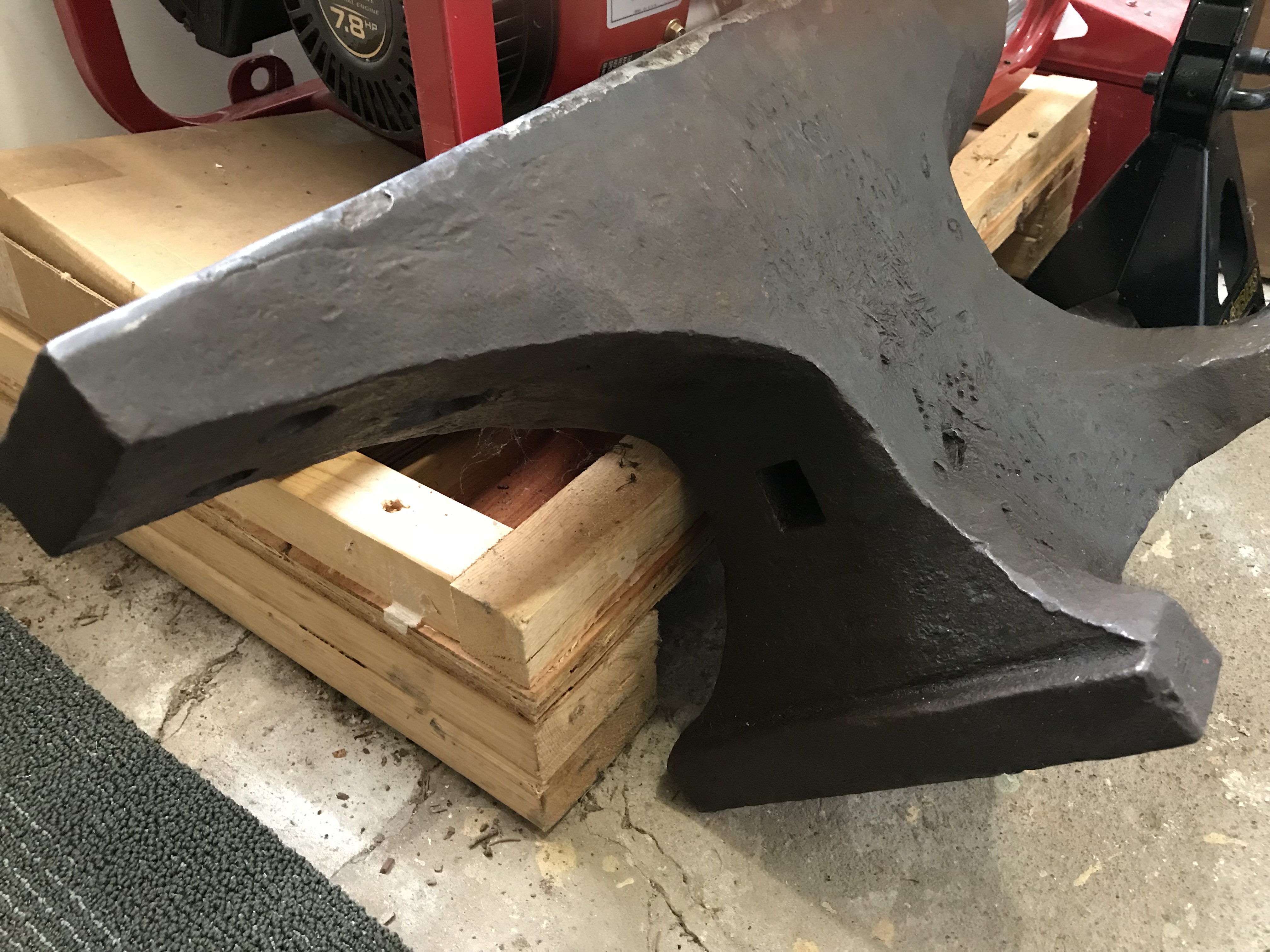
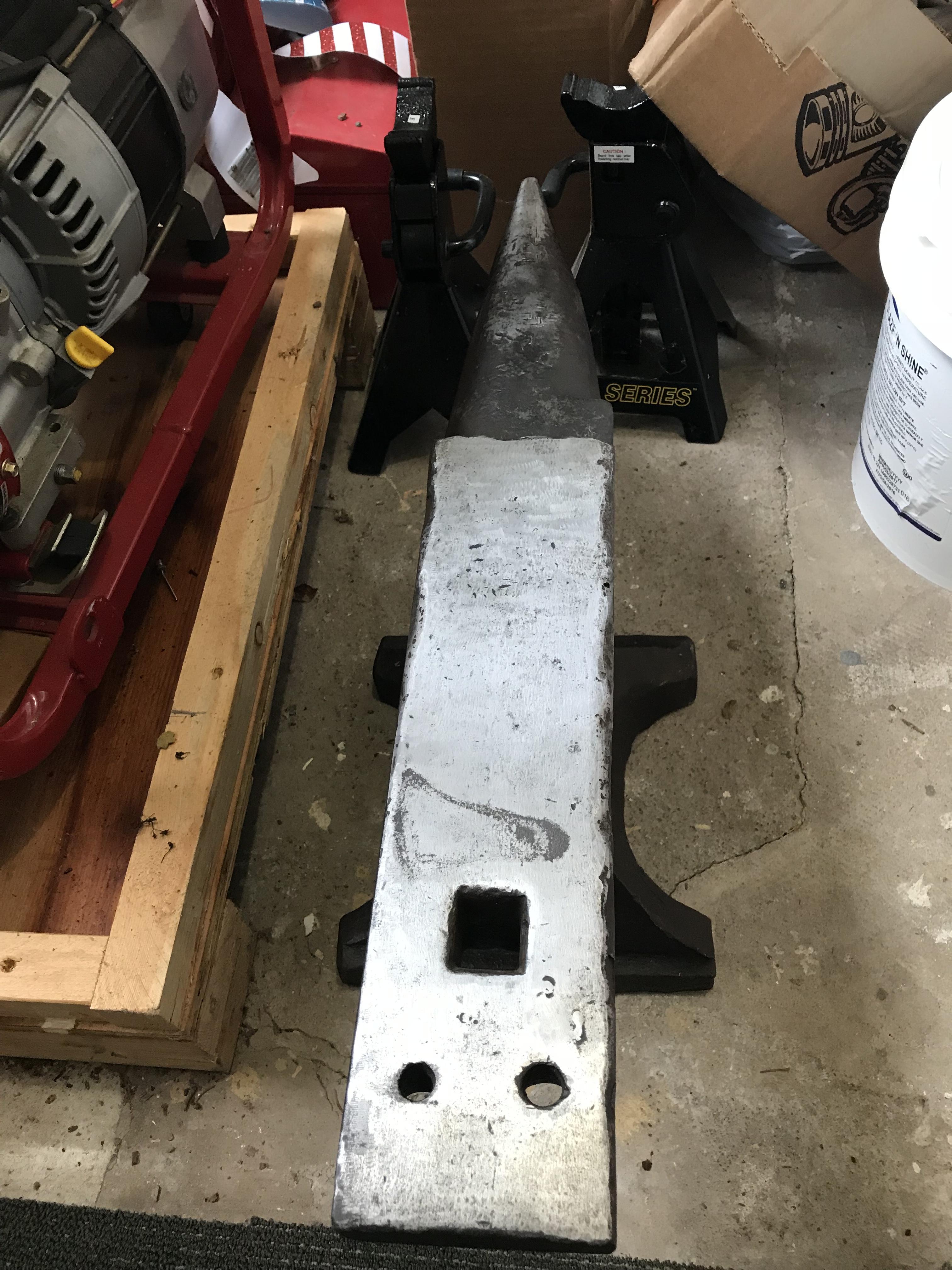
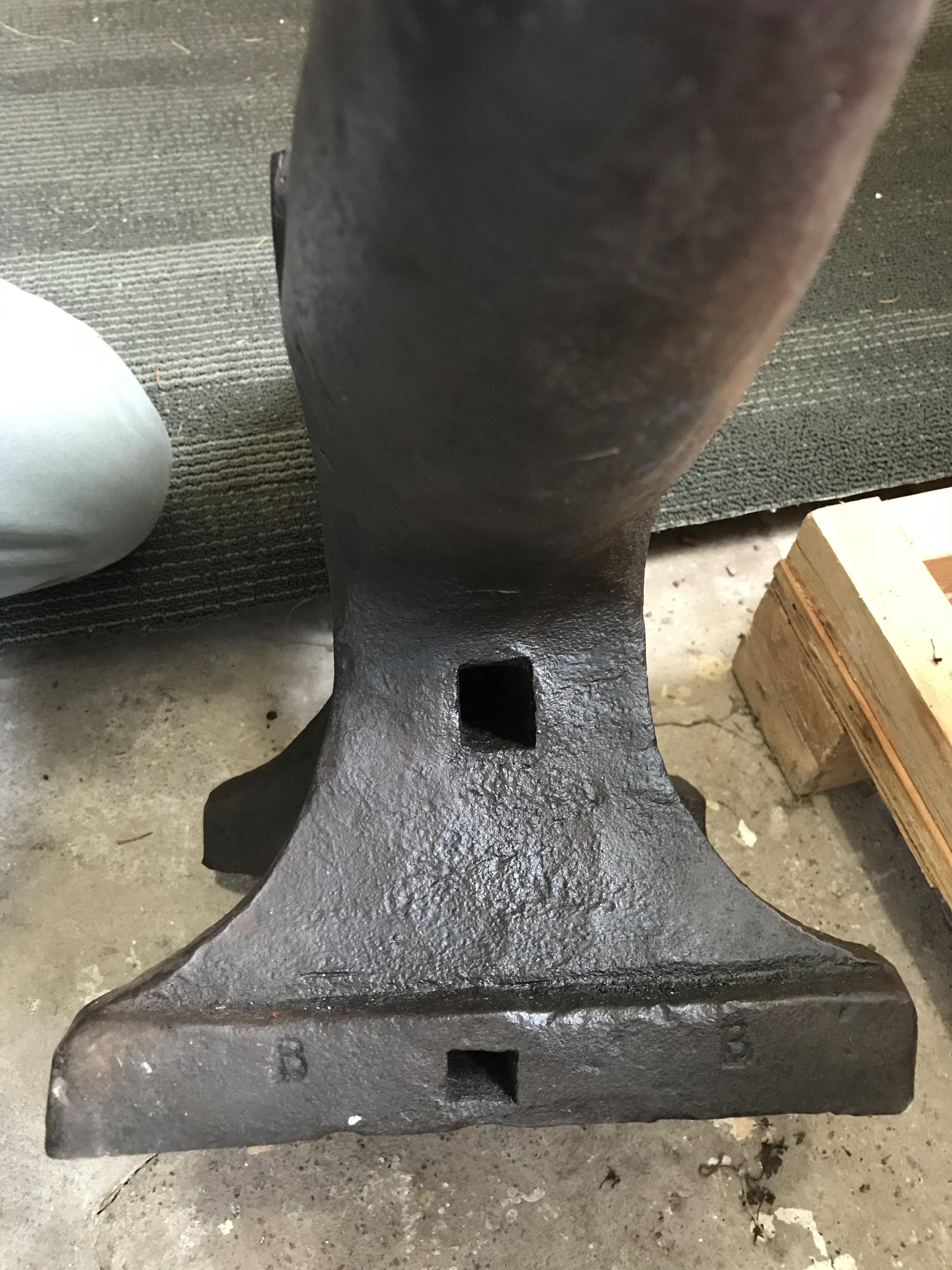
  2. Just picked this up today and trying to figure what it is. A LOT of the markings on the right side are a mess and hard to read much. Its 25 inches long 4 wide and 11 high. The work face is 15 inches long. Seems to be a one inch hardie and it has 2 Pritchel holes. There are also 2 “B”s on the bottom of the front feet
Account

Navigation

Search

Search

Configure browser push notifications

Chrome (Android)
  1. Tap the lock icon next to the address bar.
  2. Tap Permissions → Notifications.
  3. Adjust your preference.
Chrome (Desktop)
  1. Click the padlock icon in the address bar.
  2. Select Site settings.
  3. Find Notifications and adjust your preference.