Todd45acp
Members
-
Joined
-
Last visited
Everything posted by Todd45acp
-
Ok I understand now. it has the caplet indentation in the base. Thank you
-
Frosty No worries. I gained some info about the Soderfors in the process. Stash thanks so much for decoding the Serial number for me Thomas I will have to look into what the caplet id is, Another term I am not familiar with. Thanks everyone
-
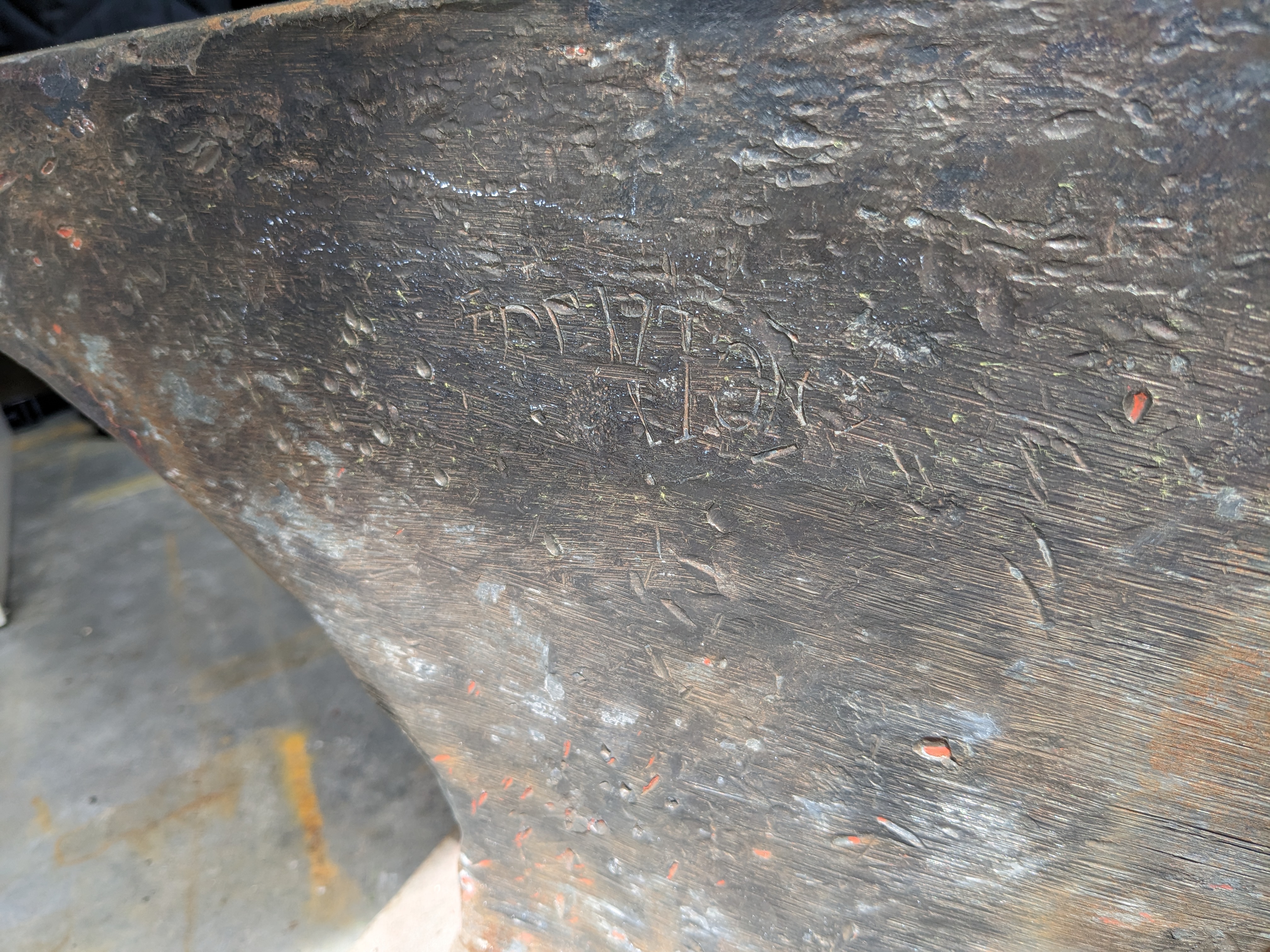
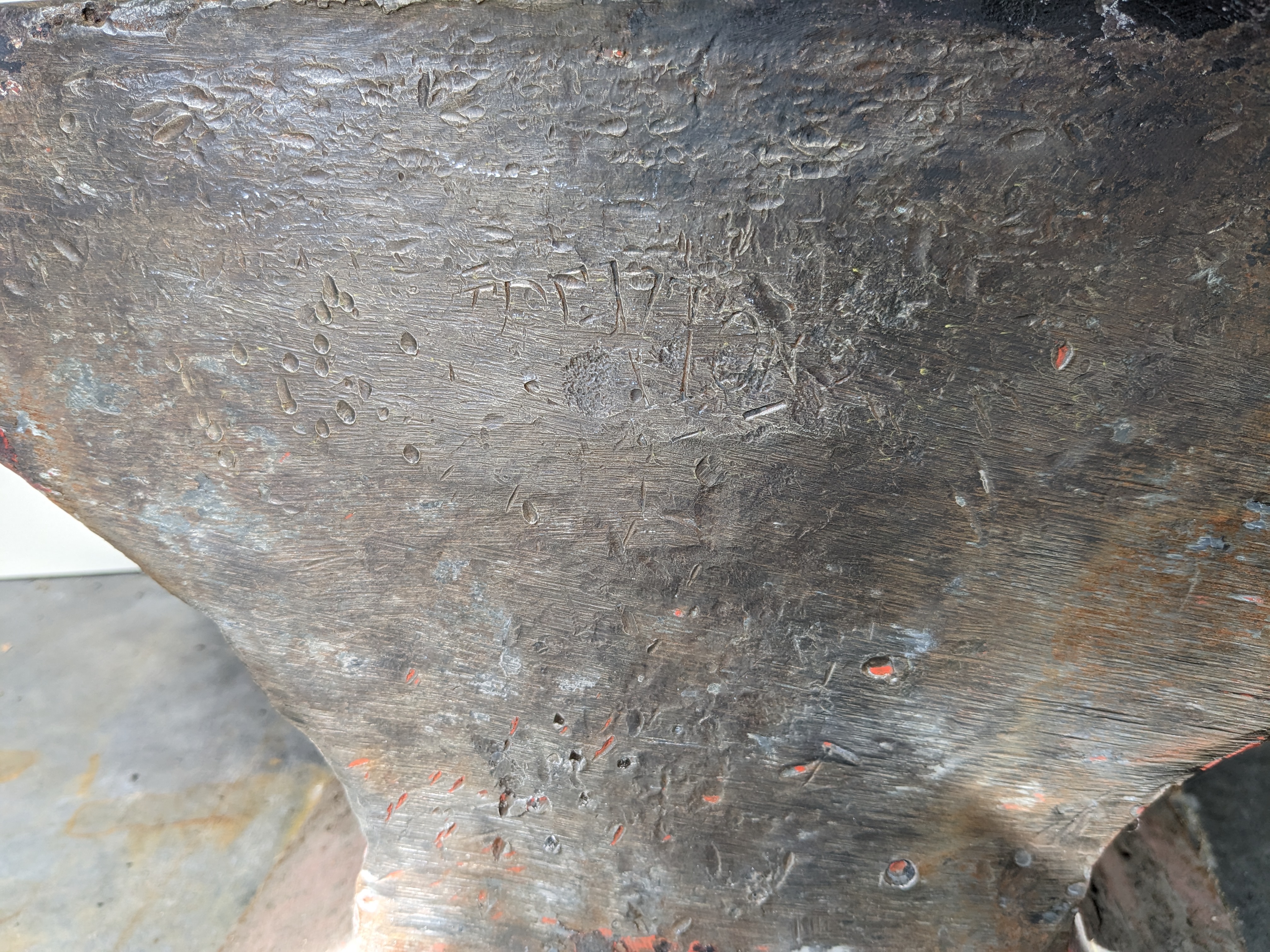
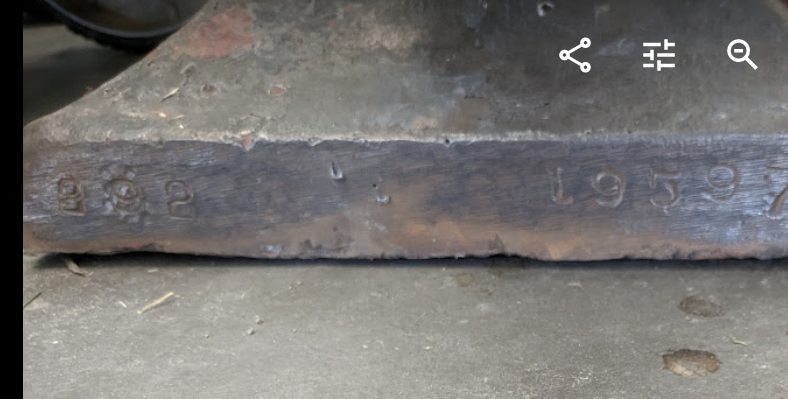
looks like 195973. I am guessing the 292 on the opposite side of the foot is the weight? Thanks
-
Any input as to what or if the serial number means anything? I have been becoming more attached to this thing the more I read. Thanks
-
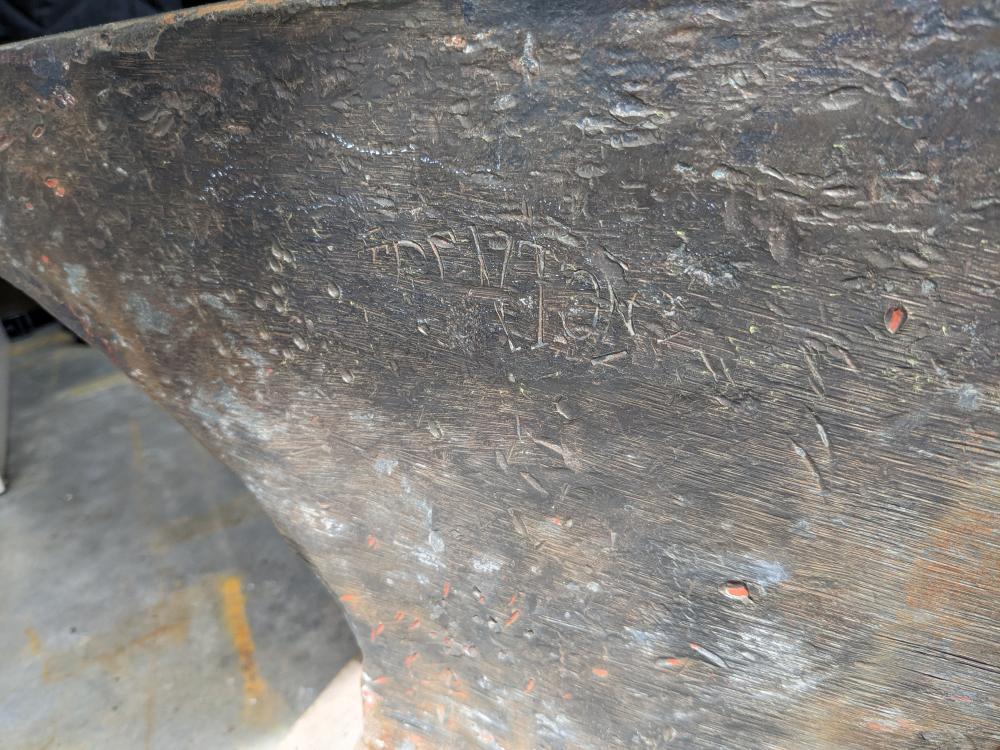
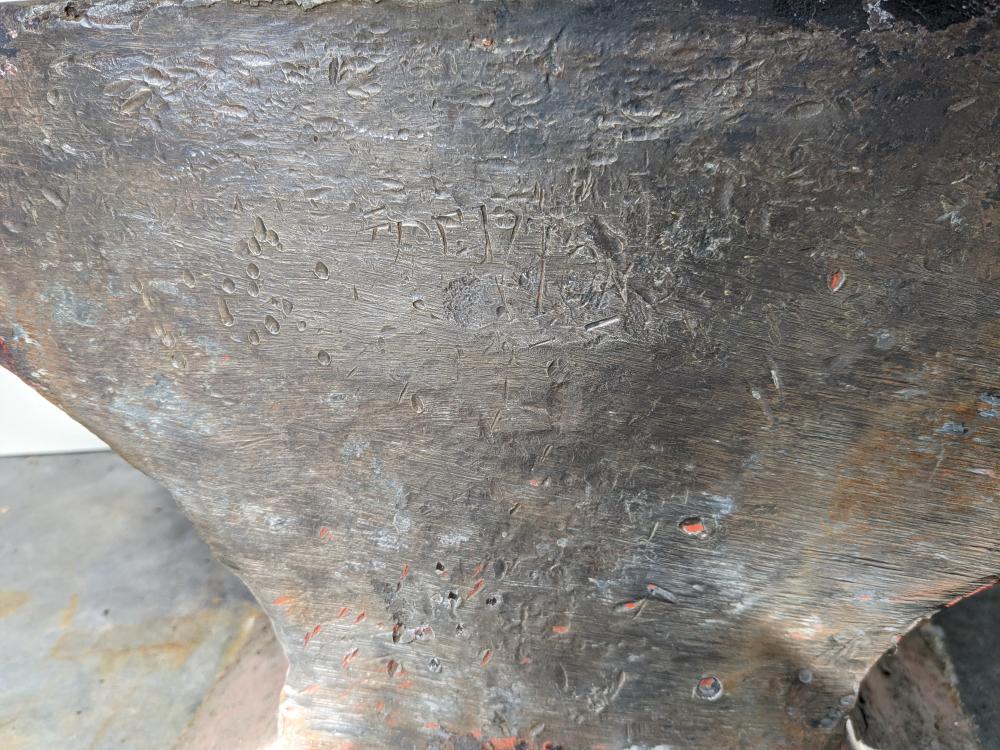
I cleaned it up with a cup wheel. The markings are hard to make out but it looks like TRENTON? says 292 on the foot and what looks like a serial number. Were these serialized? Thank you for explaining that to me. Very interesting stuff. I am learning a lot here.
-
Frosty You reference Soderfors. I have never heard that term. What does it mean?
-
Utah, Central
-
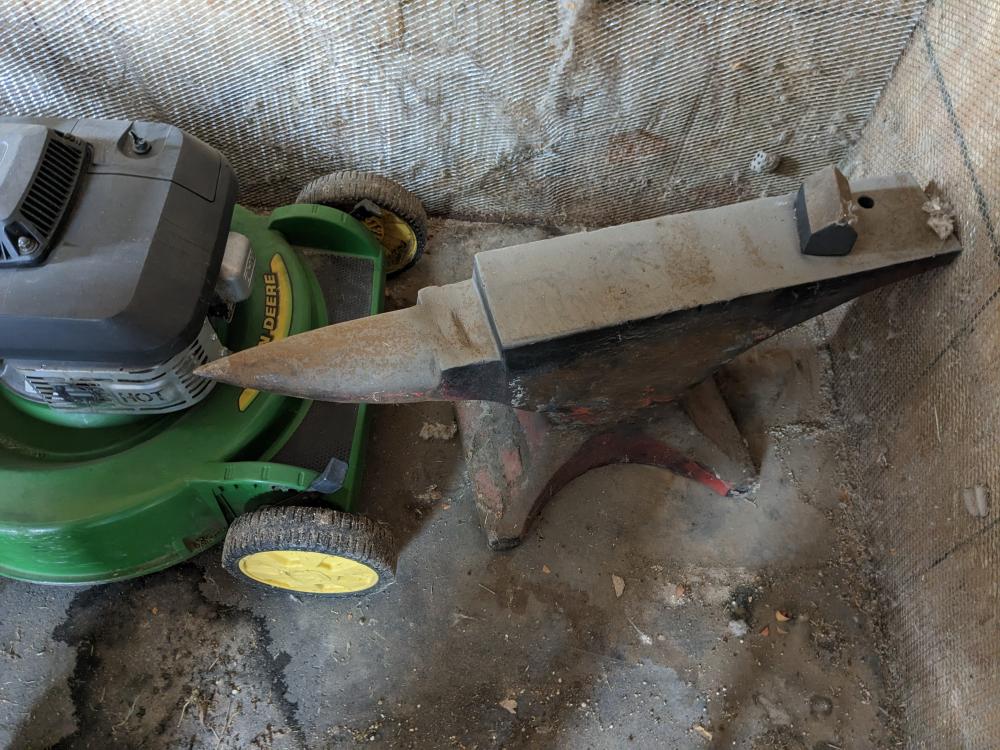
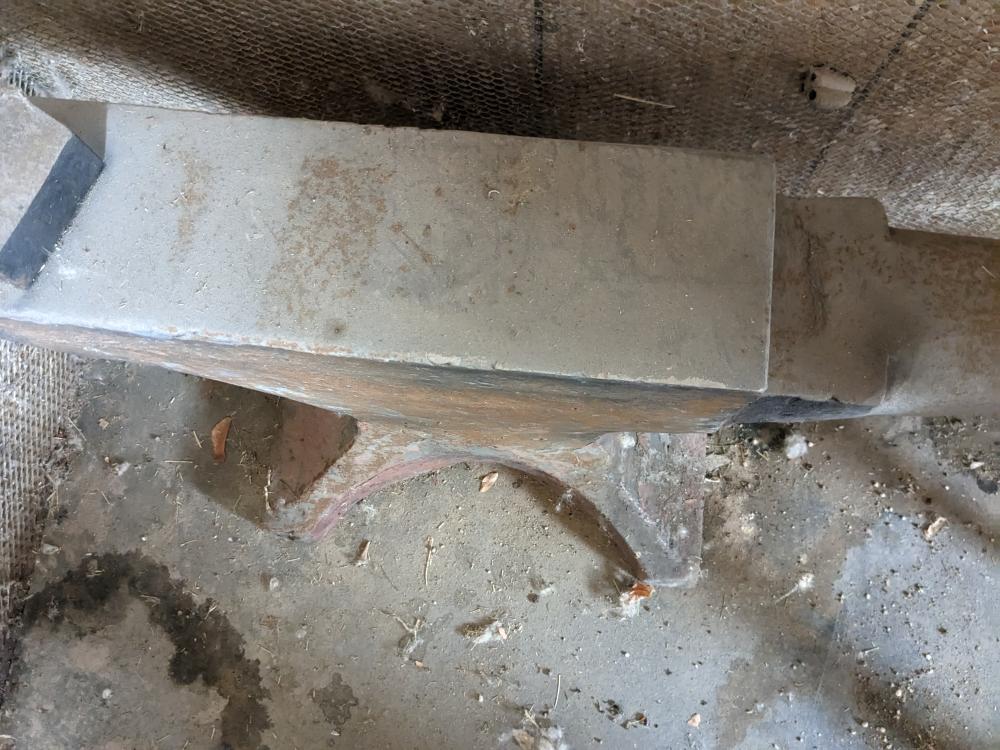
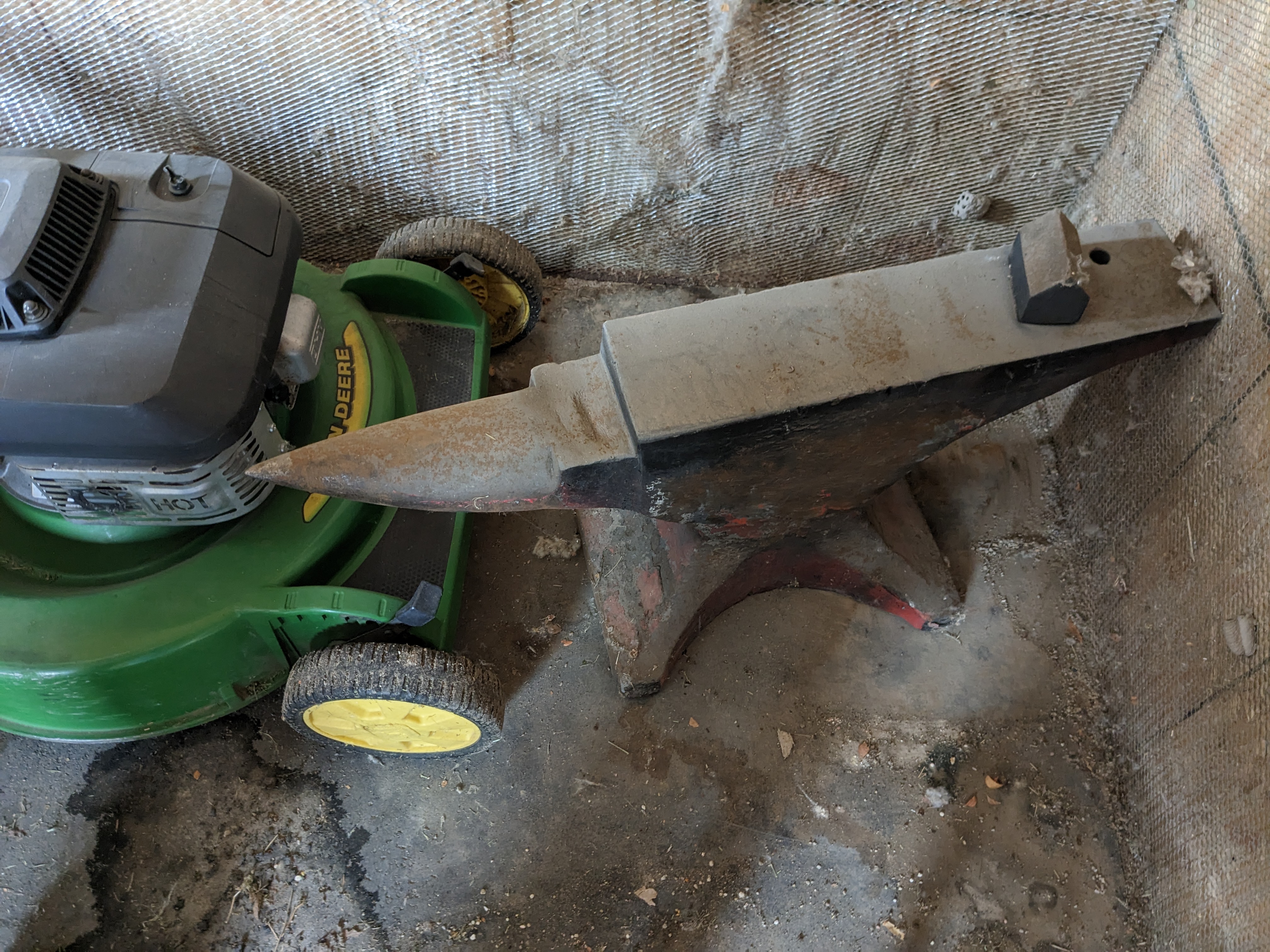
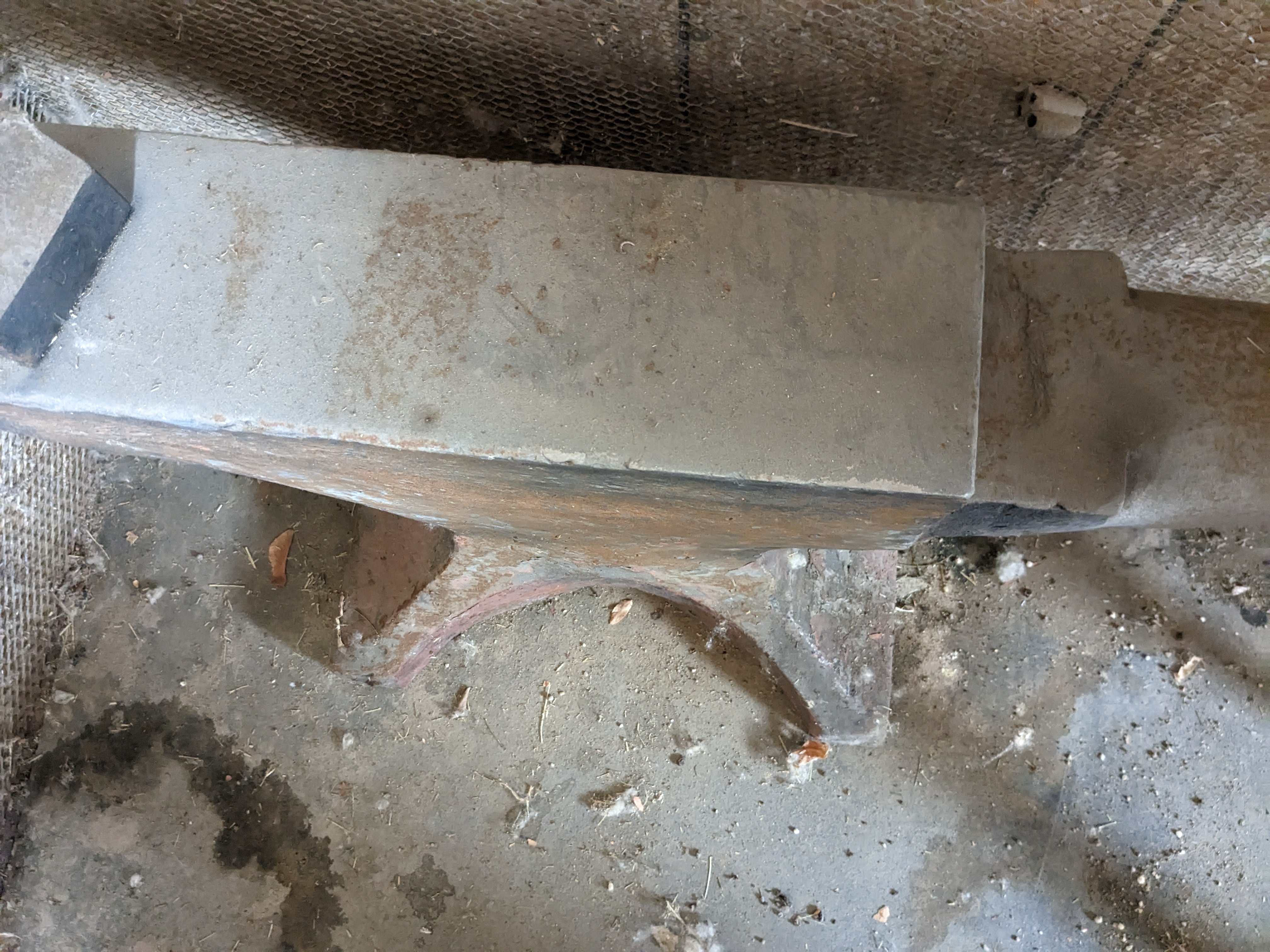
Just wondering what you all think this 278# Trenton is worth. I picked it up about 8 years ago and havent done anything with it. I am going to move and I am not taking it with me Thanks