Krayton
Members
-
Joined
-
Last visited
Everything posted by Krayton
-
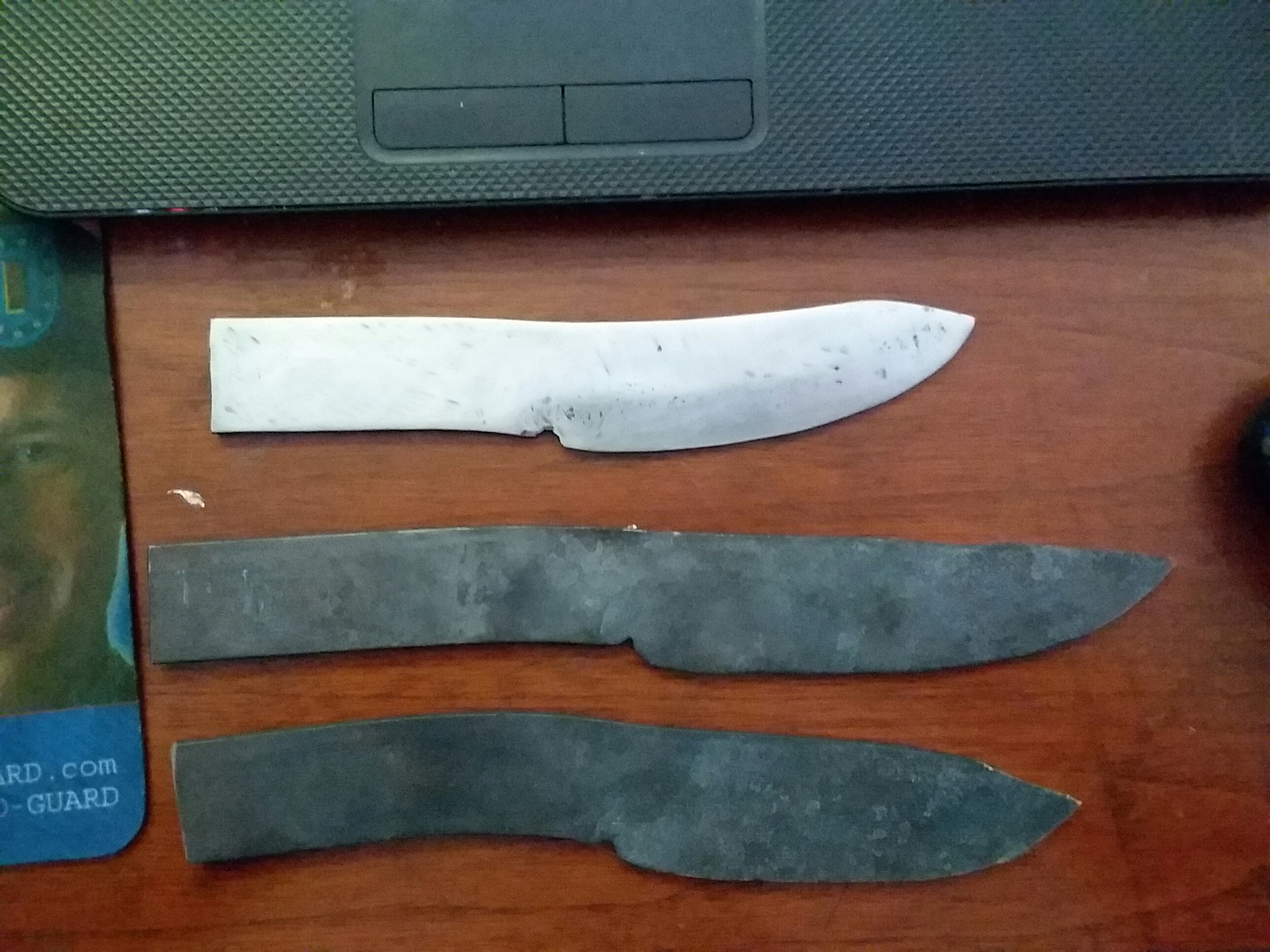
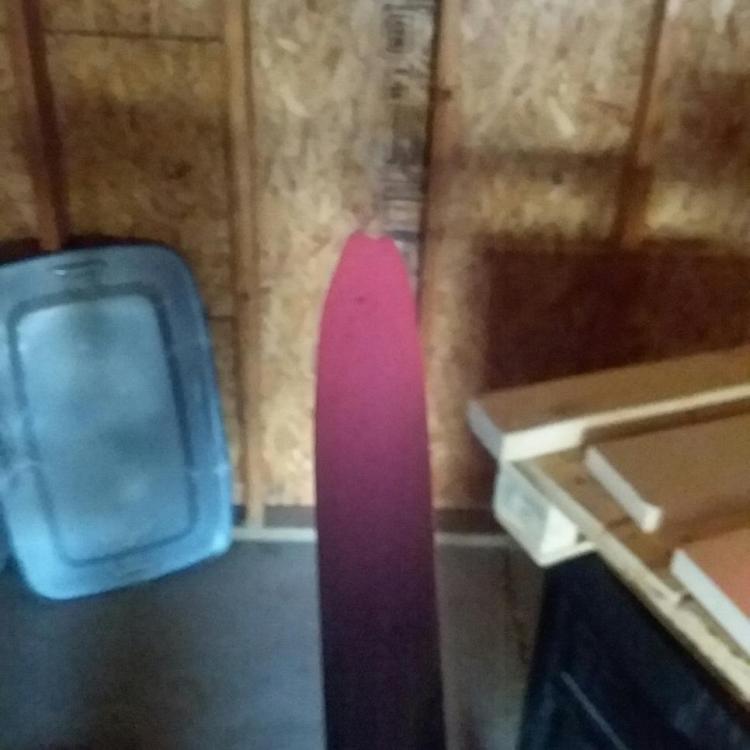
I was getting the fish lips at the tip. This would be the first knife. I grind it out. Also I have a another question I am planning on putting wood scales on these and if I want to use handle screws how do you determine how big I should get. Just add the 2 starting materials together or the finished sizes after grinding or a third option? To me going off of the starting sizes really doesn't help to much because of the grinding, which is the same for the 2nd option also.
-
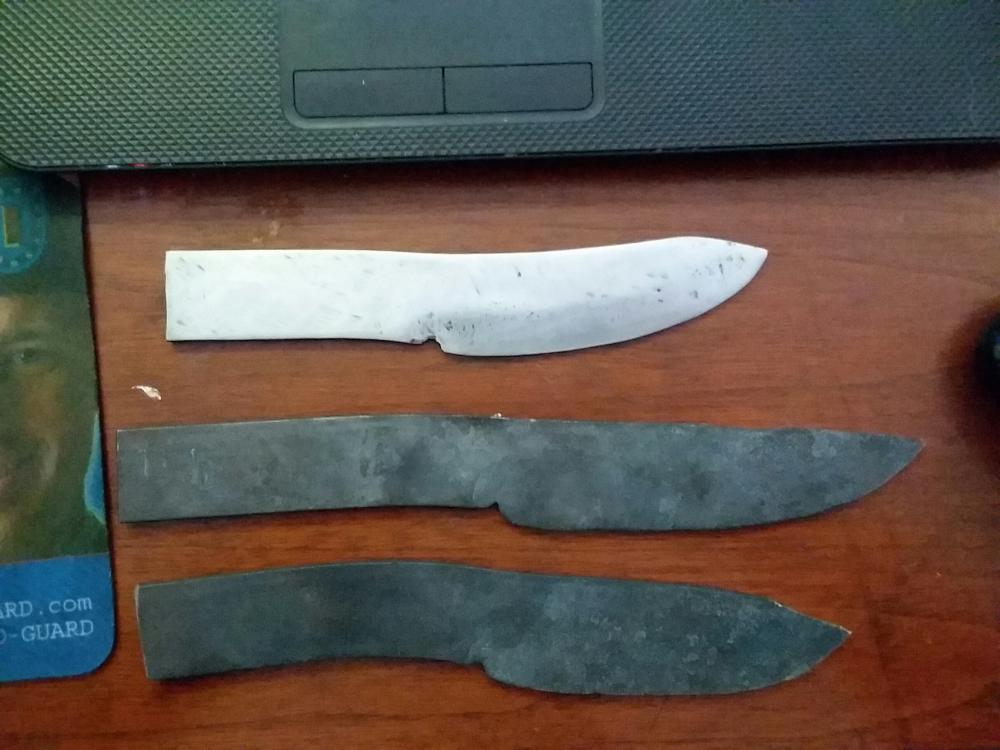
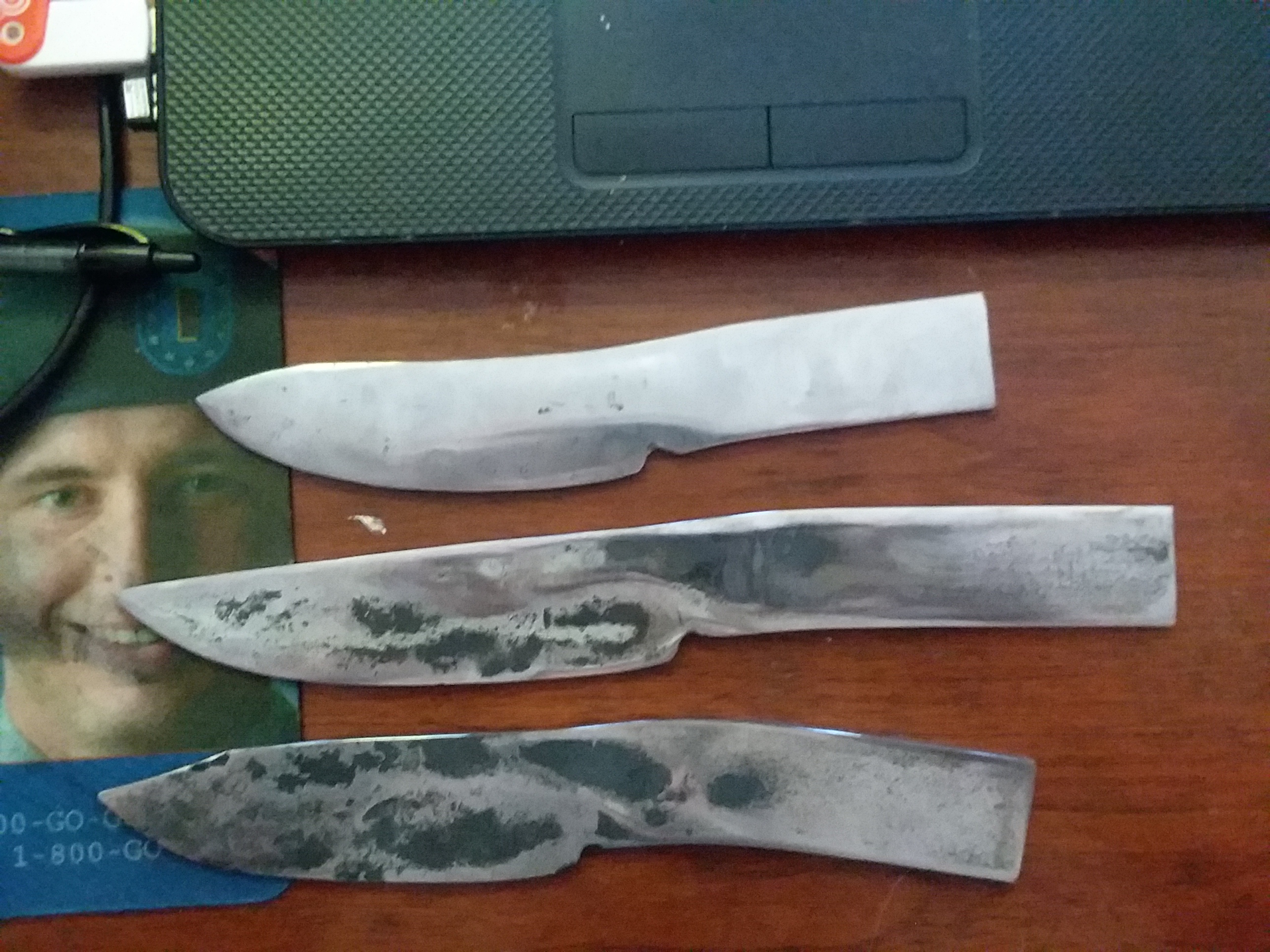
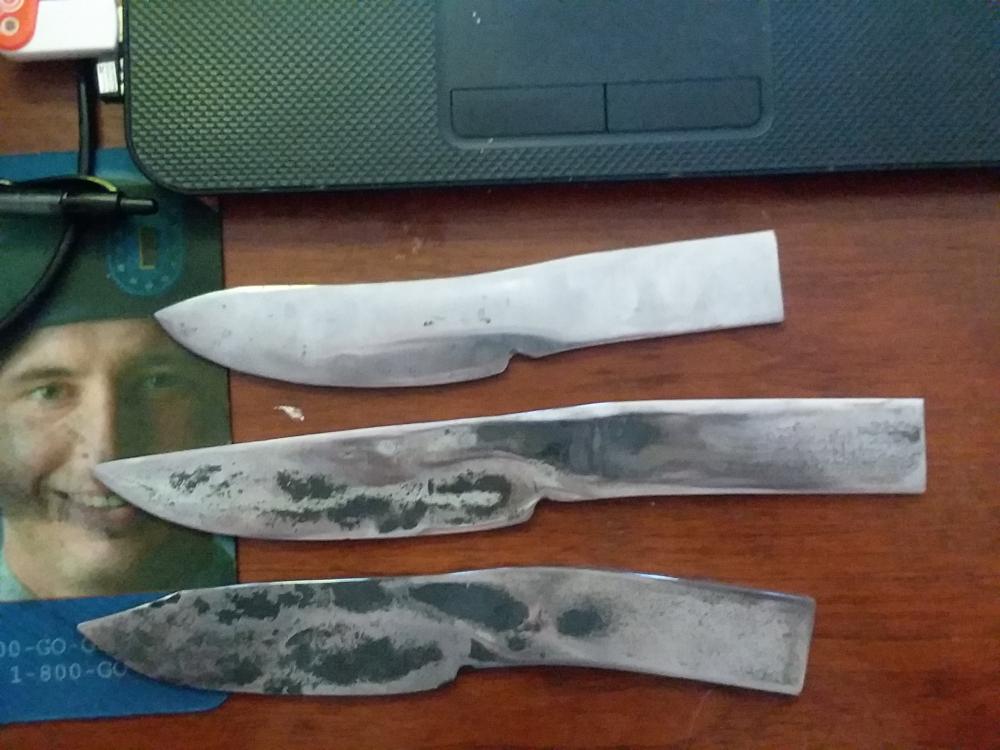
1080 Forging Steel 3/16 x 1.25 x 36 To be honest I am not sure. Oh okay. They are very square. I do have a slight radius in the third one. I bought a cheap little 1" belt grinder so I could start cleaning them up more so then by hand. Thank you. Yeah that looks like that will be the worst part by far. I will go check out that video. Here is a picture from this morning of my start at grinding. Right now only have 100 grit waiting on the other belts to come in today I hope.
-
Yes sir very unfinished lol. okay I will give that ago. This is 1080.
-
I have been interested in blacksmithing/knifesmithing for a long time. So I dived right in and started it. I bought J Neilson video on his way of doing it. I guess I don't completely understand how he doesn't get fish lips? Here are my first three. The top one is my first, middle is my second and the bottom is the third (from this morning). How do they look?