Lee Cornell
Members
-
Joined
-
Last visited
-
Lee Cornell changed their profile photo
-
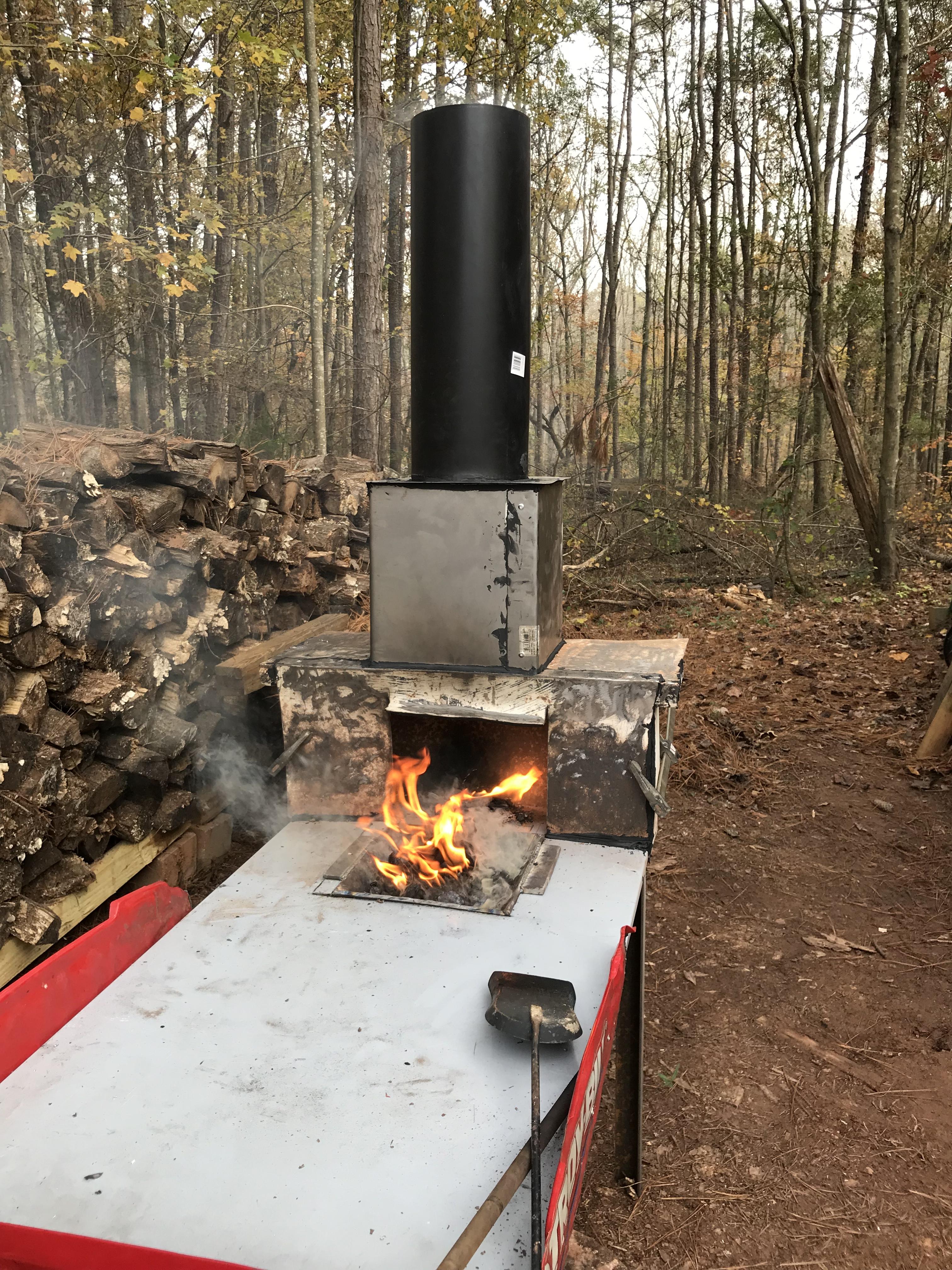
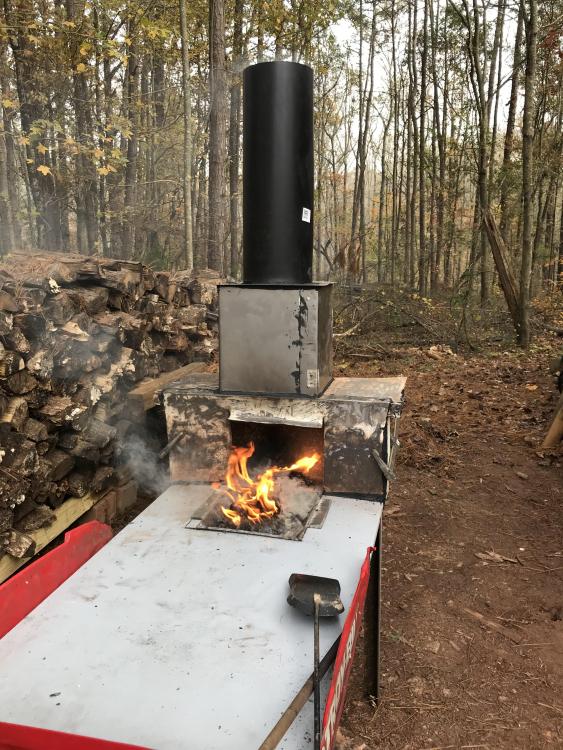
Thanks bobasaurus! Mine does not, but I don’t believe they usually have a fan in the stack. I make a small fire inside the hood (on the smoke shelf) before I light the pot. The updraft of the initial fire creates a draw that pulls the smoke and fire in. The heat from the forge then maintains the draw. Since the post I added a second section of stove pipe, which improved the performance a lot.
-
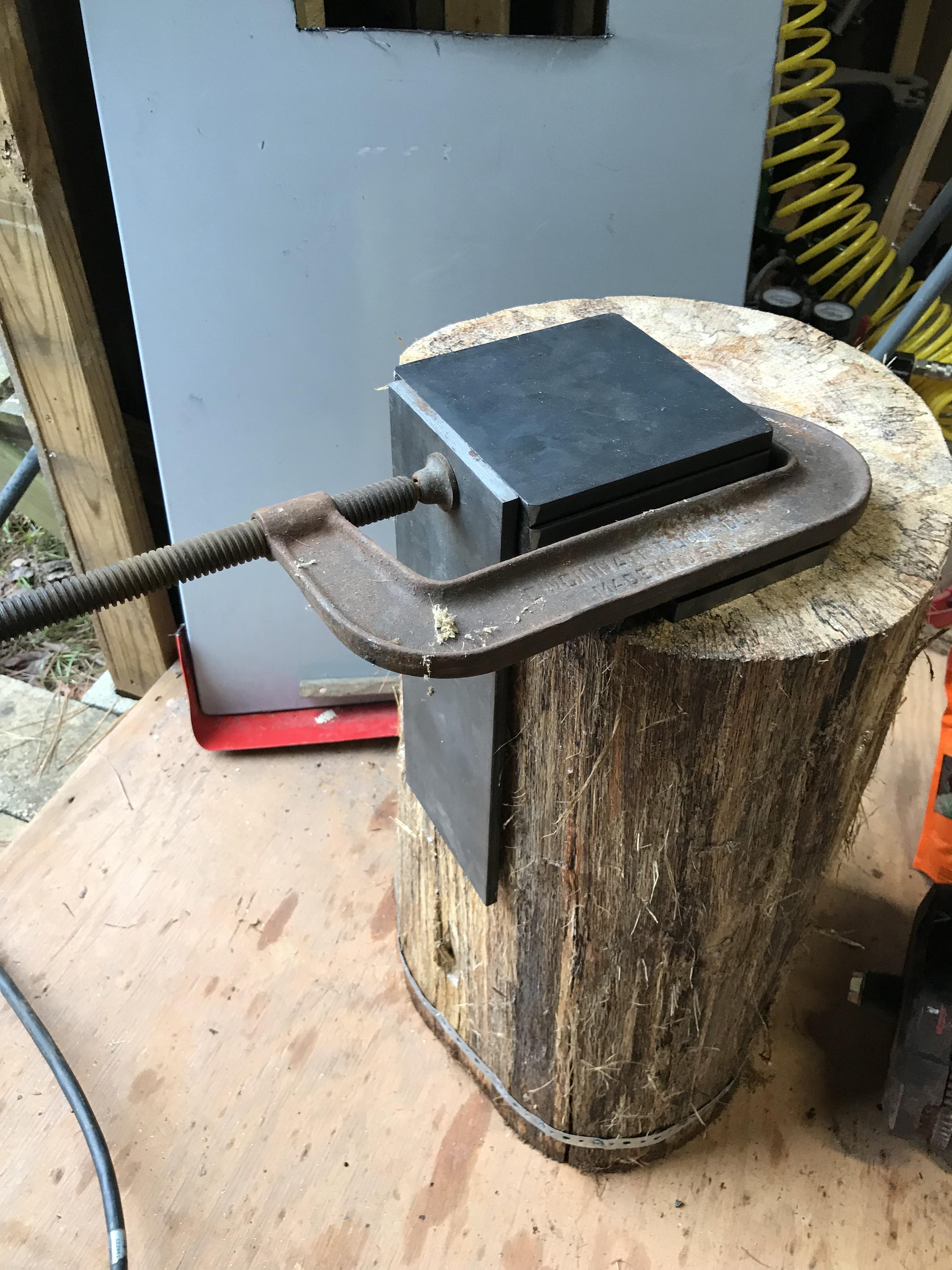
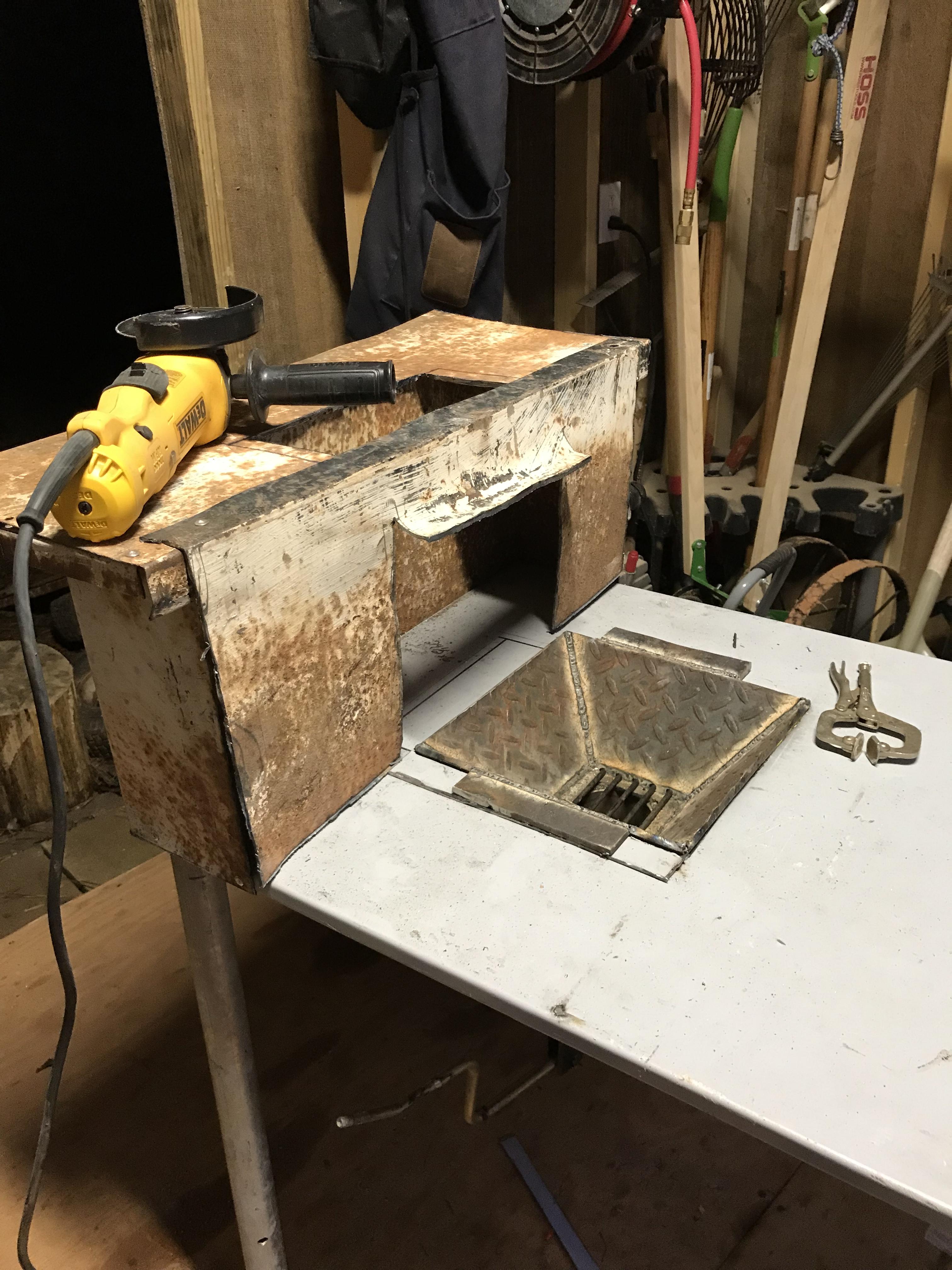
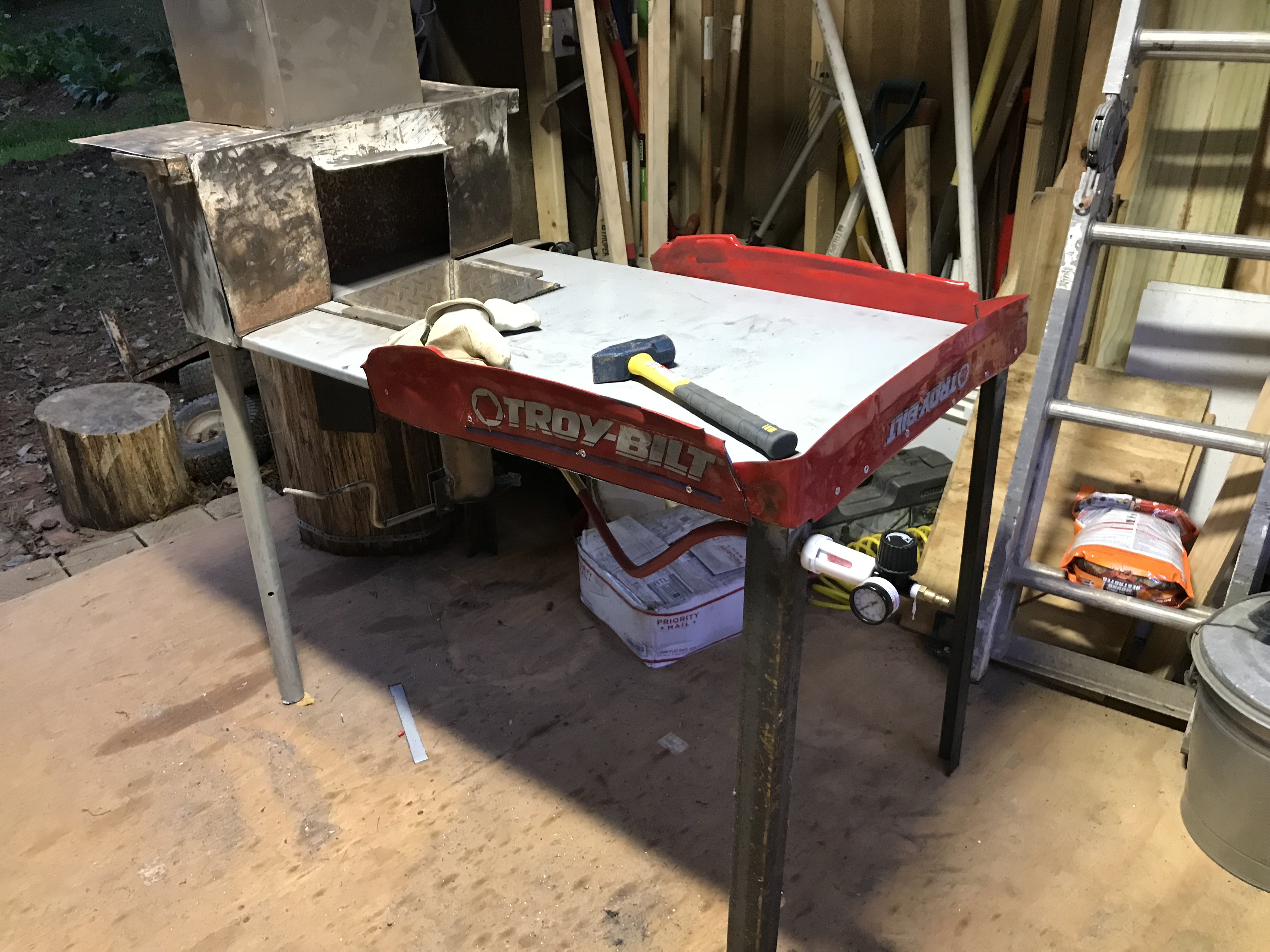
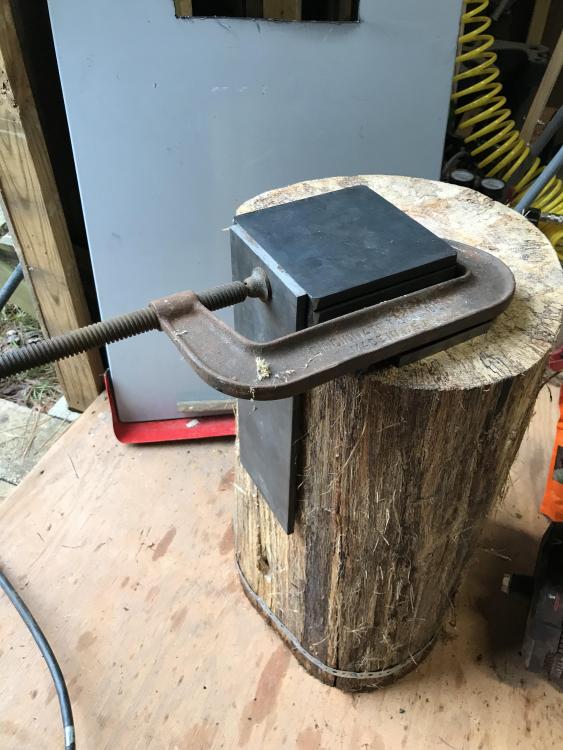
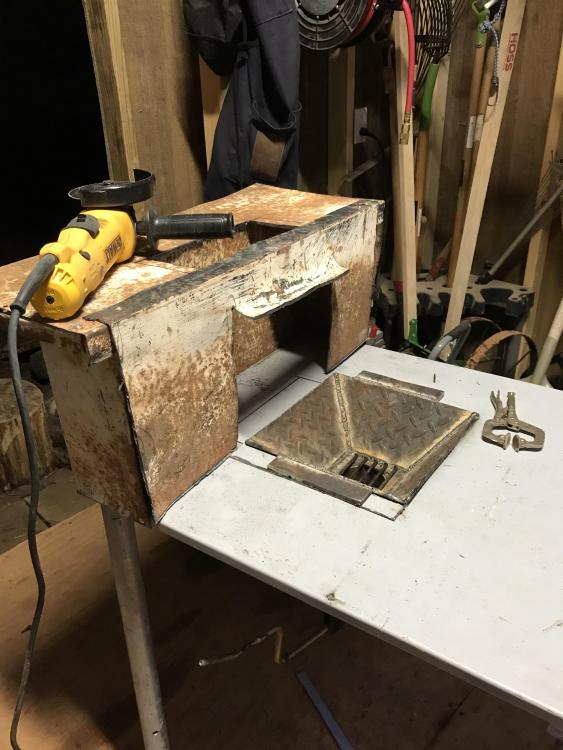
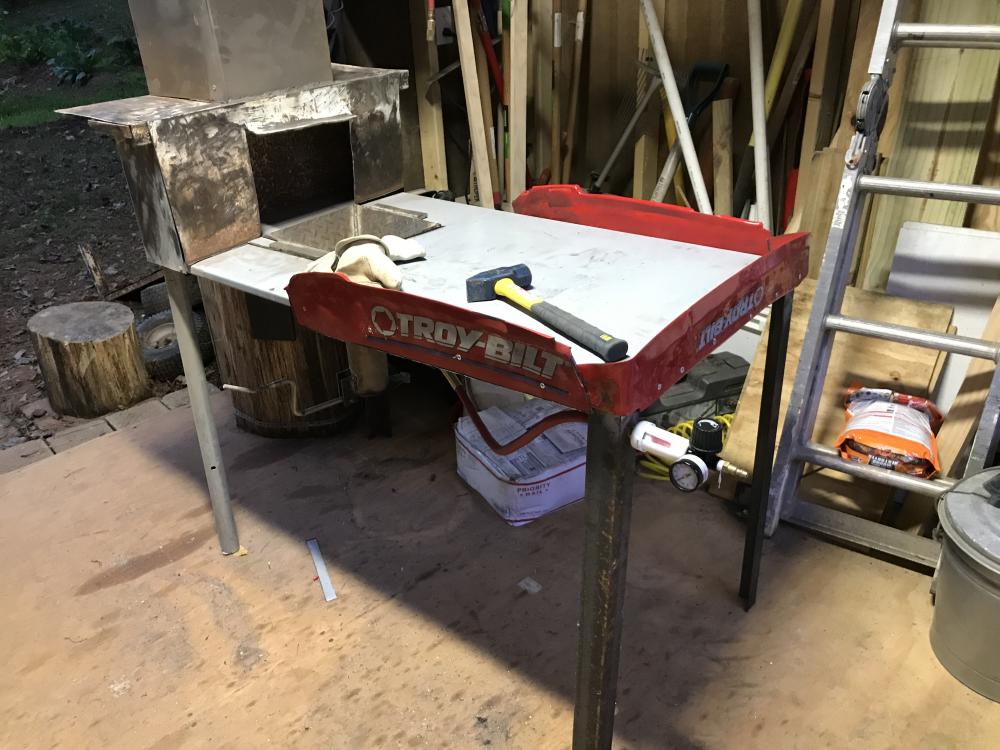
I finished the initial build of my forge and anvil. Other than fasteners, air fittings, and the stove pipe everything is recycled scrap. The first burn went really well, but I undersized the side draft good and pipe. I’m excited to get started with my new hobby!!
-
Hello IFI! I’m a pre-newbie outside of Athens, GA. I’ve had an interest in smithing for years and now that my sons are finishing college it is time to give this hobby a try. The last few months I’ve been reading lots of forums, watching YouTube videos, and learning, learning, learning before I buy equipment and start setting anything up. I live on 2 acres in the country with no nearby neighbors and my workshop is detached from the house so hopefully I won’t bother too many people and critters with my new hobby. I look forward to getting to know this community and learning from the experienced “elders” here. Lee C Athens, GA