Skip to content
View in the app

A better way to browse. Learn more.

I Forge Iron

A full-screen app on your home screen with push notifications, badges and more.

To install this app on iOS and iPadOS
  1. Tap the Share icon in Safari
  2. Scroll the menu and tap Add to Home Screen.
  3. Tap Add in the top-right corner.
To install this app on Android
  1. Tap the 3-dot menu (⋮) in the top-right corner of the browser.
  2. Tap Add to Home screen or Install app.
  3. Confirm by tapping Install.

Matt Matney

Members
  • Joined

  • Last visited

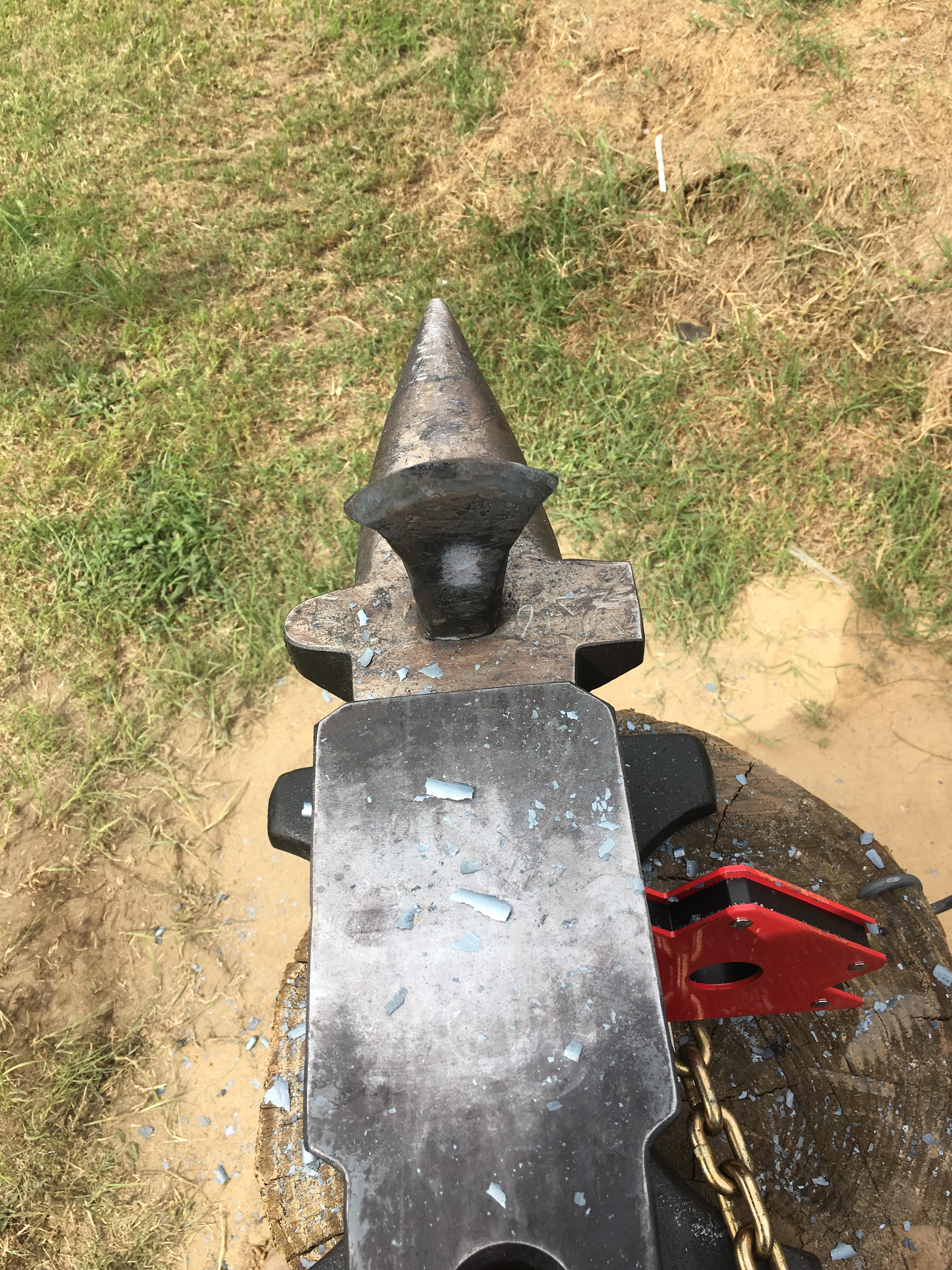
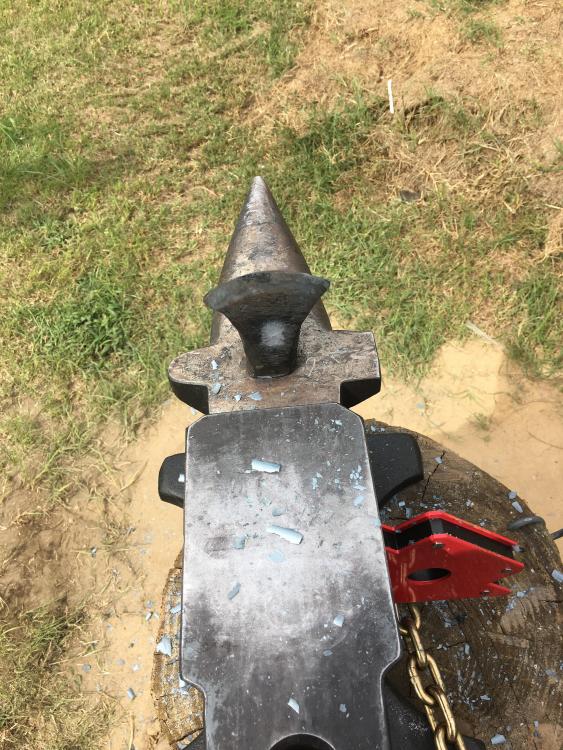
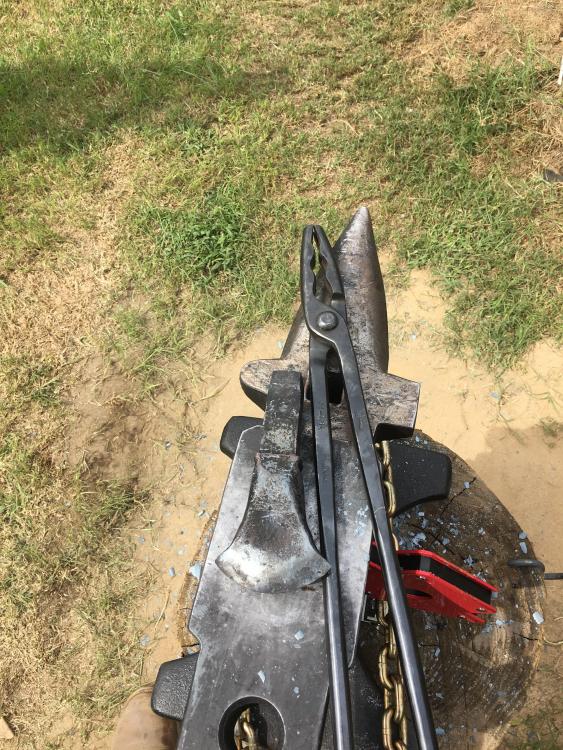
  1. Received Ford Mustang axle from a friend of mine and forged a hot cut out a piece of it. A problem I ran into was when I was striking to set the bevel the end started to cup. It was like the outer metal was moving but the innermost part of the metal stayed put. I was able to correct it but I was wondering if I was doing something wrong or is this normal This is is he finished project
Account

Navigation

Search

Search

Configure browser push notifications

Chrome (Android)
  1. Tap the lock icon next to the address bar.
  2. Tap Permissions → Notifications.
  3. Adjust your preference.
Chrome (Desktop)
  1. Click the padlock icon in the address bar.
  2. Select Site settings.
  3. Find Notifications and adjust your preference.