Skip to content
View in the app

A better way to browse. Learn more.

I Forge Iron

A full-screen app on your home screen with push notifications, badges and more.

To install this app on iOS and iPadOS
  1. Tap the Share icon in Safari
  2. Scroll the menu and tap Add to Home Screen.
  3. Tap Add in the top-right corner.
To install this app on Android
  1. Tap the 3-dot menu (⋮) in the top-right corner of the browser.
  2. Tap Add to Home screen or Install app.
  3. Confirm by tapping Install.

Steven Bellisario

Members
  • Joined

  • Last visited

  1. Steven Bellisario changed their profile photo
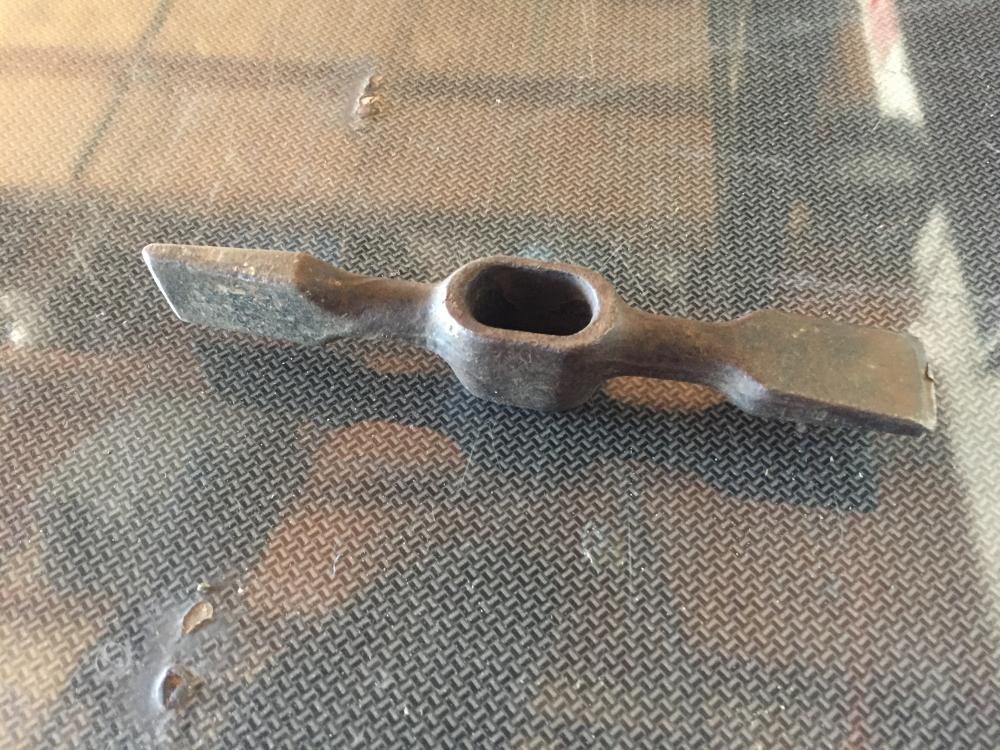
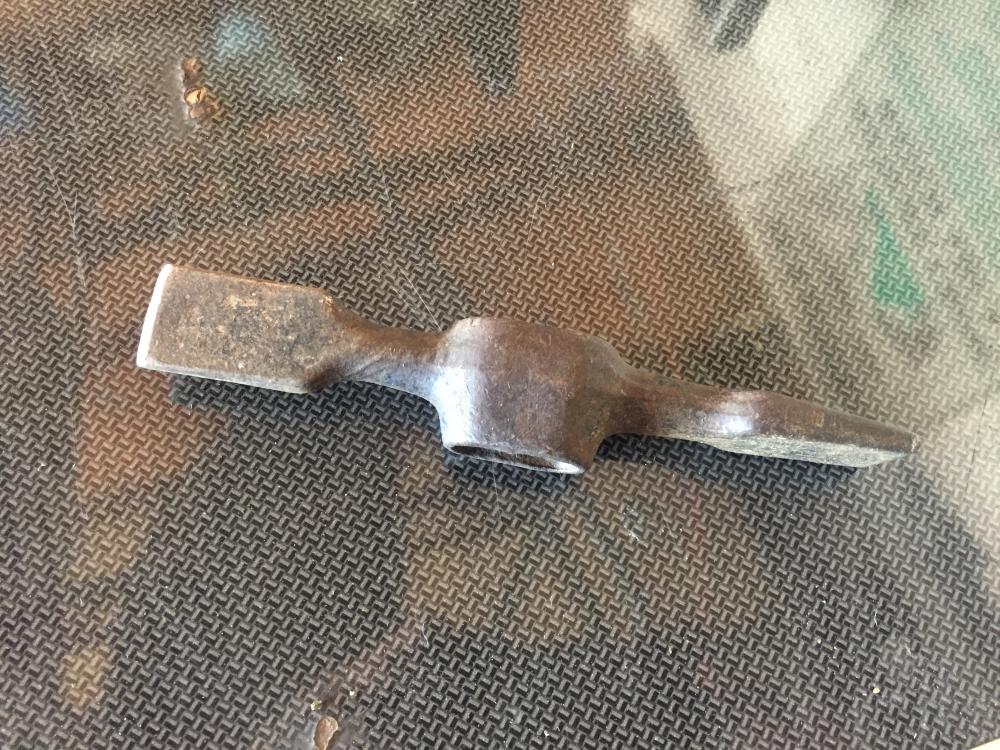
  2. Bought this at garage sale 1dollar. Don't know what it is exactly.
  3. Hello I'm Steve I'm a 35 year old beginner from northern Ohio I guess,15 min west of Cleveland. I've built commercial cabinetry for the past 10 yrs and hobby welder, looking to get into blacksmithing not really into knifes and swords more ornamental and tool making. All I know is what I've obsessively watched on youtube and internet. I even built a small propane forge. I have hammers but no anvil. I'm looking for some hands on experience and guidance if anyone is in my area. Thanks a lot and can't wait to learn a lot more.

Account

Navigation

Search

Search

Configure browser push notifications

Chrome (Android)
  1. Tap the lock icon next to the address bar.
  2. Tap Permissions → Notifications.
  3. Adjust your preference.
Chrome (Desktop)
  1. Click the padlock icon in the address bar.
  2. Select Site settings.
  3. Find Notifications and adjust your preference.