VikingBlacksmith
Members
-
Joined
-
Last visited
-
I don't know if this works, if it doesn't I'll just upload it to youtube and link it here later. But this is a spark test on a non harden piece of the steel. I try the bend/break test when I have more coal. Turn down or off your sound, filmed with a Galaxy S3 so... Its a potato film. video-1490890731.mp4
-
Thank you guys for all the help. I will be testing it this weekend!
-
So if it bends and doenst break its to soft for a knife, but if it bends and snap is it a good knice Steel? Do I harden it and ben it in a vise and ben it as much as I can? I've seen a youtuber do something like that? Thanks for the answers, I'll test it when I get back home!
-
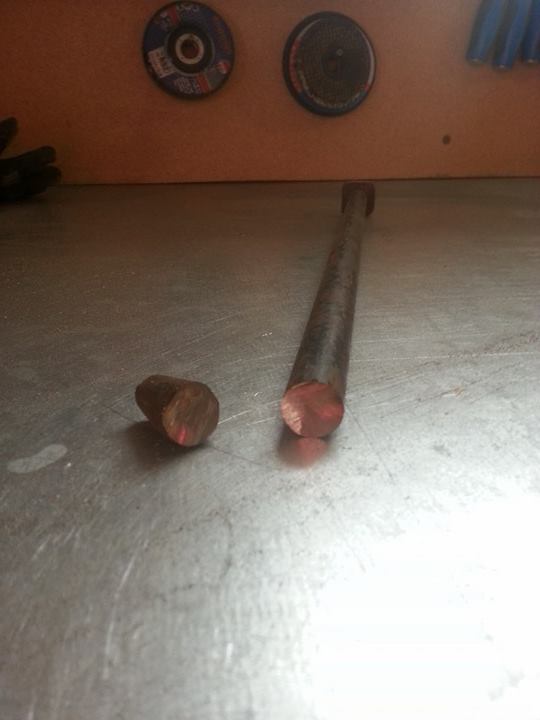
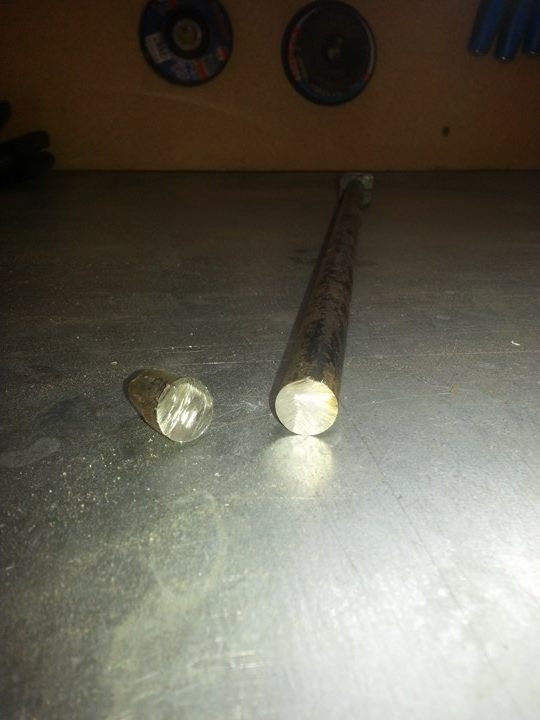
Hi, I'm new.. both to this forum and the art of blacksmithing, only been doing it for a few months... I am a self thought swedish blacksmither/knifemaker.. My father brought me a piece of steel from his work, apparently it was/is a tent peg from what I belive is a rather big military tent. I want to know what kind of steel this is, I know it probably hard to see from just pictures, but I don't know how to test to see what kind of steel something is, so I think that maybe you guys can help. Now if this question is in the wrong category I'm sorry, I am in a bit of a hurry. And feel free to remove or move the topic. Here is some pictures after I cut a bit of with the angle grinder.