Coenobita
Members
-
Joined
-
Last visited
Everything posted by Coenobita
-
They work great but the fittings suck! They must use glue to fill the mismatched threads which has dried out after a year. I now have to machine new nozzles. I cant speak about the box as I built my own. For 25 years i use an NC forge burners and these are far better but be aware!
-
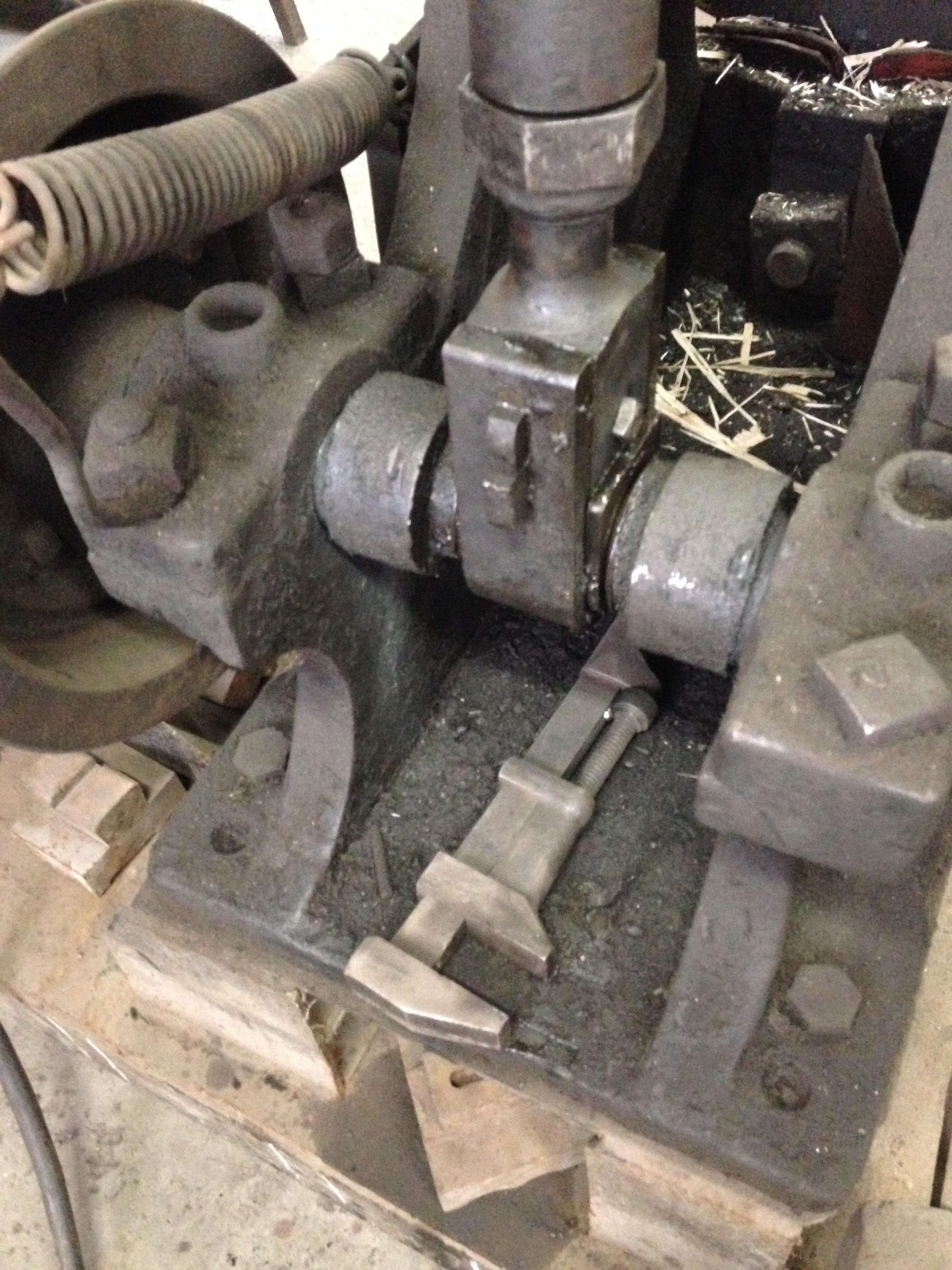
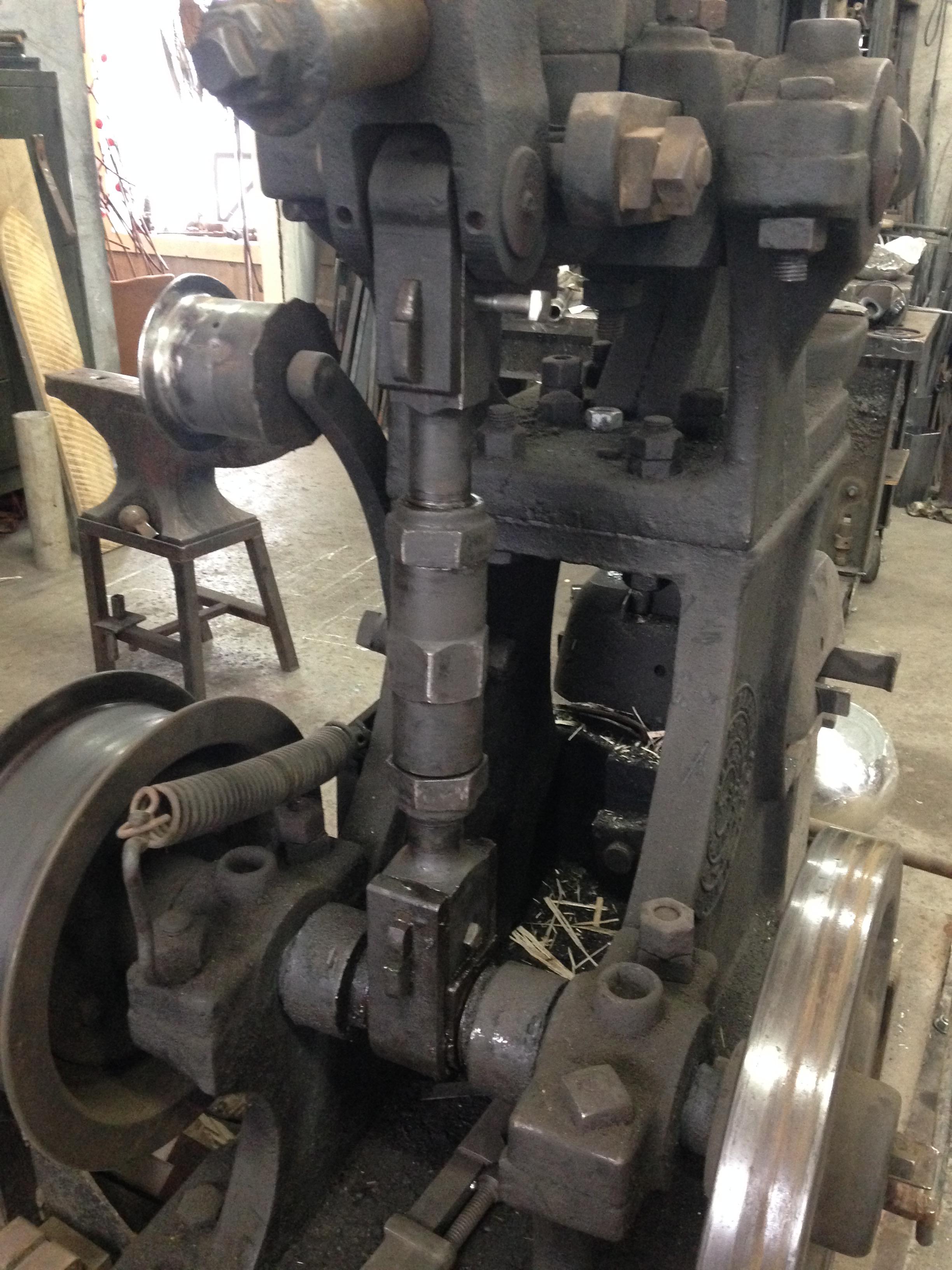
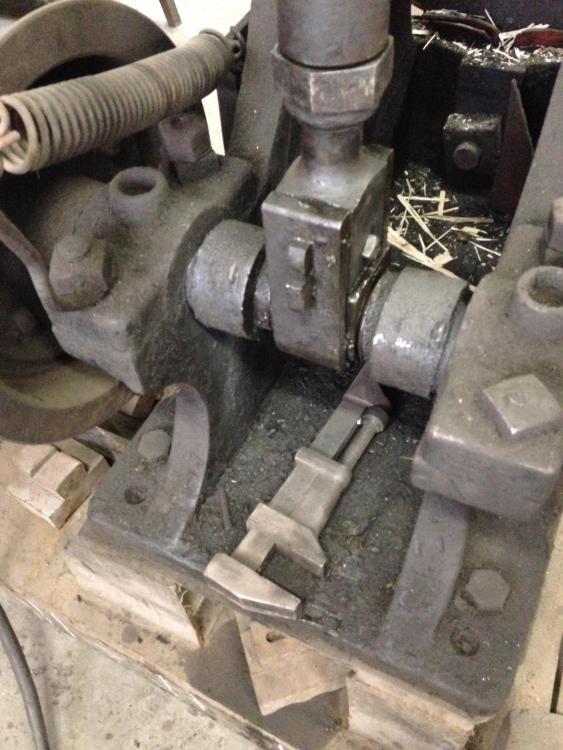
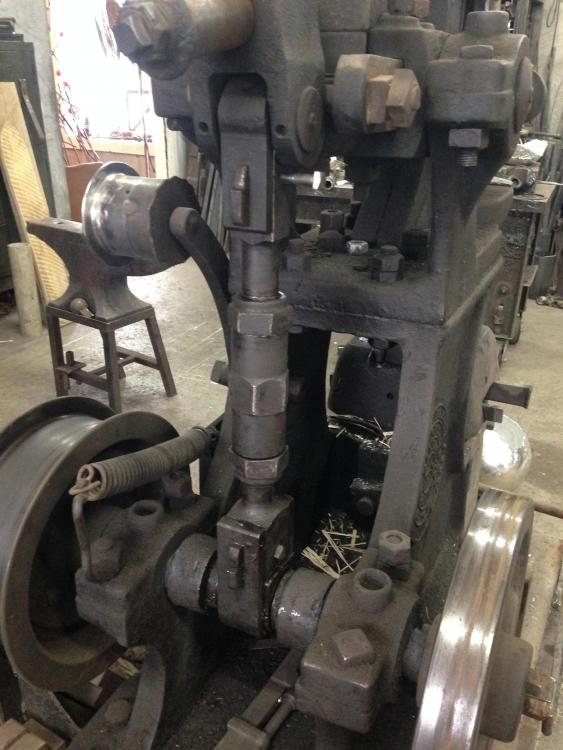
The crankshaft is a large turnbuckle that allows for throat adjustments. The slider adjustment at the top of the crankshaft maybe for minor adjustments but I'm not sure. If I swing it furthest back it causes erratic hammering. Those two odd elements at the pivot point of the hammer arms that essentially look like two Big Macs - three metal buns sandwiching two 133 year old rubber patties. I think they act as shock absorbers. I'll have to source those parts sooner than later.
-
I have never seen a Bradley up close but yes it has an eccentric crankshaft. Photo attached.
-
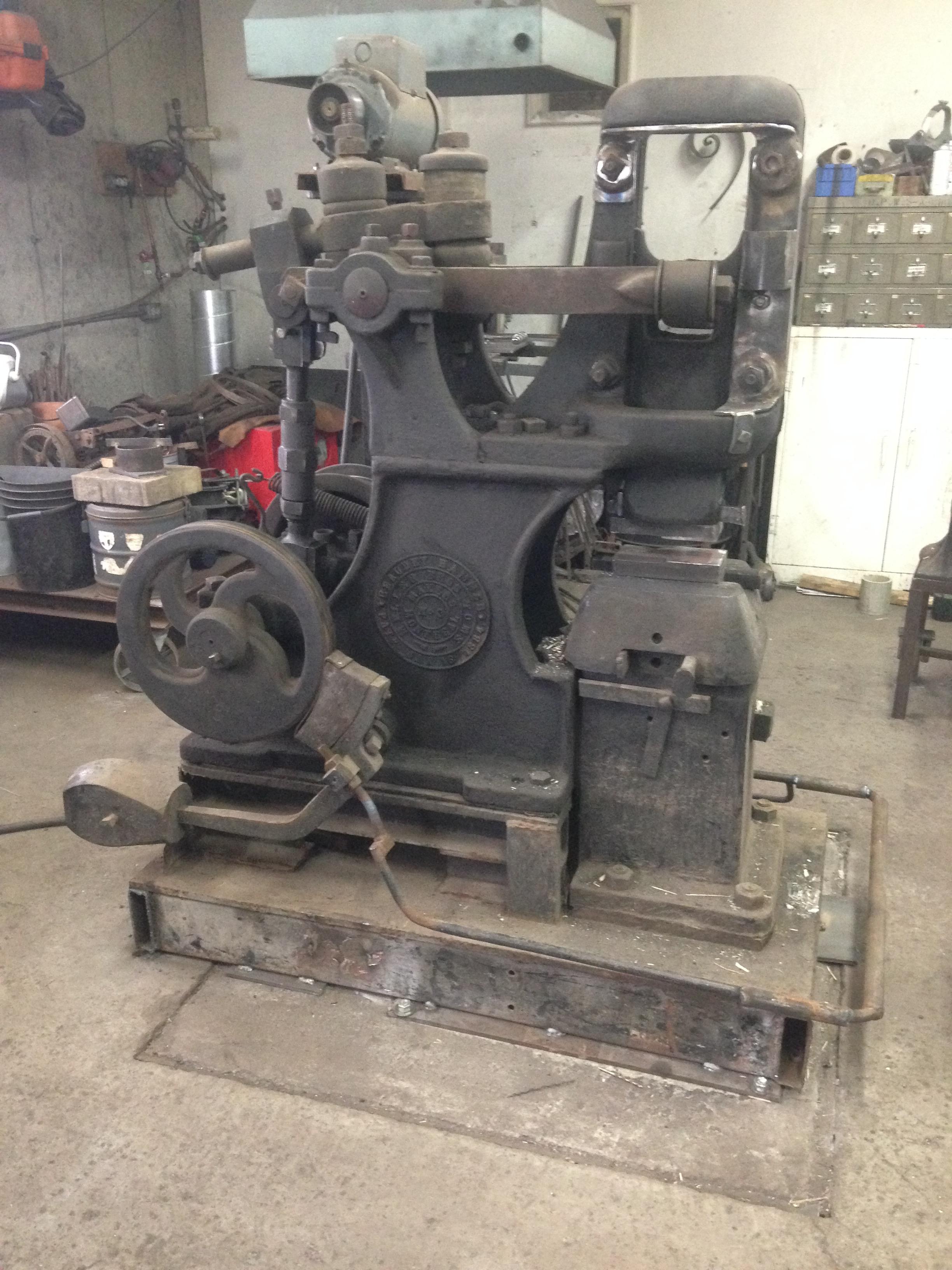
Jim Kehler - Were you looking at this hammer? I bought it of Kijiji from a guy in Shawville Québec. He told me somebody in Manitoba was interested.
-
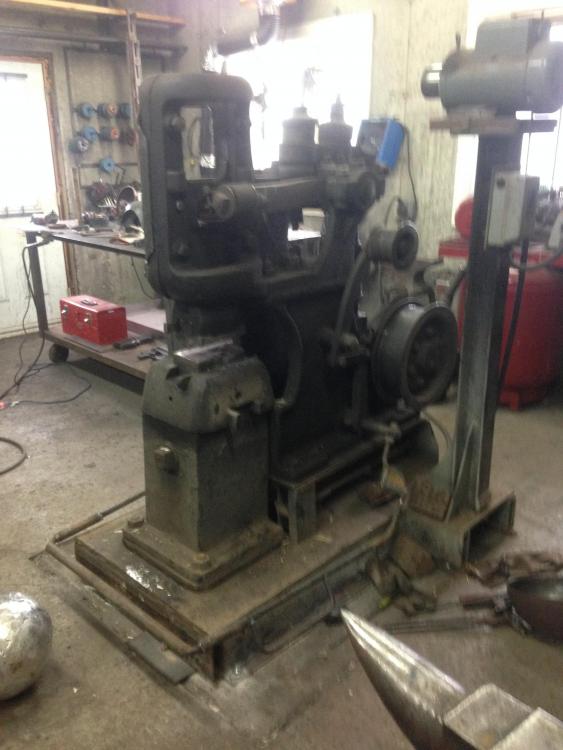
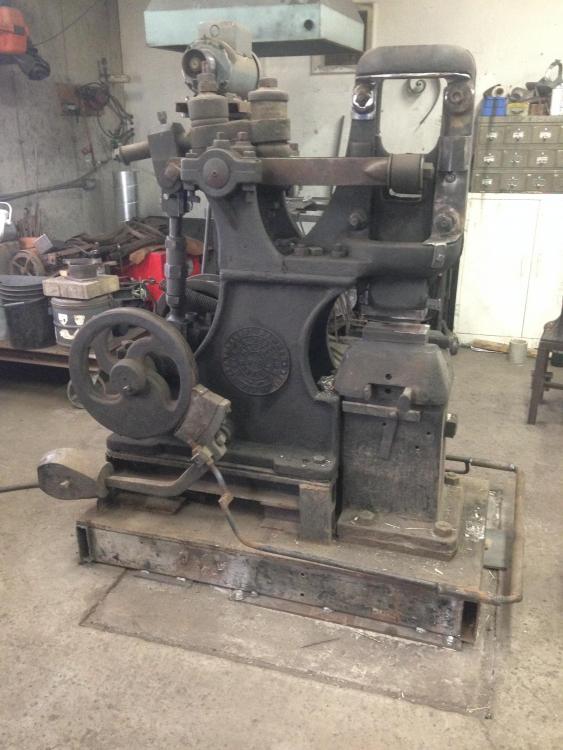
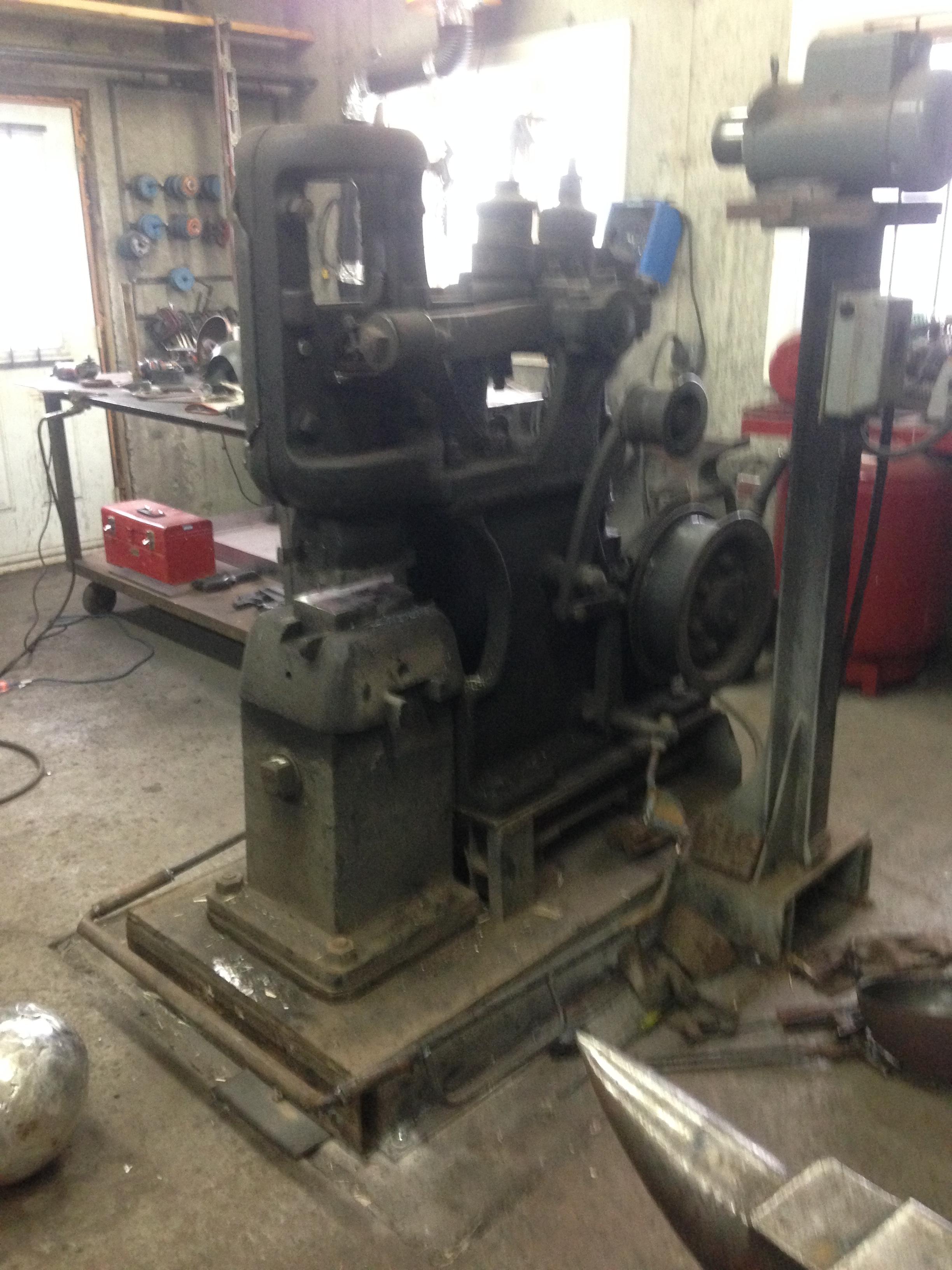
I just purchased a Beaudry cushioned No. 3 100# (1884) a couple of months ago. It is completely functional and I am begining to understand how it works. FYI I paid $3000 Canadian.