Ryan Cox
Members
-
Joined
-
Last visited
Everything posted by Ryan Cox
-
Well funny story, when I was 18 I found it at an estate sale for free and gave it to my dad to hang on to and forgot about. Went through college, got married, got the career going and 3 kiddos on board and have been looking to expand beyond fabrication and building square stuff. I was talking to my dad about getting into blacksmithing (which he did as a career 40 years ago) to learn with my sons and he reminded me about the anvil sitting out behind his place. That's it! Thanks for the feedback! I'm stoked to get a fire built.
-
Thanks for the feedback guys, and sorry for the ambiguity of the post. I'm just really new to blacksmithing and was trying to gather as much info about the anvil as possible. Do you guys find a size like this ok for learning, bladesmithing and tool making?
-
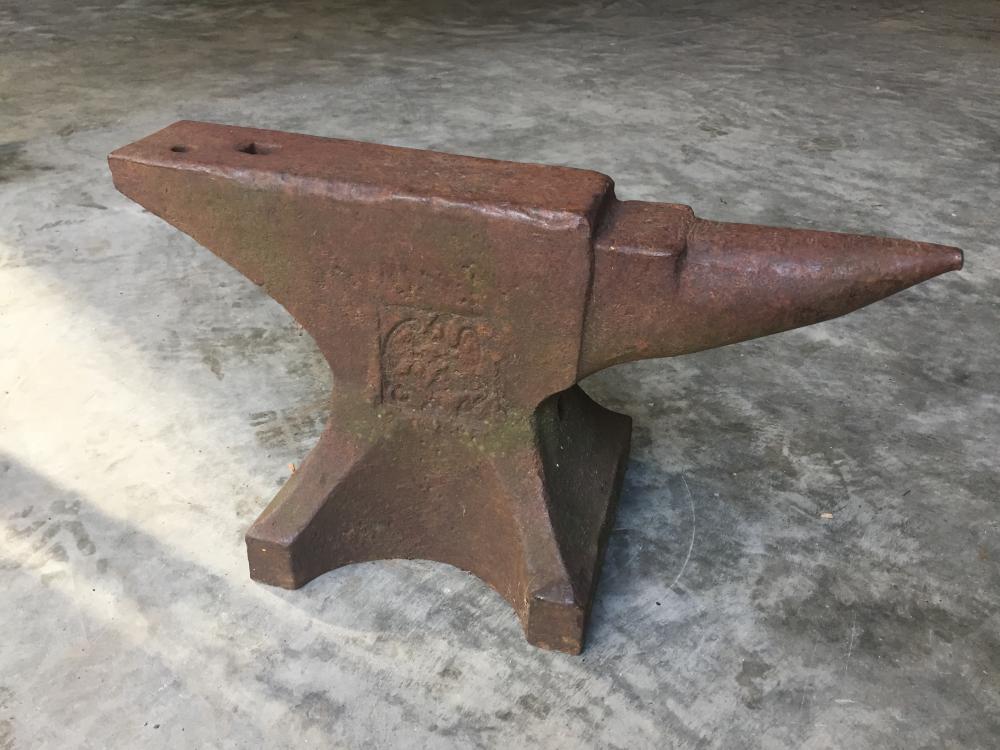
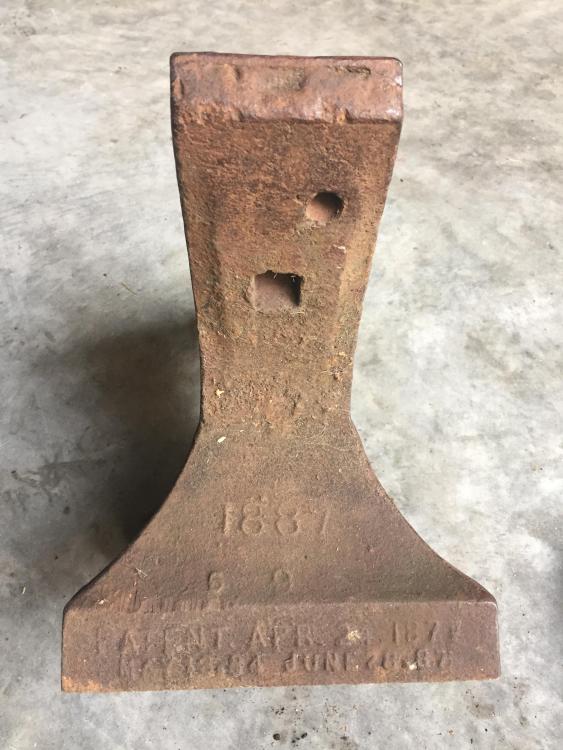
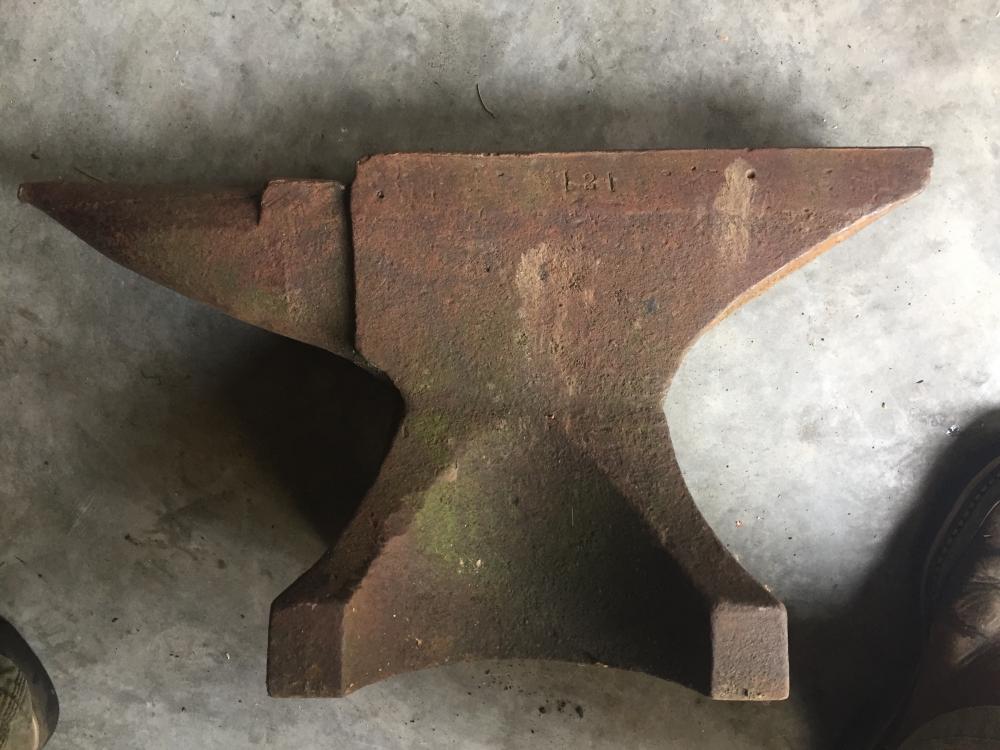
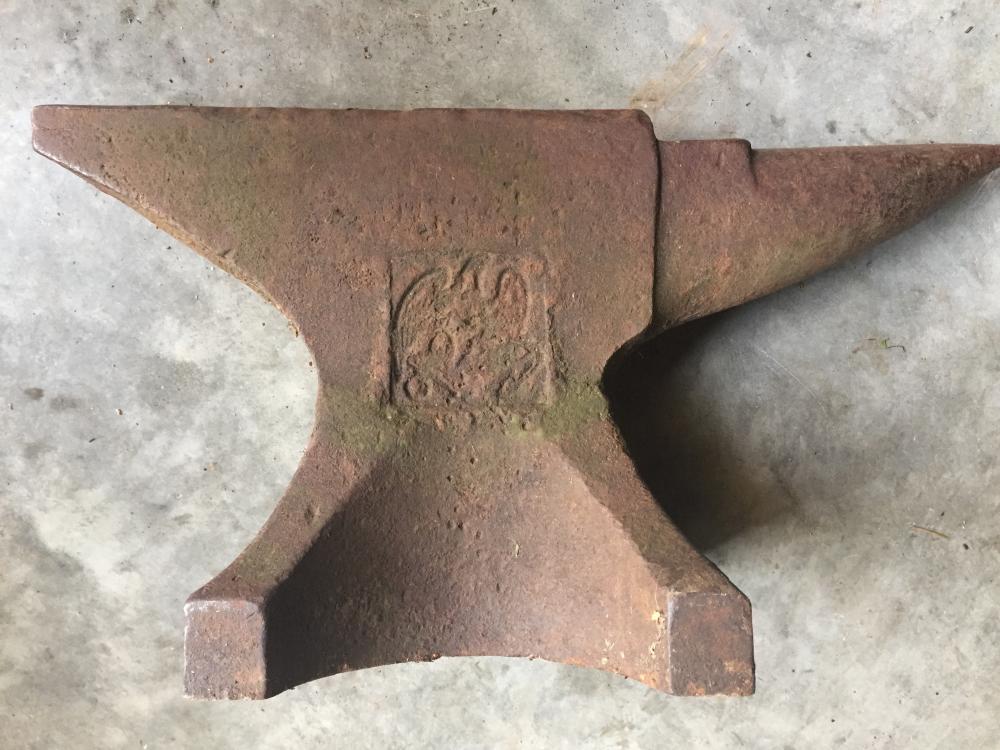
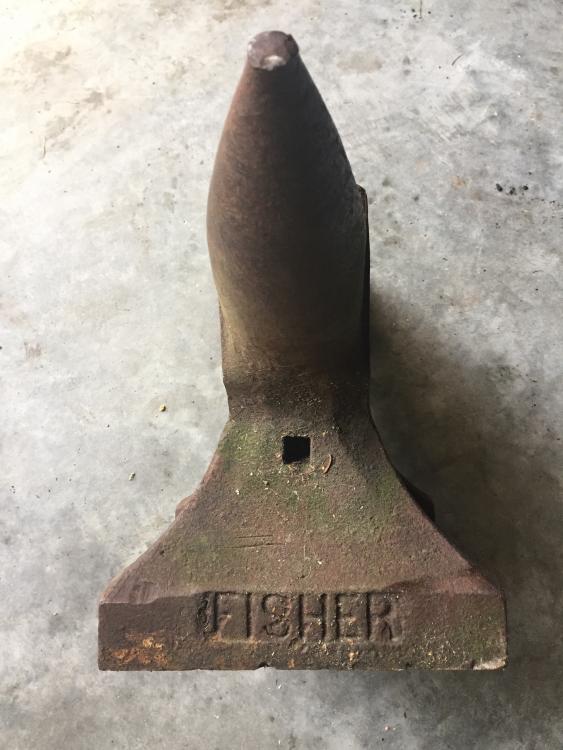
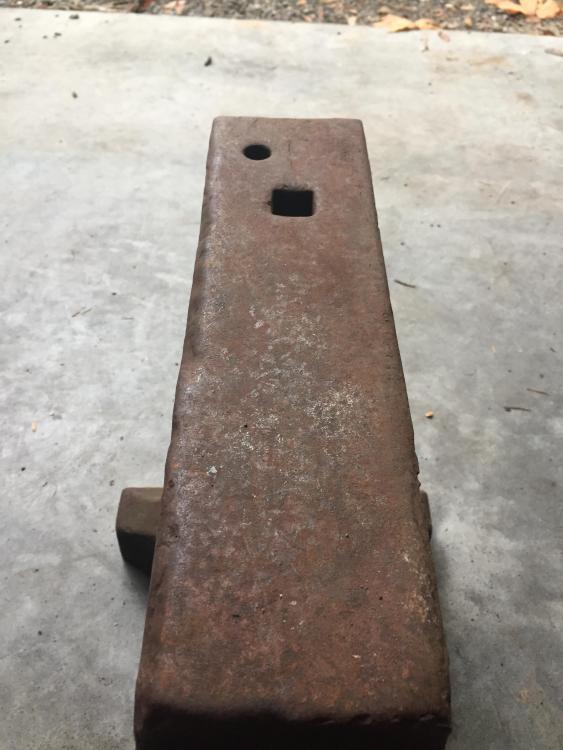
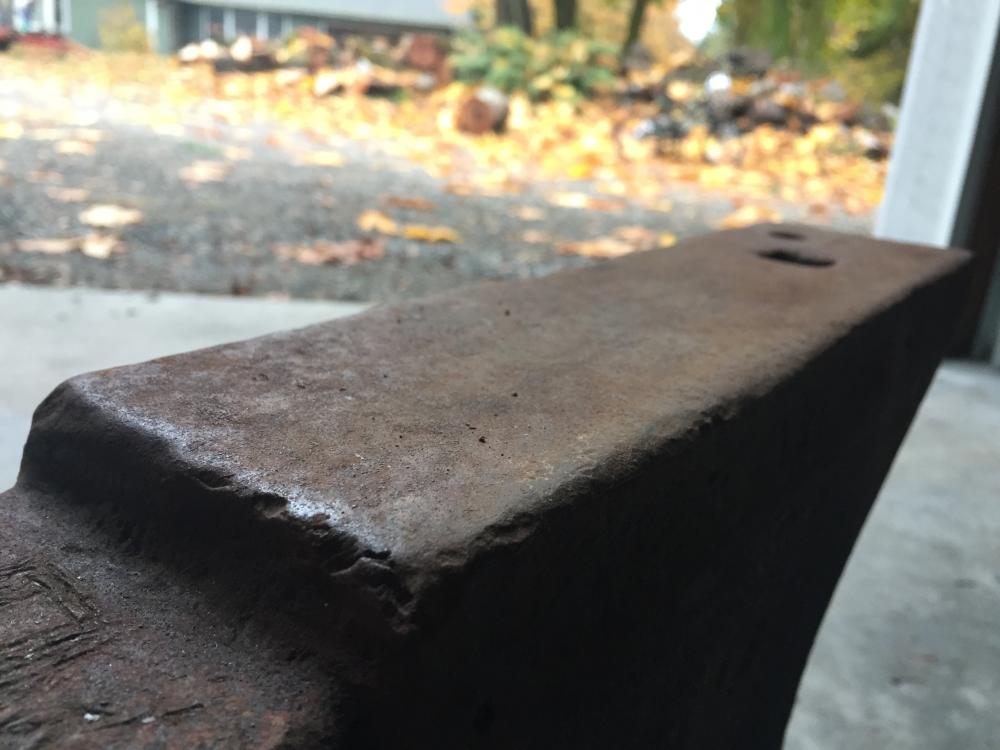
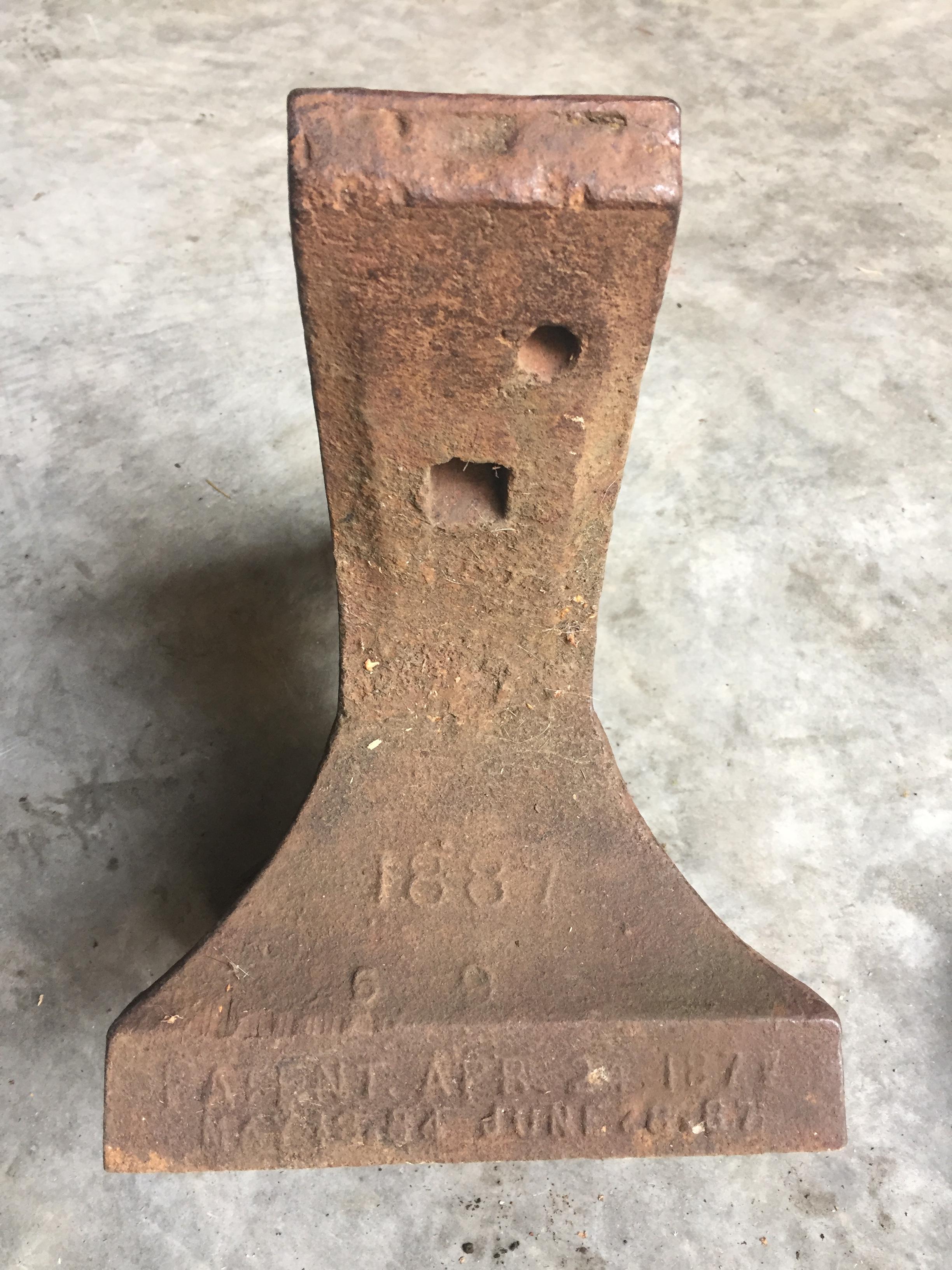
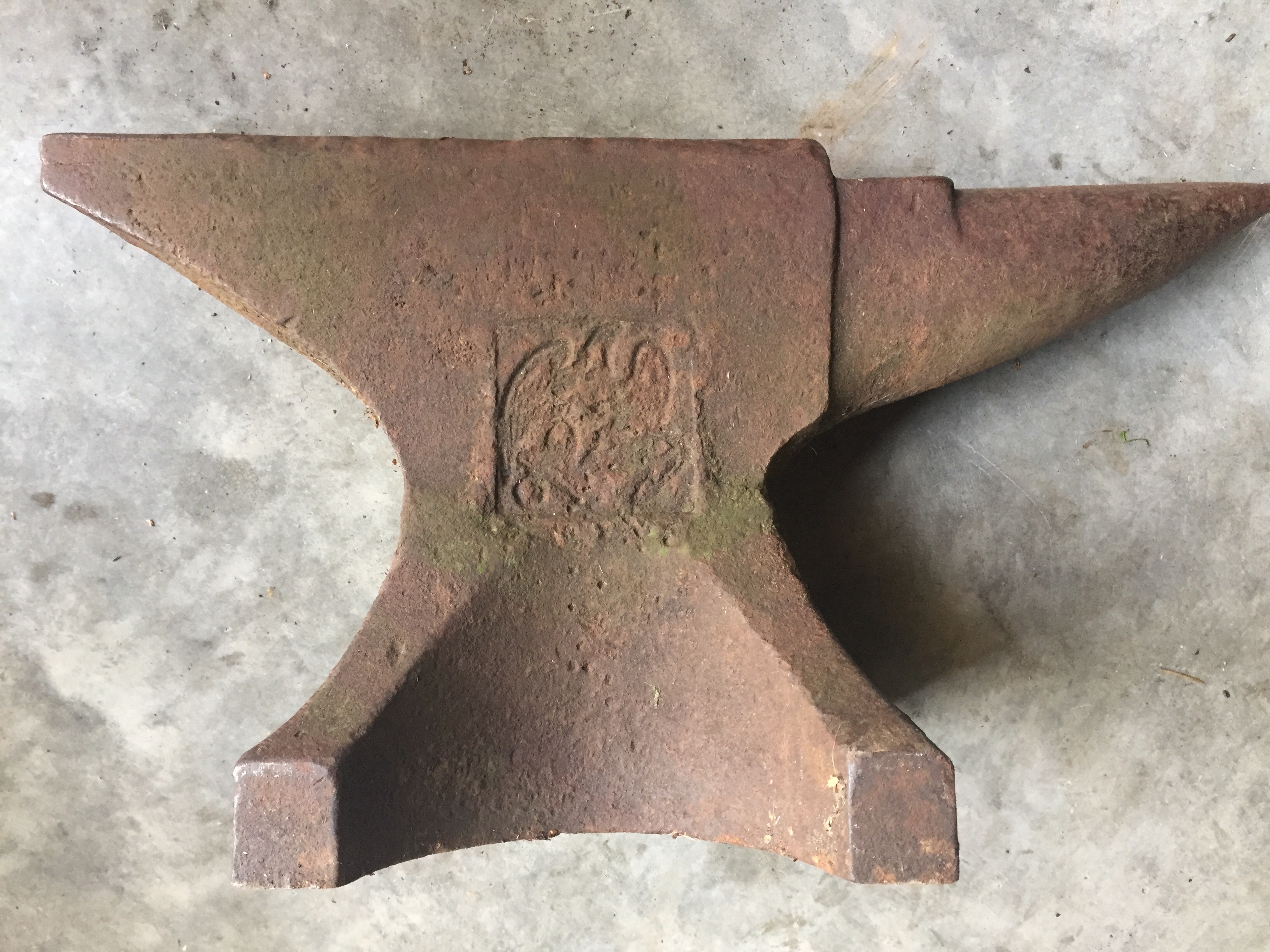
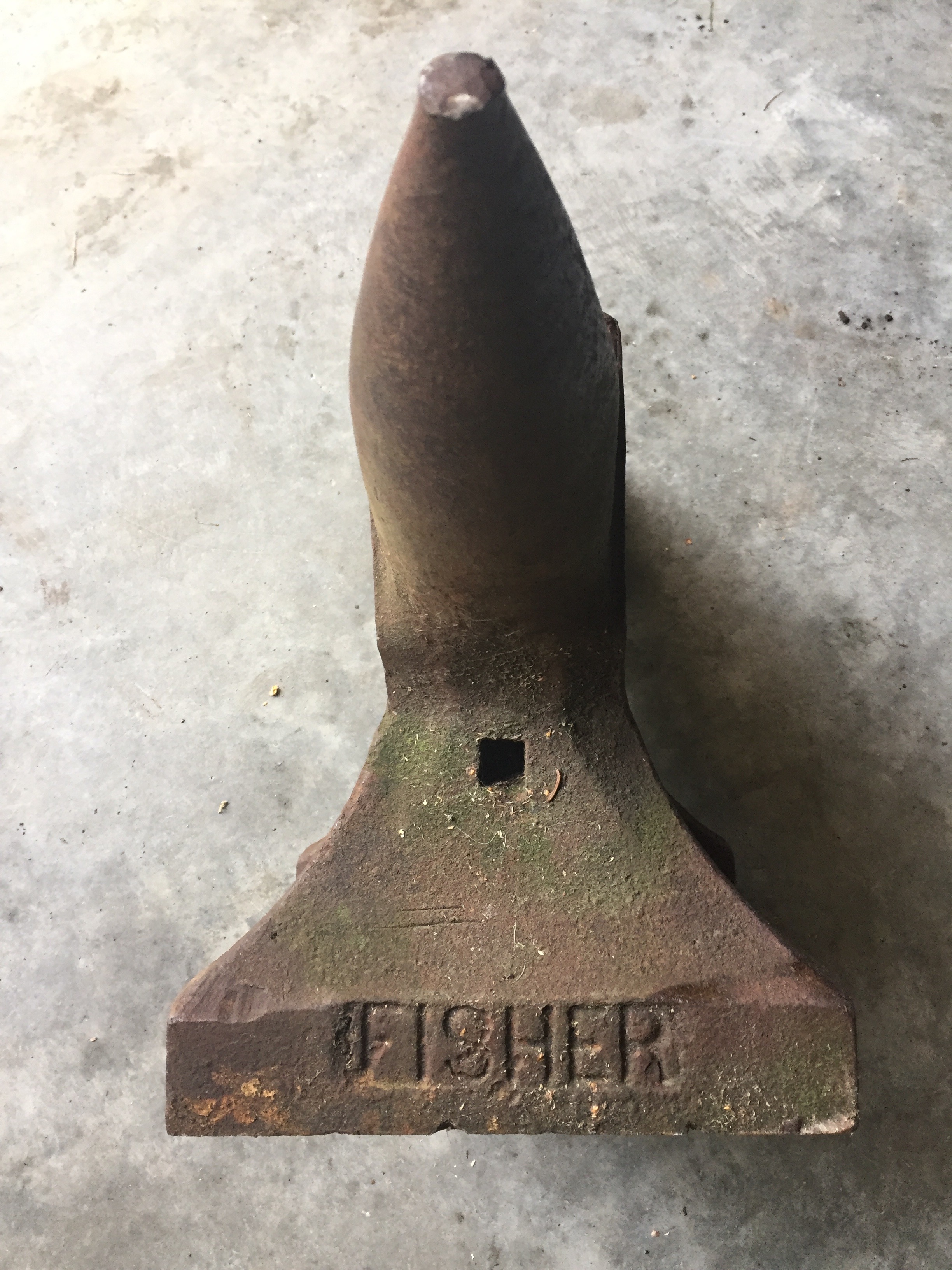
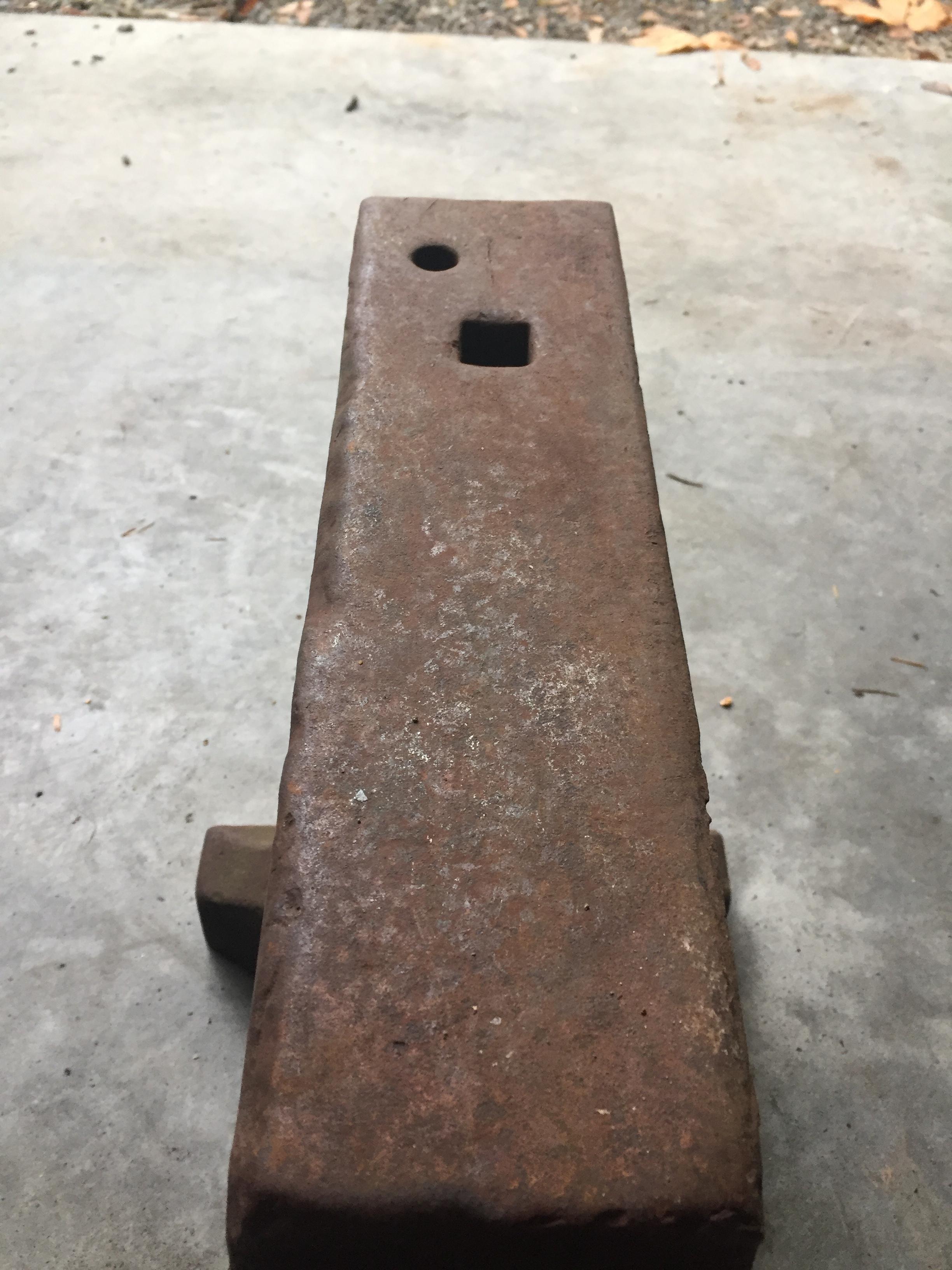
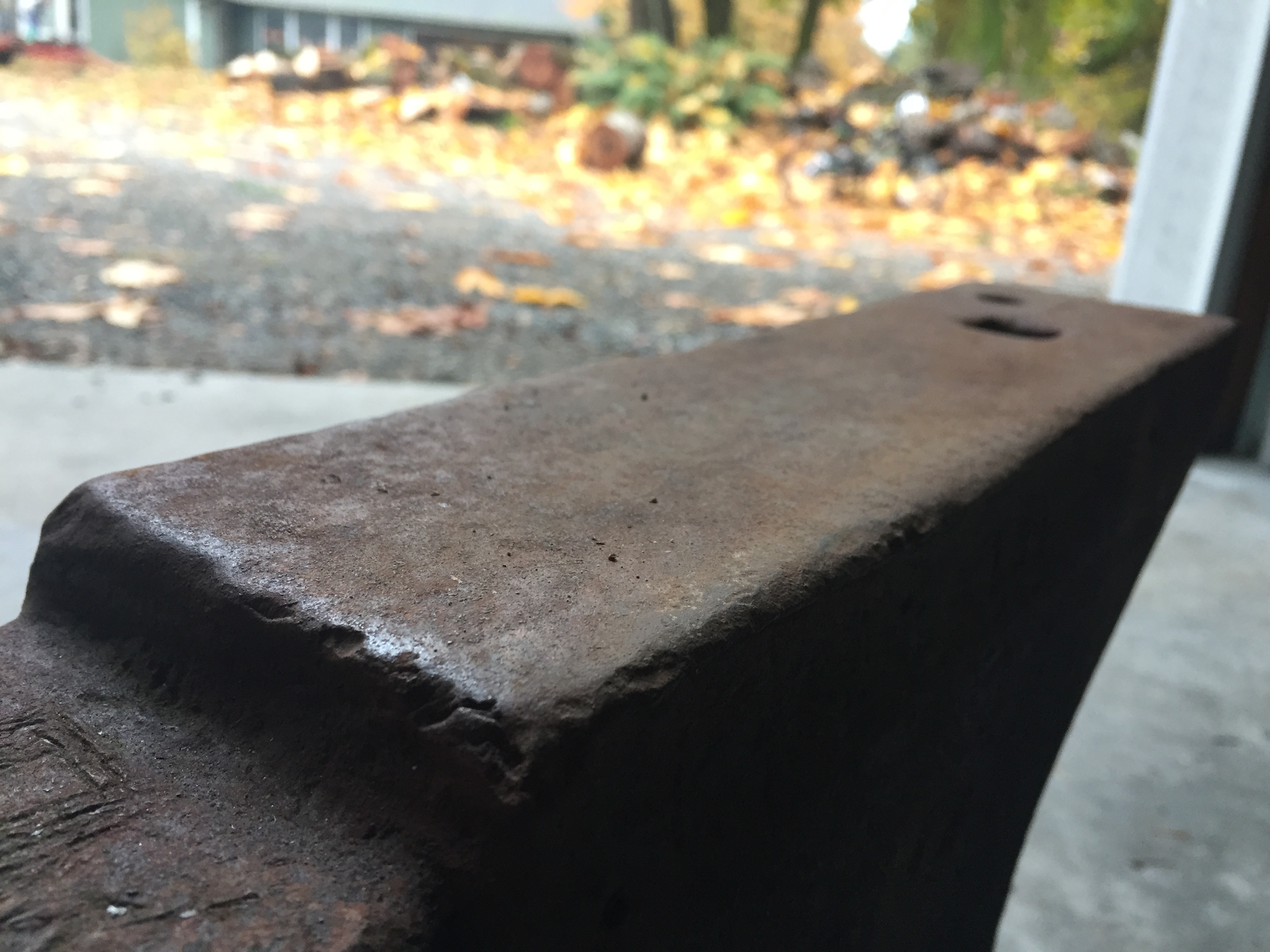
Just picked up this Fisher 120 lb. anvil today. Seems to be in pretty good shape for it's age. Can you guys school me on it? I'm new to smithing and am just starting to acquire equipment.