Skip to content
View in the app

A better way to browse. Learn more.

I Forge Iron

A full-screen app on your home screen with push notifications, badges and more.

To install this app on iOS and iPadOS
  1. Tap the Share icon in Safari
  2. Scroll the menu and tap Add to Home Screen.
  3. Tap Add in the top-right corner.
To install this app on Android
  1. Tap the 3-dot menu (⋮) in the top-right corner of the browser.
  2. Tap Add to Home screen or Install app.
  3. Confirm by tapping Install.

J Nelson

Members
  • Joined

  • Last visited

  1. Thanks, CT It is working great, was not sure if it needed tweaking. your build looking good also,
  2. J Nelson posted a topic in Gas Forges
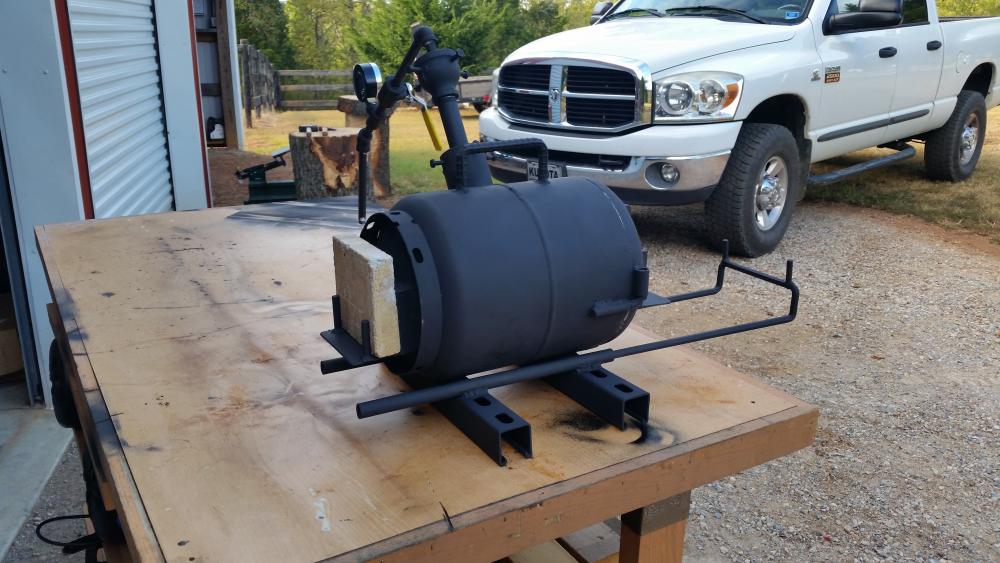
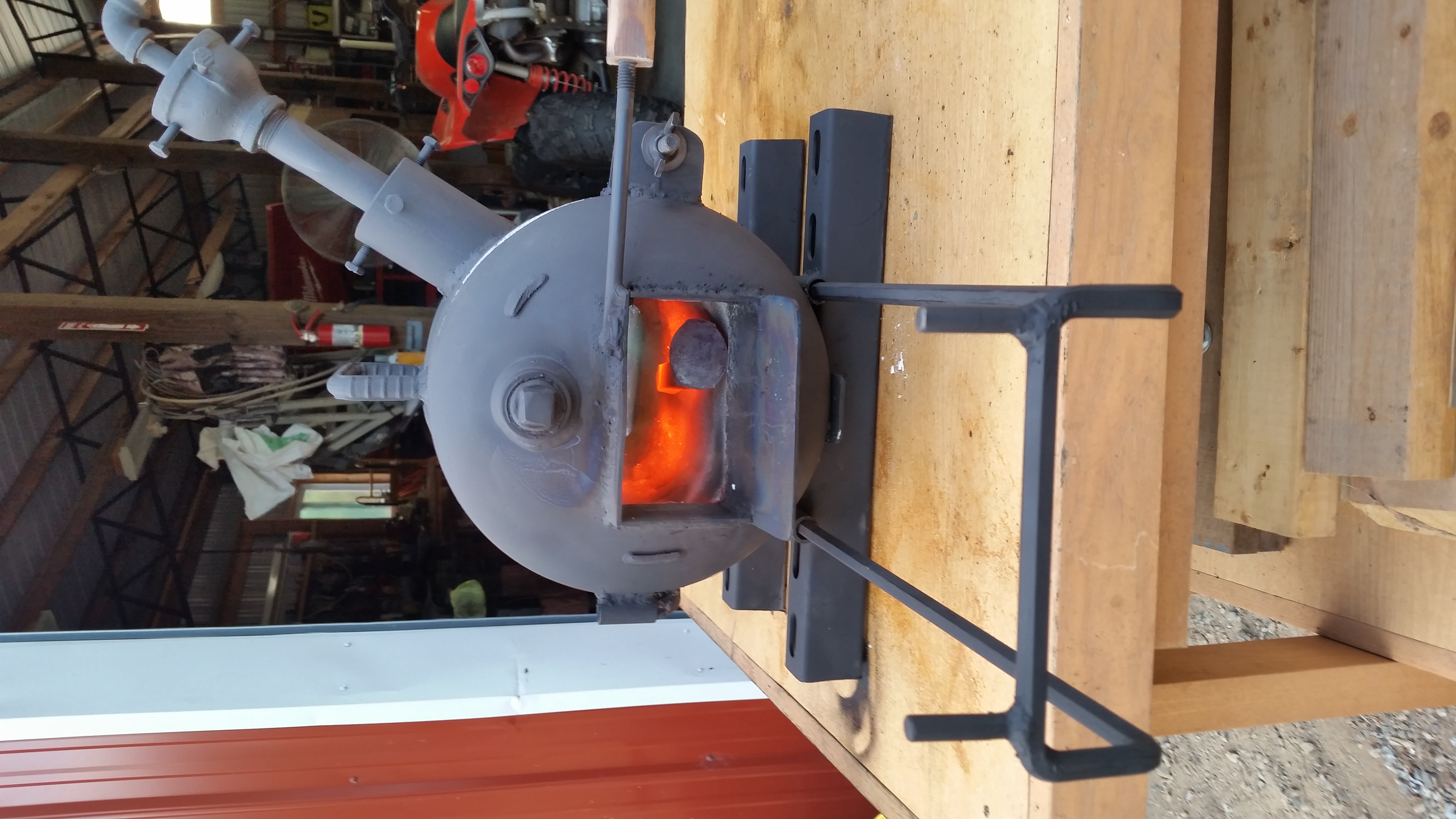
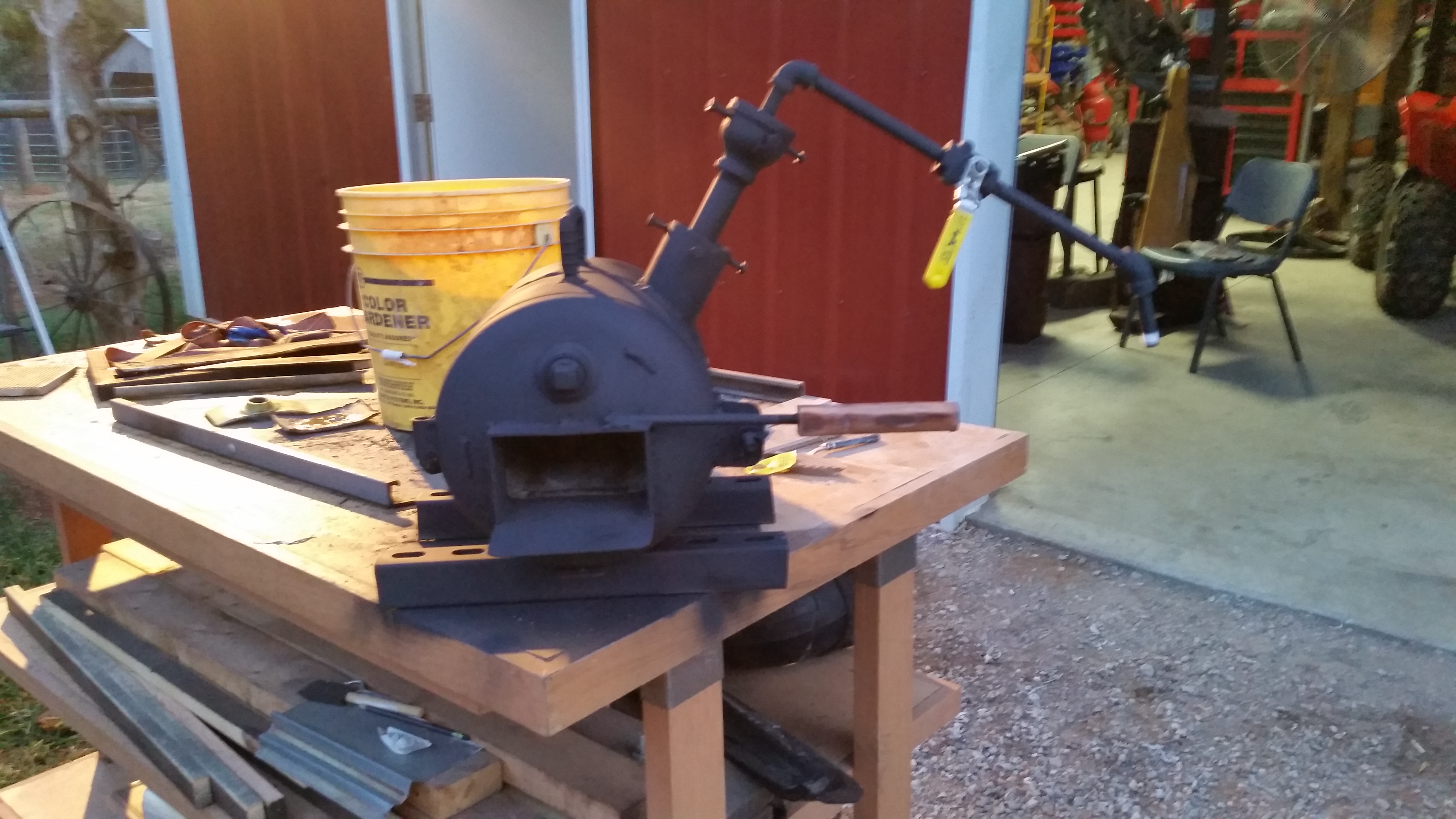
    Just wanted some input on how good it is tuned in, will try to load video. Thanks J Nelson 20161002_193837_002.mp4
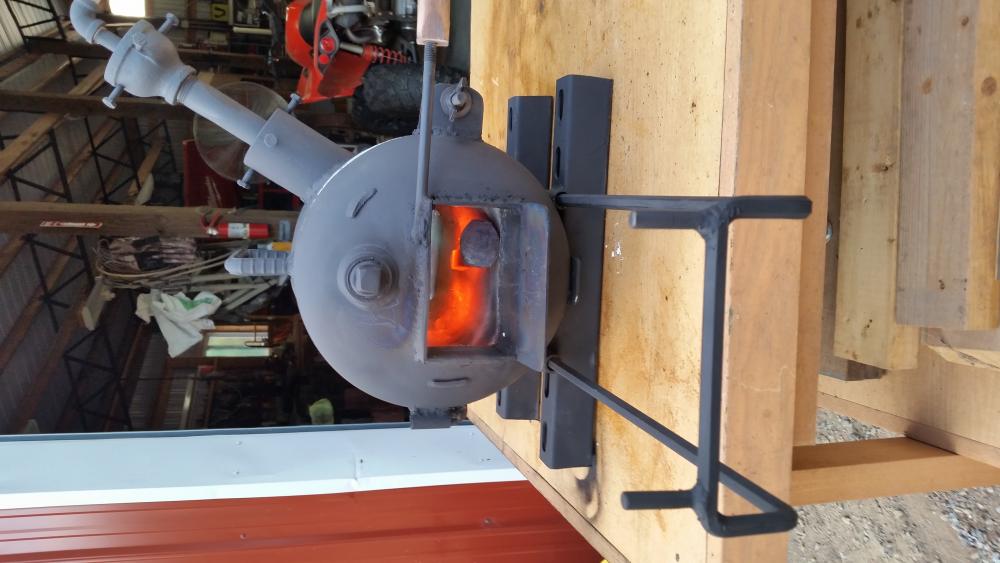
  3. Thanks Frosty, I will reroute the pipe for sure, got a steel table to mount it on and I will run it rigid down the side then flex to the tank, also have a pressure Guage to go in line, Going to dry the Refractory tomorrow in the oven and put the I.R coating on.
  4. Jimmy Nelson from Rome Ga, was Told about the fourm from Wayne Coe and now I cannot stay off looking at all the info, got started doing blacksmith work a couple of years ago and built me a coal forge and now building a gas forge and have learned alot looking and reading from everyone here. Here is a few picture of what I have been doing. Thanks

Account

Navigation

Search

Search

Configure browser push notifications

Chrome (Android)
  1. Tap the lock icon next to the address bar.
  2. Tap Permissions → Notifications.
  3. Adjust your preference.
Chrome (Desktop)
  1. Click the padlock icon in the address bar.
  2. Select Site settings.
  3. Find Notifications and adjust your preference.