littlemanmays
Members
-
Joined
-
Last visited
Everything posted by littlemanmays
-
Thank you for the kind words and the hilarious heat treat joke hahaha....it is deffinatly a learning process just taking it one blade at a time
-
Thanks Neil for the advise that's a very good idea I'm fortunate enough to have a brother that already has a bunch of stuff and willing to work with me lol....I'm very excited to do more work and start another project!!!
-
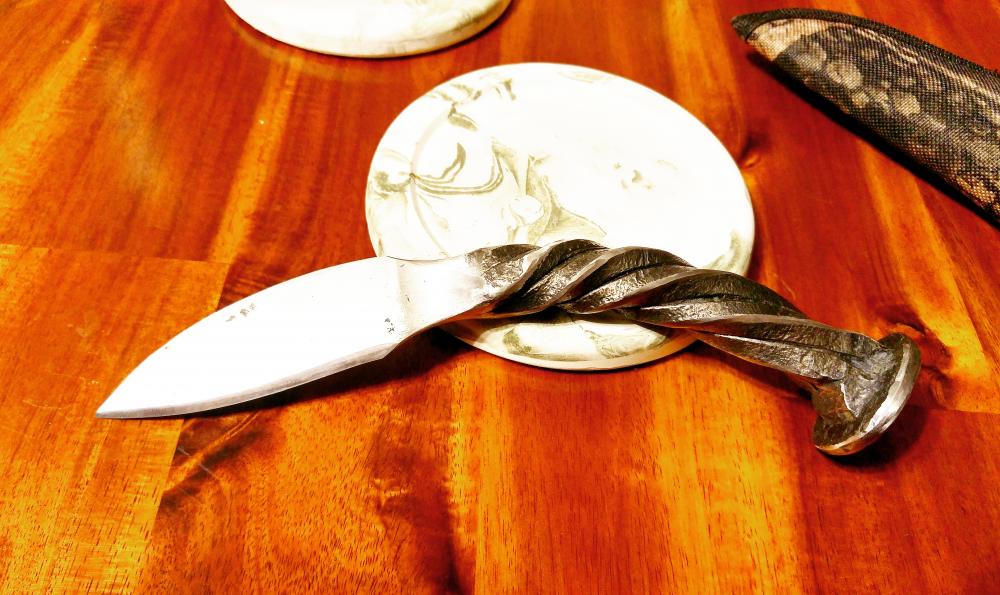
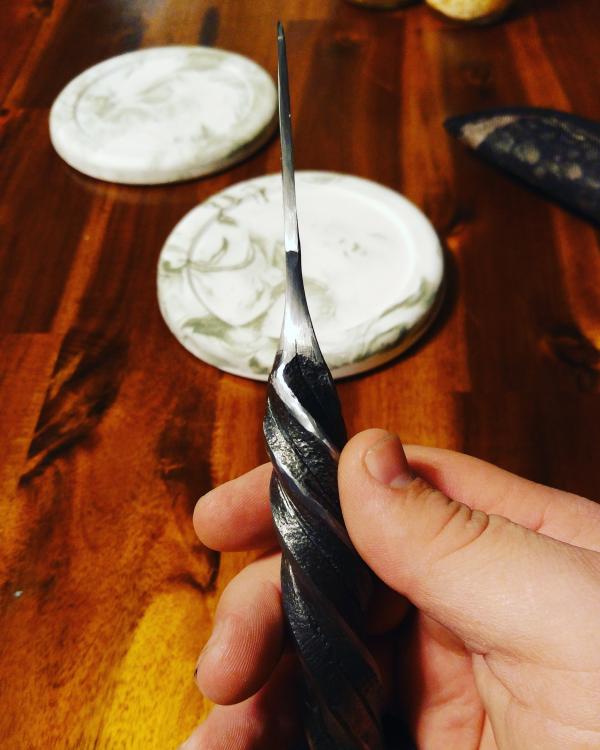
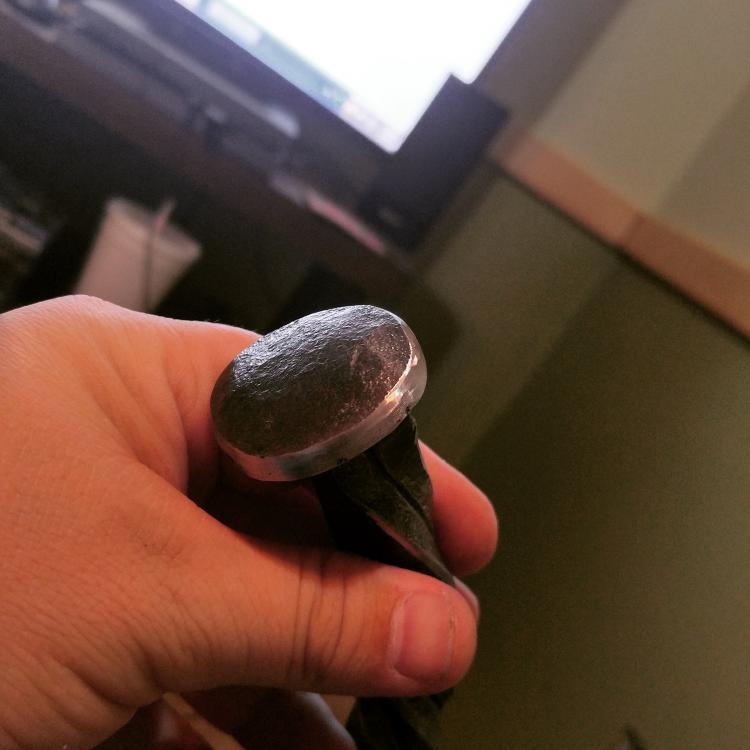
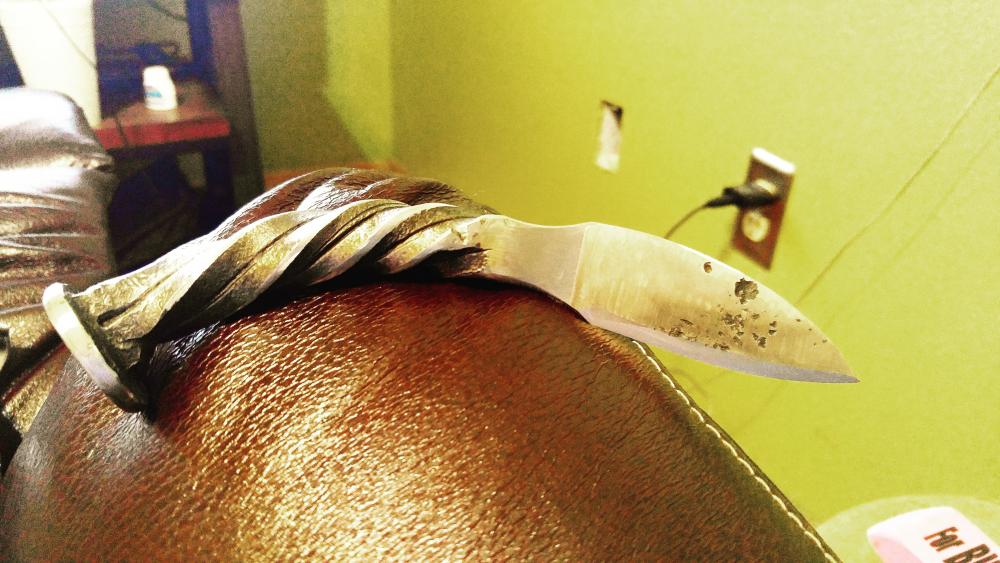
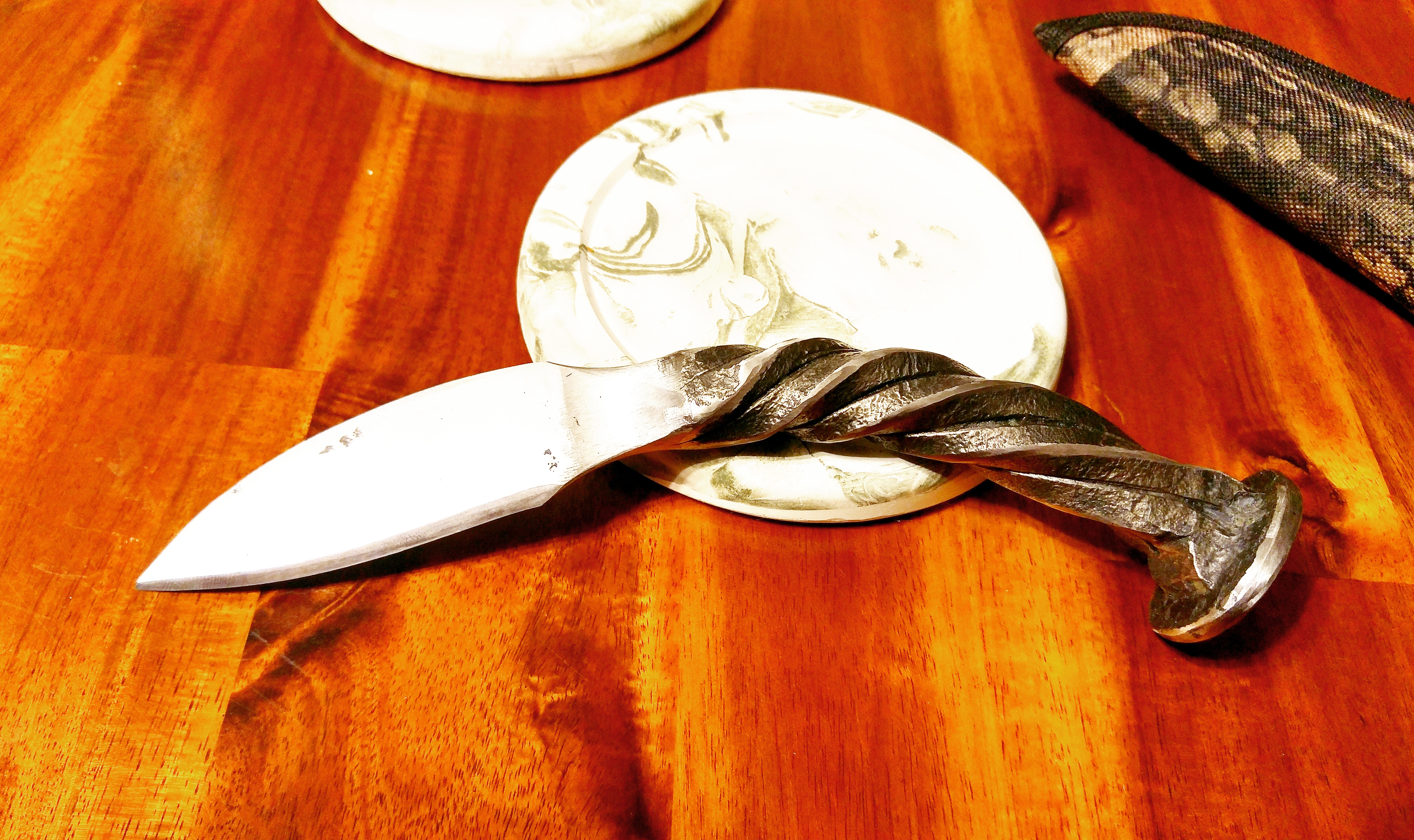
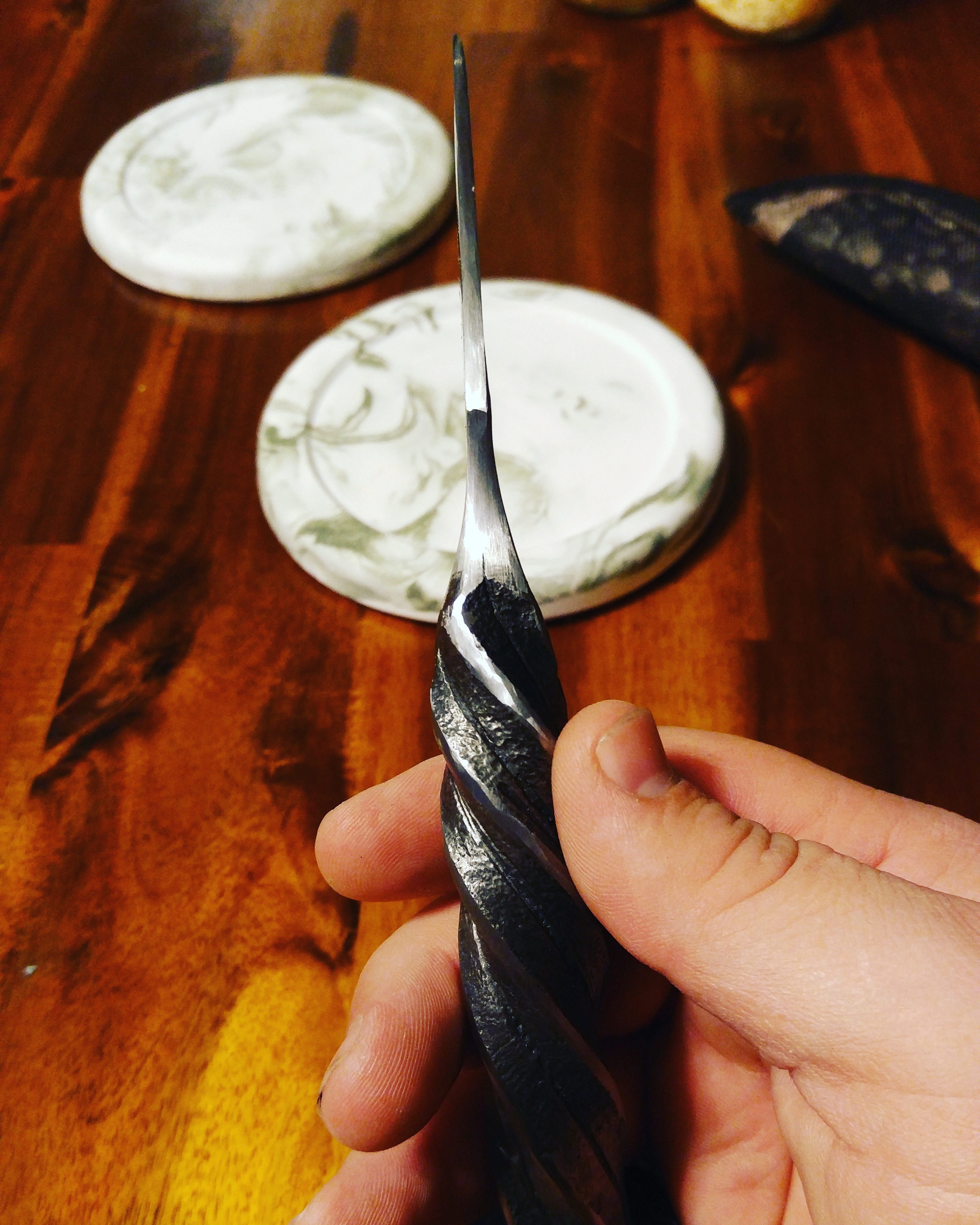
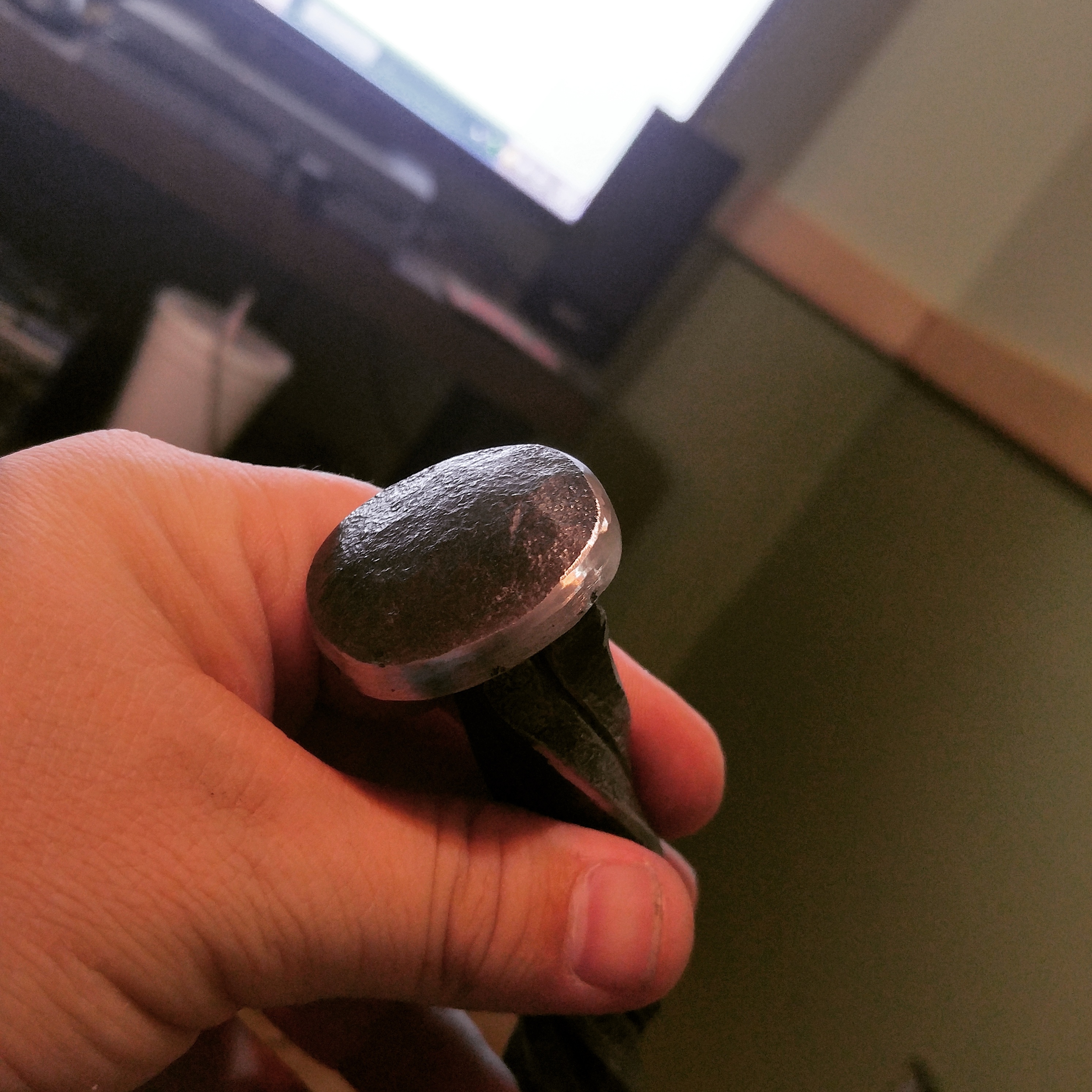
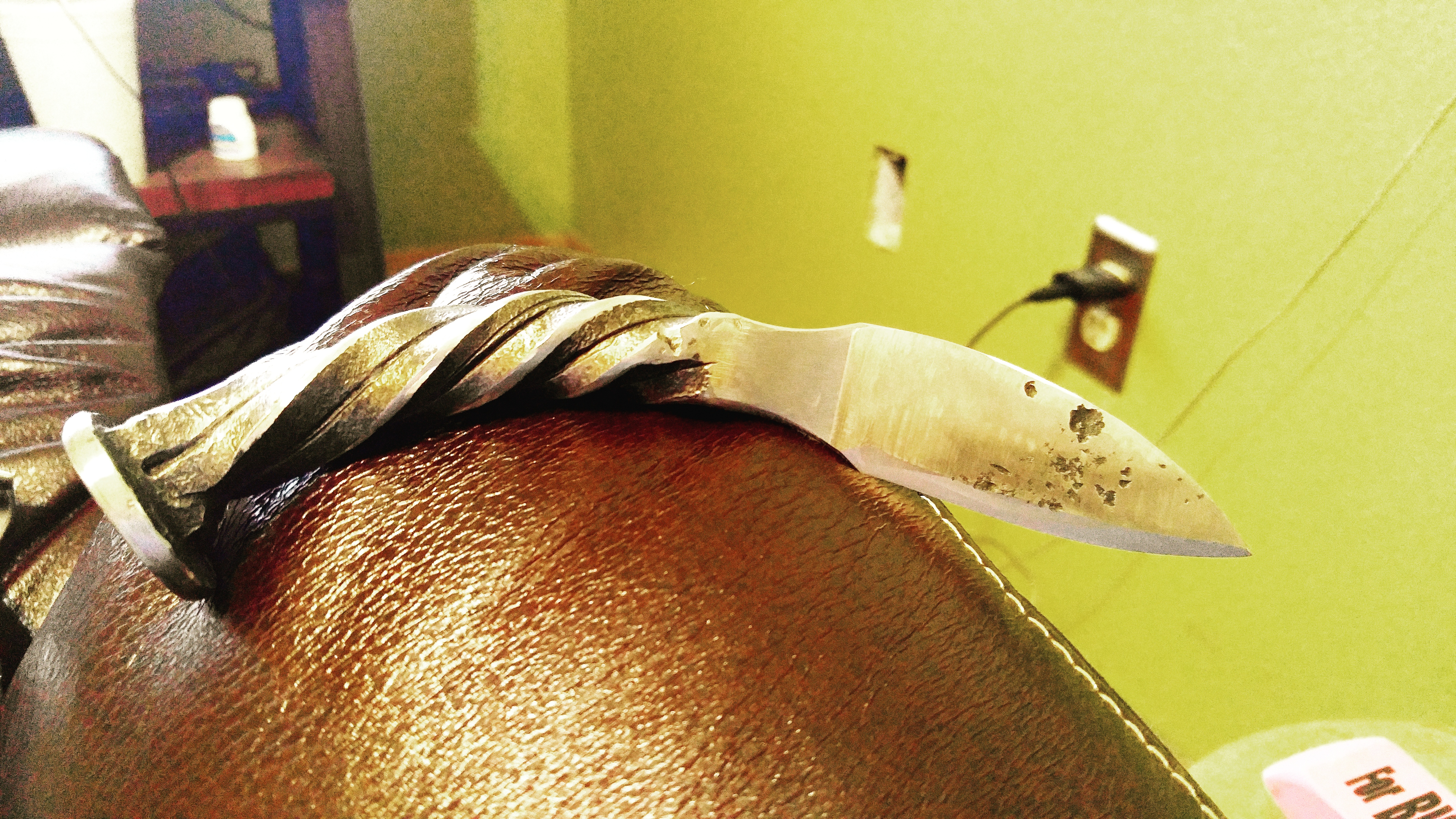
Hey what's up everyone brand new to forging and knife making....looking to get into a new hobby and I love building things with my bare hands....I have a brother that makes knives and has introduced me into the world of moving iron. Tonight he showed me the ropes from building a fire in his coal forge to polishing and helped me build my first blade and I am very happy and proud of this piece!!! He did help me with a couple mess ups that I had but it taught me how to fix them and not to let it get me down if I mess up so any advice would be greatly appreciated and I can say I'm very excited to start on my next one there are some rough spots on it but I feel like it adds character to the piece