Iamnotcake
Members
-
Joined
-
Last visited
-
Good to hear about the amazon one. I will take your advice and take some bits with me to make sure they are the right fit. Good thing there is a plumbing supplies store near by, bad thing I've got to wait like 3 days before I am off work to go there. Thanks for your help Frosty.
-
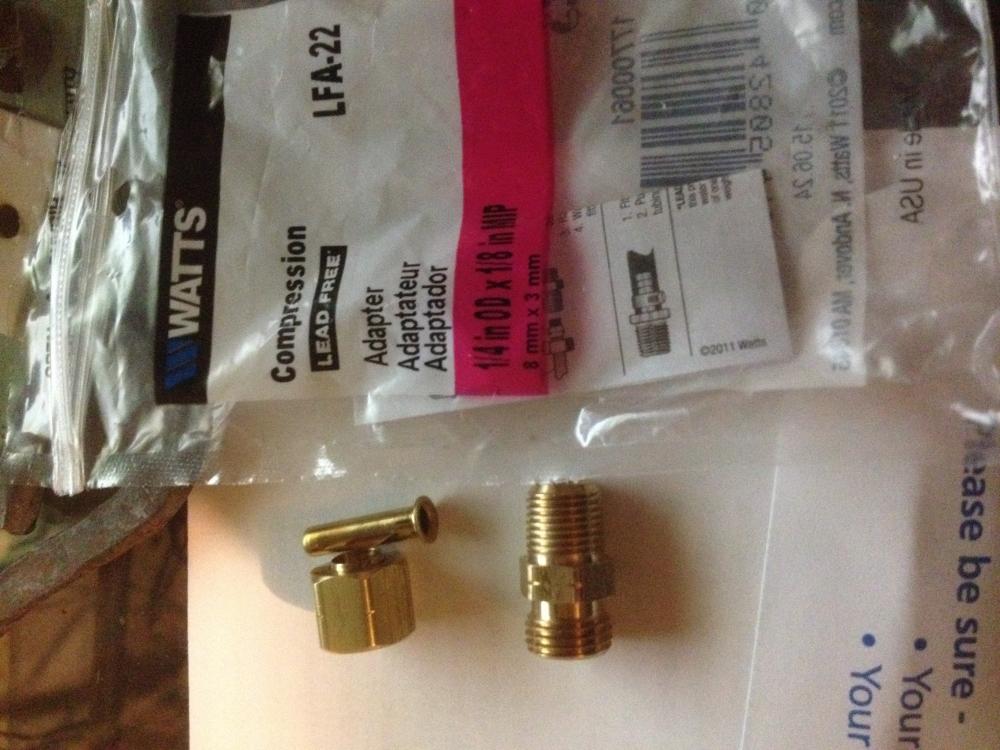
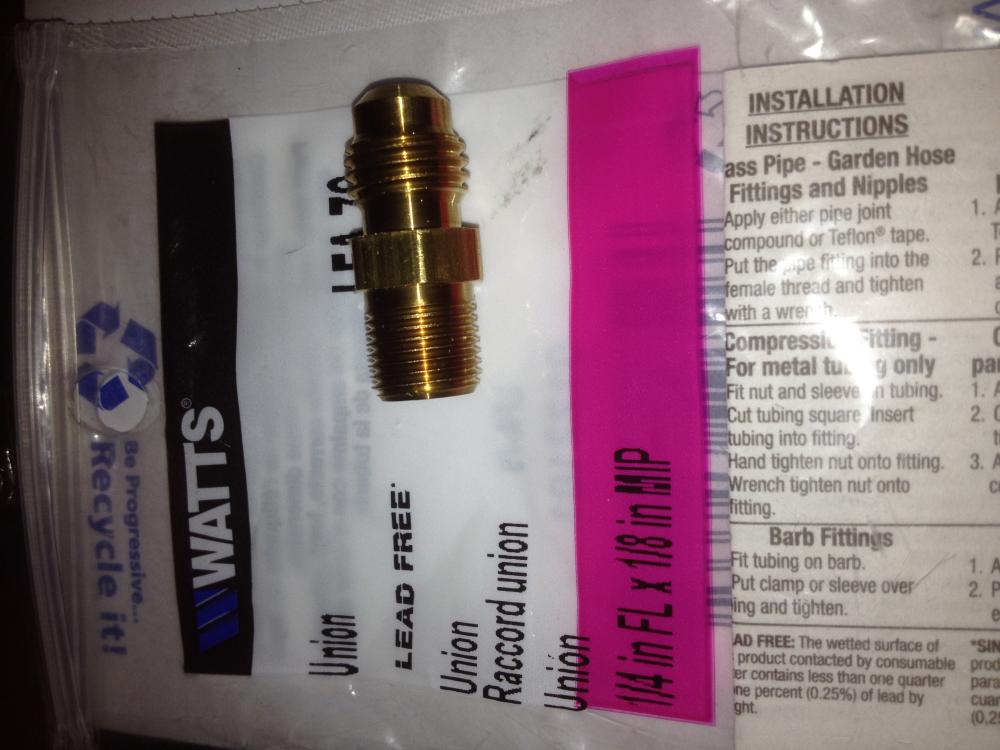
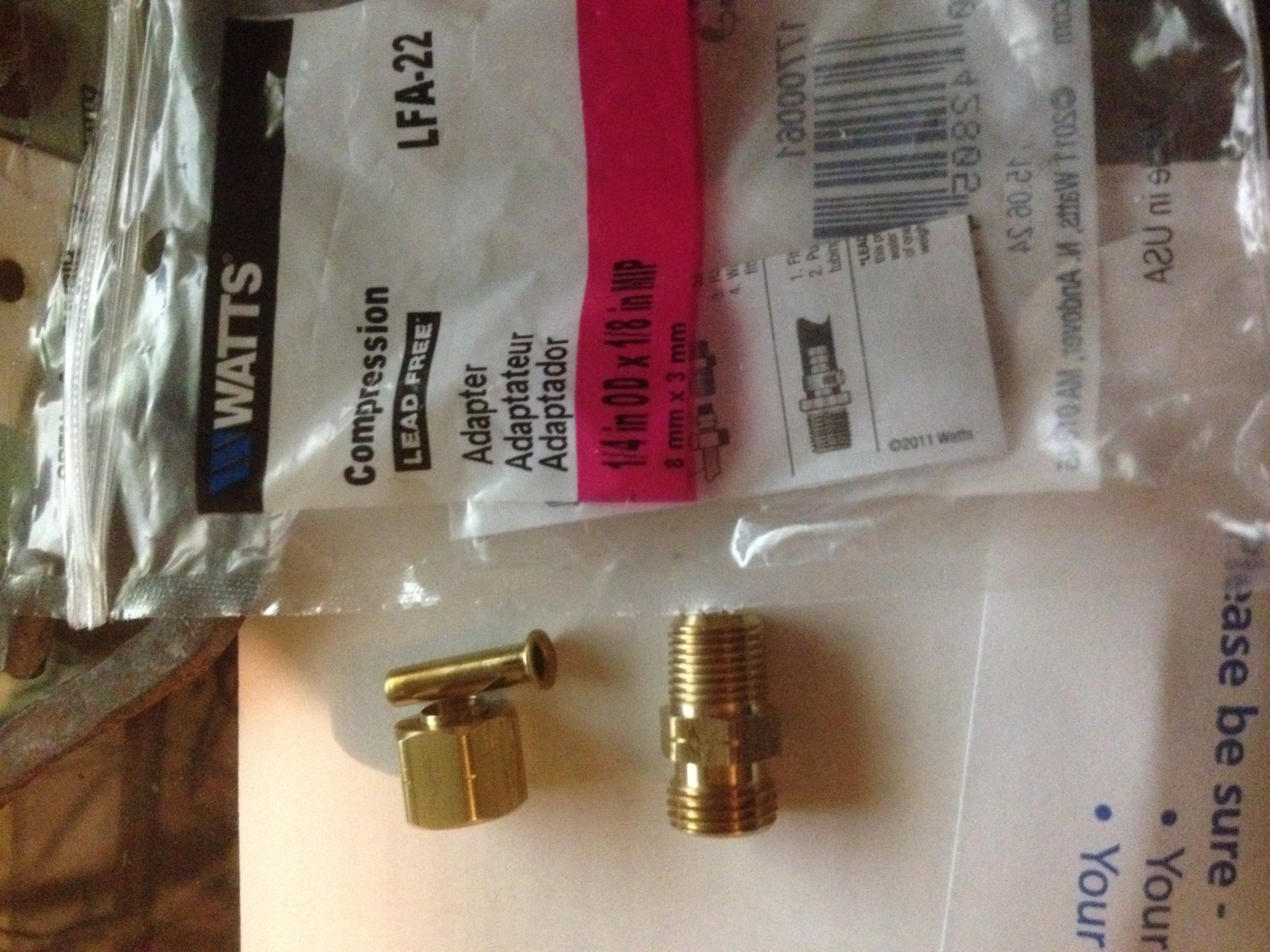
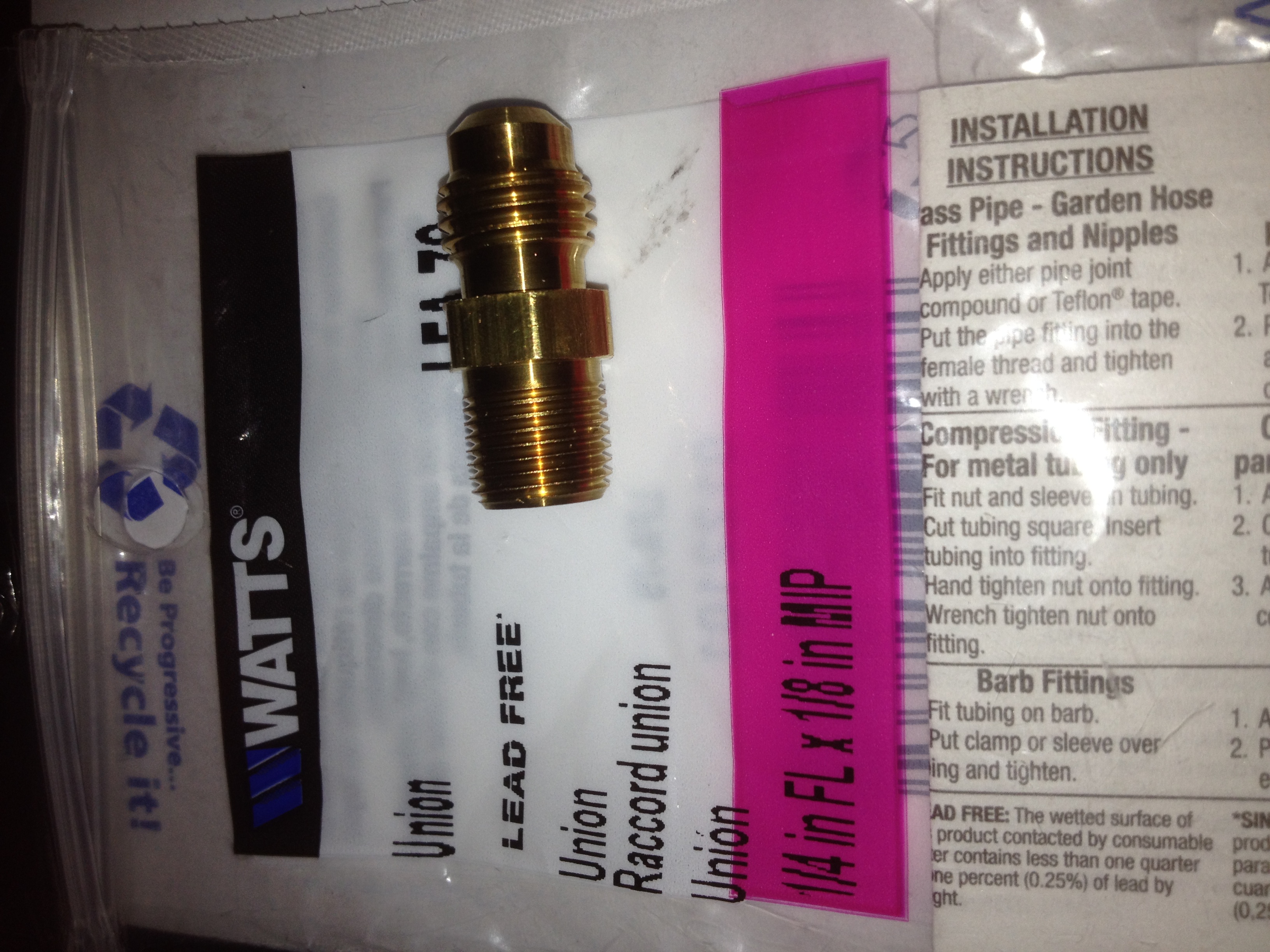
The bags they are on are the labels of the product. Says the same thing on the receipt. The bottom one didn't come with a compression nut of any type. I was looking online and couldn't find a match from your write up you wrote. I figure a picture, if possible, would steer me the right direction. Then again to have you reply is a good thing see as you are the man himself. Edit: i found some on amazon, but if I can I would rather buy it locally than have it shipped. http://www.amazon.com/dp/B000LNKE9S/ref=biss_dp_t_asn
-
So I did a bunch of reading/lurking (finally signed up for the forums) and understand how this burner works, but I am trying to make sure that I bought the right part for the mig tip assembly portion. I bought two types fittings, and I am not sure which one is the one to use. If I can use both of them I will. I've add pictures to make sure they are the right thing. Once my drill press comes in the mail I plan on building two then building a bigger forge than what I currently have, which is a paint can forge.