Skip to content
View in the app

A better way to browse. Learn more.

I Forge Iron

A full-screen app on your home screen with push notifications, badges and more.

To install this app on iOS and iPadOS
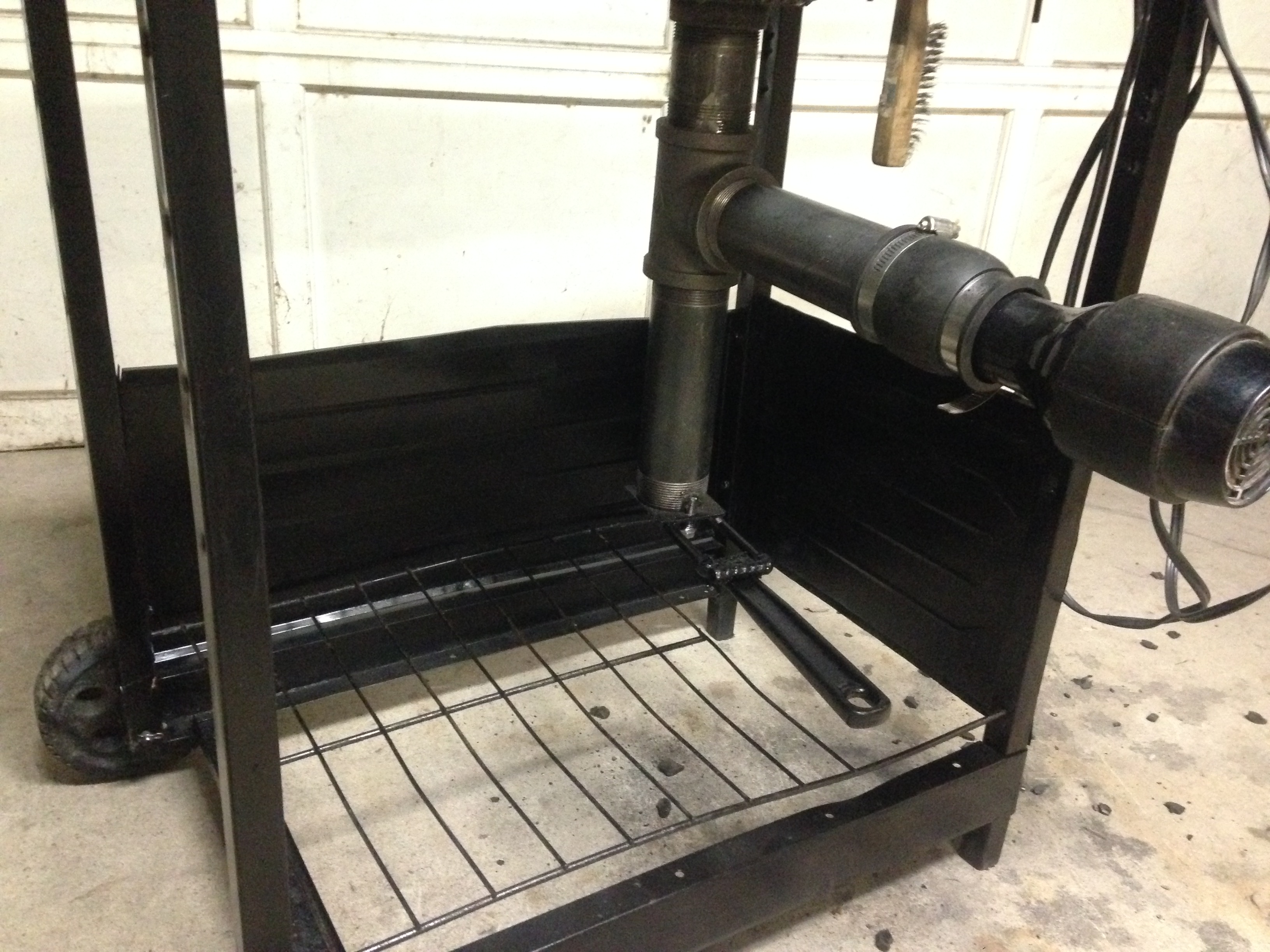
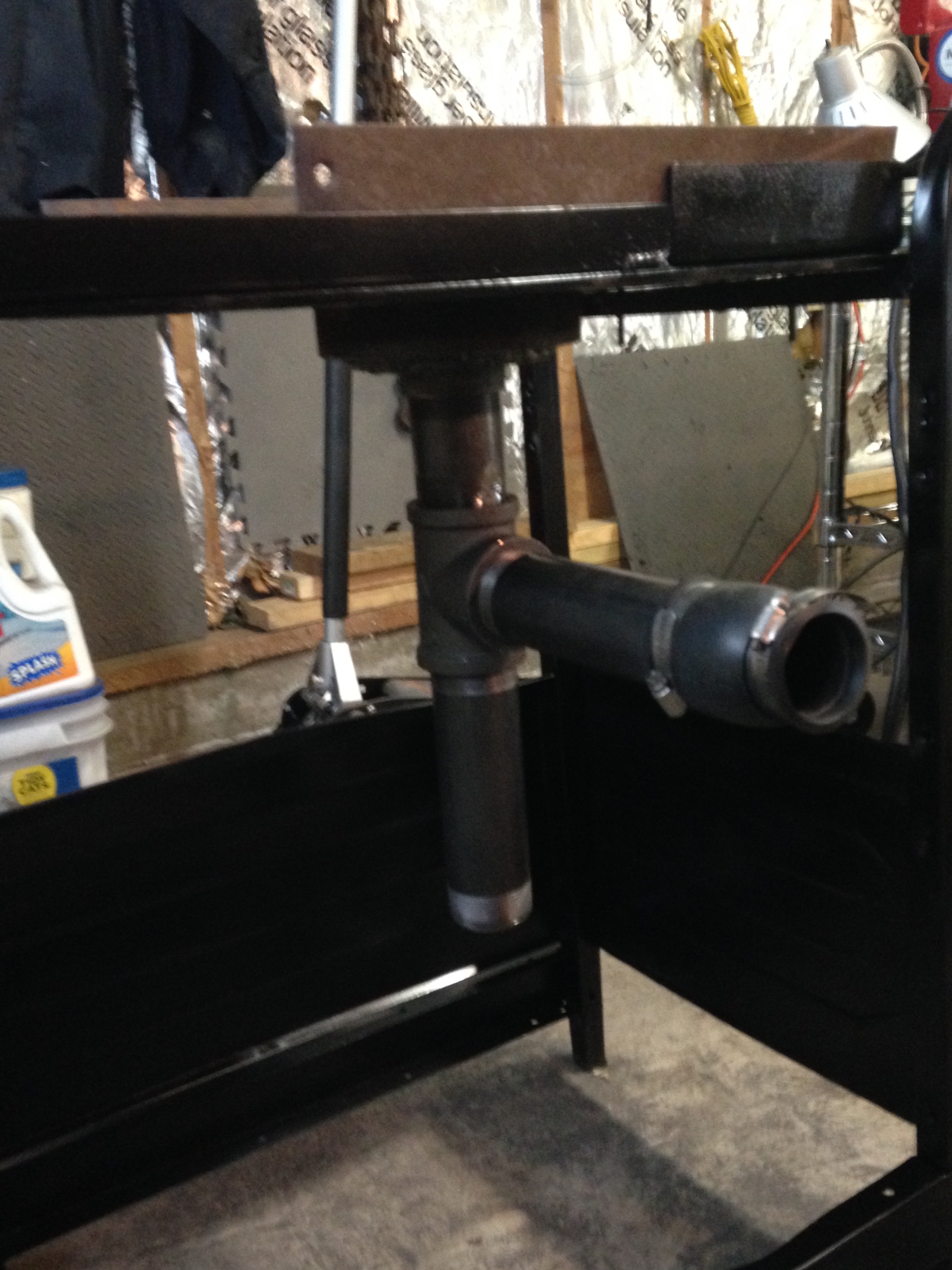
  1. Tap the Share icon in Safari
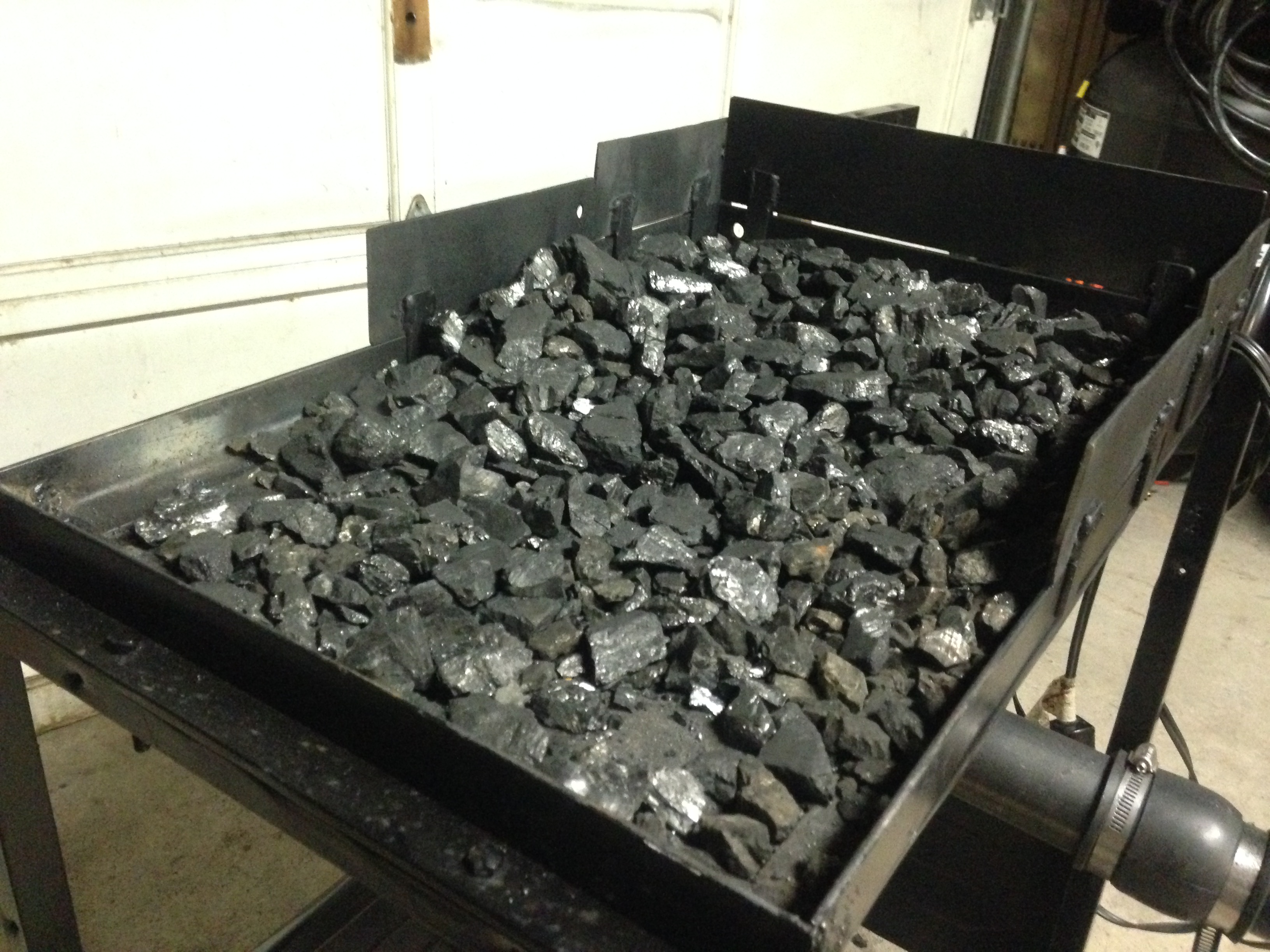
  2. Scroll the menu and tap Add to Home Screen.
  3. Tap Add in the top-right corner.
To install this app on Android
  1. Tap the 3-dot menu (⋮) in the top-right corner of the browser.
  2. Tap Add to Home screen or Install app.
  3. Confirm by tapping Install.

92golfdisaster

Members
  • Joined

  • Last visited

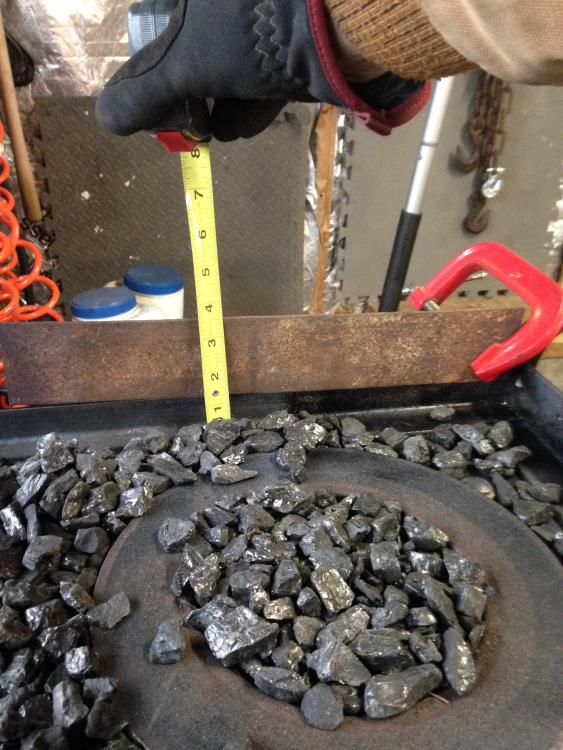
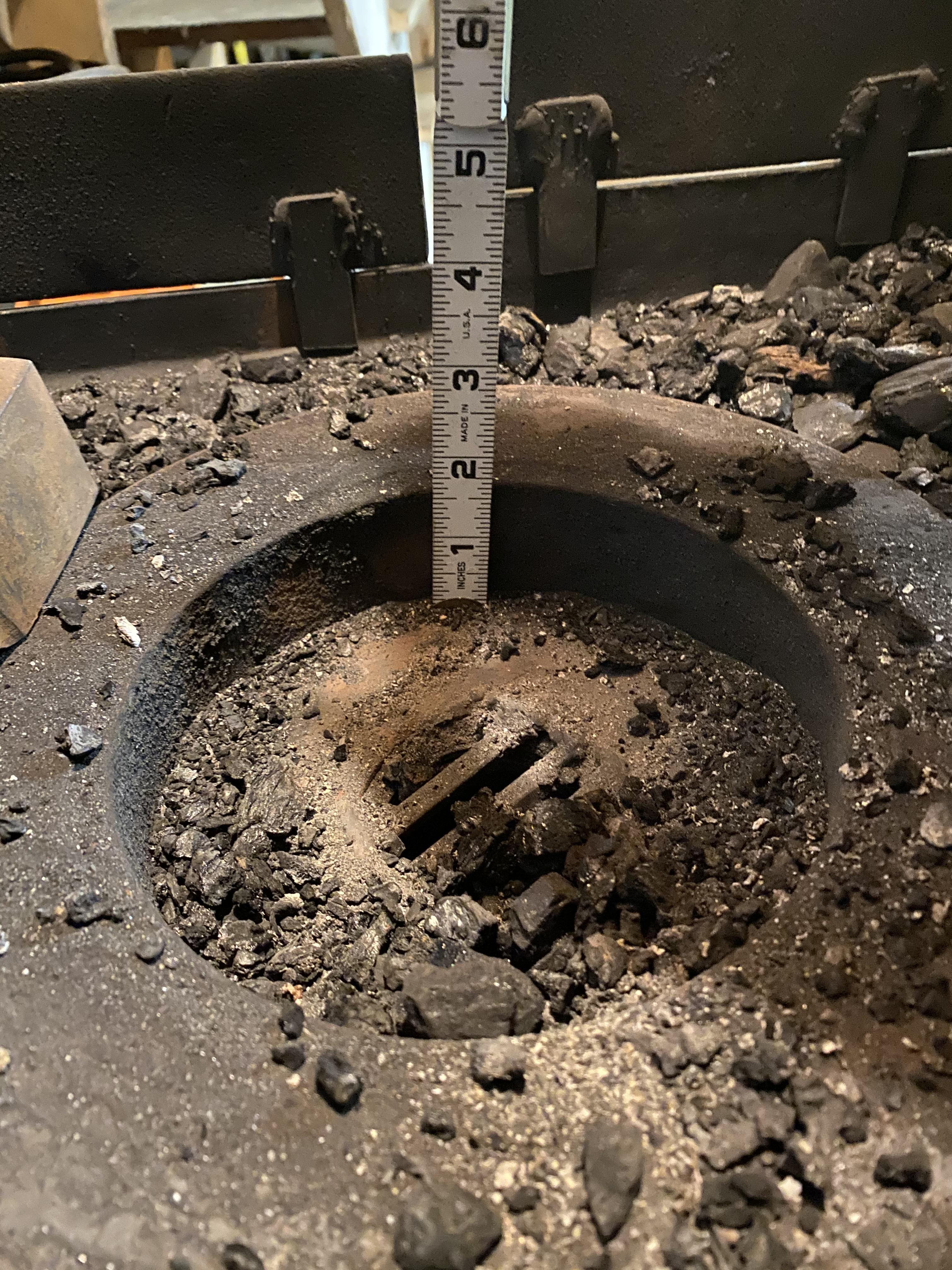
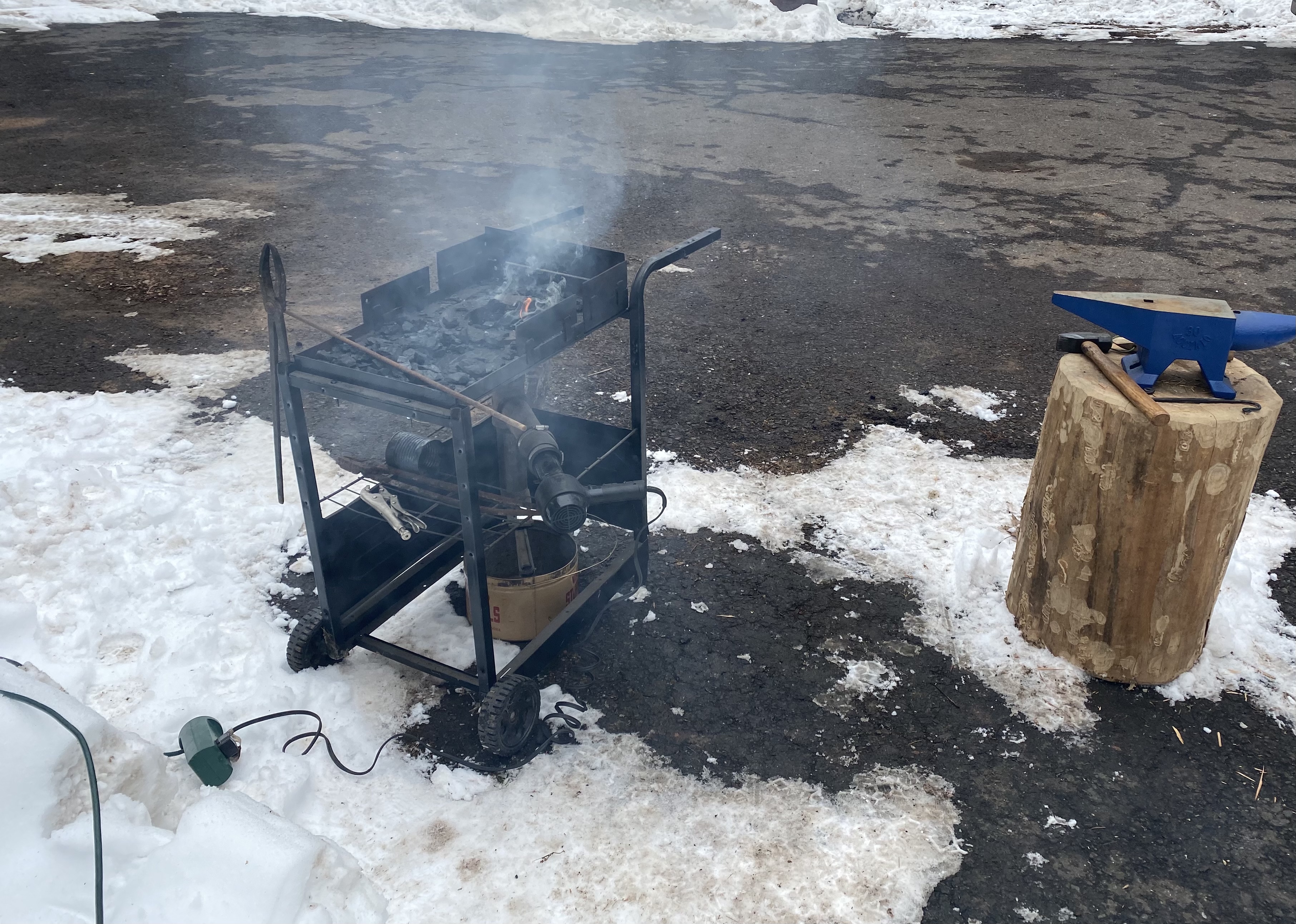
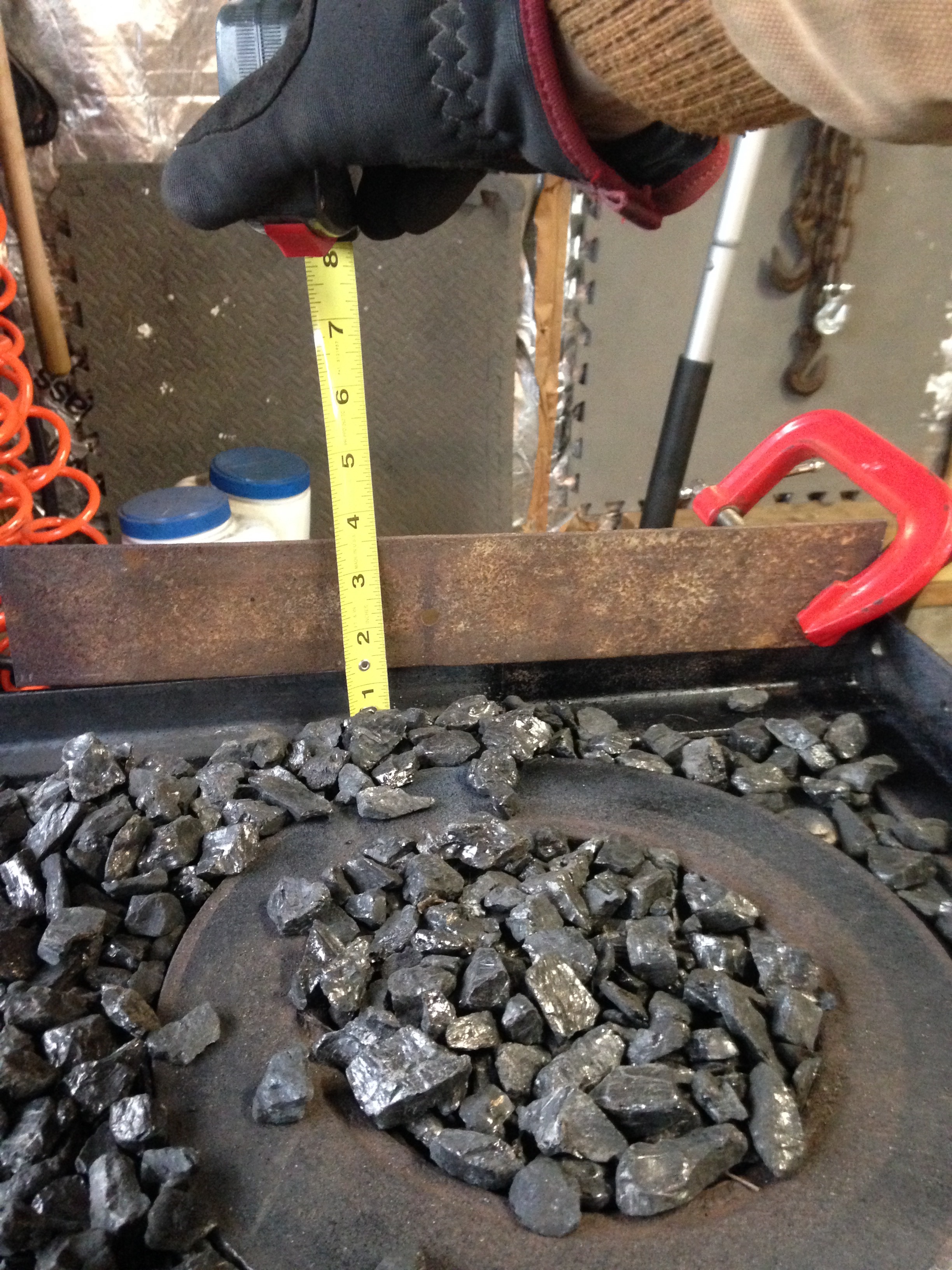
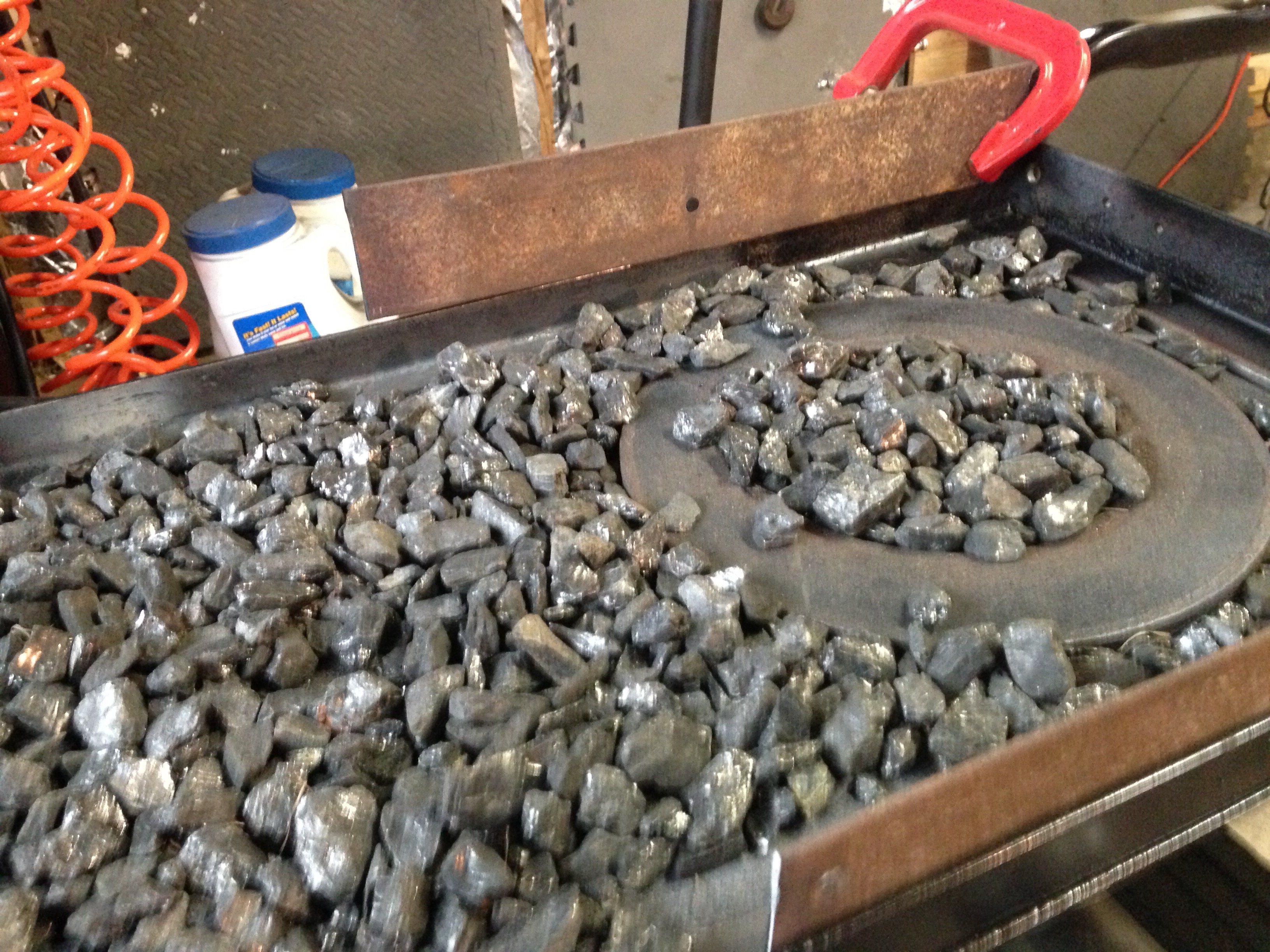
  1. Good point. About 1.5” deep. and 6” diameter. I would say it’s time for an upgrade in a scrap rotor. Should buy a legitimate forge blower or at minimum a wastegate for the excess air from the blow dryer. Still holding out on investing any real money and only engaging in the hobby a few times a year as family commitments and work take precedence. Always fun though.
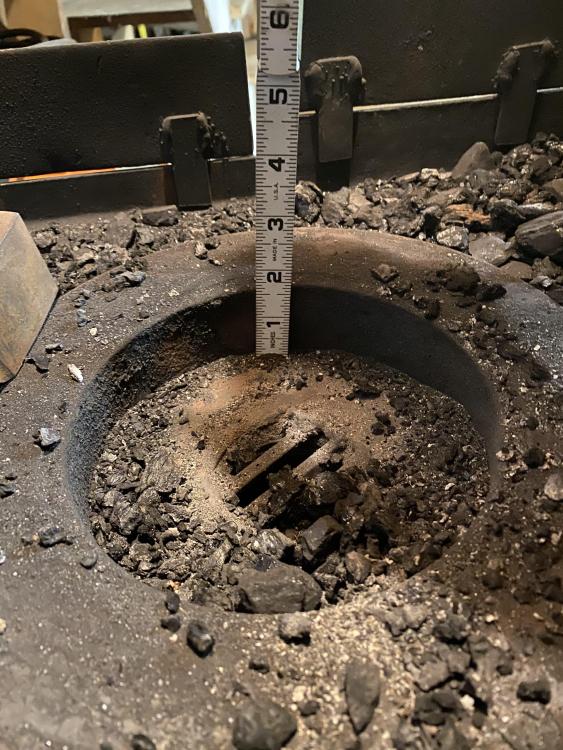
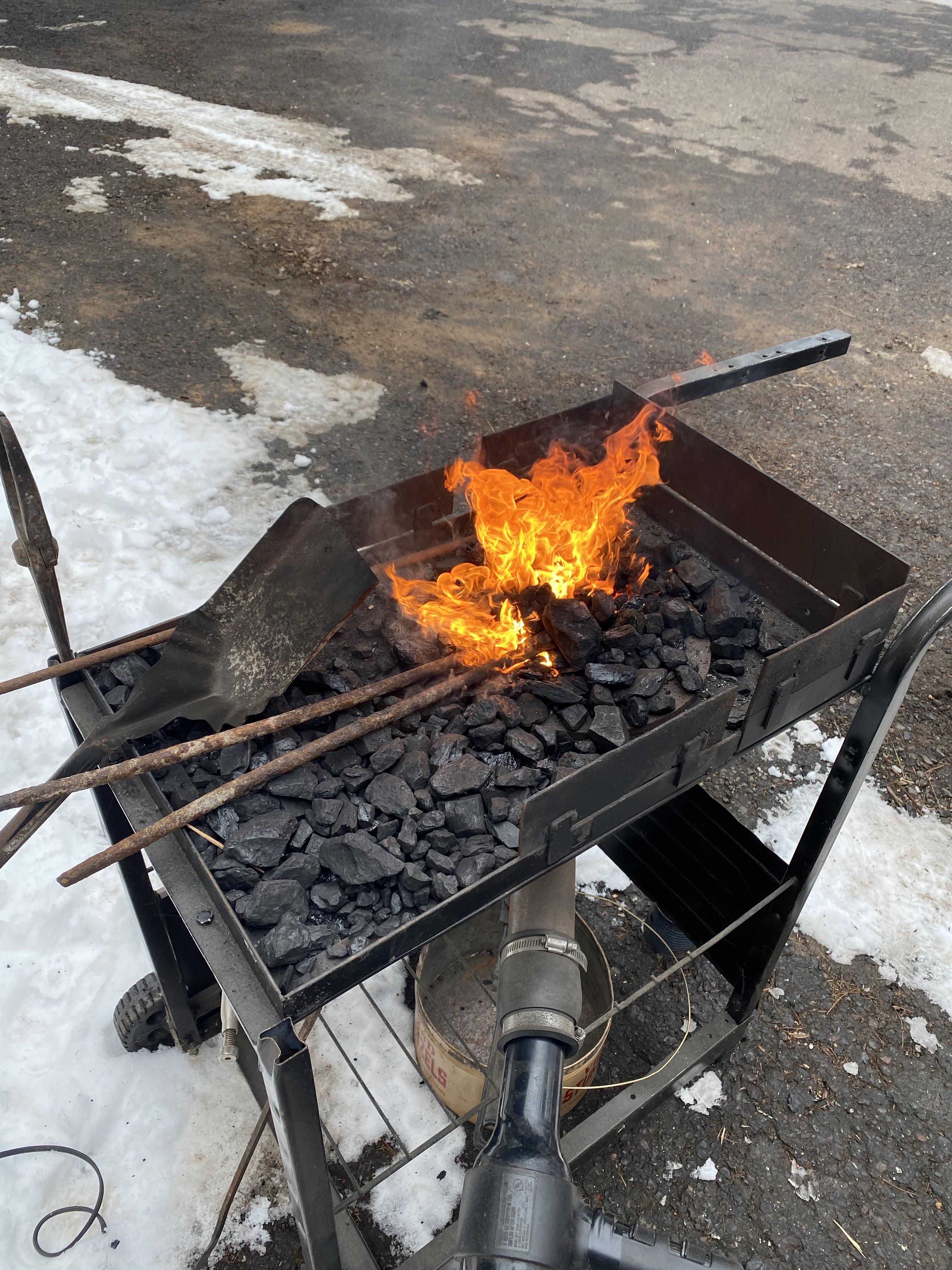
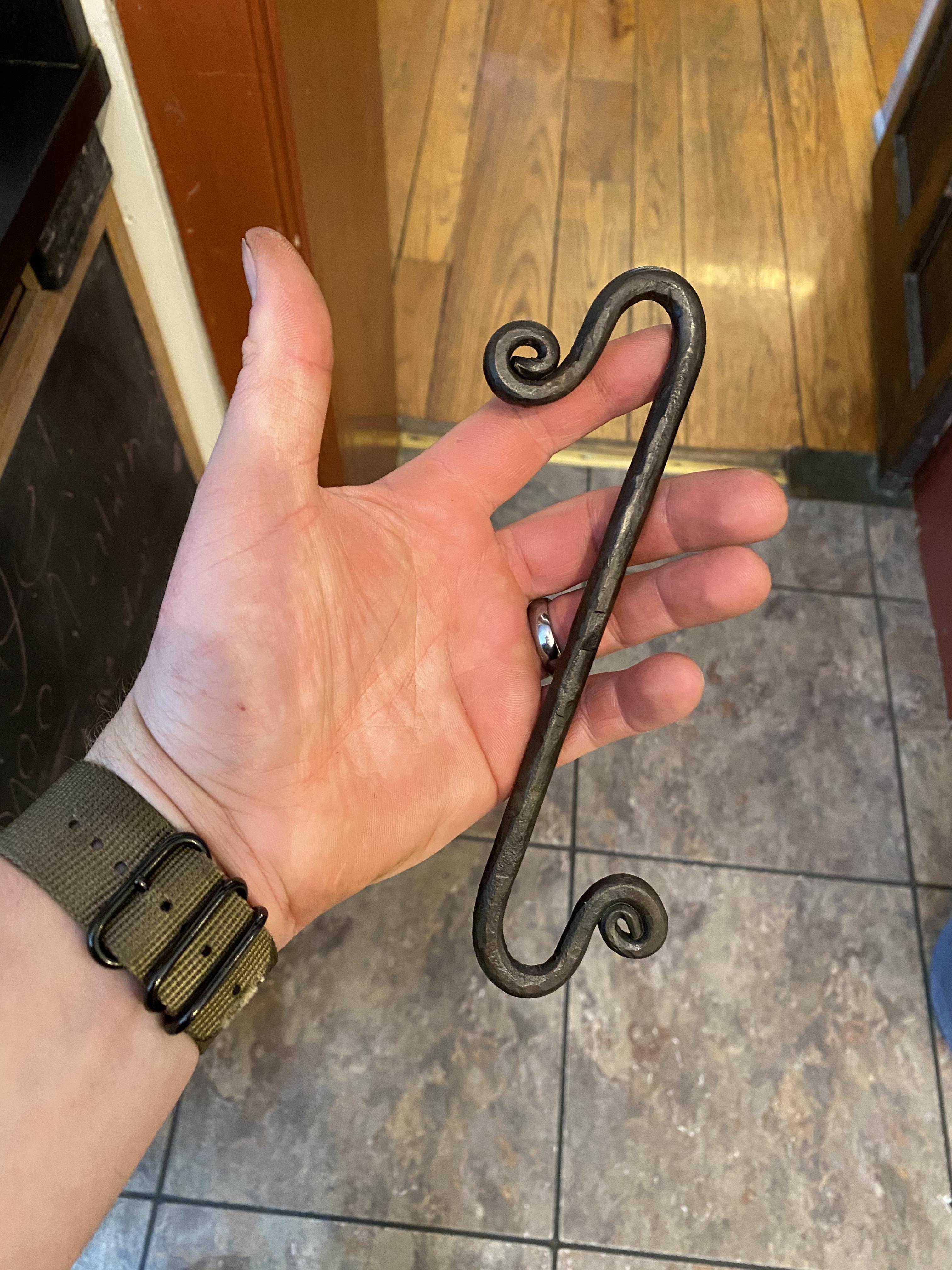
  2. 4 year update. The rotor is shallow for a firepot but it works ok for smaller items. IMG_8337.MOV
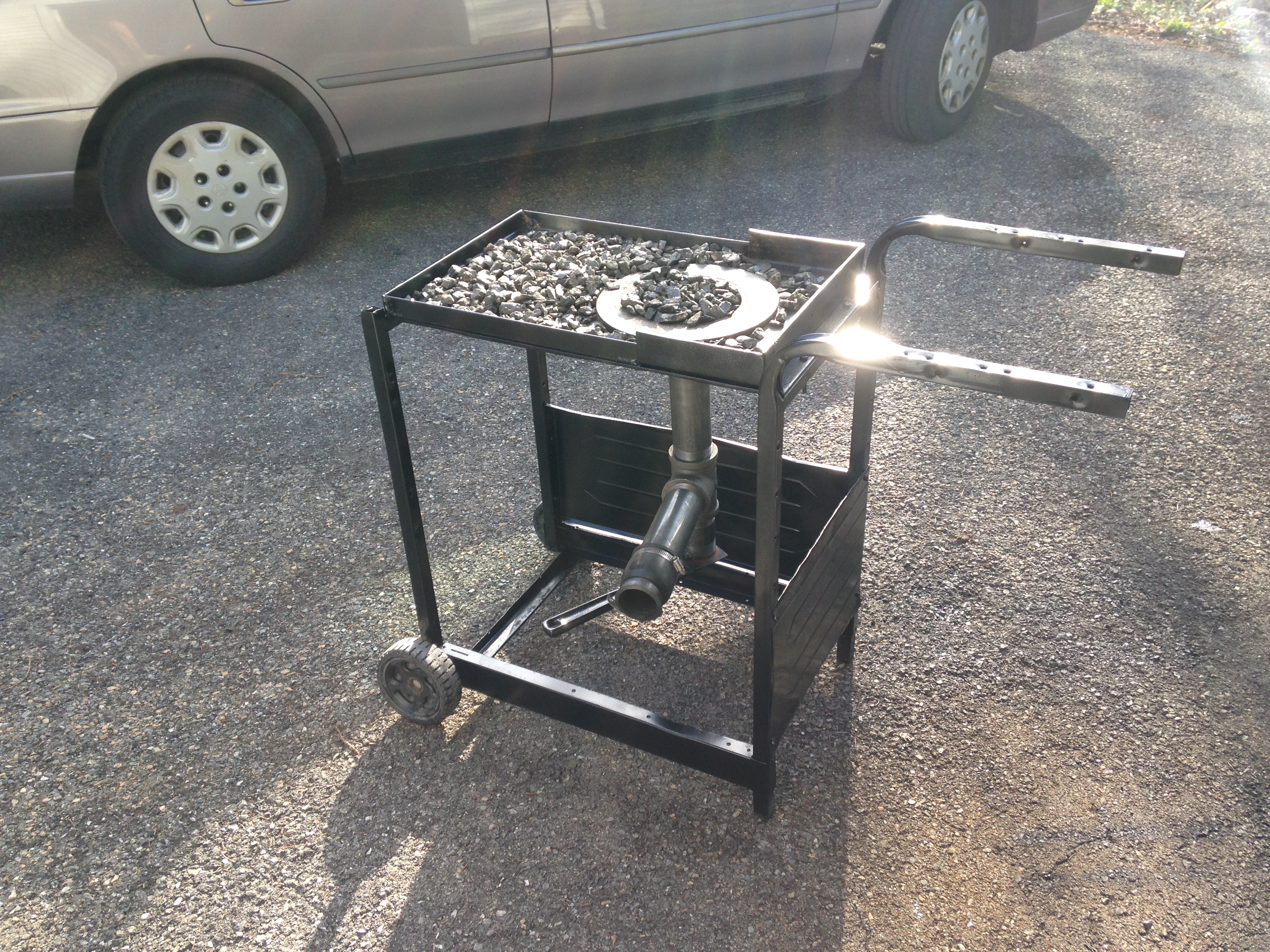
  3. In the first picture it looks like your grilling a pizza! I really like the light switch idea you have for the blower.
  4. Suggestions have been implemented. Time to light tomorrow.
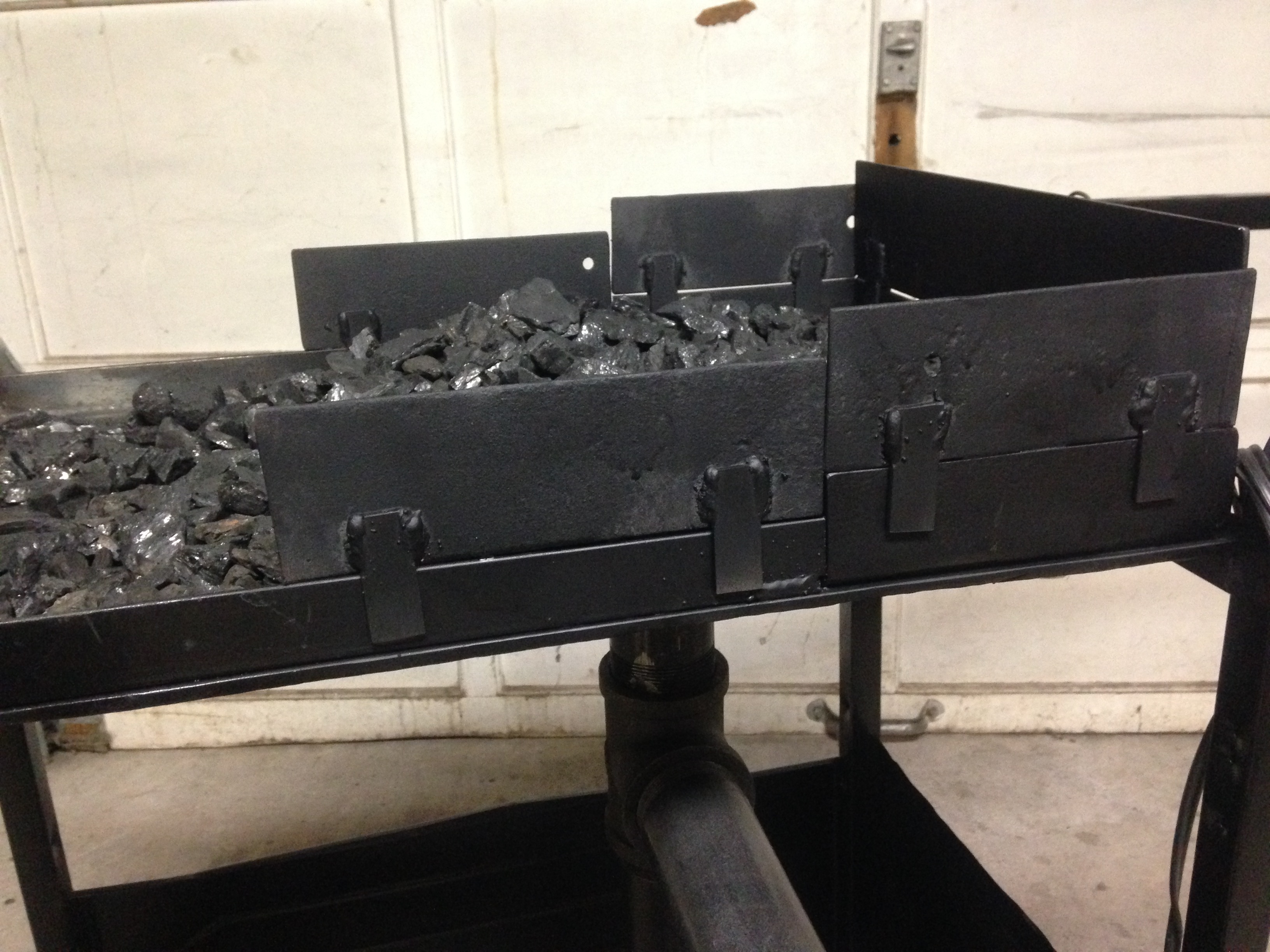
  5. The tabs for the sides are brilliant! Thank you.
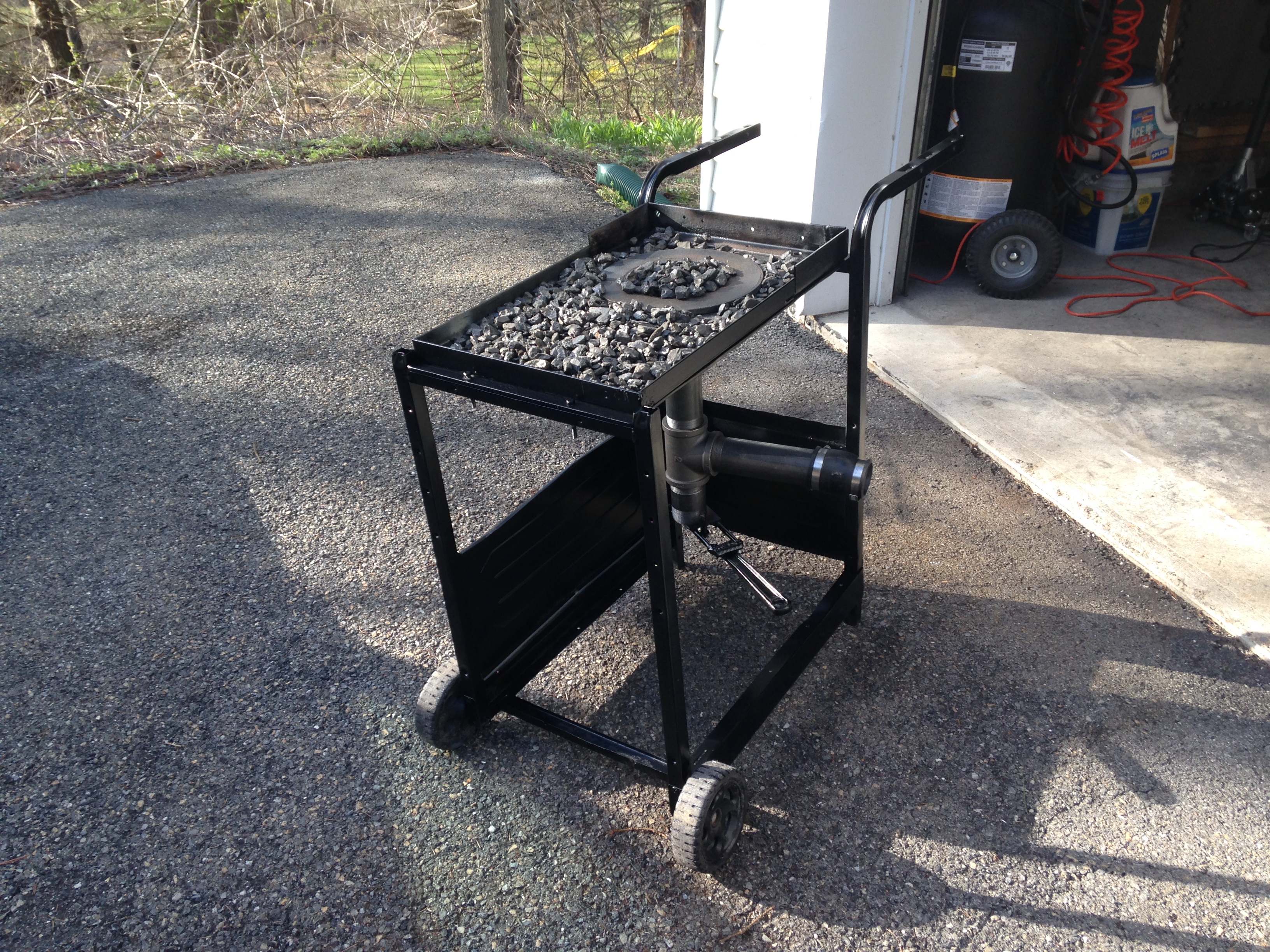
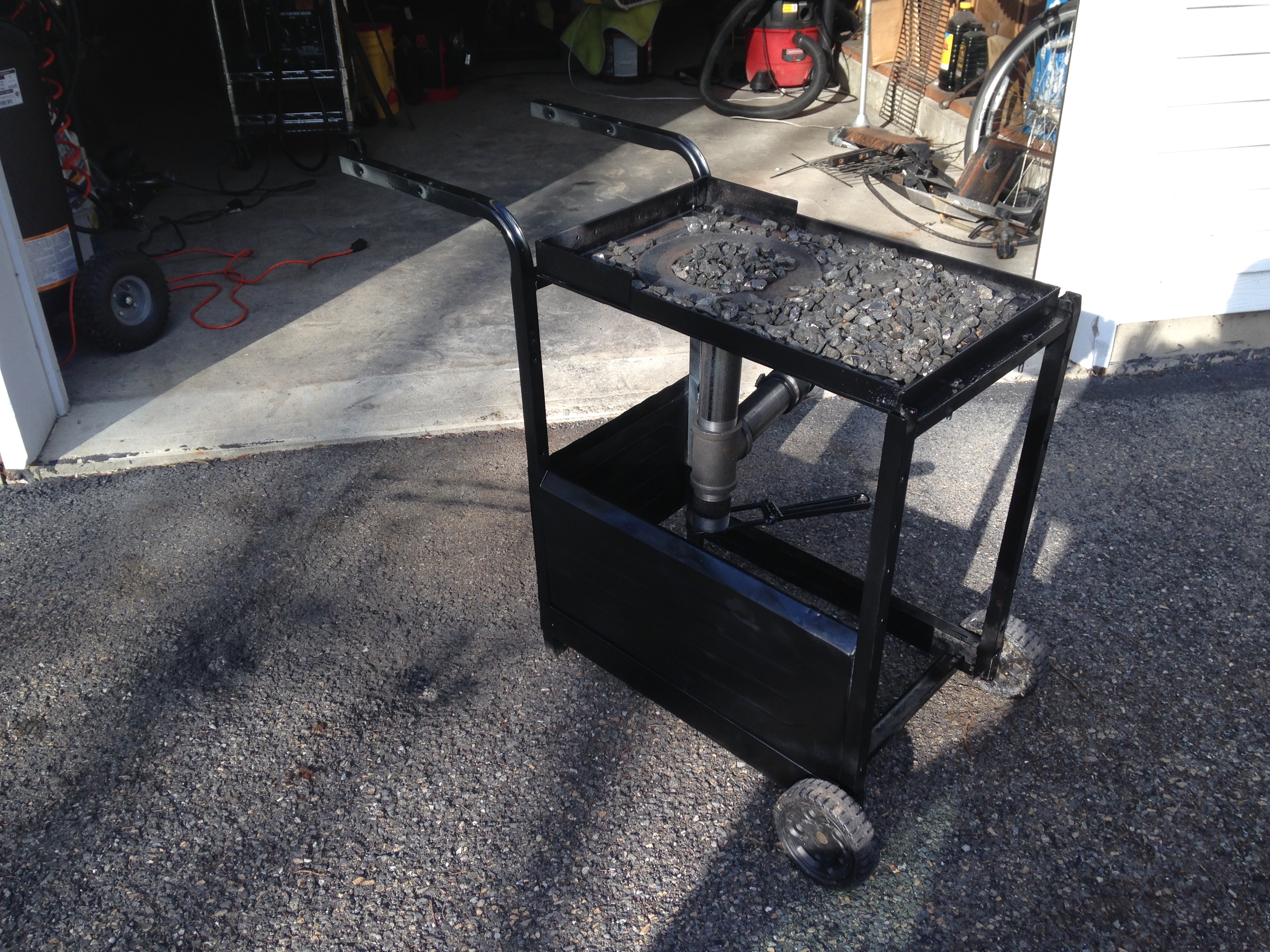
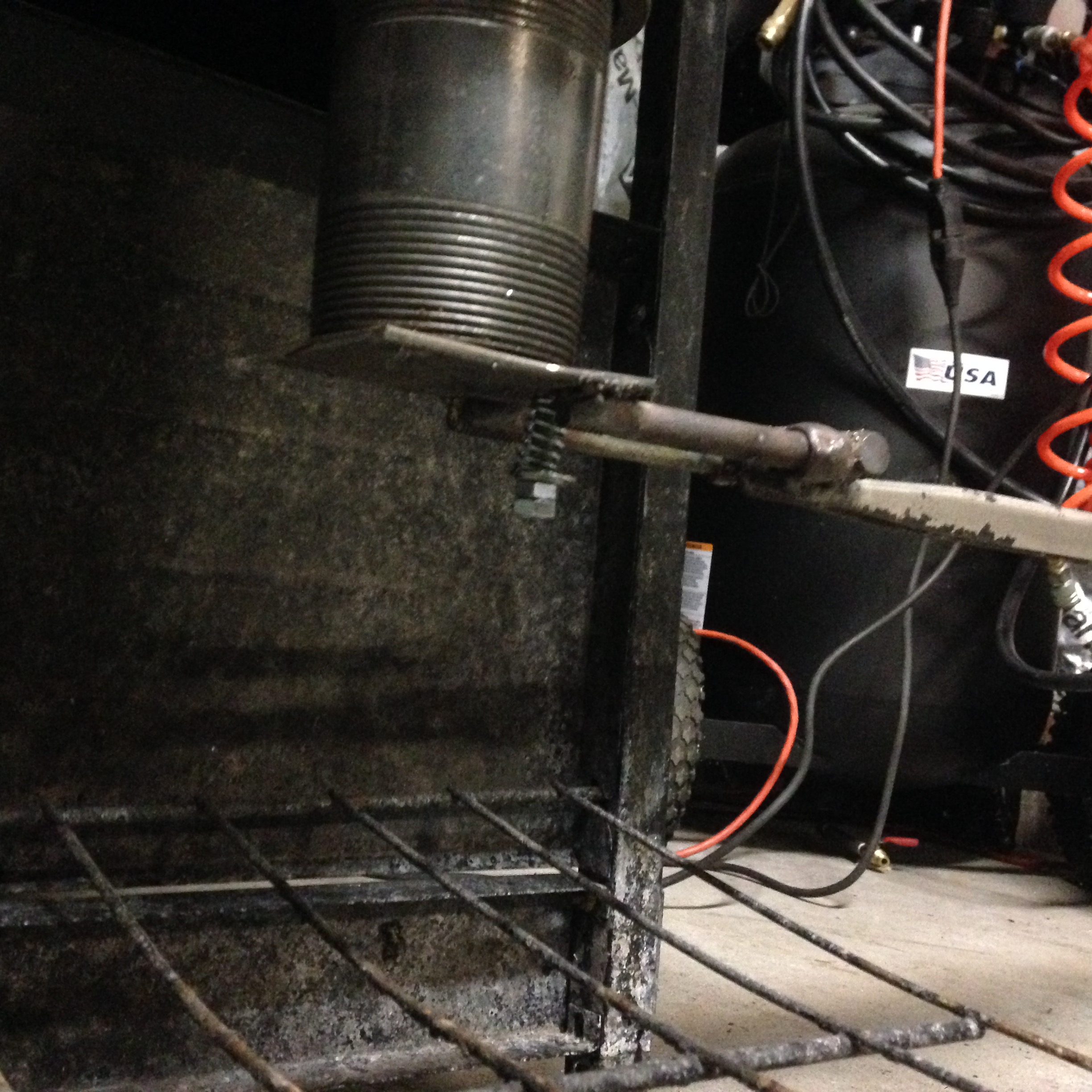
  6. Starting to implement the suggestions. I'll need to reattach the ash dump to the longer section of pipe. I'm debating the merits of a hinged ash dump verses the original design. I have a little bit of flat scrap to attach to the sides to increase the height but I'm not sure of the best way to attach it and still allow access for the material being heated (possibly cut it in half for a pass through). I would need to scrounge some additional scrap to increase the height for the back. Not sure how it performed before. I haven't lit it yet. I've been having too much fun just building it
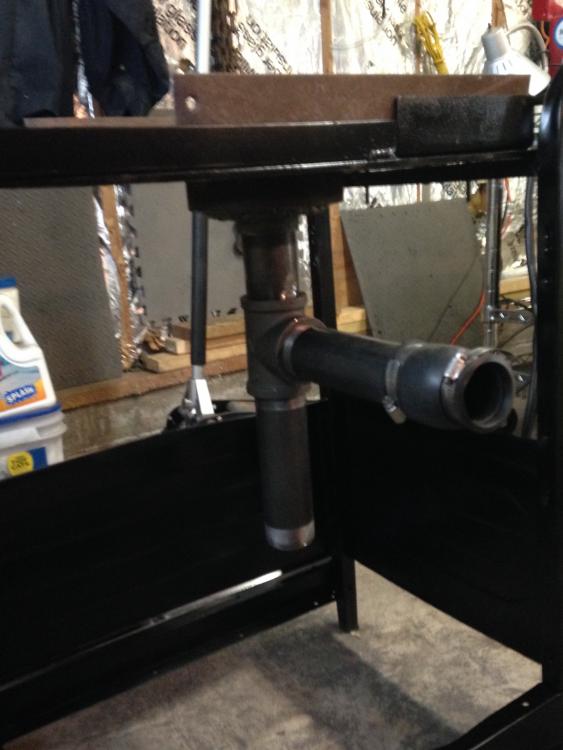
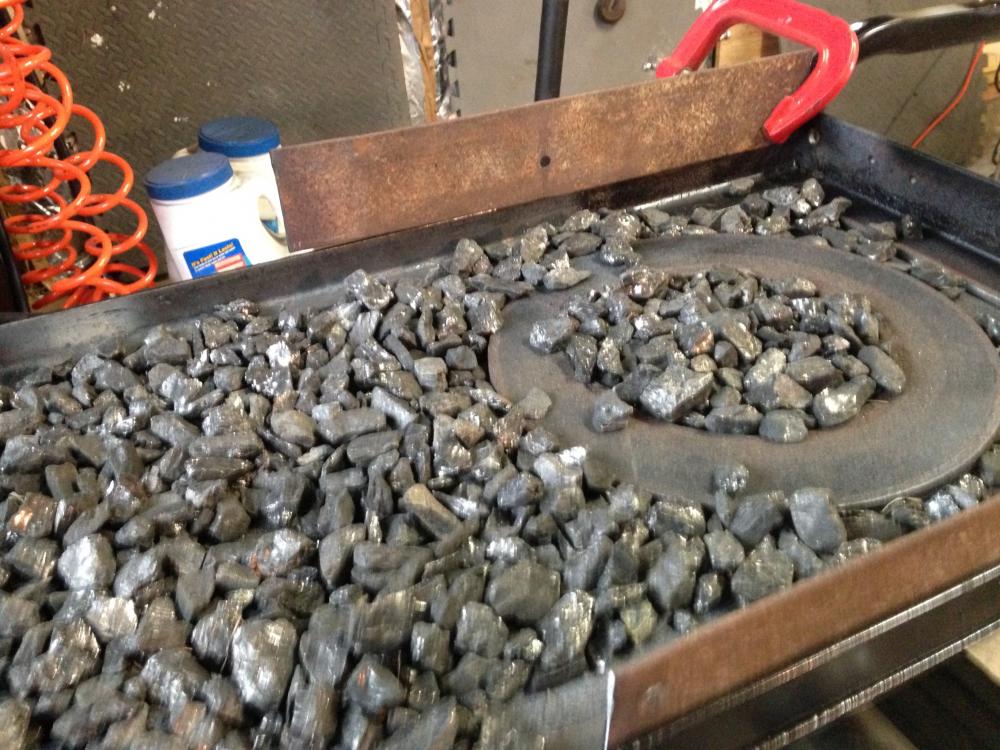
  7. My first attempt at making a forge. Looking for improvements critiques or suggestions for a hood/chimney. This site has been a great source of inspiration and motivation.

Account

Navigation

Search

Search

Configure browser push notifications

Chrome (Android)
  1. Tap the lock icon next to the address bar.
  2. Tap Permissions → Notifications.
  3. Adjust your preference.
Chrome (Desktop)
  1. Click the padlock icon in the address bar.
  2. Select Site settings.
  3. Find Notifications and adjust your preference.