Skip to content
View in the app

A better way to browse. Learn more.

I Forge Iron

A full-screen app on your home screen with push notifications, badges and more.

To install this app on iOS and iPadOS
  1. Tap the Share icon in Safari
  2. Scroll the menu and tap Add to Home Screen.
  3. Tap Add in the top-right corner.
To install this app on Android
  1. Tap the 3-dot menu (⋮) in the top-right corner of the browser.
  2. Tap Add to Home screen or Install app.
  3. Confirm by tapping Install.

Jrucks

Members
  • Joined

  • Last visited

  1. Yes you are absolutely right and I do appreciate the help. I thought I replied this to Old South but it seems there was a technical failure on my part. Thanks and God bless
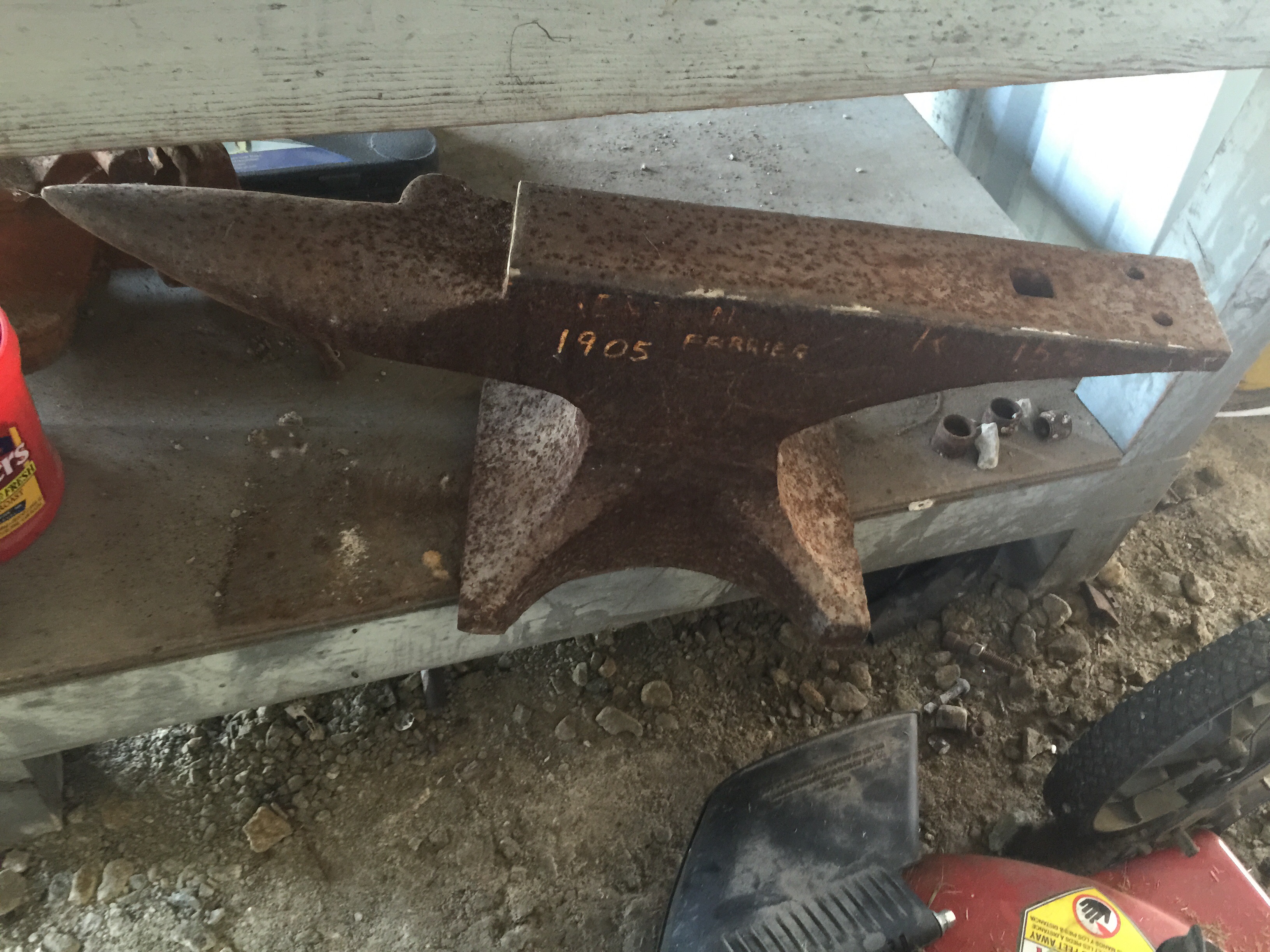
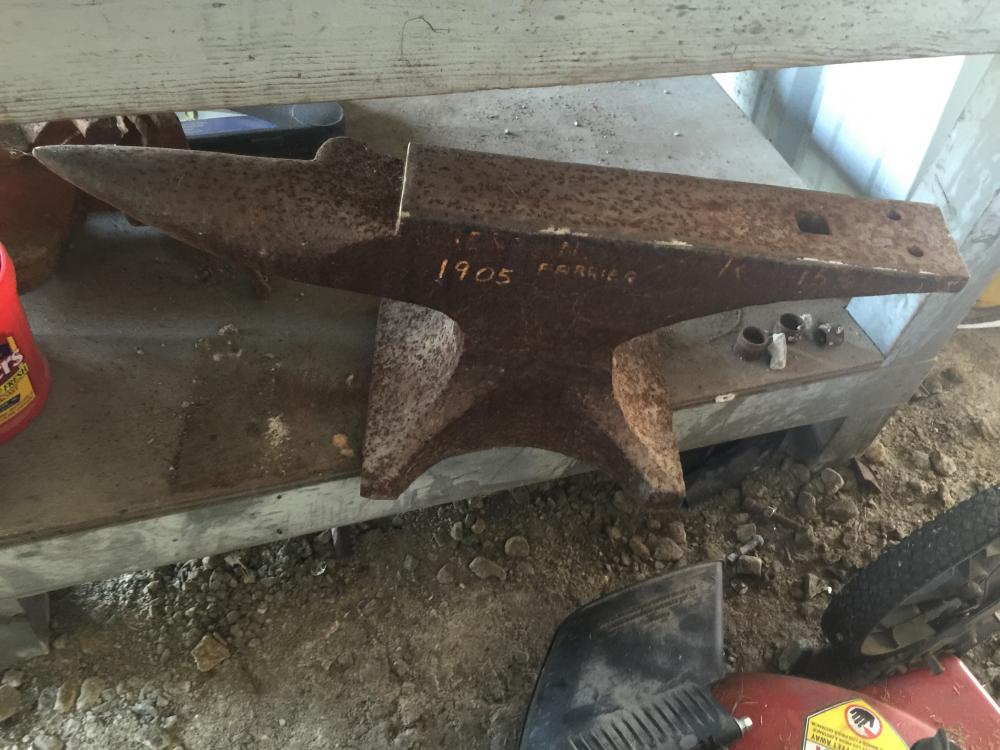
  2. So you are saying if I go down to harbor freight and buy an anvil and write 1905 farrier on it you will take my word for it?
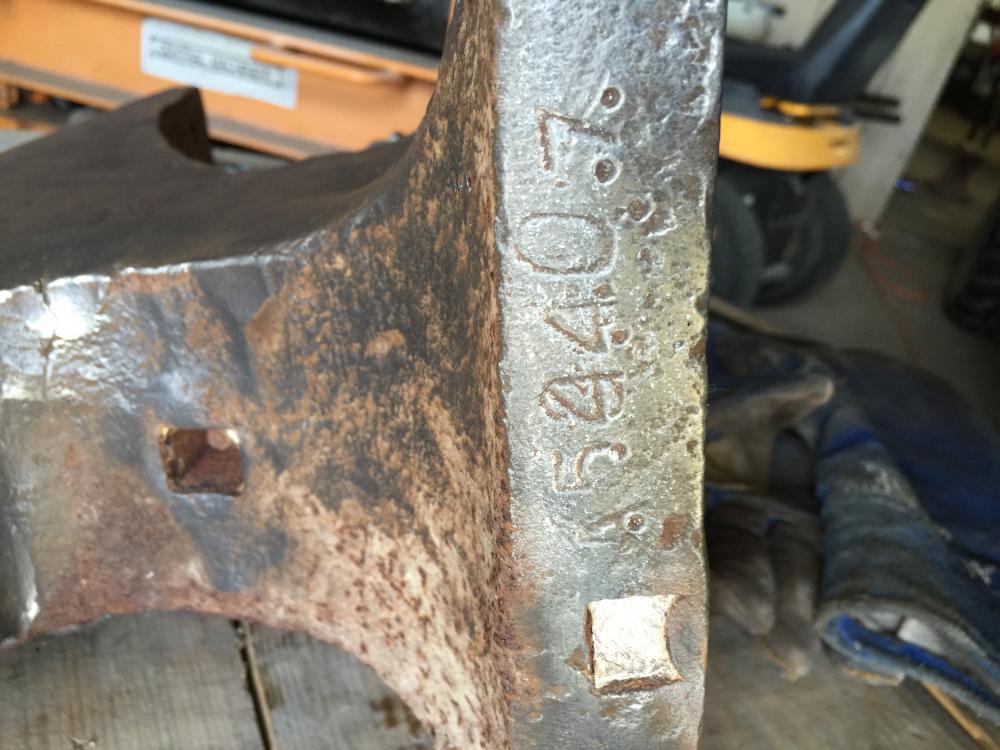
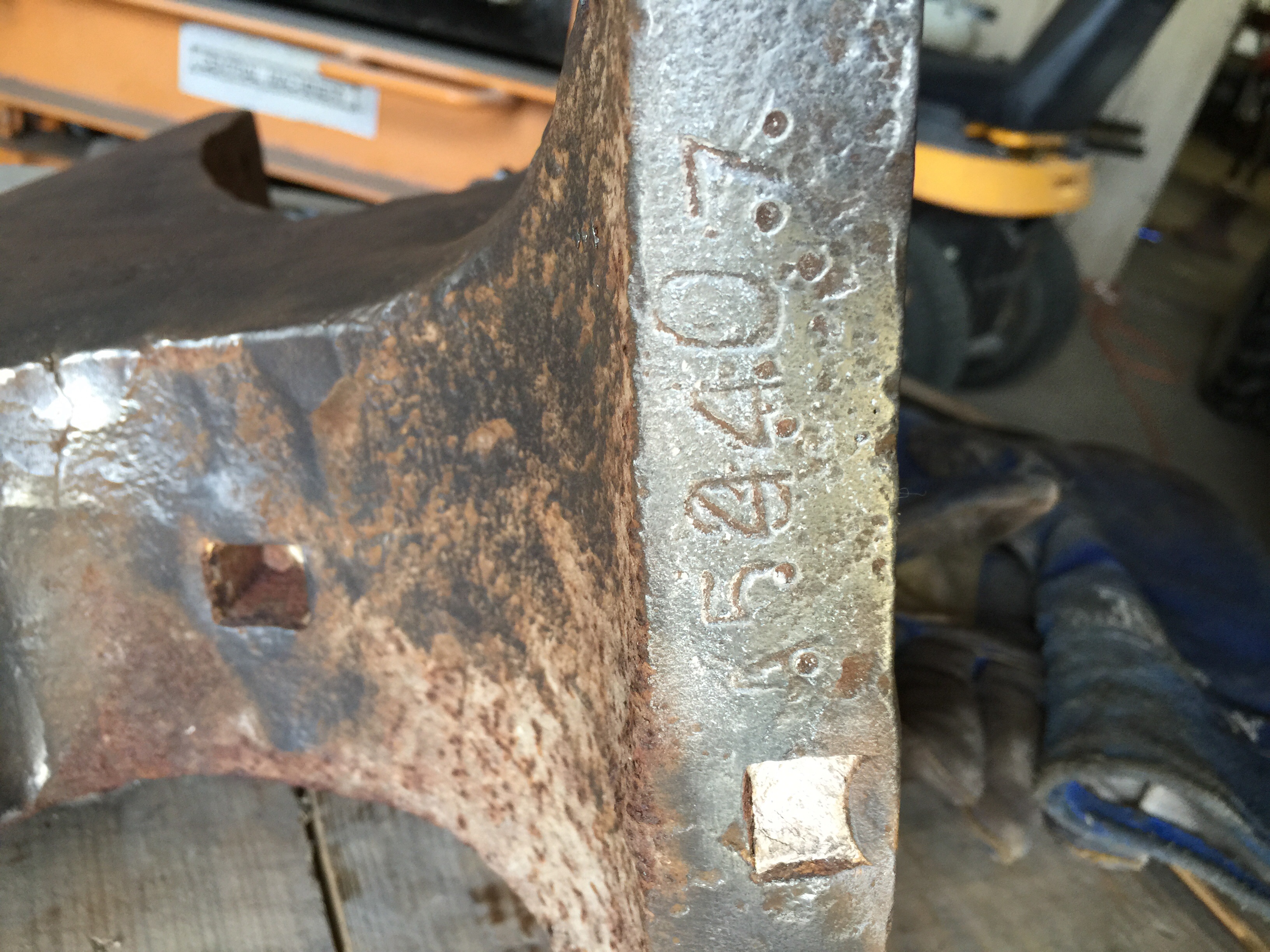
  3. I have a Trenton anvil serial # A53407 would like to know when it was built please. thanks
Account

Navigation

Search

Search

Configure browser push notifications

Chrome (Android)
  1. Tap the lock icon next to the address bar.
  2. Tap Permissions → Notifications.
  3. Adjust your preference.
Chrome (Desktop)
  1. Click the padlock icon in the address bar.
  2. Select Site settings.
  3. Find Notifications and adjust your preference.