nortonscustom
Members
-
Joined
-
Last visited
-
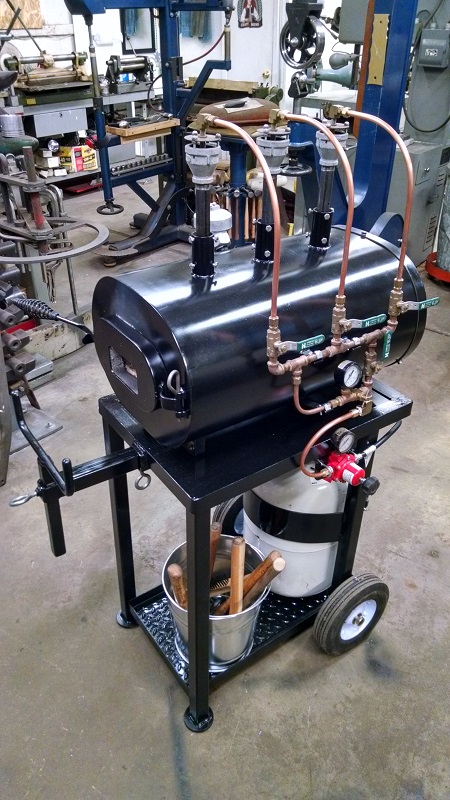
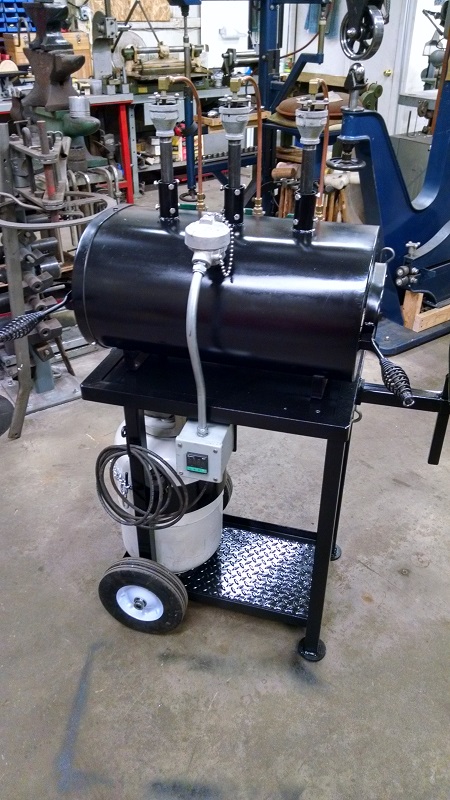
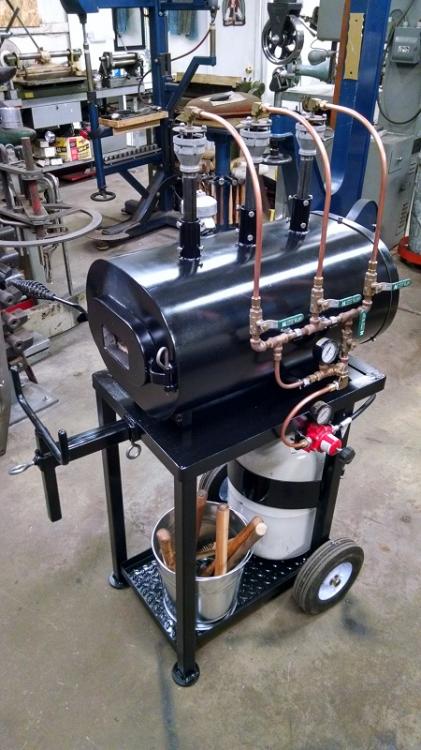
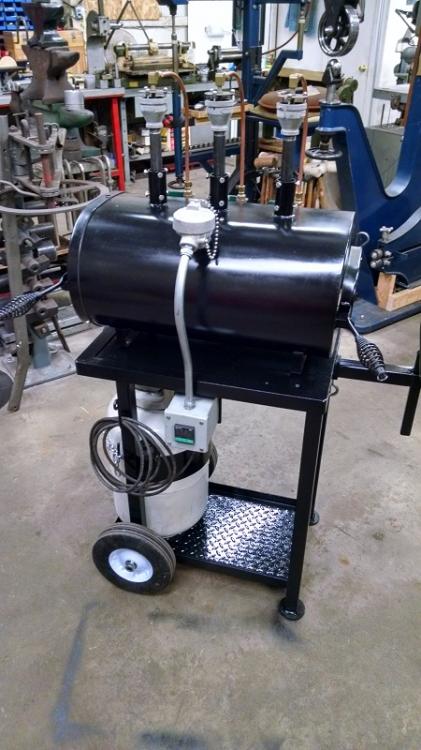
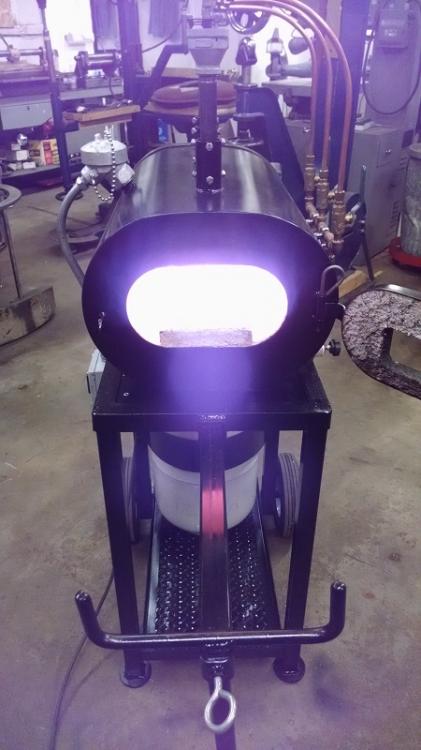
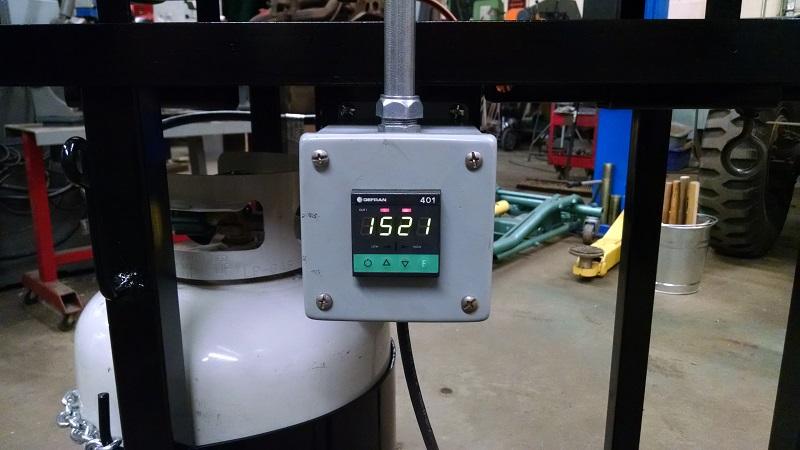
Well got it done. After exactly one minute burn time. Gets warm pretty quick. Made a false wall that I can side in when using only one or two burners, should help save on gas. Now I need to start forging that basket.......
-
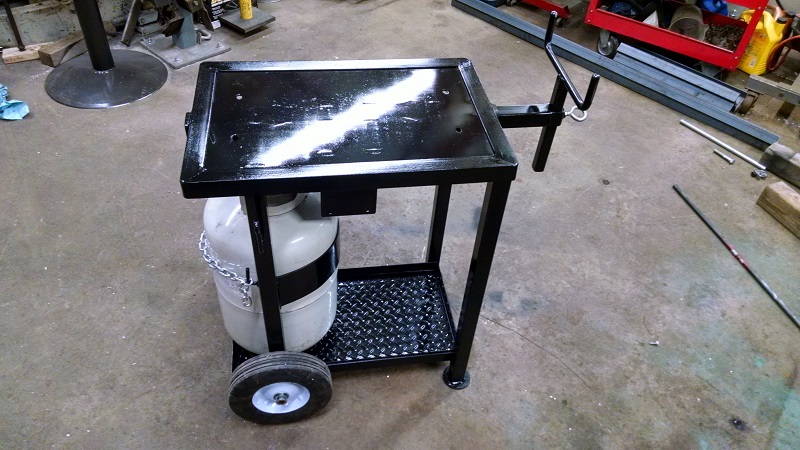
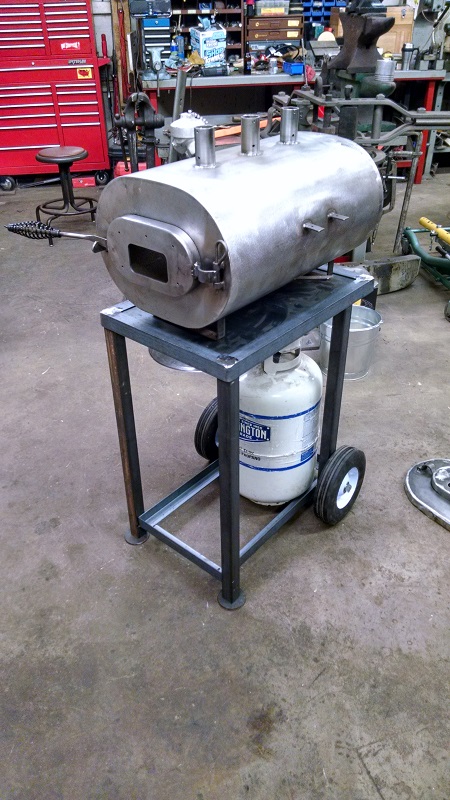
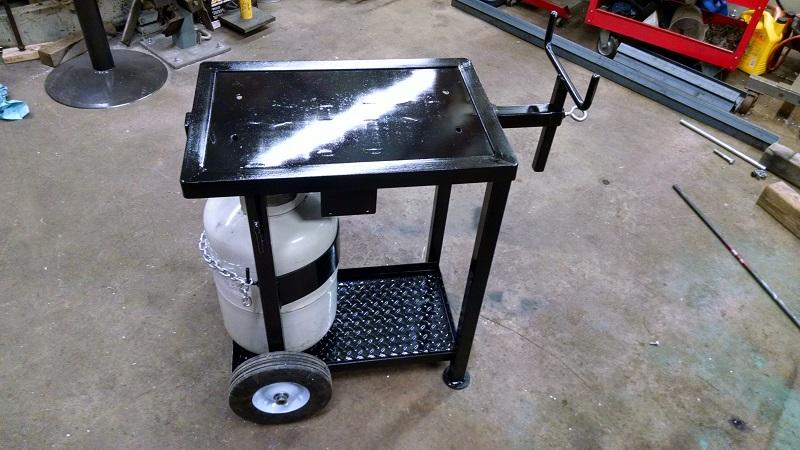
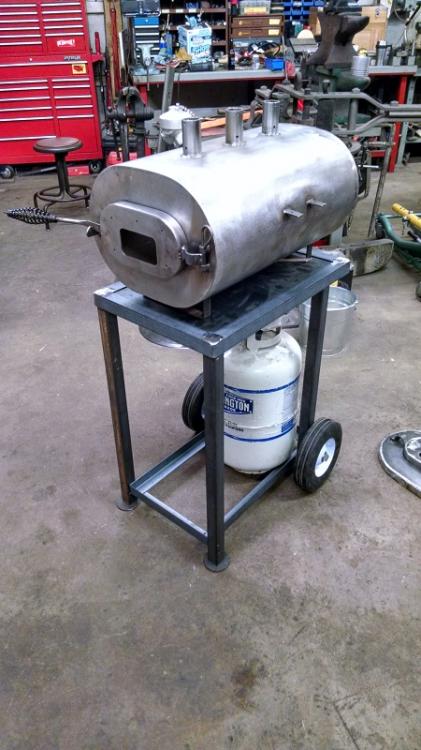
Finished the stand today and the last of my parts came in as well. Hope to begin finishing the forge tomorrow.
-
Charles, the local hardware sells them here as well. I just happened to have more chipping hammers than I'll ever need so that's what I used. Frosty, thanks. And yep, I plan on putting a sliding support on the stand. Figure it can also double as a handle to help wheel it around.
-
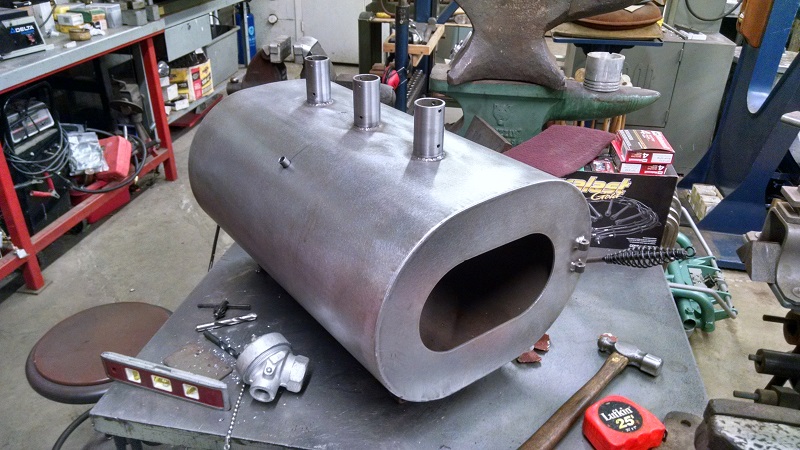
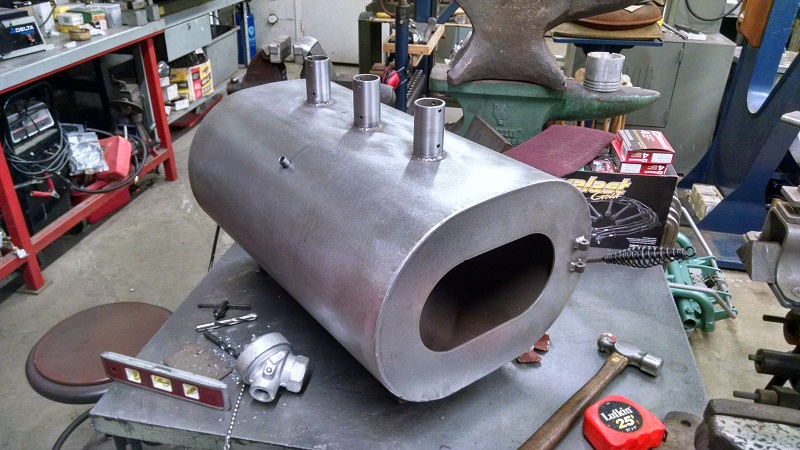
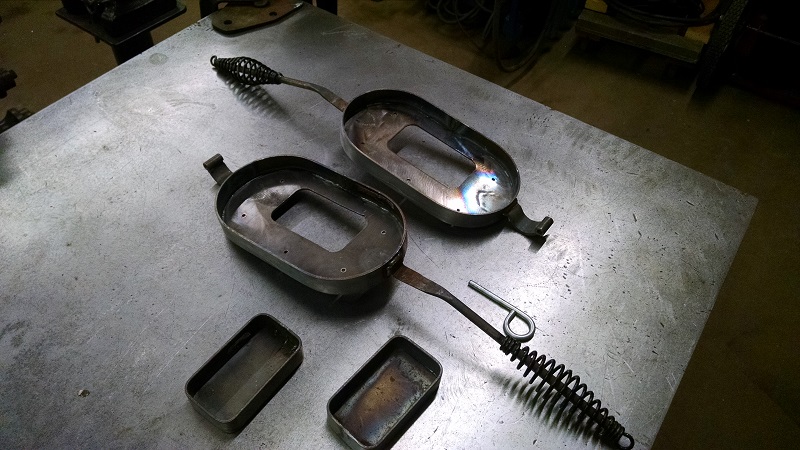
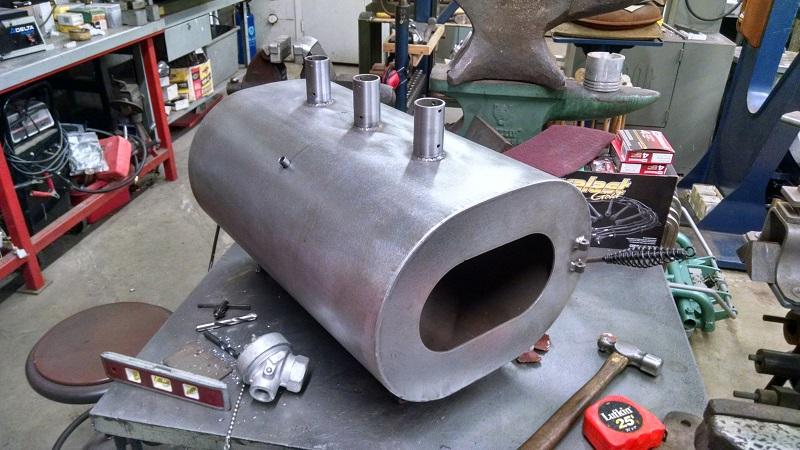
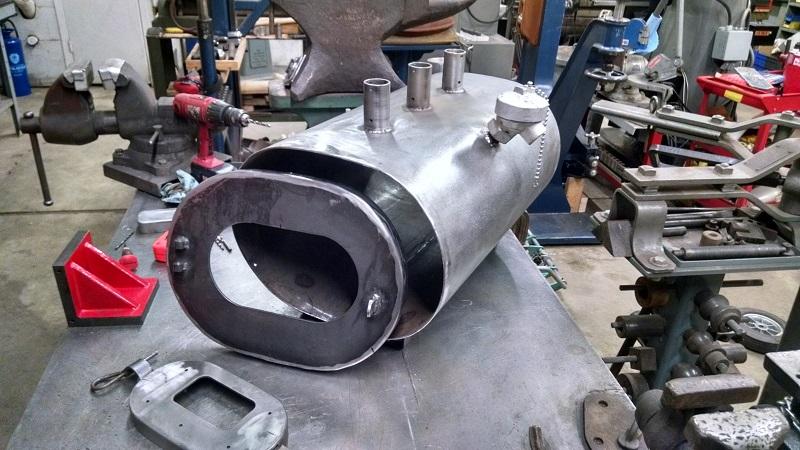
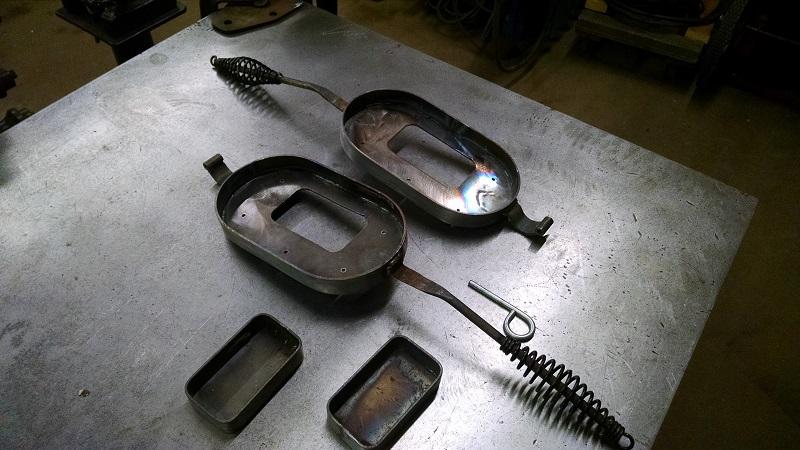
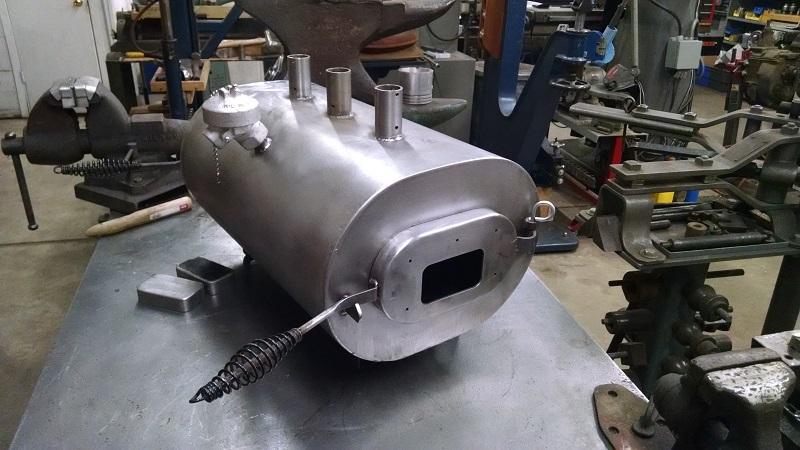
Dad bought the parts from Jay Hayes back in 2003. I found the shell and burners while cleaning out the barn. Figured it was time to finish it. Made the back side as a cap to make is easier install the Kaowool and to service later. For the doors i used a couple of cheap chipping hammers for the handles. The hinge is held with a pull pin to make for easy removal. A buddy gave me a couple of K-type T/C's and a temp controller. A bit overkill but it was free. I'm still waiting on some misc parts and fittings so started tacking together a stand/cart for it. Should be done in the next week of so. Pretty excited to fire it up.
-
I made this stand yesterday out of a harrow blade and piece of 4" pipe. Filled it with sand and about half a quart of oil. The little guy has his own stand now. Plus its easy to move around, just tip it back and roll it.