FulleringPhil
Members
-
Joined
-
Last visited
Everything posted by FulleringPhil
-
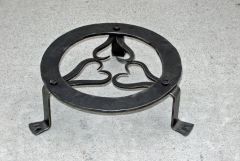 Just a little trivet. Forge welded ring, riveted legs.
 -
-
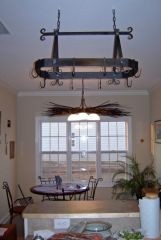
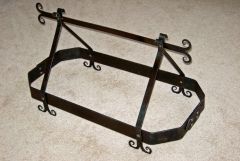 Hanging pot rack - completed frame
 -
-
-
-
Hello to all. I should have joined this site a long time ago, had I known about it. Great pics, great advice, and excellent blueprints! From the looks of things their is a wide variety of skill and genre by associated members. Some true master craftsmen! But, regardless oflevel of expertise we all share a love for metal craft. I'll be checking in from time to time, when such time permits!
-
-
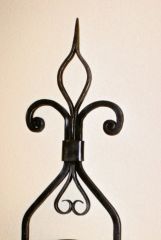 Did this one for a good friend of mine
 -
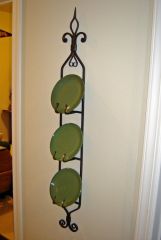 Did this one for a good friend of mine
 -
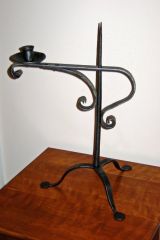 Here's a colonial light that I just finished up today.. Directions courtesy of NC ABANA chapter's websight!