locky.au
Members
-
Joined
-
Last visited
Everything posted by locky.au
-
 Fabricating Leg Vice Stand - Completed Stand
 -
-
-
 Fabricating Leg Vice Stand - all tack welded
 -
 Fabricating Leg Vice Stand - tack welded upright (pipe) to the base
 -
 Fabricating Leg Vice Stand - Drilled hole in 20mm plate base
 -
 Fabricating Leg Vice Stand - working out placement
 -
 Fabricating Leg Vice Stand - Base (20mm plate) and upright components
 -
G'day Guys, thank you very much for your support and information. Phillip thanks I will reverse engineer some of that and Tech413 really appreciate the effort in taking the pictures and posting. Pictures are so helpful in building something new. Thanks again. FYI, you can view the Coal Forge I am building which the air gate is for in my Galllery Album "Fabricated Coal Forge". There is a series of 27 pictures of how I am building it.
-
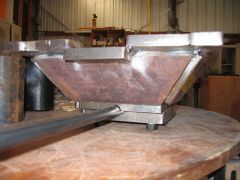
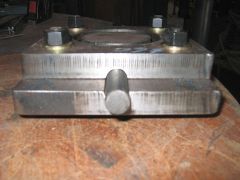
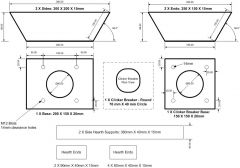
G'day guys, new IFI member from Australia; Langwarrin Victoria. I am in the process of setting up my workshop and equipment and I thought I would share where I am at with the fabrication of my coal forge. I have created an Album Gallery "Fabricated Coal Forge" with plans and pictures at various stages of build. I have really enjoyed this project and can't wait to light my first fire . Hopefully, if I followed instructions correctly you will find a thumbnail image below to a design in my album where the rest of the material can be viewed. If not and this interests you have a look at my gallery.......
-
-
-
-
-
-
-
-
-
-
-
-
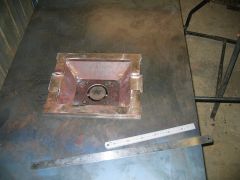
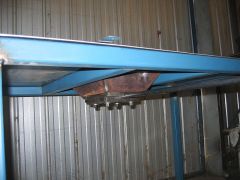
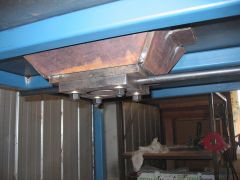
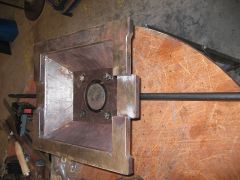
 Fire Pot Component - Support Added
 -
 Fire Pot Component - End Supports Tack Welded
 -
 Fire Pot Component - Sides & Ends Tack Welded
 -
 Fire Pot Component - Set Out