Josh h
Members
-
Joined
-
Last visited
-
-
-
Lol the spike was put on for a old friend nc cooter gave me a hawk and my friend wanted to throw it I'm not partial to my stuff getting tore up so I made one with a spike on it hoping he might stick him self
-
Made this a few months back with Nc cooter just had time to put it on it took a little time but was fun it was made from a hammer
-
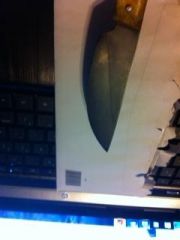
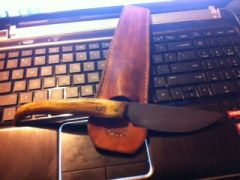
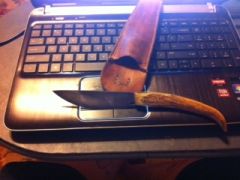
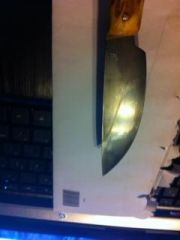 Hey new to blacksmithing this is my first knife, please give me feedback on what you think. The leather sheath was cut out by nc cooter, and stiched by me. Thank you nc cooter for teacher me the art of blacksmithing! see you saturday for our next lesson.
 -
-
-
-