dbtabasco
Members
-
Joined
-
Last visited
Everything posted by dbtabasco
-
Thank you for all the replies, I found a guy with an oven and a willingness to heat and weigh the piece down. Will let you know how it turns out.
-
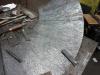
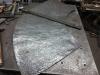
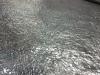
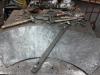
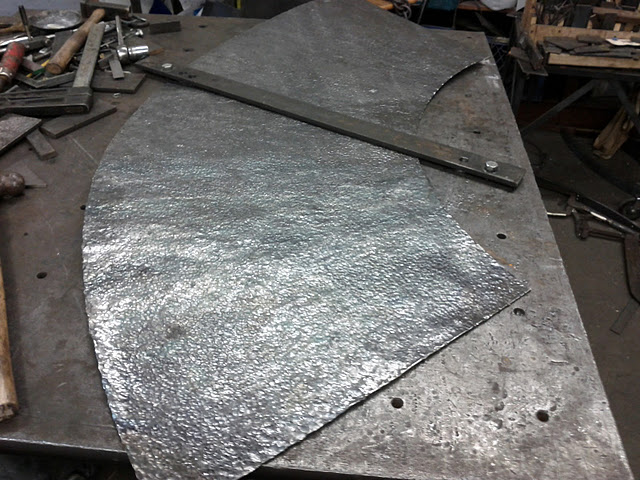
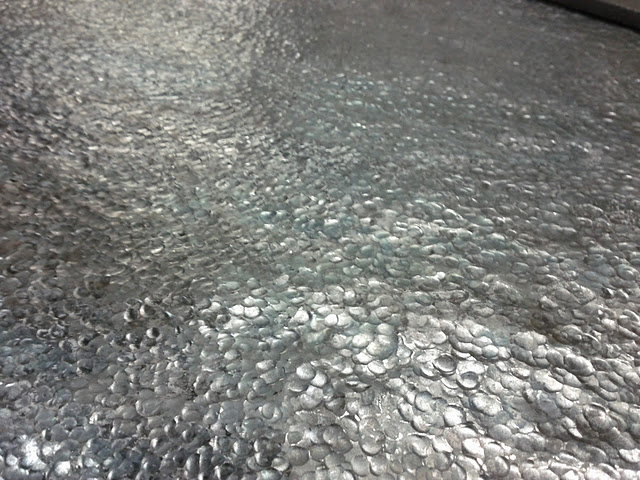
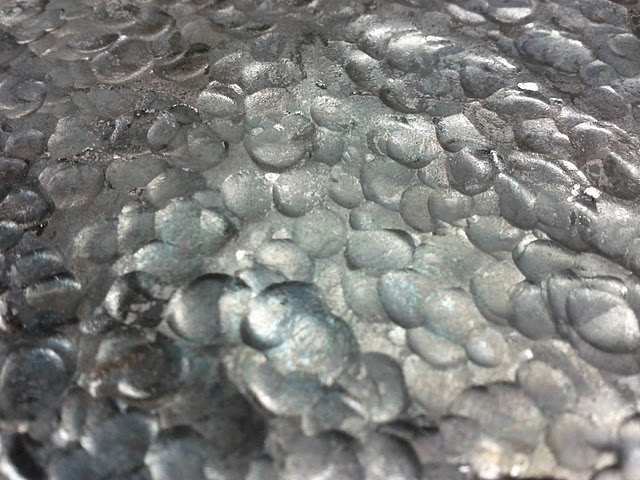
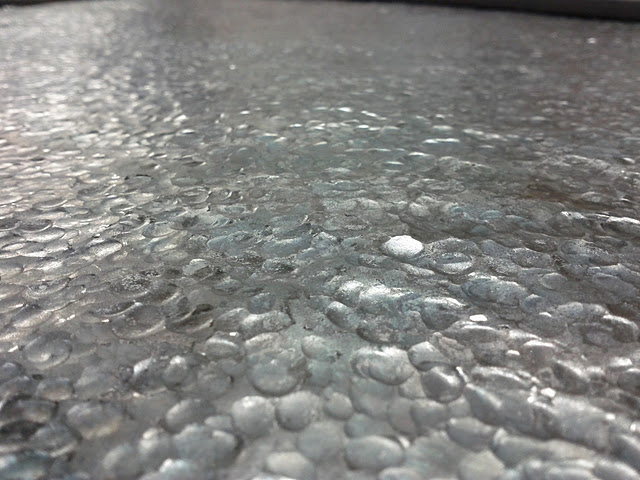
So I am working on a table top. It is a corner table and the top of it has got a hammered texture (small pien used an air hammer to do it) My problem now is getting it flat. The piece is 1/4 of a ring (id 40" od 80") and for the life of me every time i hit it in on place to flatten it another area rises. I generally don't do a lot of sheet metal work like this so am having a xxxx of a time figureing out where to hit it to make it flat. I don't have a forge large enough to get a good heat on any significant amount of it otherwise I would heat and strap. Oh and the sheet is 1/8 (or 11 gauge) https://picasaweb.go...feat=directlink Any thoughts or links would be helpful.