Ulysses
Members
-
Joined
-
Last visited
-
-
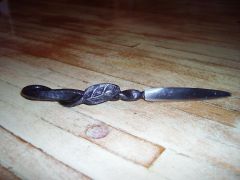 1/4 inch rod tapered for 3 inches behind the leaf, overall length is 8 inches
 -
-
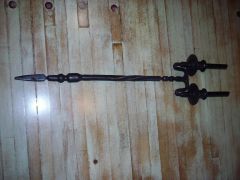
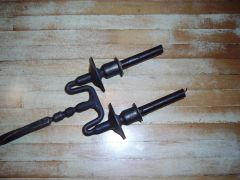 several pieces of random stock individually made and arc welded together, I have yet to make a wall mount for it though.
 -
-
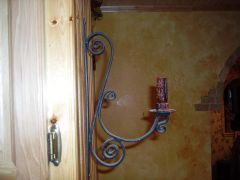
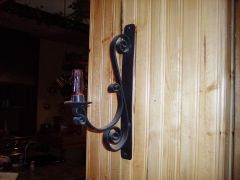 3/4 x 1/4 flat strap scrolled to make this candle holder, it was my first attempt at a candle holder and scroll work.
 -
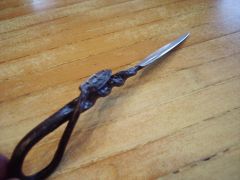
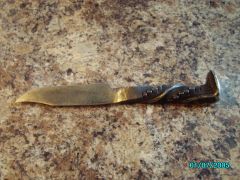 I put the bowie style blade on it and didn't give it much finishing to give that rugged look.
 -
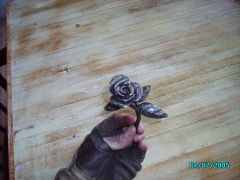 I used the design from a blueprint on this site titled ''Russian Rose'' I think and a few of my own adaptations, this what I got.
 -
I just use two methods One would be to shine the piece as bright as you can get it, paying no mind to the low spots, and then from a black heat hit it with a brass brush until tone is achieved. The other method would be to use beeswax or in conjunction with the first method.