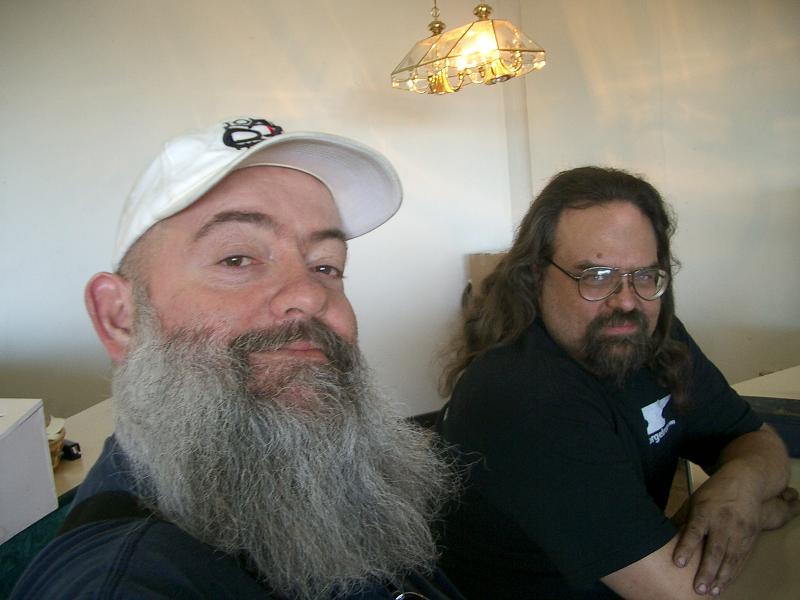
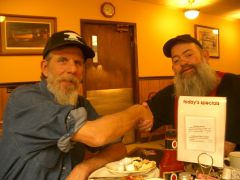
Meeting and drinking Coffee with Steve Sells. Share https://www.iforgeiron.com/gallery/image/31538-meeting-and-drinking-coffee-with-steve-sells/ Share on LinkedIn Share on X Share on Facebook {lang="reddit_text" Share via email Share on Pinterest More sharing options... Followers Got to meet up with Steve Sells today and shoot the bull,, It was nice meeting you Steve and I look forward to doing meeting up with you again soon..

Recommended Comments
Join the conversation
You can post now and register later. If you have an account, sign in now to post with your account.