.JPG.7cb68ee5ab937123354056a939130e34.JPG)
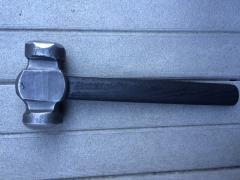
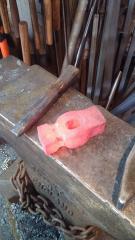
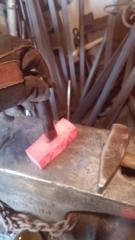
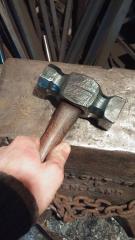
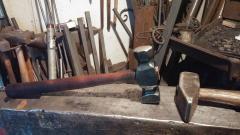
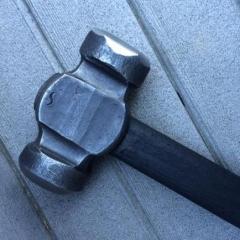
Alec Steele Rounding Hammer
- 2,768 views
- View Forging Carver's images
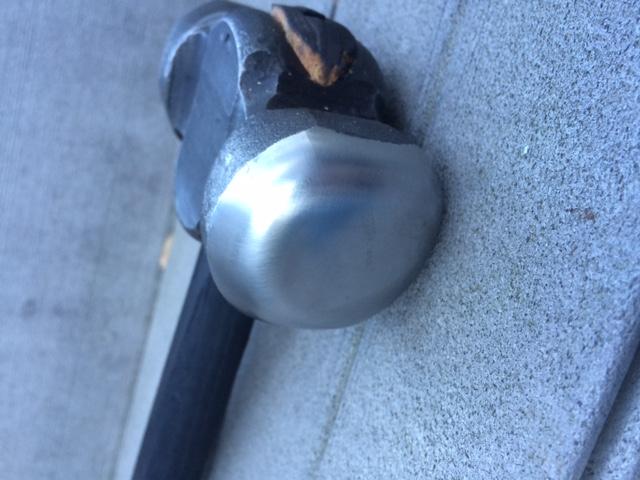
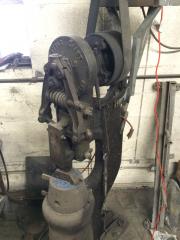
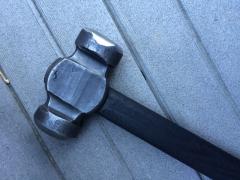
So I bought this hammer mainly for use, but also becuase of the looks. And yes I know looks dont mean function, but how can you say that it wouldnt build your confidence and make you feel good when forging with something nice like this? And yes I know one of you are going to say why did I waste my money on a hammer like this where I could have bought so many different forging things. Well let me ask you this, why did you buy that brand new Chevy Truck where you could have bought a used one that is just as useful from getting you from point A to point B? Or why did you buy that expensive painting on your wall? Anyways, to get that out of the way, this is a really nice hammer and I can't wait to put it to good use!
Recommended Comments
Join the conversation
You can post now and register later. If you have an account, sign in now to post with your account.