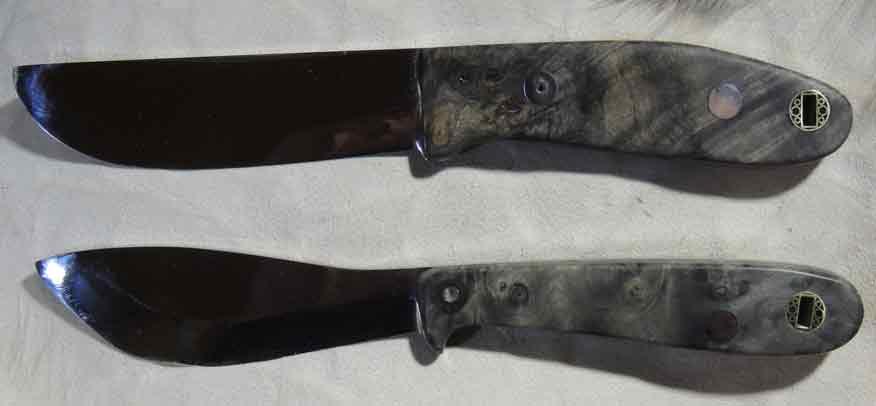
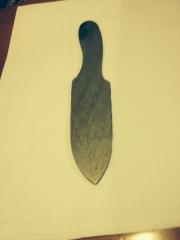
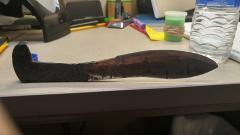
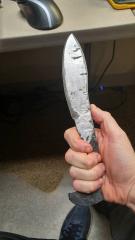
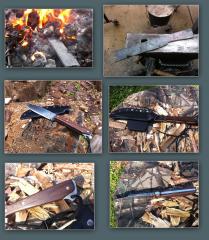
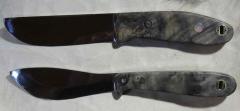
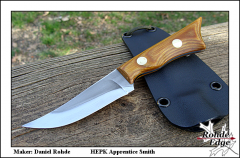
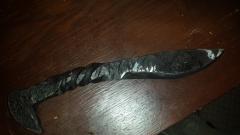
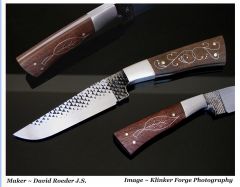
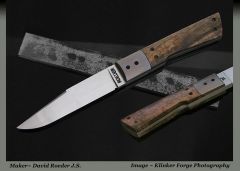
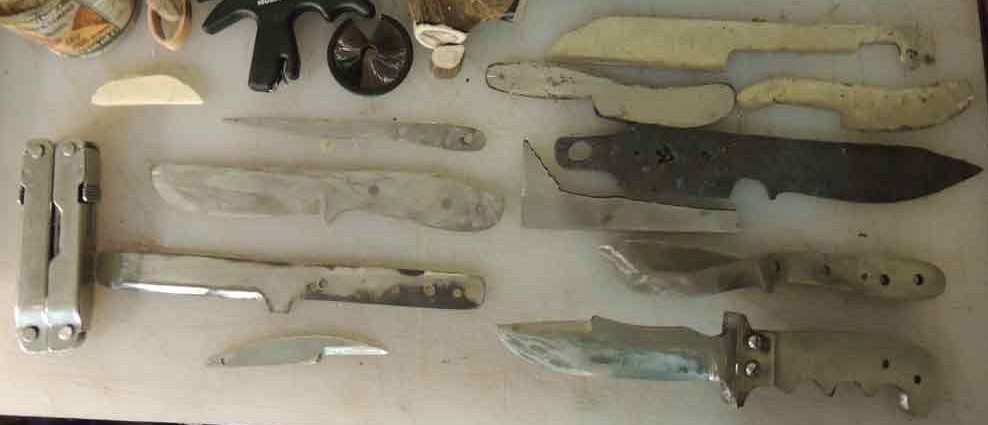
My first store bought parts together in these knives.

By 13thDragon
- 2,066 views
- View 13thDragon's images
There is a large amount of error's mistake's and over looked things. I am no authority nor accredited nor professional , methods I used are most likely wrong and will bring you no joy if you repeat anything I have done. I will never let knowledge nor logic dictate my actions but I do wish to be good at things.
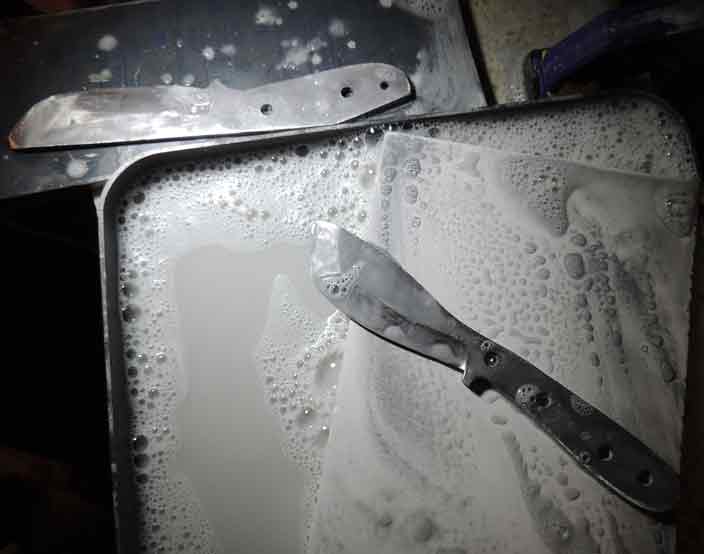
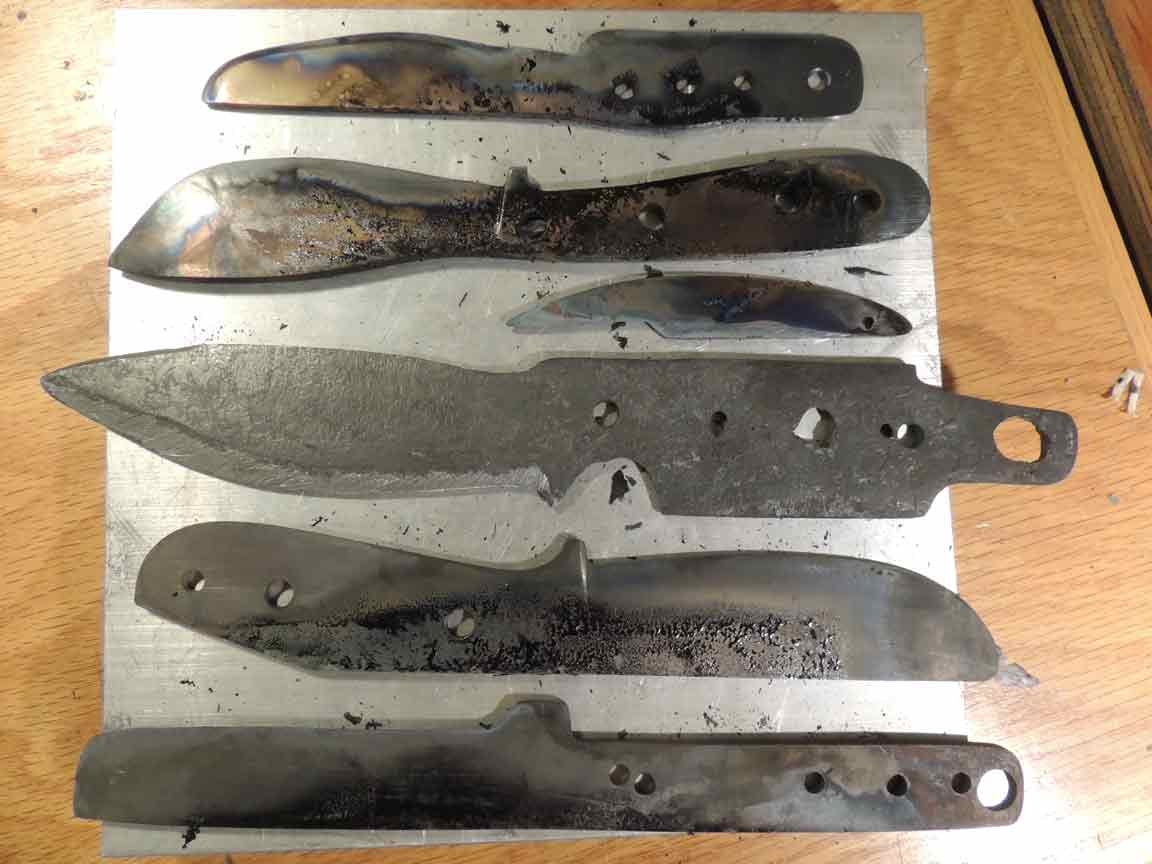
The thin knife made of AEB-L since I have a kiln I thought I should try out heat treating etc.
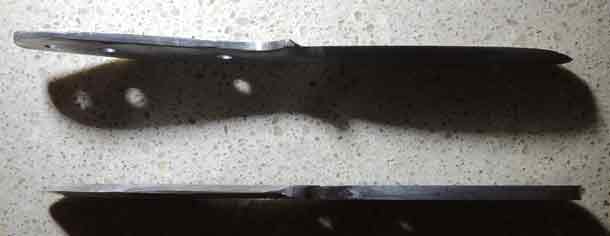
Might as well add a few more made from saw blade, planer blade, plow steel all of which I had idea what temps to temper at or heat treat. So instead of asking or looking it up I guessed, result .. Meh. Result I will turn them into damascus block later.
Not to be detered I carred on because alot to learn yet and success is not option .. it is required. Come OCD dont fail me know.
Recommended Comments
Join the conversation
You can post now and register later. If you have an account, sign in now to post with your account.