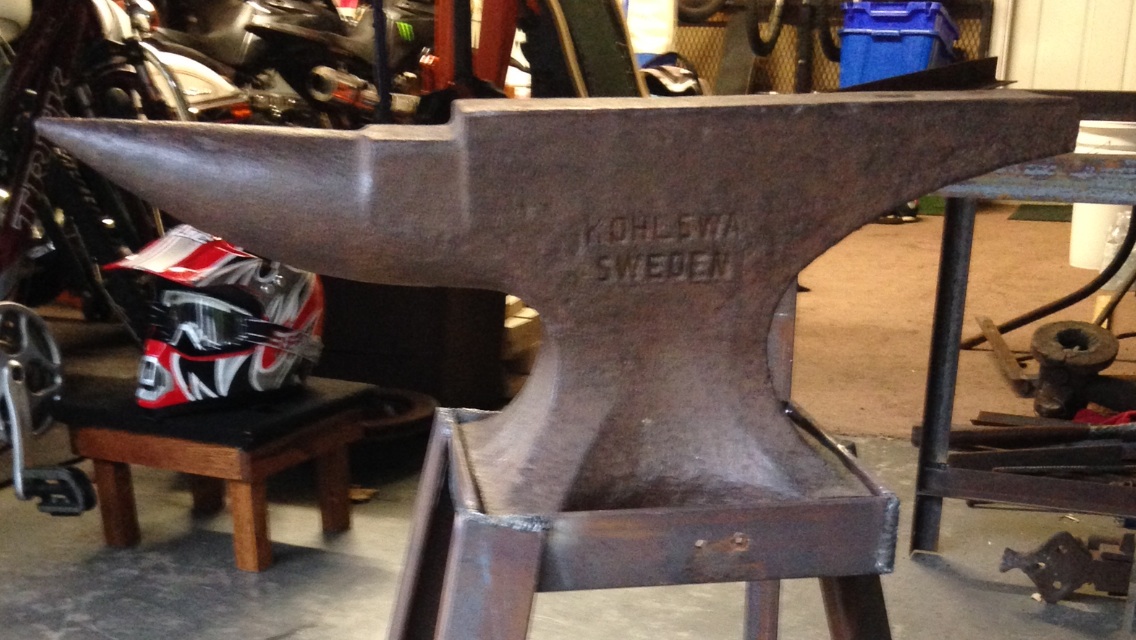
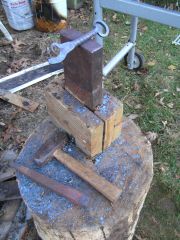
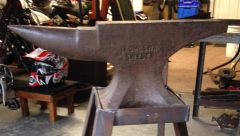
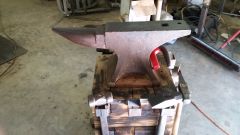
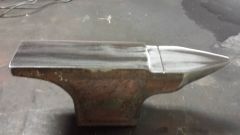
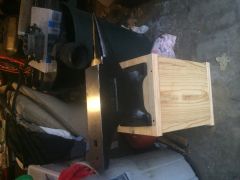
Inherited from my grandfather anvil kohlswa sweden Share https://www.iforgeiron.com/gallery/image/38585-inherited-from-my-grandfather/ Share on LinkedIn Share on X Share on Facebook {lang="reddit_text" Share via email Share on Pinterest More sharing options... Followers Inherited from my grandfather, a tobacco farmer from Ky, been in storage for almost 40 years. I've retired and now fulfilling a dream of using his blacksmith tools in my shop that I'm setting up.


Recommended Comments
Join the conversation
You can post now and register later. If you have an account, sign in now to post with your account.