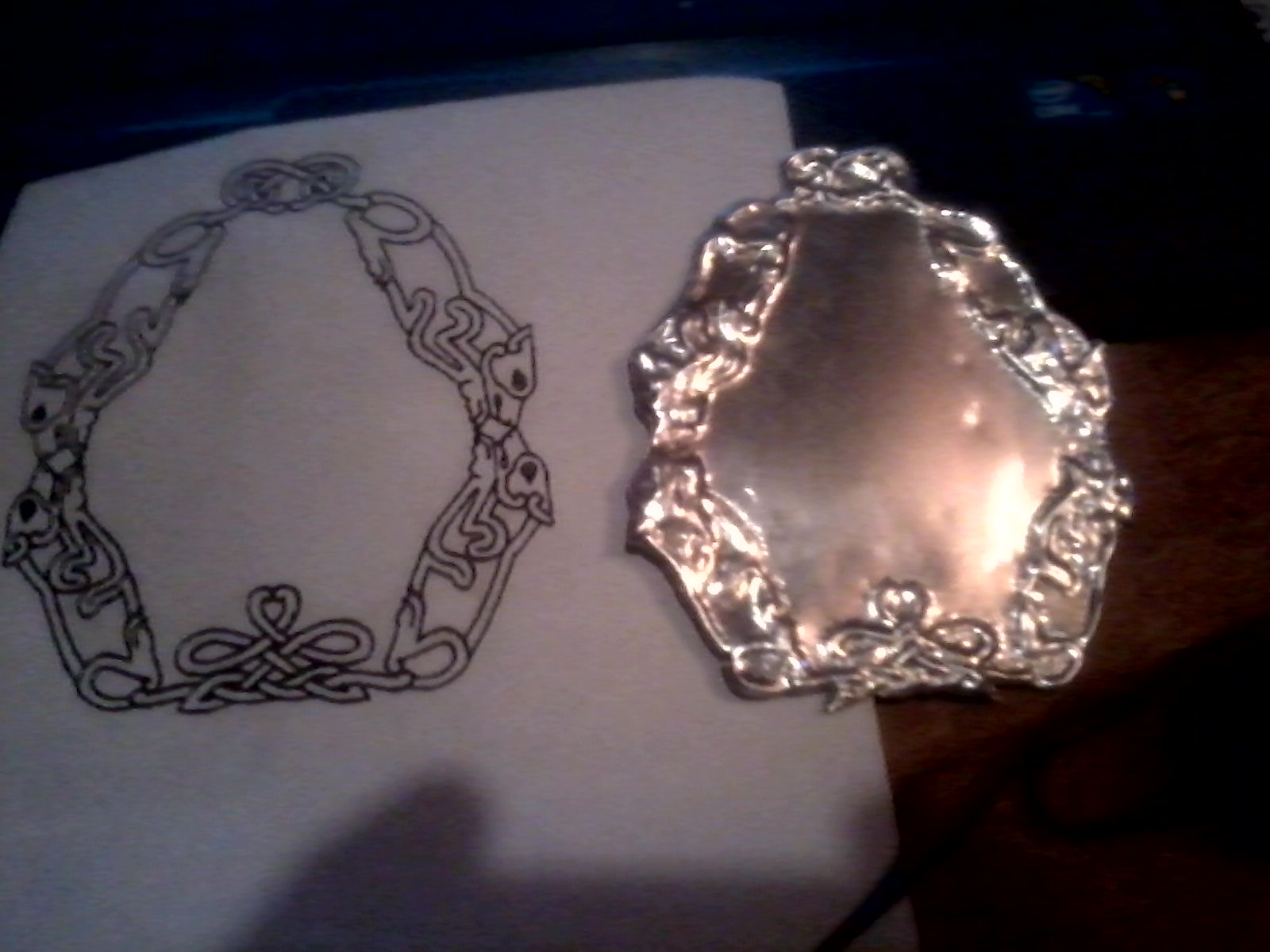
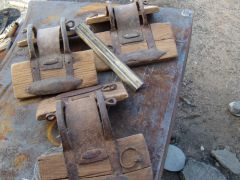
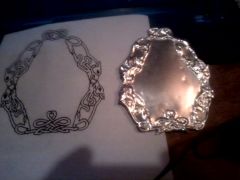
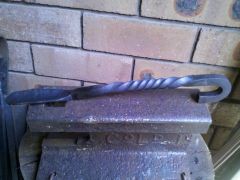
firstrepousse beginner chase first attempt repousse Share https://www.iforgeiron.com/gallery/image/37488-firstrepousse/ Share on LinkedIn Share on X Share on Facebook {lang="reddit_text" Share via email Share on Pinterest More sharing options... Followers My first ever attempt at chase and repousse. Done with tools I made last night. Got a wild hair and decided to try something new. Used a rubber pad and the bottom of an 8" section of railroad track.
Recommended Comments
Join the conversation
You can post now and register later. If you have an account, sign in now to post with your account.