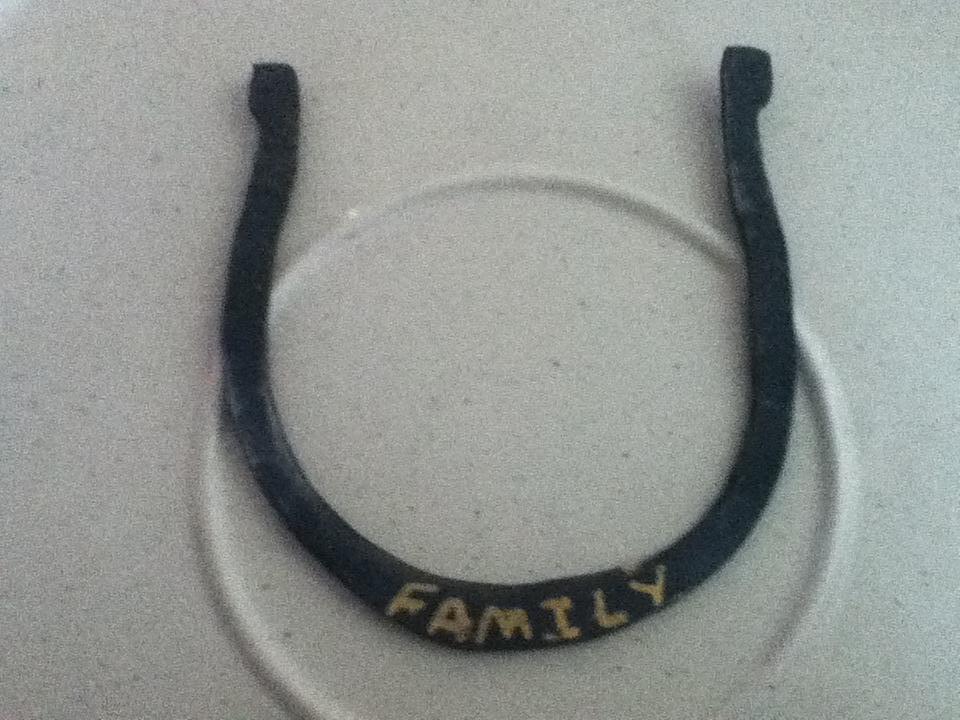
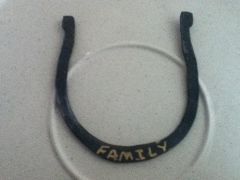
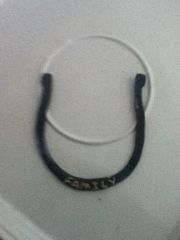
Decorative horseshoe with brass lettering Share https://www.iforgeiron.com/gallery/image/37153-decorative-horseshoe-with-brass-lettering/ Share on LinkedIn Share on X Share on Facebook {lang="reddit_text" Share via email Share on Pinterest More sharing options... Followers Same piece of work.Just a closer look at the lettering.I used a brass welding rod to melt into the lettering. Next time I will try to have more detail and decoration.
Northern hot steel Members May 12, 201313 yr Author stats Please leave comments. I can't get better without feed back. either positive or negitive.

Recommended Comments
Join the conversation
You can post now and register later. If you have an account, sign in now to post with your account.