
Skip to content
View in the app

A better way to browse. Learn more.

I Forge Iron

A full-screen app on your home screen with push notifications, badges and more.

To install this app on iOS and iPadOS
  1. Tap the Share icon in Safari
  2. Scroll the menu and tap Add to Home Screen.
  3. Tap Add in the top-right corner.
To install this app on Android
  1. Tap the 3-dot menu (⋮) in the top-right corner of the browser.
  2. Tap Add to Home screen or Install app.
  3. Confirm by tapping Install.

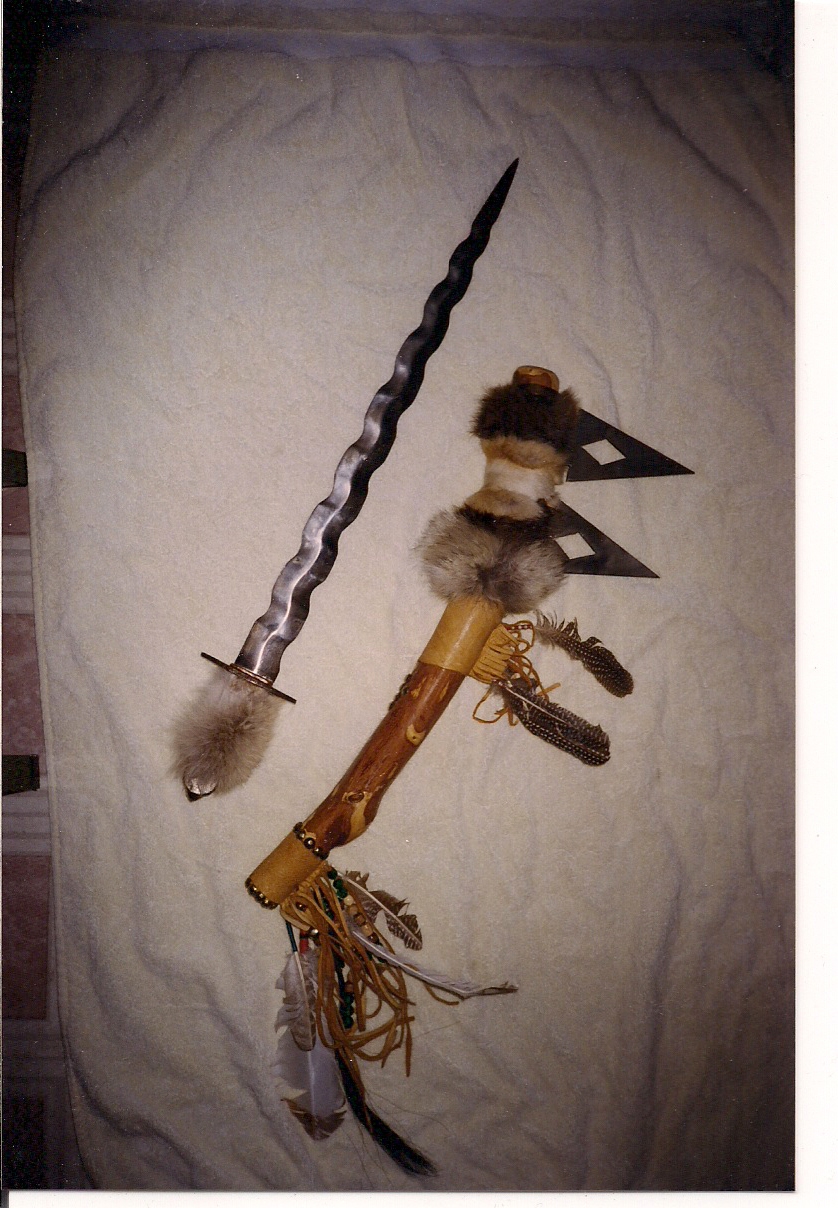
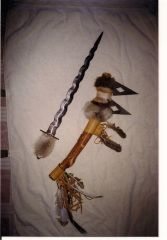
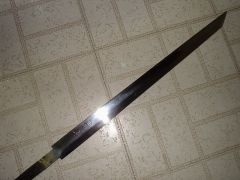
Flame Blade and Lakota War club

My one attempt with the Flame Blade pattern. The War club was an after thought since I had the plasma cutter cut me out a couple of edge patterns. Had a Native Lakota friend provide the ornaments. I still have it mounted in my Sun room.
The Flame Blade needs a better handle- I'm not much of a wood worker, or handle designer.

  • From the category:

    Swords

    · 70 images

    Photo Information

    • Taken with HP HP Scanjet djf4200

    Account

    Navigation

    Search

    Search

    Configure browser push notifications

    Chrome (Android)
    1. Tap the lock icon next to the address bar.
    2. Tap Permissions → Notifications.
    3. Adjust your preference.
    Chrome (Desktop)
    1. Click the padlock icon in the address bar.
    2. Select Site settings.
    3. Find Notifications and adjust your preference.