

Skip to content
View in the app

A better way to browse. Learn more.

I Forge Iron

A full-screen app on your home screen with push notifications, badges and more.

To install this app on iOS and iPadOS
  1. Tap the Share icon in Safari
  2. Scroll the menu and tap Add to Home Screen.
  3. Tap Add in the top-right corner.
To install this app on Android
  1. Tap the 3-dot menu (⋮) in the top-right corner of the browser.
  2. Tap Add to Home screen or Install app.
  3. Confirm by tapping Install.

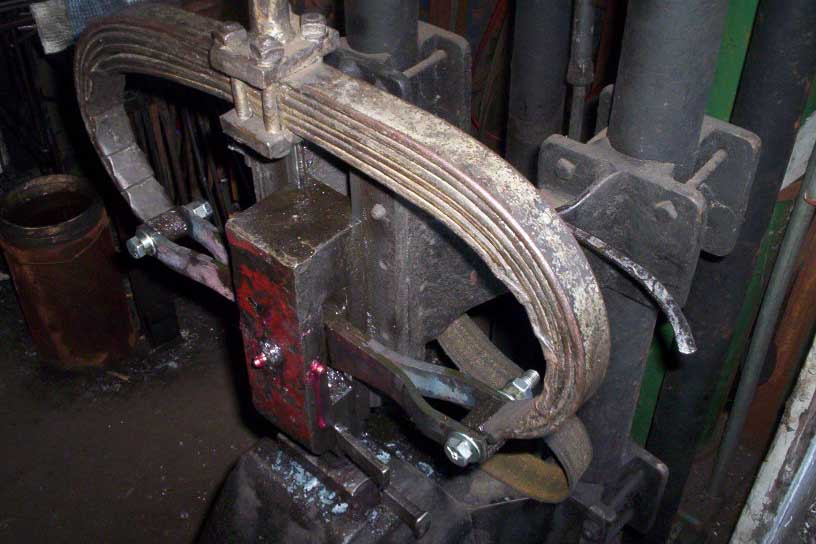
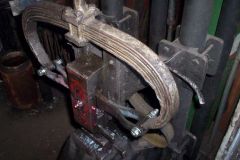
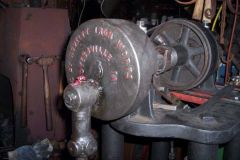
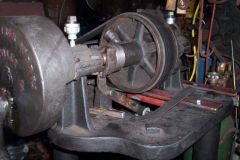
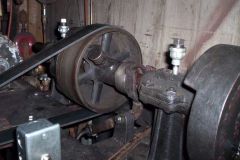
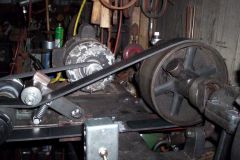
I forged new fork arms (4 pieces) and bored them to accept the bolt through the hammer head. I bored the bolt to allow grease to make it into the area where the forks pivot and tapped the end to accept a zerk. The slides for the head are exceptionally smooth after I re-adjusted them. I use bar and chain oil on them. Also note the old driver belt behind the head in this pic. I cut some baler belt to replace it and got the length right and then took it to town and had splices put in it.

  • From the album:

    Ten Hammers

    · 33 images

    Account

    Navigation

    Search

    Search

    Configure browser push notifications

    Chrome (Android)
    1. Tap the lock icon next to the address bar.
    2. Tap Permissions → Notifications.
    3. Adjust your preference.
    Chrome (Desktop)
    1. Click the padlock icon in the address bar.
    2. Select Site settings.
    3. Find Notifications and adjust your preference.