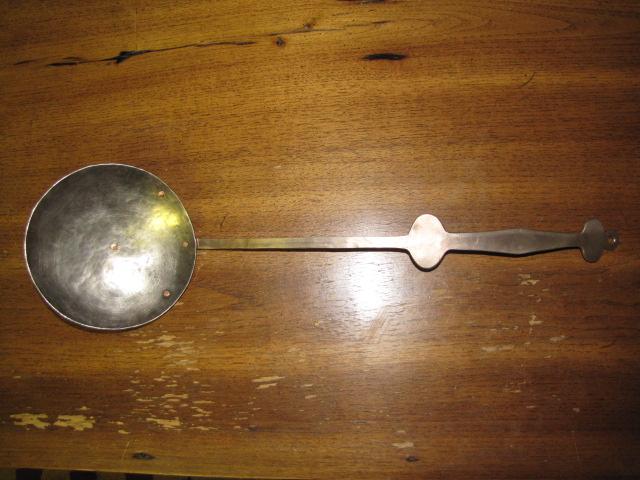
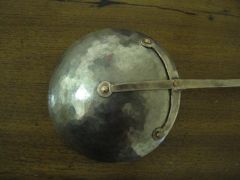
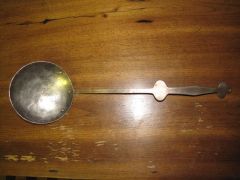
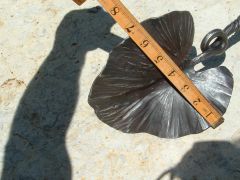
Picture 001.jpg Share https://www.iforgeiron.com/gallery/image/35625-picture-001jpg/ Share on LinkedIn Share on X Share on Facebook {lang="reddit_text" Share via email Share on Pinterest More sharing options... Followers This a ladel I made for my girlfriend the handle is 90/10 cupronickel the bowl is 70/30 cupronickel the rivets are copper. This is all forged and filed no welding or other cheats were used. I also didn't measure at all.
CurlyGeorge Members December 27, 201015 yr Author stats Nice. I like the looks of it very much. Good job. :)
beth Members December 28, 201015 yr Author stats i agree - lovely looks south shore - bet she loves it ! :)

Recommended Comments
Join the conversation
You can post now and register later. If you have an account, sign in now to post with your account.