My First Project Ever - Complete and given to my Wife

By Eric Farrar
- 2,507 views
- View Eric Farrar's images
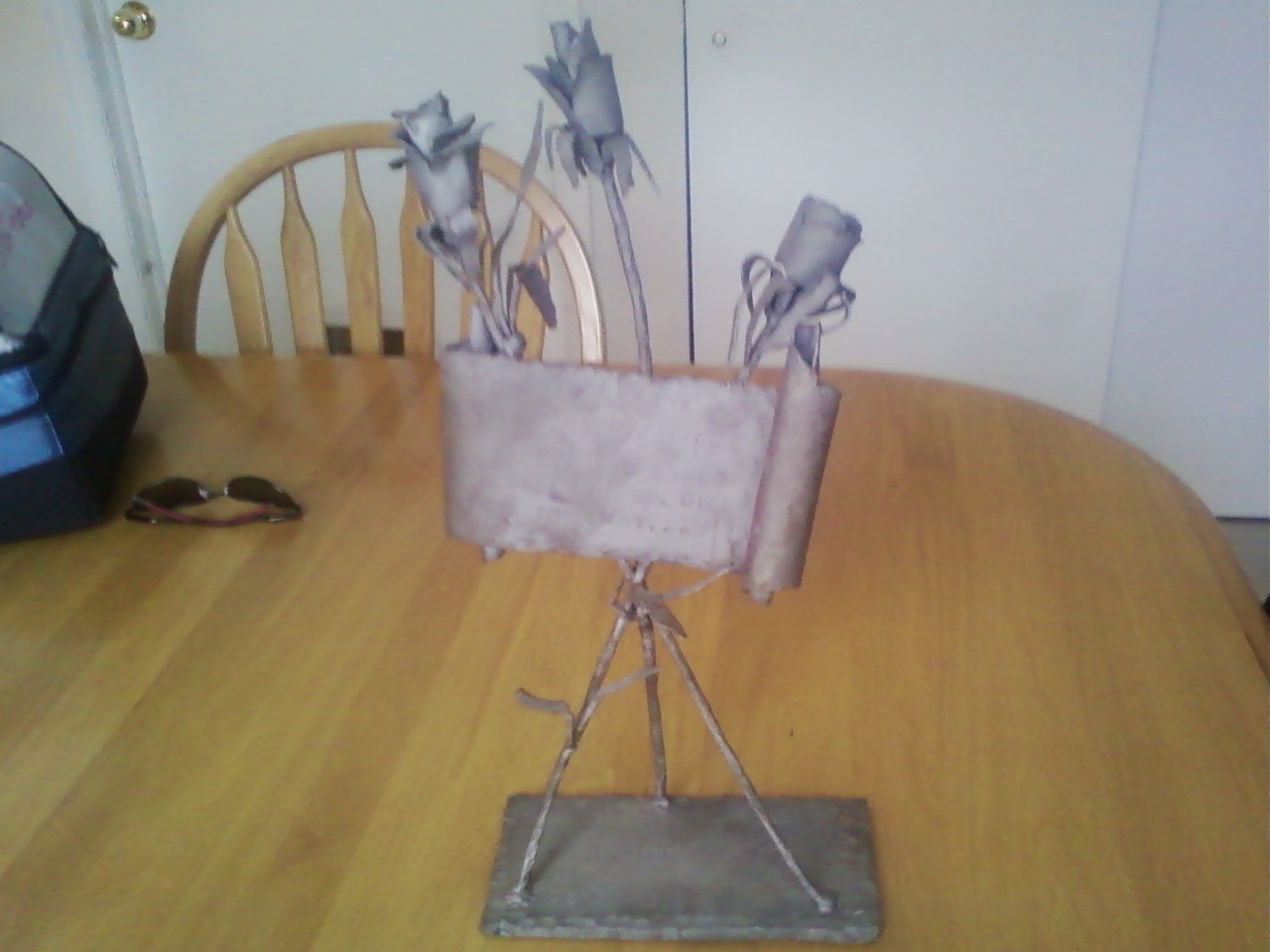
In exchange for rebuilding a web site for a friend during my 3rd tour in Iraq in 2008 (Tour was 2007-2009), I was given my first lessons in blacksmithing. This was an idea I conceived and completed before the end of that tour and brought home to my wife.
3 Roses on a stand supporting a scroll on the stems - the scroll reads,
"The Army Wife Fights the World While her Soldier is Away..."
The stand lists all of the reasons she has been alone due to the Army with hatch-marks counting each... Deployments... FTX... TDY... Schools...
Recommended Comments
Join the conversation
You can post now and register later. If you have an account, sign in now to post with your account.