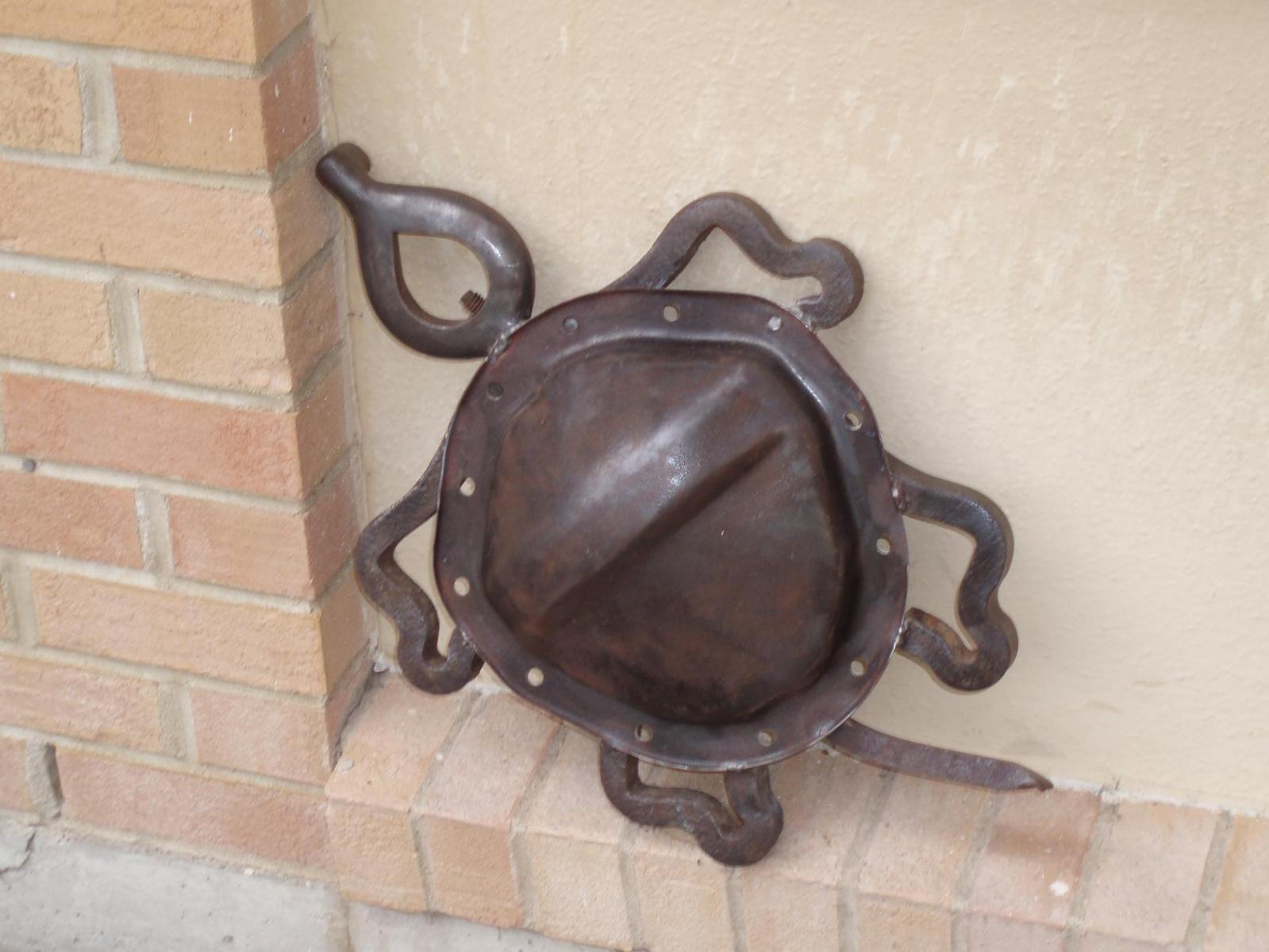
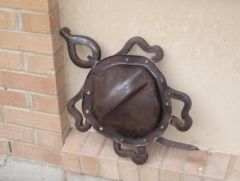
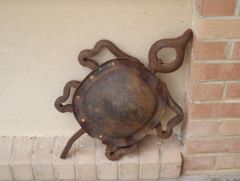
Turtle II Share https://www.iforgeiron.com/gallery/image/32822-turtle-ii/ Share on LinkedIn Share on X Share on Facebook {lang="reddit_text" Share via email Share on Pinterest More sharing options... Followers Made to complement the 1st turtle. The idea is the same, however, despite best efforts at scrounging at the scrap yard, I could not find a diff. cover in the exact same shape/size or identical broken clamp. They look cool together as displayed.

Recommended Comments
Join the conversation
You can post now and register later. If you have an account, sign in now to post with your account.