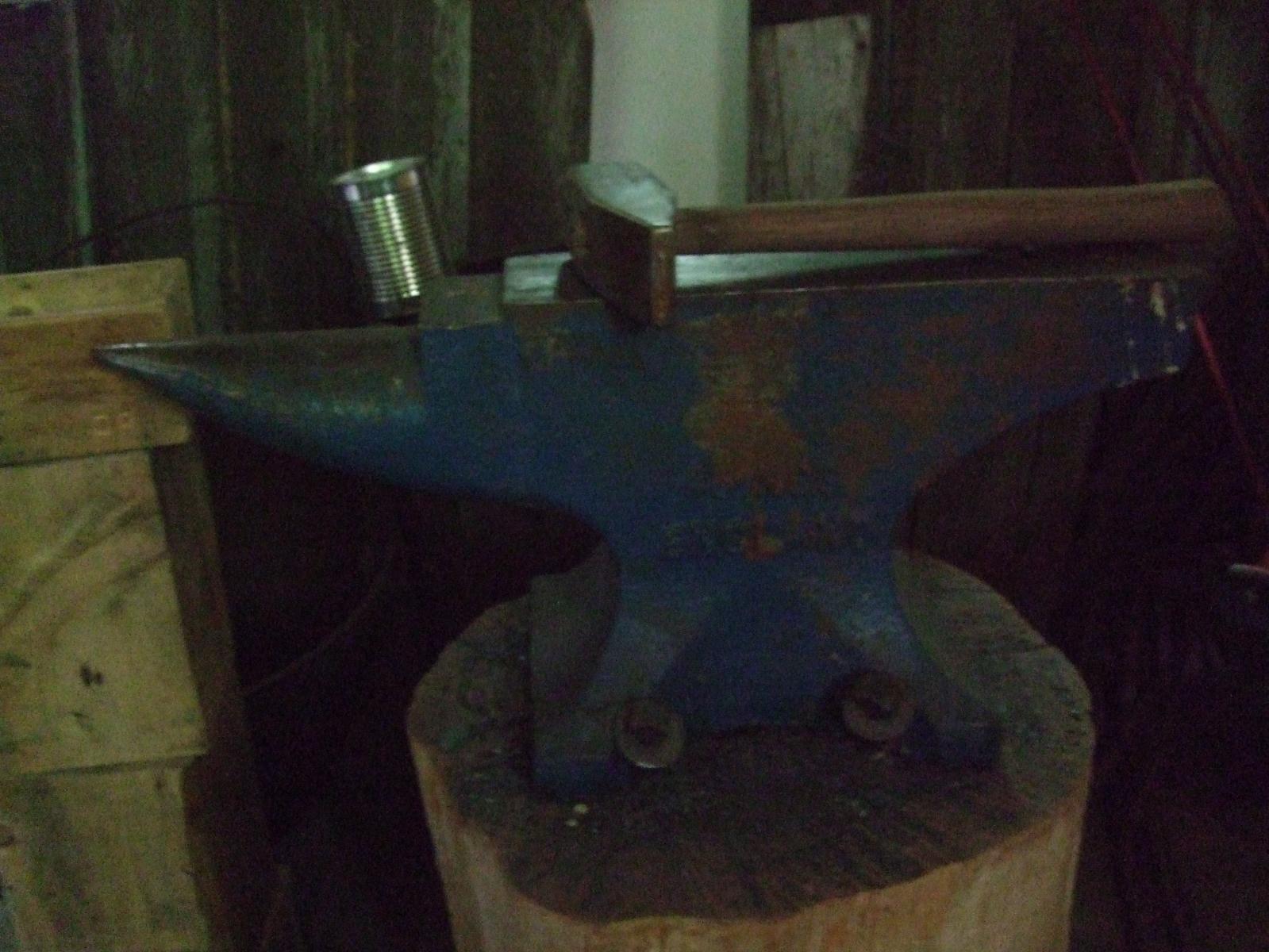
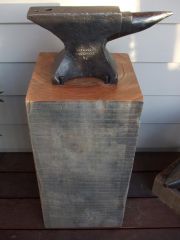
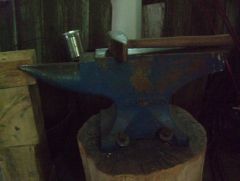
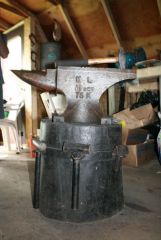
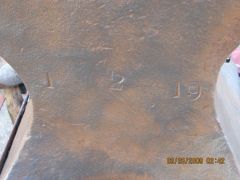
new anvil Share https://www.iforgeiron.com/gallery/image/32734-new-anvil/ Share on LinkedIn Share on X Share on Facebook {lang="reddit_text" Share via email Share on Pinterest More sharing options... Followers This is my new anvil from England. It weights 50 Kg. The surface is perfectly straight and have a nice rebound. Its like a brand new one but old. The corners are sharp. This anvil was in a garage for a very long time not using it.



Recommended Comments
Join the conversation
You can post now and register later. If you have an account, sign in now to post with your account.