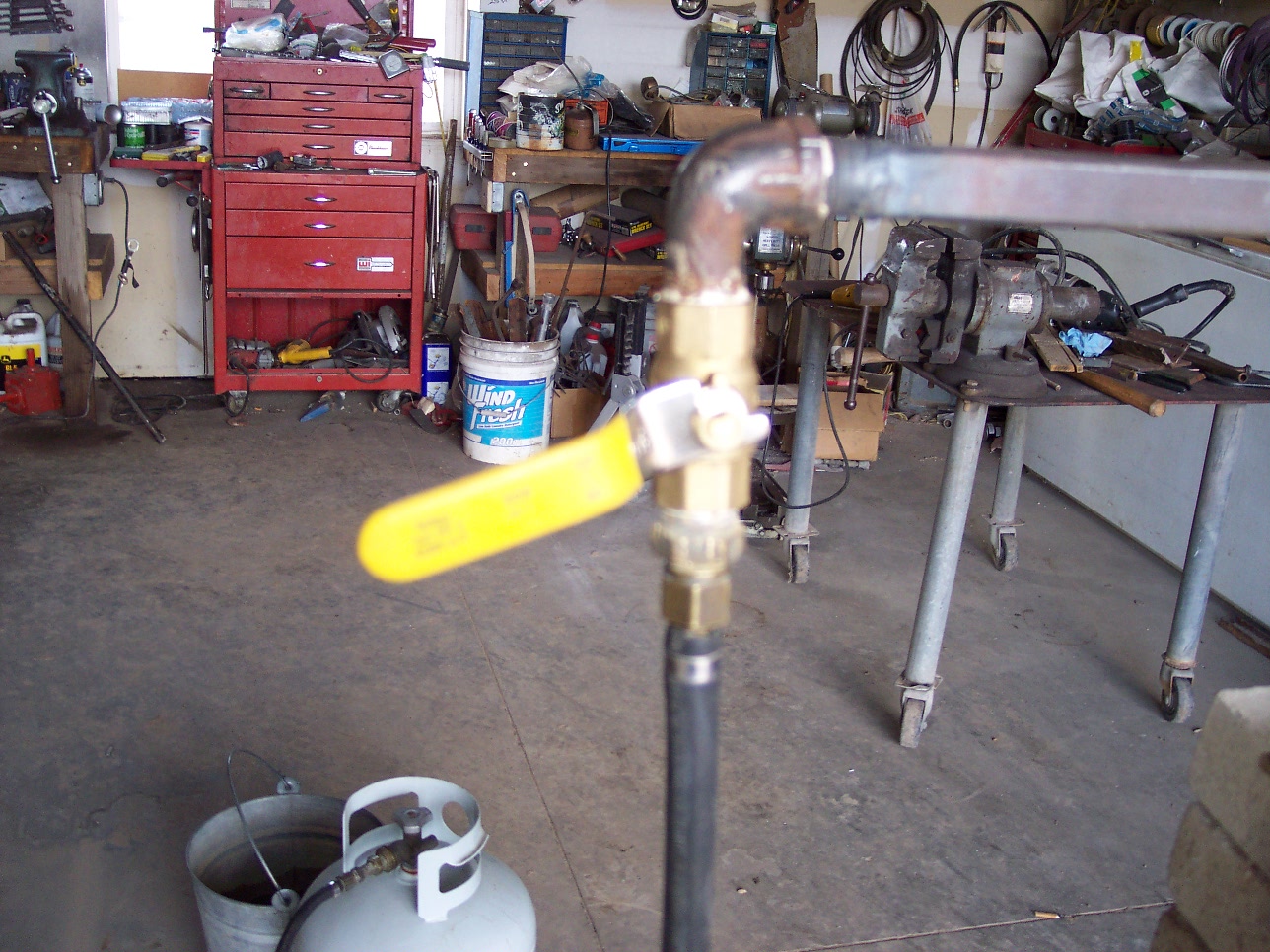
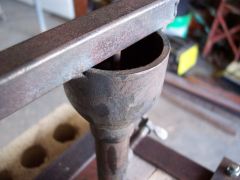
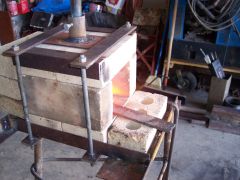
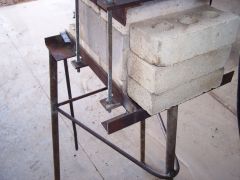
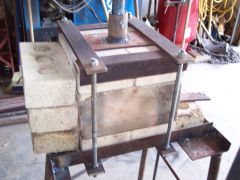
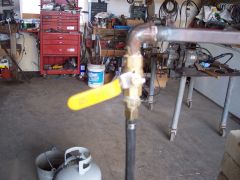
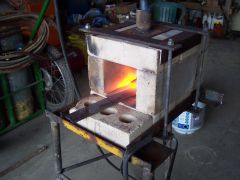
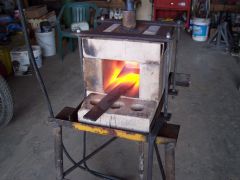
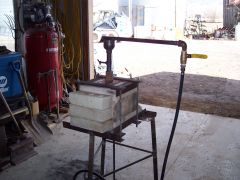
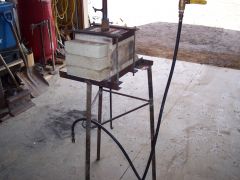
As you can see, I only have the gas valve cracked open. Share https://www.iforgeiron.com/gallery/image/30073-as-you-can-see-i-only-have-the-gas-valve-cracked-open/ Share on LinkedIn Share on X Share on Facebook {lang="reddit_text" Share via email Share on Pinterest More sharing options... Followers This Forge is a real easy cheap way to build a forge to get started. As you can see I need more bricks but I was able to use it the first time without them.
Recommended Comments
Join the conversation
You can post now and register later. If you have an account, sign in now to post with your account.