

Skip to content
View in the app

A better way to browse. Learn more.

I Forge Iron

A full-screen app on your home screen with push notifications, badges and more.

To install this app on iOS and iPadOS
  1. Tap the Share icon in Safari
  2. Scroll the menu and tap Add to Home Screen.
  3. Tap Add in the top-right corner.
To install this app on Android
  1. Tap the 3-dot menu (⋮) in the top-right corner of the browser.
  2. Tap Add to Home screen or Install app.
  3. Confirm by tapping Install.

Anvil stand

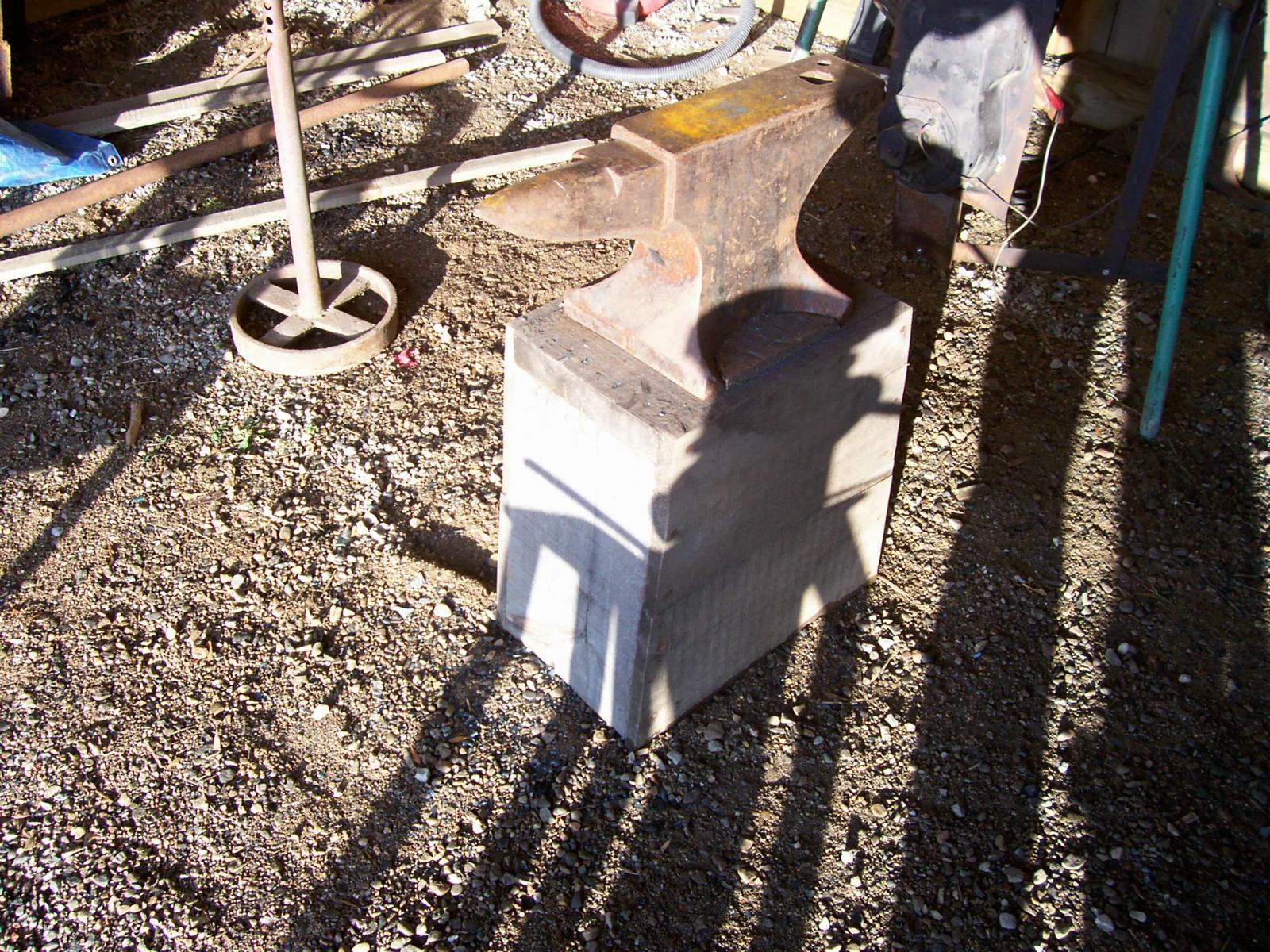
This anvil stand is constructed from some rough sawn 2 X 12 lumber used for the top and two end pieces. The side pieces are 1 x10 rough sawn lumber. Very sturdy but light weight. Easy to carry for going to demos and such. The anvil pictured on there now is 112 lb one, but my 150 lb Mousehole anvil fits on it equally as well. Just have to change the wood keepers between the feet to suit the mousehole anvil.

  • From the album:

    Tools & Jigs

    · 9 images

    Account

    Navigation

    Search

    Search

    Configure browser push notifications

    Chrome (Android)
    1. Tap the lock icon next to the address bar.
    2. Tap Permissions → Notifications.
    3. Adjust your preference.
    Chrome (Desktop)
    1. Click the padlock icon in the address bar.
    2. Select Site settings.
    3. Find Notifications and adjust your preference.