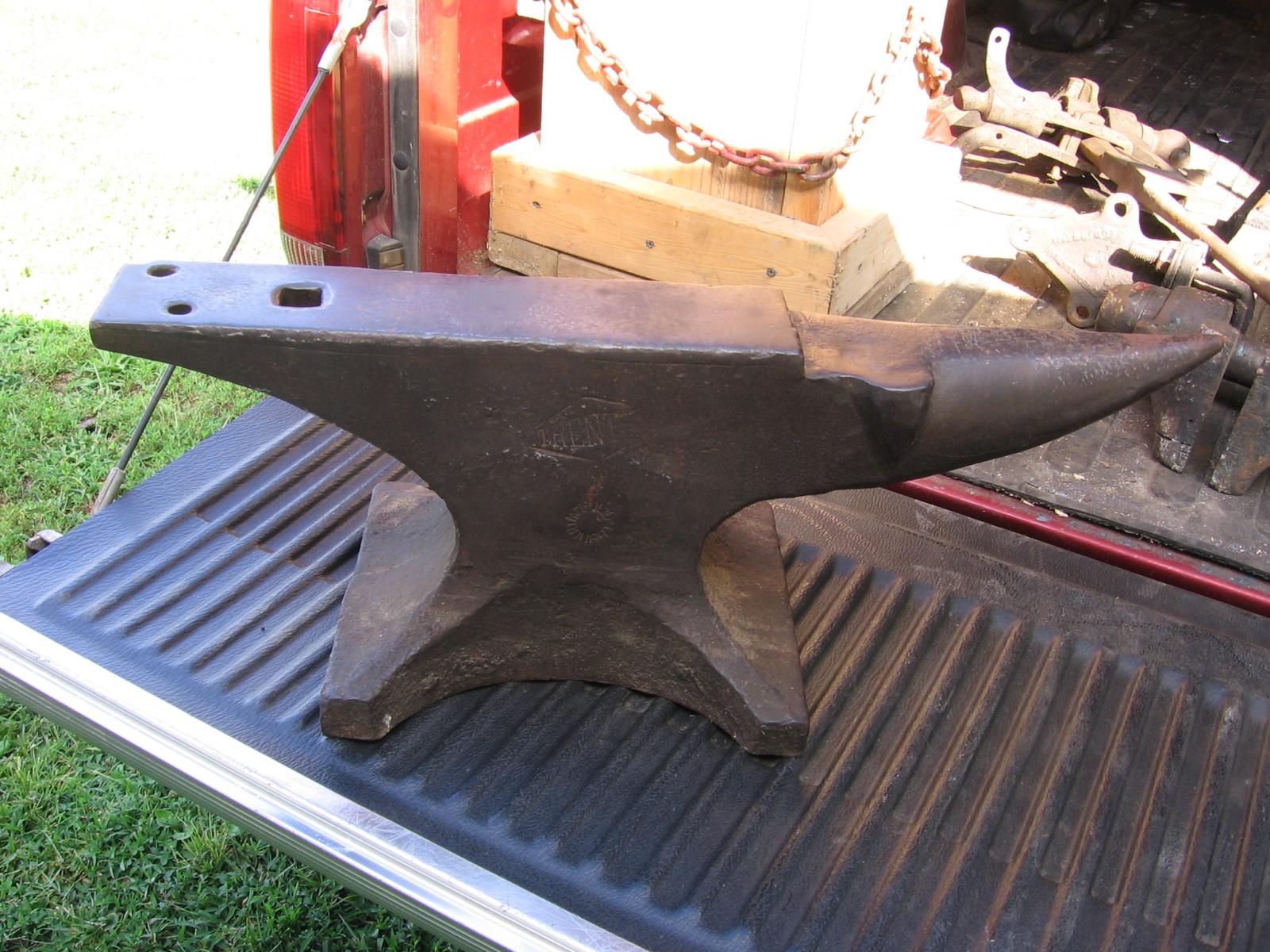
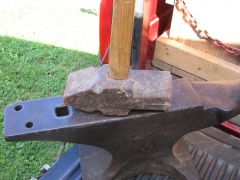
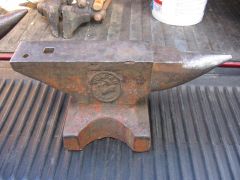
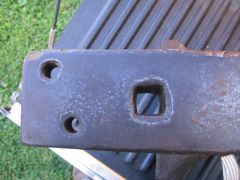
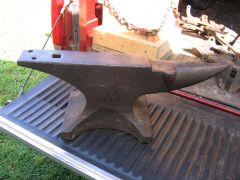
My new anvil Share https://www.iforgeiron.com/gallery/image/26911-my-new-anvil/ Share on LinkedIn Share on X Share on Facebook {lang="reddit_text" Share via email Share on Pinterest More sharing options... Followers Trenton anvil with STD WROUGHT stamped inside of a circle on the side. It weighs 150 pounds, 27 1/2 inches from point of horn to the heel of the face. Face is 3 1/2X16 1/2. 7/8 inch hardy hole and a 1/2inch AND a 9/16 inch pritchel holes.

Recommended Comments
Join the conversation
You can post now and register later. If you have an account, sign in now to post with your account.