IMG_3135

By maddog
- 2,153 views
- View maddog's images
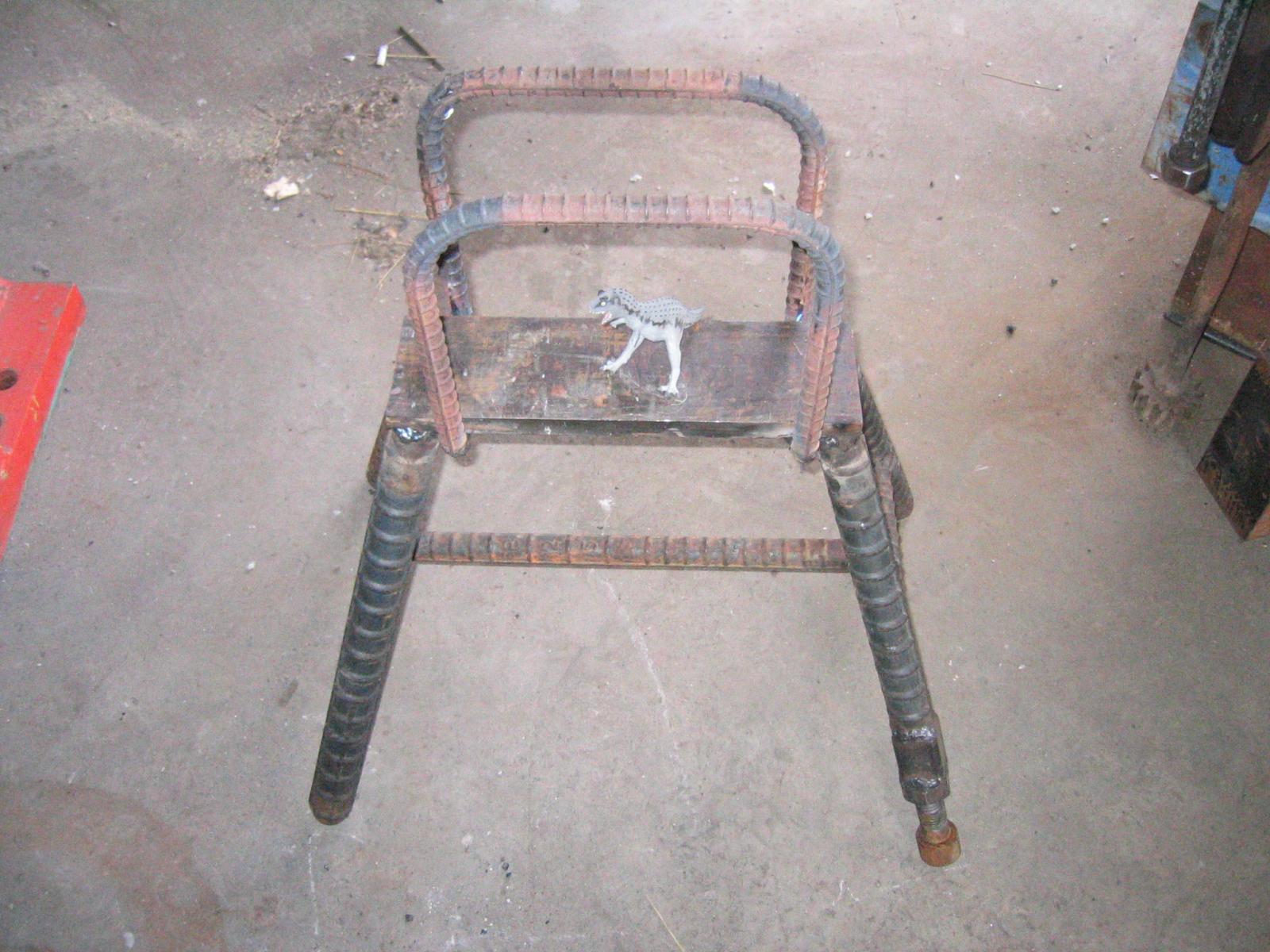
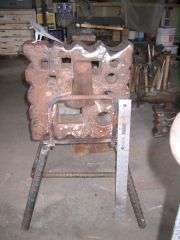
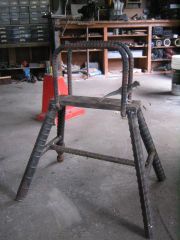
Swedge block stand. Welded construction. The legs are 2" rebar. The plate turned out to be tool steel. 4140 or somesuch. The welds were done with 7104 3/16" which worked fine except for overhead. I needed square bends where the keepers folded under the plate and I did this by cutting halfway thru the bar , bending and welding to fill in the corner. This gives tight control over where the bend occurs I mostly use the edge forms on this block as an adjunct to my anvil. When I need to use the face I lay it on a very heavy blacksmith table. The block is 16" sq x 4" deep and 200# so it is just luggable. I left the base a bit shorter than the block so that I could easily get my fingers under it to flip it. The keeper wedge is an old axe head. I was going to make something but this works very well. T-Rex included for scale!
Recommended Comments
Join the conversation
You can post now and register later. If you have an account, sign in now to post with your account.