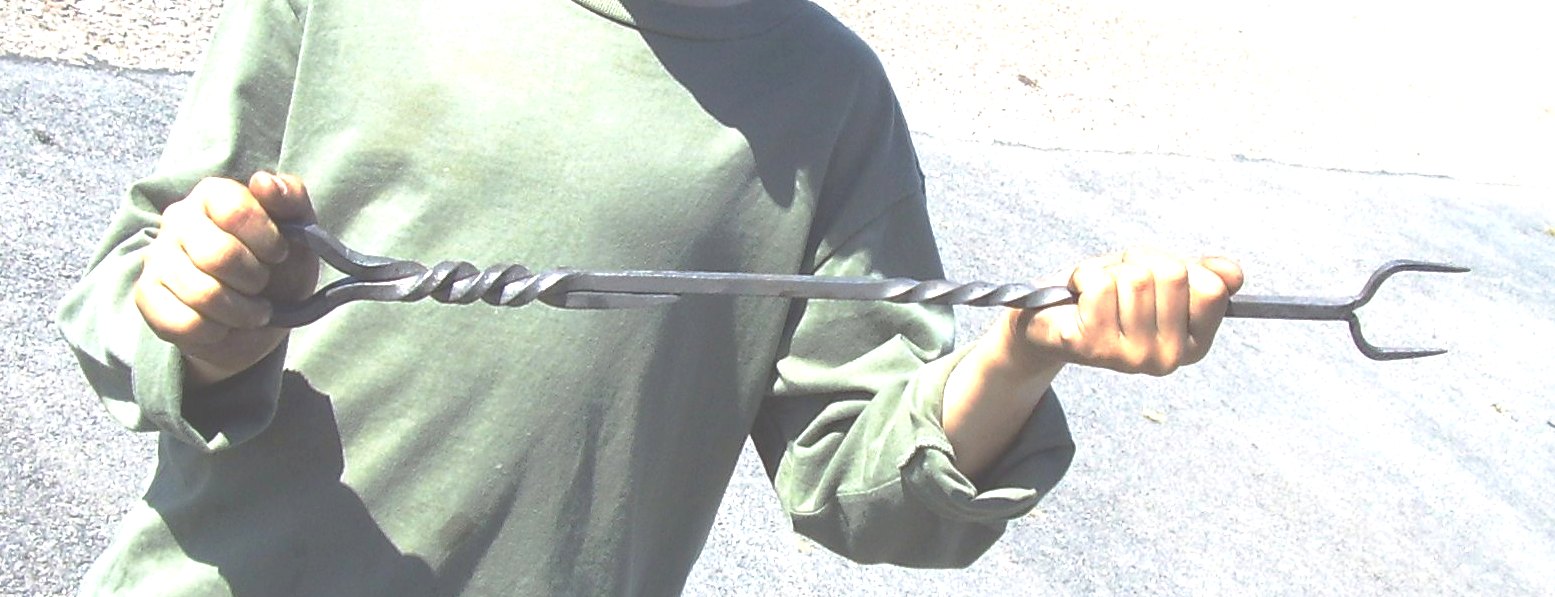
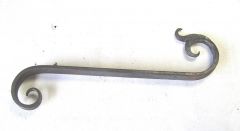
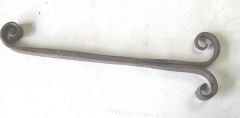
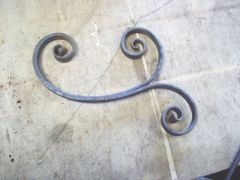
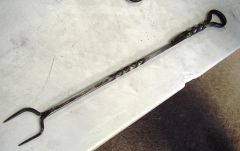
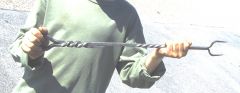
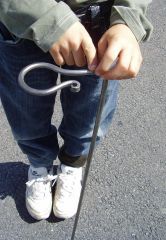
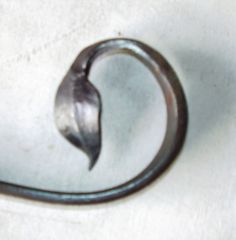
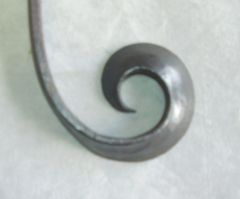
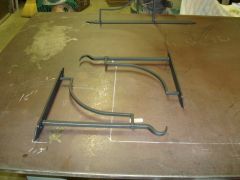
Birthday treat, getting the 'smithing bug Share https://www.iforgeiron.com/gallery/image/26168-birthday-treat-getting-the-smithing-bug/ Share on LinkedIn Share on X Share on Facebook {lang="reddit_text" Share via email Share on Pinterest More sharing options... Followers A forging experience day at Westpoint Forge UK for a ten year olds birthday present, his second attempt at forging, only assistance was in splitting and drawing down the tines, the rest he did himself under guidance
Recommended Comments
Join the conversation
You can post now and register later. If you have an account, sign in now to post with your account.