Wedding sword

- 2,576 views
- View Shane Stegmeier's images
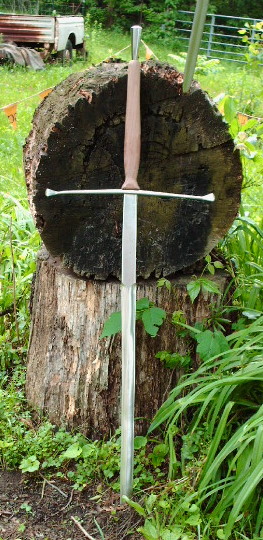
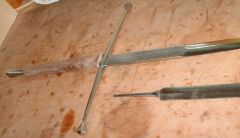
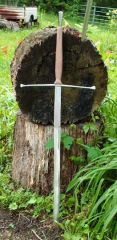
This is a wedding sword for a freind of mine's son. He wanted a two handed sword, since his father had made a bastard sword for his little brother ;-) I forged the blade for this at a demo I did called "sword forging for dumbies with power hammers" ;-) The finished sword was ALOT shorter than the piece I forged in the demo, I cut a foot off of the end where I had forged a bad kink in the blade under the diamond cross section dies in the power hammer, then after heat treat I snapped a nice sword bladed dirk off the end, still it was 4.5' long. It has the tail end of "Ephesians 6:16 ... and the sword of the spirit, which is the Word of God." stamped into the blade. I did that while it was annealed when I was getting all the grinds done, then I oil quenched it and did my finish grind and polish over it. Wasn't perfect, but not bad for a first sword;-)
Recommended Comments
Join the conversation
You can post now and register later. If you have an account, sign in now to post with your account.