
Skip to content
View in the app

A better way to browse. Learn more.

I Forge Iron

A full-screen app on your home screen with push notifications, badges and more.

To install this app on iOS and iPadOS
  1. Tap the Share icon in Safari
  2. Scroll the menu and tap Add to Home Screen.
  3. Tap Add in the top-right corner.
To install this app on Android
  1. Tap the 3-dot menu (⋮) in the top-right corner of the browser.
  2. Tap Add to Home screen or Install app.
  3. Confirm by tapping Install.

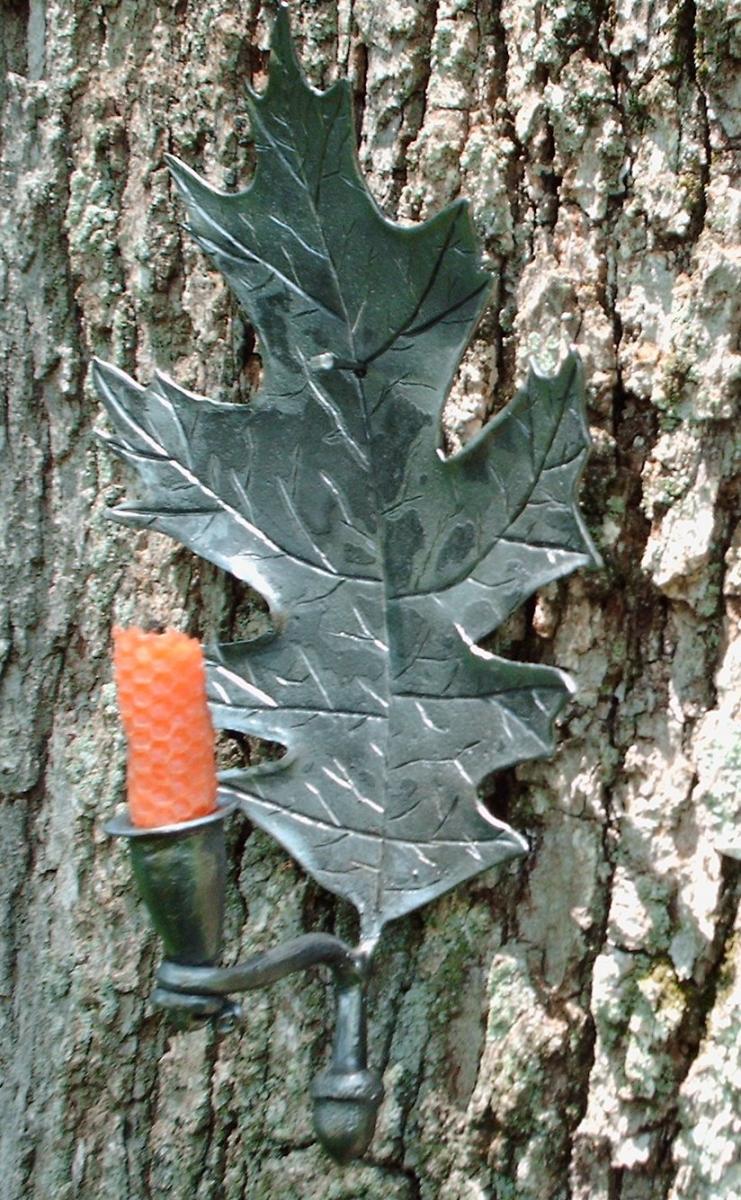
An apprentice's work

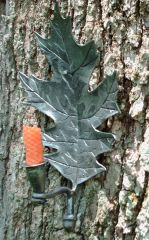
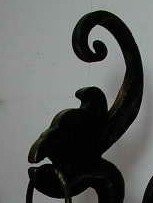
This is a candle holder that I help a neighbor girl do for a 4H project. She did an awesome job on it as you can see. She did almost everything by hand, to teach her properly and for safety considerations, I forged the acorn on the power hammer for her though I did let her play with the air hammer some. Now if she weren't so busy with other things I could get her back down into the shop to make some more cool stuff, (she has done a nice forged spoon, and a fork, and is interested in doing hinges for a hopechest;-)

  • From the category:

    Member Galleries

    · 11,262 images

    Account

    Navigation

    Search

    Search

    Configure browser push notifications

    Chrome (Android)
    1. Tap the lock icon next to the address bar.
    2. Tap Permissions → Notifications.
    3. Adjust your preference.
    Chrome (Desktop)
    1. Click the padlock icon in the address bar.
    2. Select Site settings.
    3. Find Notifications and adjust your preference.