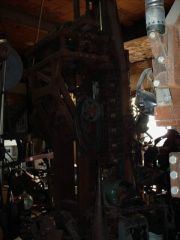
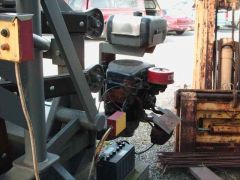
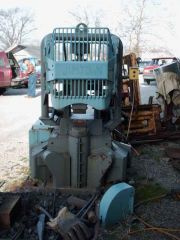
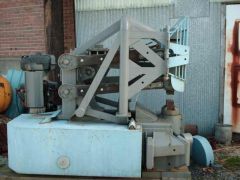
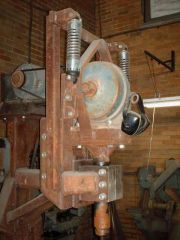
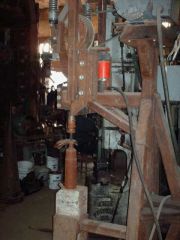
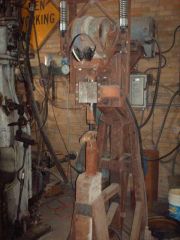
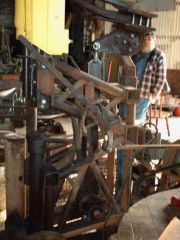
Planishing_hammer_3 Share https://www.iforgeiron.com/gallery/image/19243-planishing_hammer_3/ Share on LinkedIn Share on X Share on Facebook {lang="reddit_text" Share via email Share on Pinterest More sharing options... Followers Here is a close up of the mechanism, I think it was salvaged off a coal car shaker, but to be honest I was playing on the 400# steam hammer and didn't quiz Jimmy about the details of all the things he has built...


Recommended Comments
Join the conversation
You can post now and register later. If you have an account, sign in now to post with your account.